



Your Notion workspace is only as useful as how much you actually want to open it. And the gap between "functional but forgettable" and "I genuinely love working in here" is often smaller than you'd expect — it comes down to the details. A calendar that fits your dashboard. A habit tracker you don't have to switch apps to check. A timer that lives next to your task list instead of in a different window.
The KDigitalStudio Digital Toolkit has five free, embeddable Notion widgets — each one customizable, each one built specifically for Notion. This post rounds up all of them so you can build your complete setup without hunting across multiple pages.
→ Browse the full Digital Toolkit here
1. Calendar Widget
Notion's built-in calendar view is a database tool — not a display widget. It was never designed to sit at the top of your dashboard and look good. This one was.
The free Calendar Widget lets you customize the color scheme, week start day, and layout before generating an embed link. Drop it anywhere in Notion with a /embed block. It updates automatically, requires zero ongoing maintenance, and actually looks like a calendar you'd want to see every day.

Best for: Notion dashboards, weekly planning pages, and goal tracking pages where date context matters.
→ Create your free Calendar Widget | Read the full post
2. Pomodoro Timer
The most common productivity killer in Notion isn't distraction — it's app switching. You open a timer, get pulled into your phone, and by the time you're back, the session context is gone.
The free Pomodoro Timer widget lives inside Notion. Set your focus and break intervals, choose your accent color, and embed it directly into your workspace. It runs in real time without you ever leaving the page you're working on.

Best for: Deep work sessions, focus pages, and daily task list pages where you need a built-in timer.
→ Create your free Pomodoro Timer | Read the full post
3. Habit Tracker
Habit tracking only works if you actually do it. And the biggest friction point isn't willpower — it's having to open a separate app to check in. When your tracker lives in the same workspace as your tasks, your notes, and your plans, checking in becomes part of the flow instead of an interruption to it.
The free Habit Tracker widget is fully customizable — set your habits, choose accent colors for each, and toggle streak tracking on. Embed it in your daily check-in page or dashboard and you're done.

Best for: Morning routine pages, wellness dashboards, and daily planning pages.
→ Create your free Habit Tracker | Read the full post
4. Mood Tracker
Checking in on how you feel sounds simple — but done consistently, it becomes one of the most useful data points you can track. You start noticing patterns you couldn't see before: the days you always feel drained, the habits that correlate with better energy, the triggers you didn't realize were there.
The free Mood Tracker widget embeds directly into Notion. Customize the mood scale, colors, and style, then place it wherever you already do your daily check-ins so the friction is as low as possible.
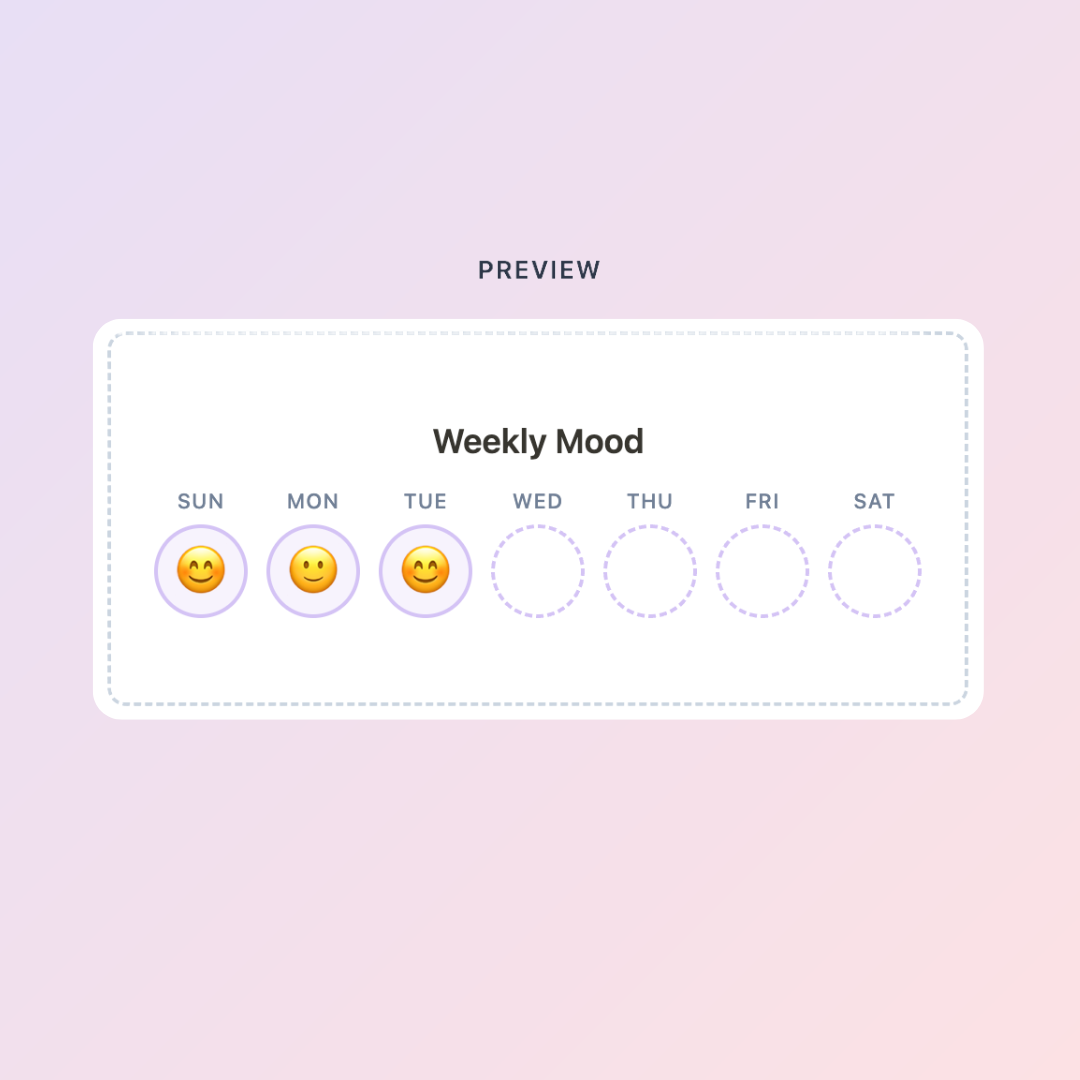
Best for: Daily journal pages, wellness tracking pages, and weekly review setups.
→ Create your free Mood Tracker | Read the full post
5. Countdown Timer
There's a reason countdown timers show up everywhere from launch pages to New Year's Eve broadcasts — visible time remaining changes how you relate to a goal. A deadline buried in a calendar app you open twice a week feels abstract. One that's on the page where you actually work feels real.
The free Countdown Timer widget lets you set any target date, customize the look, and embed it in Notion. Create one for a launch, a goal, a move date, a season reset — and see exactly how many days you have left every time you open your workspace.
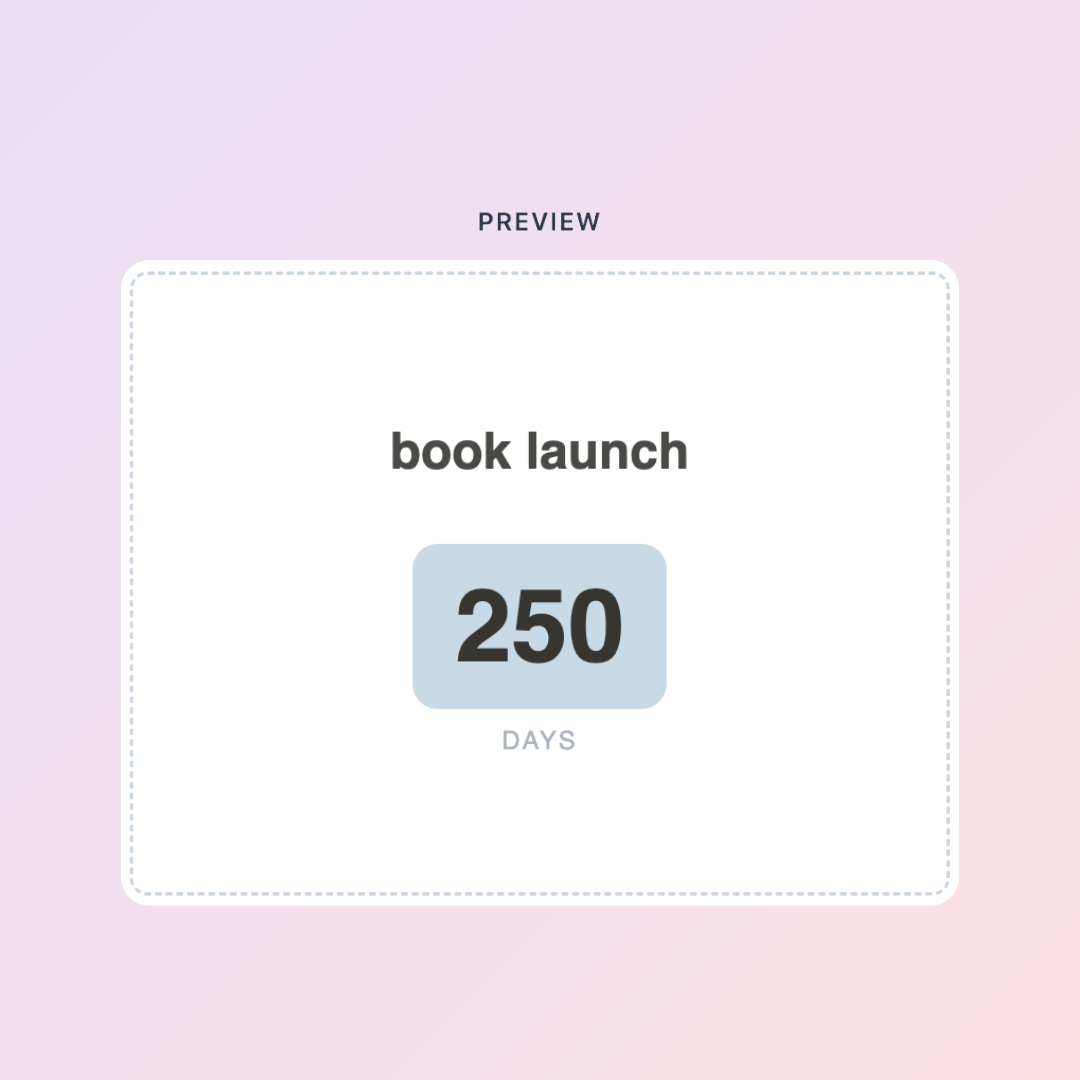
Best for: Launch planning pages, goal dashboards, and project timelines.
→ Create your free Countdown Timer | Read the full post
How to Use All Five Together
None of these widgets require each other, but they work best when they share a page. A well-built Notion dashboard with all of these in place might look like this:
- Top of page: Calendar widget for date context + Countdown Timer for your current goal or deadline
- Daily check-in section: Mood Tracker + Habit Tracker side by side
- Focus/work section: Pomodoro Timer beside your active task list
The result is a workspace that doesn't just store information — it actively supports how you work and how you feel while doing it.
Ready to Go Deeper?
The free widgets give you the interactive layer. The Notion templates give you the structure underneath — the databases, the planning systems, and the logic that connects everything.
If you're tracking habits, mood, and focus sessions, the Life Ledger is the data home for all of it:
[product=life-ledger-notion-pack]
If you're a creator running a content business or digital product shop, the Creator Business Blueprint is the operating system that the Pomodoro timer and countdown widget were always meant to sit inside:
[product=creator-business-blueprint-notion-system]
And if you want a full annual planning system to pair with the calendar widget, the 2026 Notion Life Planner has you covered:
[product=2026-notion-life-planner-log-notion-system]
Browse the full Notion template collection:
[collection=notion]
All five tools are free, no account required. Start customizing → kdigitalstudio.com/pages/digital-toolkit
Share:
Add a Free Countdown Timer to Notion — For Goals, Launches, and Deadlines
Best iPad Note-Taking Apps (Fully Tested!) & Breakdown!