


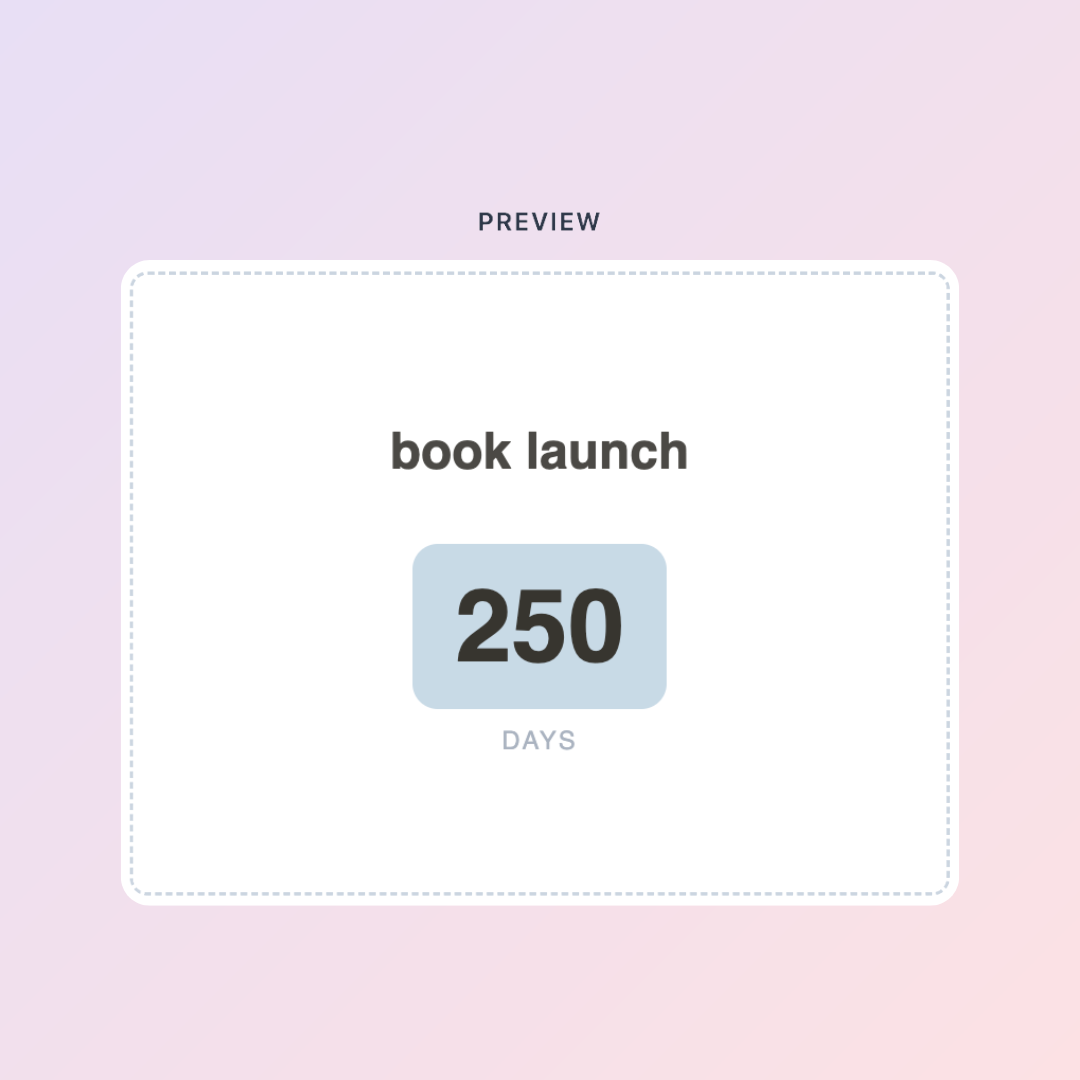
There's something about seeing the exact number of days left that makes things feel real. Not "oh, that's coming up soon" — but 14 days. Specific. Finite. Actionable.
Countdown timers are one of those small tools that quietly change how you relate to your goals and deadlines. And if you use Notion as your main workspace, having a countdown timer inside Notion — rather than on your phone home screen or in a separate app — keeps it in context with everything else you're working toward.
The best part: it's free, customizable, and takes about two minutes to set up.
The KDigitalStudio Countdown Timer Widget
The Countdown Timer widget is part of the free Digital Toolkit. You set your target date, customize the look, and embed it directly into Notion. It updates in real time, so every time you open your workspace you see exactly how much time you have left.
Create your free Countdown Timer → kdigitalstudio.com/pages/notion-countdown-widget
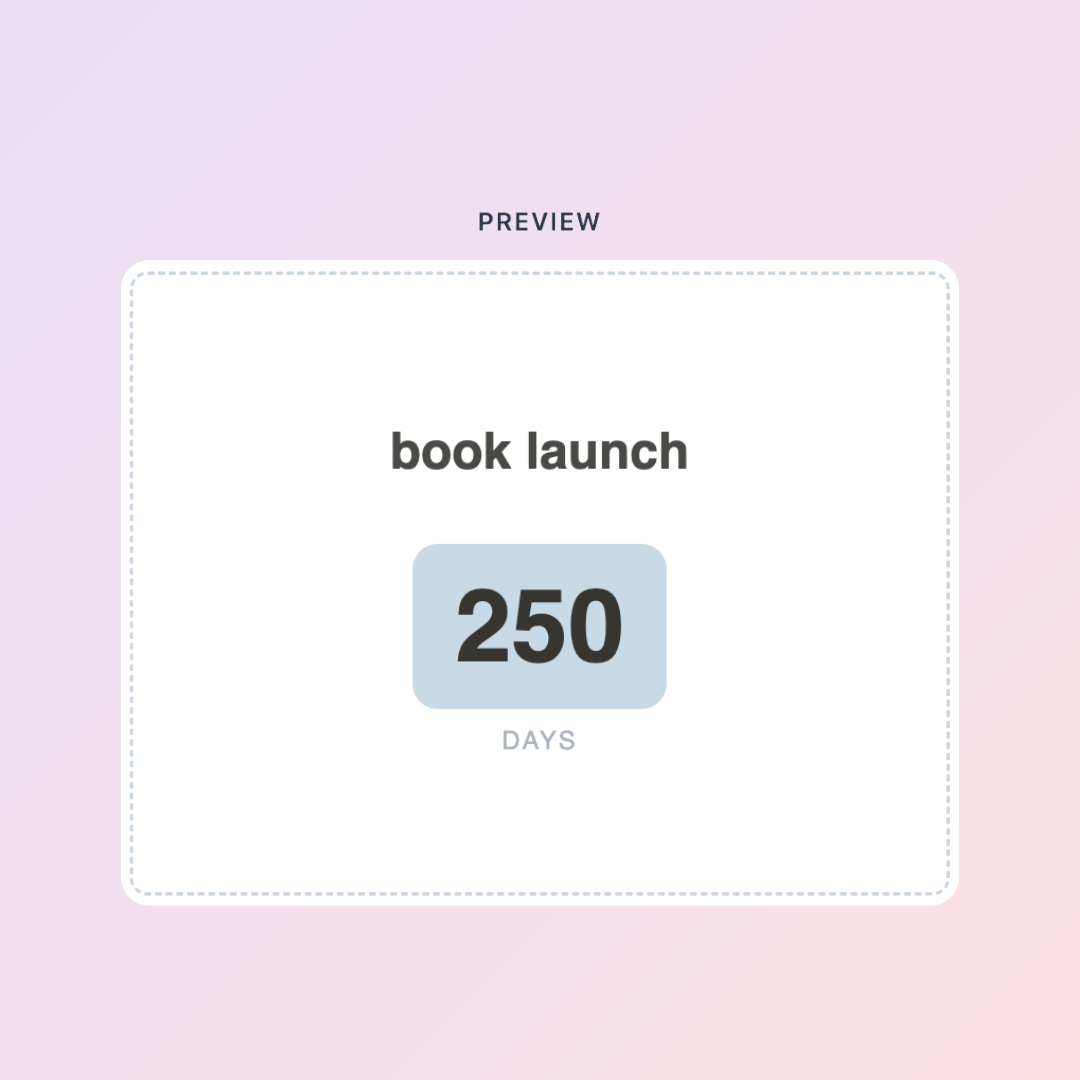
How to Set It Up
- Go to the Countdown Timer page on the Digital Toolkit
- Enter your target date and customize the visual style
- Copy your embed link
- In Notion, type
/embed, paste the link, and resize to fit
You can create multiple countdowns for different goals — just repeat the process and embed them on different pages or on the same dashboard.
What to Count Down To
Launch dates — If you're launching a product, course, or project, a countdown on your launch planning page keeps the timeline front of mind every time you open your workspace.
Goals with deadlines — Saving for a trip, finishing a creative project, reaching a fitness milestone. A countdown turns a vague "someday" into a specific "this many days."
Events — Moving dates, travel, big life transitions. Having it in Notion means it's visible when you're planning, not buried in a phone app.
Seasonal planning — Quarter ends, year-end reviews, mid-year resets. Useful for business owners and creators who plan in cycles.
Building a Launch Dashboard Around It
If you're a creator — launching products, building an audience, running a content business — a countdown timer is just one piece of what your Notion workspace should be tracking.
The Creator Business Blueprint is built for exactly this.
[product=creator-business-blueprint-notion-system]
It's a complete Notion operating system for creators: content pipeline, launch tracking, income and expense logs, project management, and goal setting — all in one workspace. The countdown widget drops into it perfectly as a visual anchor for whatever you're currently building toward.
The Psychology of Visible Deadlines
Deadlines that are visible feel real. Deadlines that are buried in a calendar app you open twice a week feel distant.
Putting a countdown inside your Notion workspace — the place you actually work — closes that gap. It's a small nudge that keeps the timeline present without being intrusive.
Set it up once, let it run, and watch how differently you think about the time you have left.
[collection=notion]
Ready to build more of your creative workflow inside Notion? Browse the full template collection — from life planning to business systems to reading trackers — and find the setup that fits where you are right now.
Set your countdown → kdigitalstudio.com/pages/digital-toolkit
Share:
How to Add a Free Pomodoro Timer to Notion (And Actually Stay Focused)
The Complete Free Notion Widget Toolkit: 5 Widgets to Build Your Perfect Workspace