

Black Friday all month long. Ends November 30.

November’son sale.
30% off everything in the shop through November 30. Planners, stickers, templates: all of it.
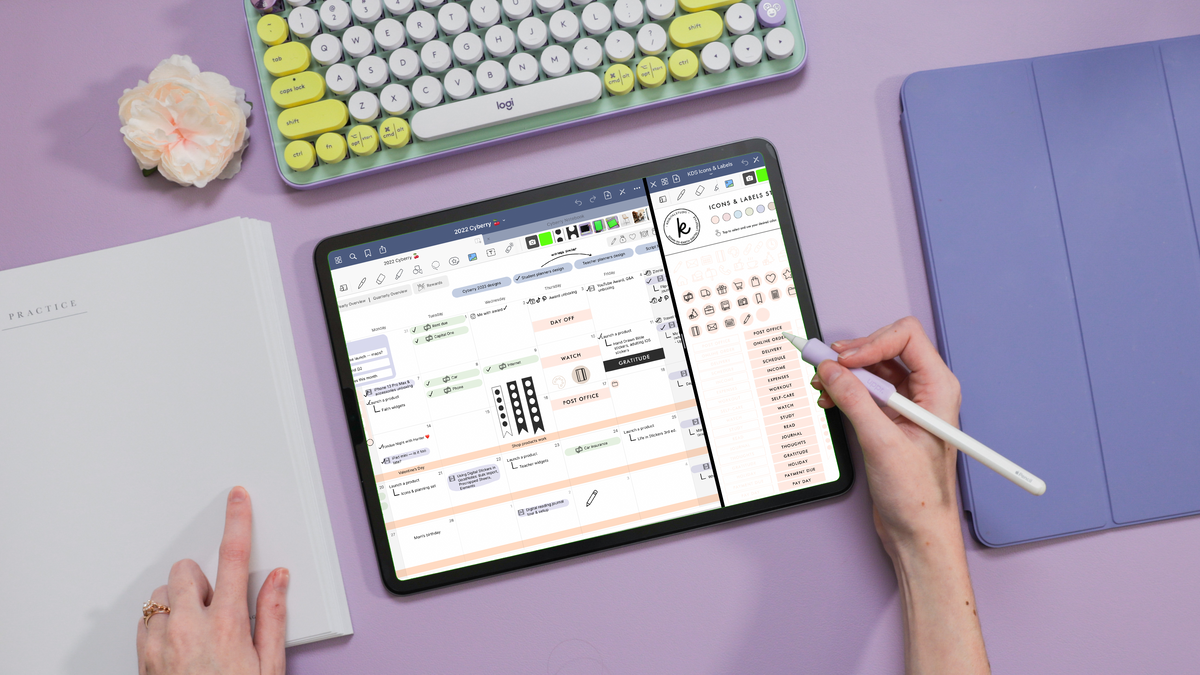
Your 2027, beautifully planned.
Hello, 2027.
Light or dark. Landscape or portrait. Four weekly agenda styles, Monday or Sunday start, and a whole studio of stickers, covers and app icons. Join the waitlist to hear the moment it drops.
Light or dark. Landscape or portrait. Four weekly agenda styles, Monday or Sunday start, and a whole studio of stickers, covers and app icons — made to fit the way you plan.
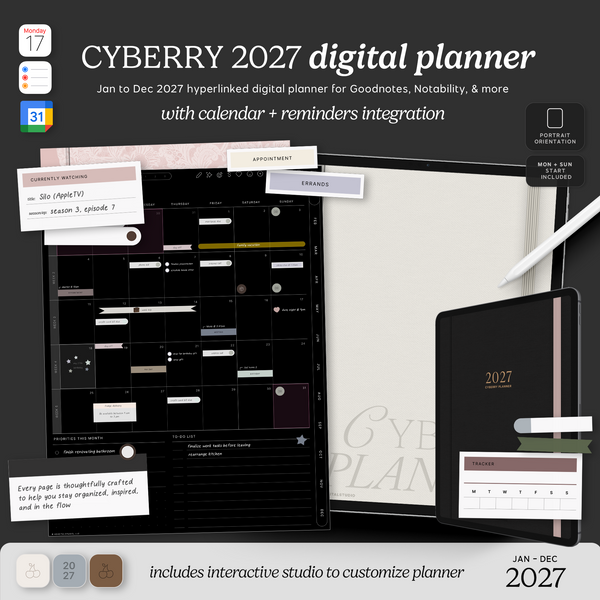
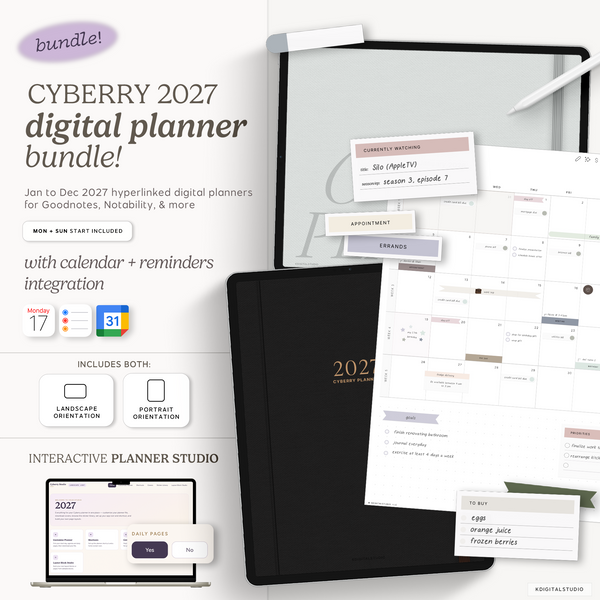
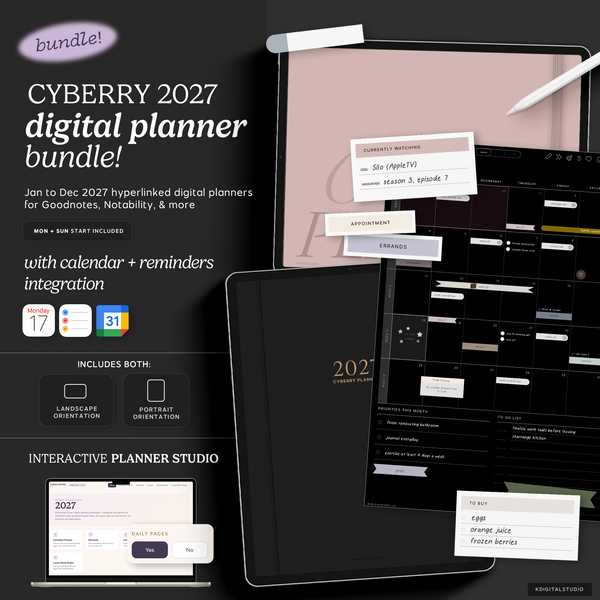
Four versions. One is yours.
Pick your mode and orientation. You'll choose your week start, agenda style, and daily pages in the Cyberry Studio after you buy.
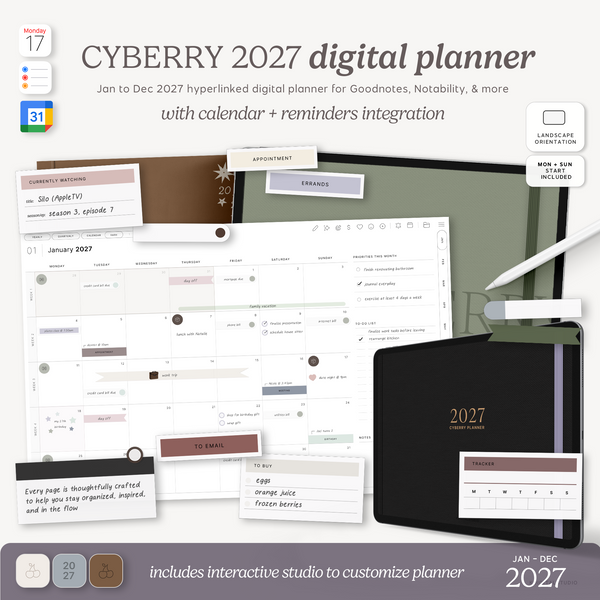
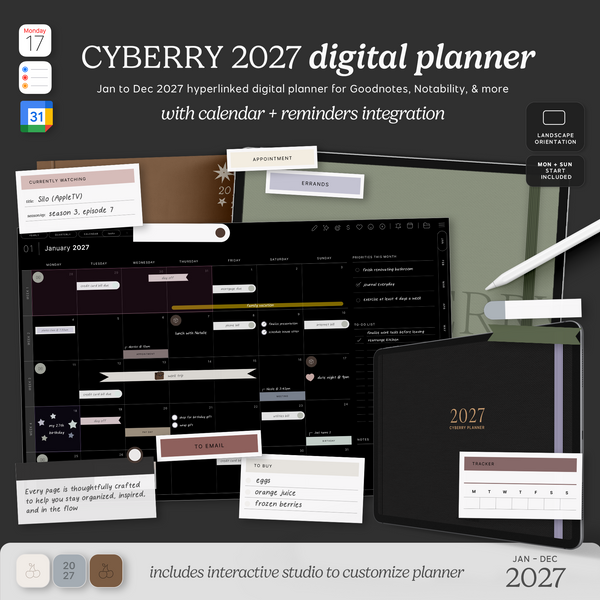
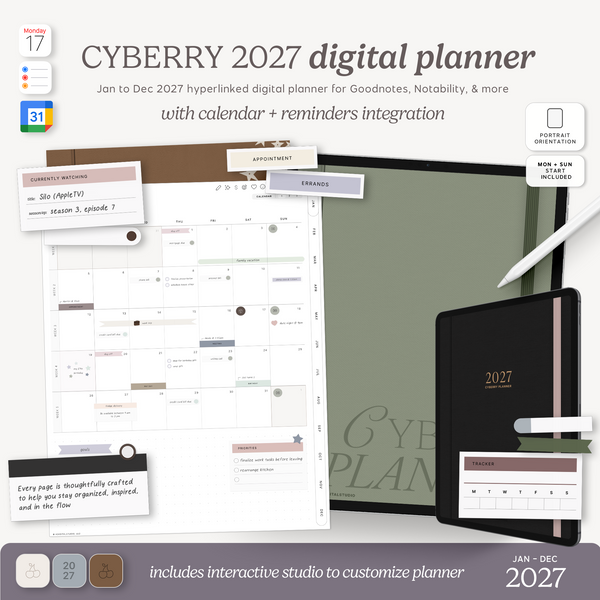
No planners match that combo — try another filter.
4 weekly agenda styles
Classic, Dashboard, Tasks or Brain Dump. Pick the one that matches how your week actually runs.
Monday or Sunday start
With or without daily pages. Build your exact planner in the Cyberry Studio.
Calendar shortcut
Tap an hour on your daily page to add it to Apple Calendar, Google Calendar or Reminders.
12 colorways
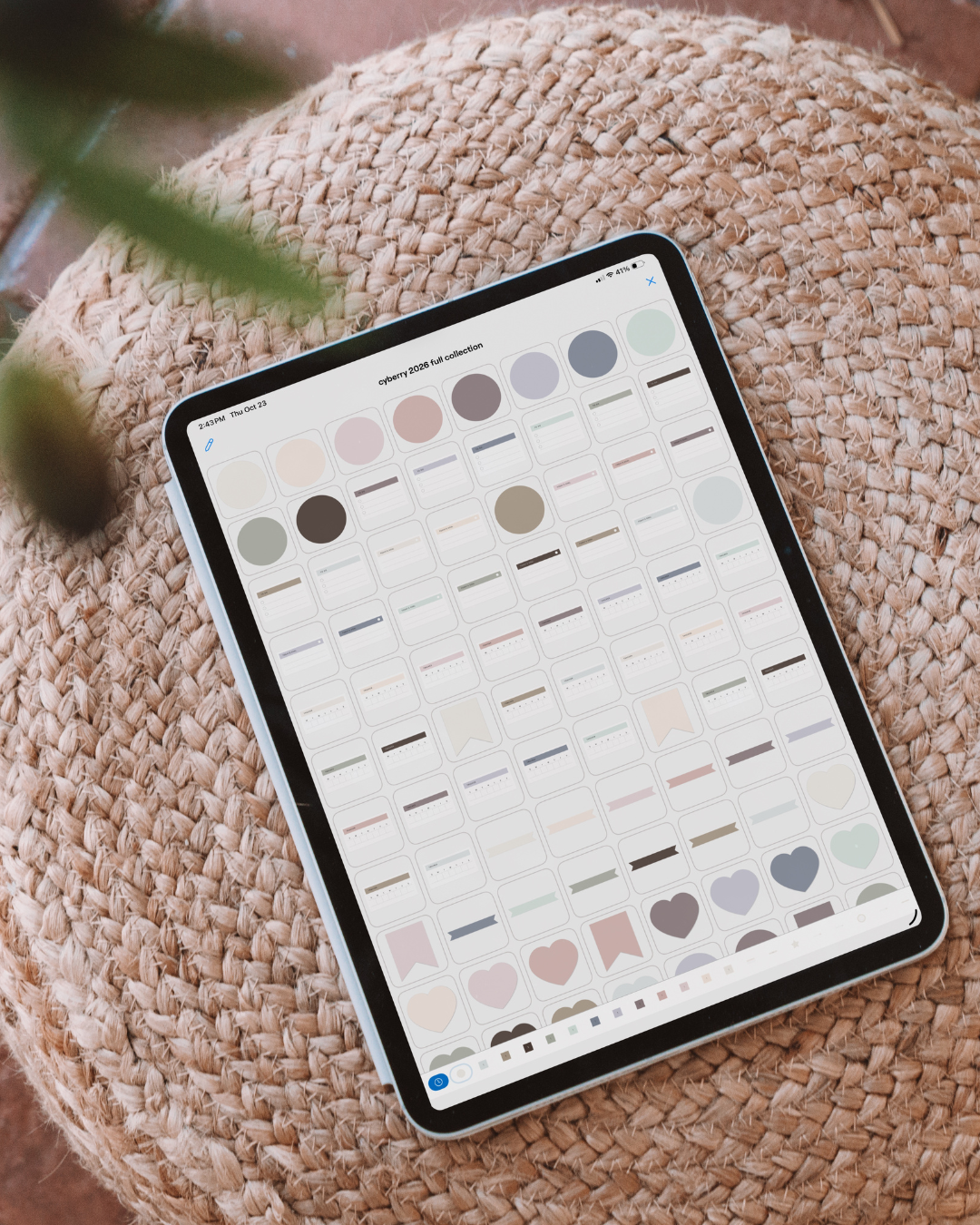
Covers, stickers and home-screen app icons in twelve coordinating colors.
The Cyberry archives
Every sticker set from 2022 on, free with your planner in Goodnotes, Noteful and PNG formats.
Layout Block Studio
Build your own layout blocks and pages and drop them right into your planner.
Watch the full setup first.
Walk through the Cyberry Studio, the calendar shortcut, the sticker library and every page of the planner before you buy.
Open the Setup Guide with chapters →See it on your device.
Download a free sample, open it in your note-taking app, & tap around. Check the page size and how light or dark mode looks on your screen.
- Tap the download, then choose Open in Goodnotes or Noteful
- Turn on read-only mode to test the hyperlinks
- Works on iPad, Android tablets and desktop
Good questions
Which apps does Cyberry work in?
Any PDF annotation app with hyperlink support, like Goodnotes, Noteful, Notability and Samsung Notes. Grab the free sample to test it in yours.
How do I access the Studio to customize my Cyberry planner?
After purchase, you will receive an email with password-access to the Studio to customize and download all of the files associated with Cyberry 2027.
Should I get light or dark mode?
Download the sample in both and see which you reach for. Or get the bundle and switch with the seasons.
How does the shortcut integration work?
You'll download a shortcut integration we built that "talks to" Apple Calendar, Google Calendar, and Reminders in the Studio.
You can run the shortcut by clicking the respective icons in Cyberry 2027 and then set all-day or hourly events in Apple and Google Calendar, or set Reminders.
It is simply a means to not leave your digital planner while adding events or reminders to your other digital apps. What you write in your digital or add to your Apple/Google Calendar does not sync back to your digital planner or calendr.
How do I redeem my free launch day gift?
Buy any Cyberry 2027 planner during launch with the Mini Calendars 2027 in your cart to redeem them for free at checkout.
Again, please make sure you have added the Mini Calendars to your cart to redeem for free.
Be the first to know.
Your 2027 starts here.
Join the waitlist and we'll email you the moment Cyberry 2027 goes live.
Grab your planner on launch day to get the early bird perks.
Looking for something different?
Shop all of our 2027 digital planners, from daily logs to household planning.
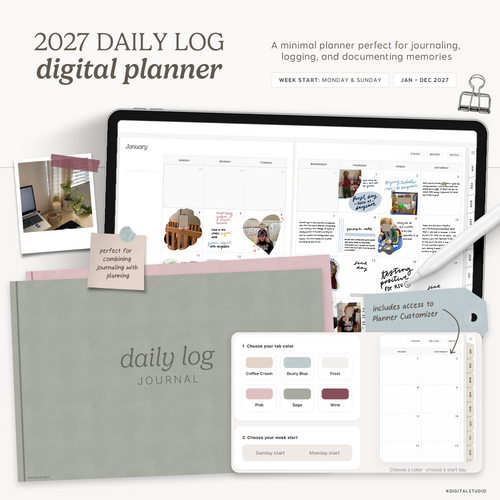
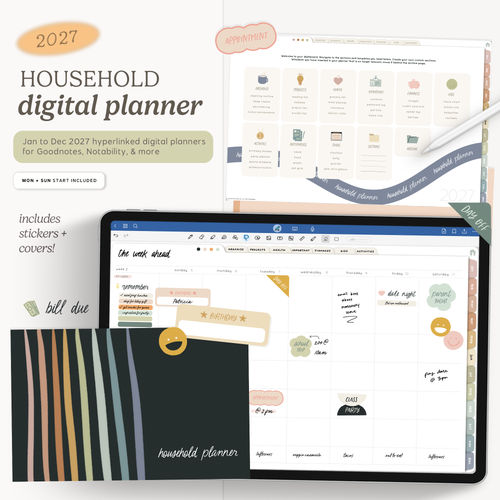
Need help choosing a digital planner?
Compare Planners
Get the free 2027 digital planner starter kit
A hyperlinked 2027 planner, stickers and templates to start digital planning. Tell me where to send it and I'll email you the link.
Send me the free kitDigital Stickers
Check out the latest arrivals for decorating & planning


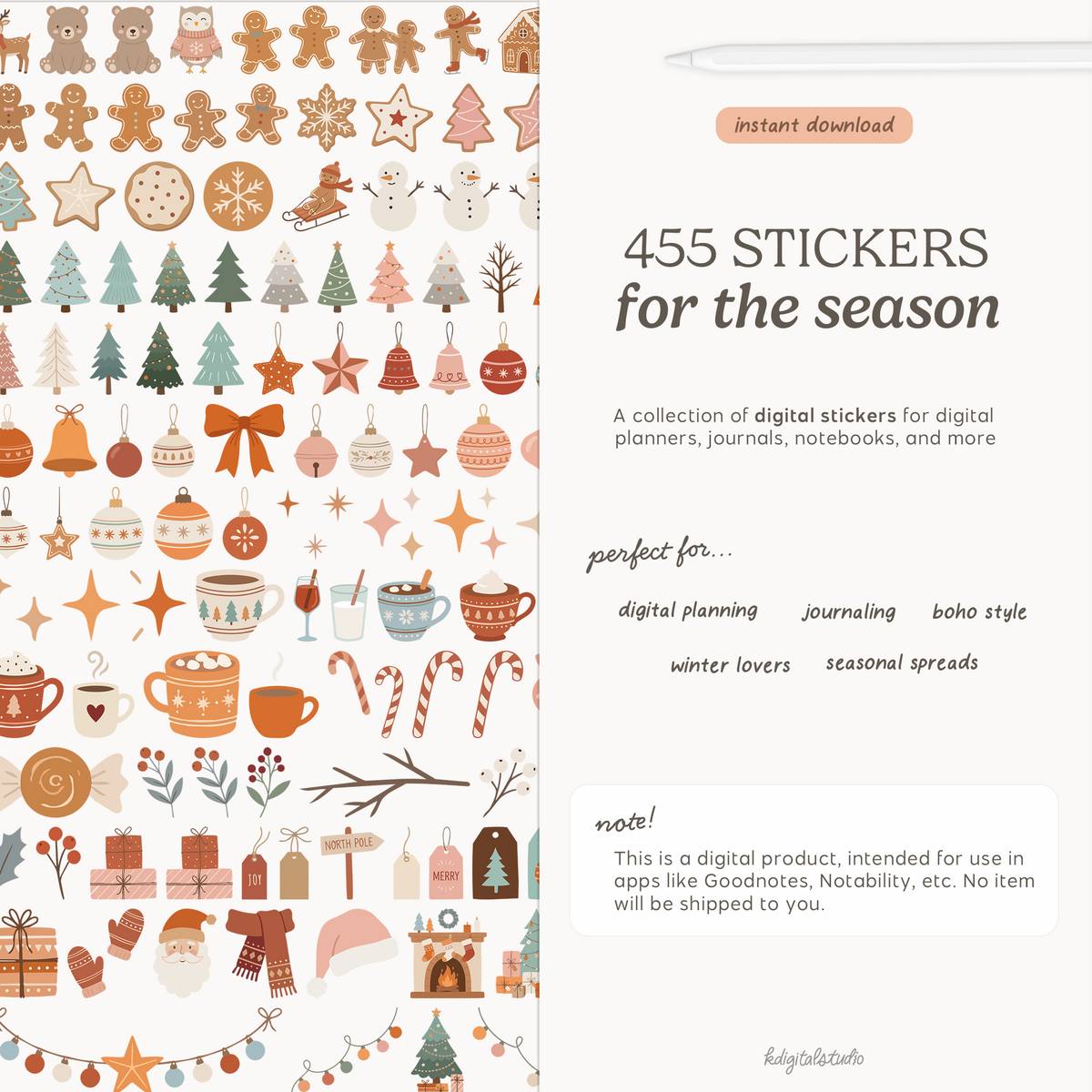


12-Subject Digital Notebooks with Tab Customizer
Meet your new favorite place to keep everything. This 12-tab digital notebook gives you twelve hyperlinked tabs with 5 sub-sections that jump you straight to any section with a single tap — no endless scrolling, no losing your place. Whether you're organizing school notes, work projects, journaling, or your next big idea, it's all sorted, sectioned, and beautifully within reach.
This is a digital download. No physical item(s) will be shipped. You receive a link to download your file(s) after purchase. No refunds or exchanges are permitted.
Get your files instantly after purchase

Compatible with Notion
Frequent updates
Where Planning Meets Creativity




Thoughtful digital
tools
to bring

structure to your
plans
and
freedom to


the way
you create


KDigitalStudio is built around thoughtful design, practical tools, and a community that values clarity and creativity
More on me
Shop the Feed
Discover our favorites being shared on socials


