


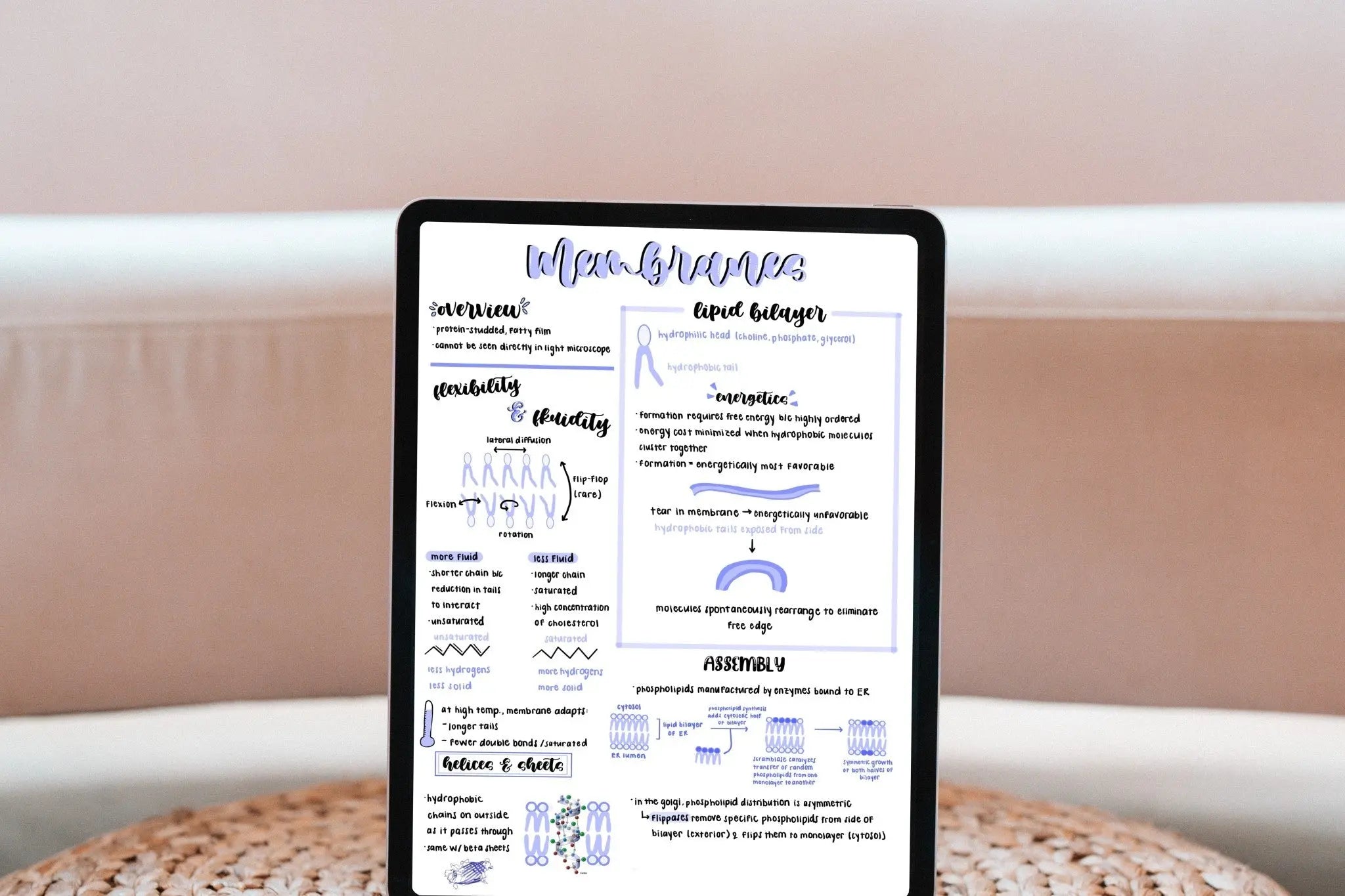
If you've spent any time researching iPad note-taking apps, two names come up again and again: Goodnotes and Notability. They're the two heavyweights of the handwriting-on-iPad world, and for good reason — both are polished, fast, and genuinely pleasant to write in. But they're built around slightly different philosophies, and the right pick depends on how you actually take notes.
This is a neutral, hands-on comparison. No winner is declared for everyone, because there isn't one. Instead, I'll walk you through exactly how they differ so you can choose confidently.

The Quick Answer
If you want the short version: Goodnotes is the better fit if you think in notebooks, love templates and digital planners, and want powerful handwriting search across everything you write. Notability is the better fit if you record lectures or meetings and want your audio synced to your handwriting so you can tap a word and hear exactly what was said when you wrote it.
Now let's get into the detail.
At a Glance
| Feature | Goodnotes | Notability |
|---|---|---|
| Best for | Notebooks, templates, digital planners, handwriting search | Recorded audio synced to notes |
| Structure | Notebook & folder based | Subject & divider based, single scrolling notes |
| Audio recording | Yes (on paid plans) | Yes — synced playback is its signature feature |
| Handwriting search (OCR) | Excellent, searches across all notebooks | Yes, within notes |
| Platforms | iPad, iPhone, Mac, Windows, Android, Web | iPad, iPhone, Mac (Apple only) |
| Pricing model (2026) | Free tier; Essential (~$11.99/yr), Pro (~$35.99/yr), or a one-time Special Edition | Free tier; paid subscription tiers (Plus/Pro) |
Pricing and plan names change often — always confirm current details on each app's official site before buying.
The Writing Experience
This is the thing people care about most, and honestly, both apps are excellent. Ink flows smoothly, latency is low, and palm rejection is reliable on both. You won't be disappointed writing in either one.
The subtle differences: Goodnotes has a slightly more "paper notebook" feel, with pen, highlighter, and a genuinely useful shape tool that snaps rough sketches into clean lines. Notability's ink engine is equally smooth and its highlighter and pen presets are quick to switch between. If you can, try both free versions and see which stroke feel you prefer — it's a personal thing.
How They Organize Your Notes
This is where the two apps diverge philosophically.
Goodnotes is built around notebooks. You create notebooks, drop them into folders, and each notebook has distinct pages you flip through — exactly like a physical binder. This structure is a big reason Goodnotes pairs so beautifully with hyperlinked digital planners.
Notability uses subjects and dividers, and individual notes are single continuous scrolling documents rather than discrete pages. Many students love this for lectures — you just keep scrolling as the class goes on — but it's a different mental model from the notebook approach.
Audio Recording: Notability's Signature Feature
If you record lectures, meetings, or interviews, this may be the deciding factor. Notability lets you record audio while you take notes, and it syncs the recording to your handwriting. Later, you can tap a word you wrote and jump straight to the moment in the recording when you wrote it. It's a genuinely brilliant feature for students and anyone reviewing dense material.
Goodnotes does offer audio recording on its paid plans, but the synced-playback experience is what Notability is known for and where it still leads.
Search and Handwriting Recognition
Both apps can read your handwriting and make it searchable. Goodnotes has a particularly strong reputation here — its OCR lets you search handwritten text across every notebook at once, which is a lifesaver when you can't remember which notebook you scribbled something in. Notability's search works well within your notes too. For most people the difference is marginal, but heavy searchers tend to favor Goodnotes.
Templates and Digital Planners
Both apps let you import PDFs and use them as templates or planners, and both support the tappable PDF hyperlinks that make a digital planner feel like a real planner. Goodnotes has historically been the community favorite for digital planning, with a large template marketplace and a workflow that planner designers optimize for first.
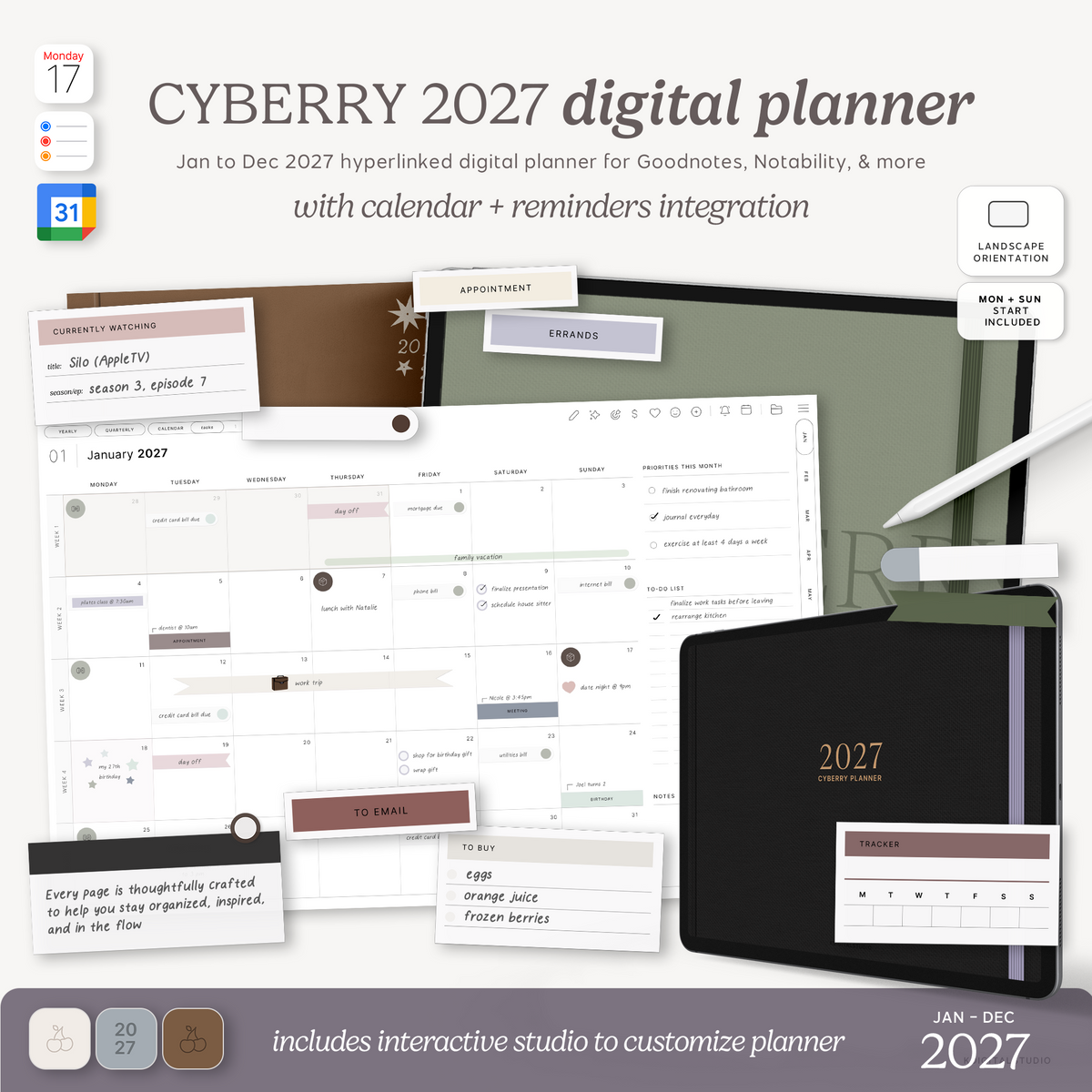
If you use either app with a planner, a well-made hyperlinked PDF works in both — you can browse ready-to-use options in my digital planners collection. Curious how those tappable tabs actually function? I explain it in Goodnotes Hyperlinks Explained.
Pricing in 2026
Goodnotes offers a free tier with limits, then paid plans — an Essential plan (around $11.99/year), a Pro plan (around $35.99/year) that adds full cross-platform sync, and a one-time Special Edition purchase option for people who prefer to avoid subscriptions.
Notability also has a free tier, with paid subscription tiers (Plus and Pro) that unlock unlimited editing, more storage, and its advanced features. Notability is Apple-only, and a subscription can be used across your Apple devices.
Plan names and prices shift regularly, so check Goodnotes pricing and Notability pricing for the current numbers before you commit.
Platforms and Sync
This is a real differentiator. Goodnotes runs on iPad, iPhone, Mac, Windows, Android, and the web — so if you take notes on an iPad but review them on a Windows laptop, Goodnotes handles that. Notability is Apple-only (iPad, iPhone, Mac). If you live entirely in the Apple ecosystem, that's no problem; if you don't, it may be a dealbreaker.
So, Which Should You Choose?
Choose Goodnotes if: you love the notebook structure, you use or want to use digital planners, you want best-in-class handwriting search, or you need your notes on non-Apple devices.
Choose Notability if: you record audio alongside your notes, you like continuous scrolling documents, and you're all-in on Apple devices.
Honestly, both are excellent, and both have free tiers — the best possible move is to try each for a week with your real notes before deciding.
Want to See the Apps in Action?
Both companies keep detailed, screenshot-rich help libraries worth browsing before you buy: the Goodnotes Help Center and the Notability Help Center.
Share:
The Best Online Course Platform for Small Businesses & Creators in 2026
How to Make a Digital Planner in GoodNotes