


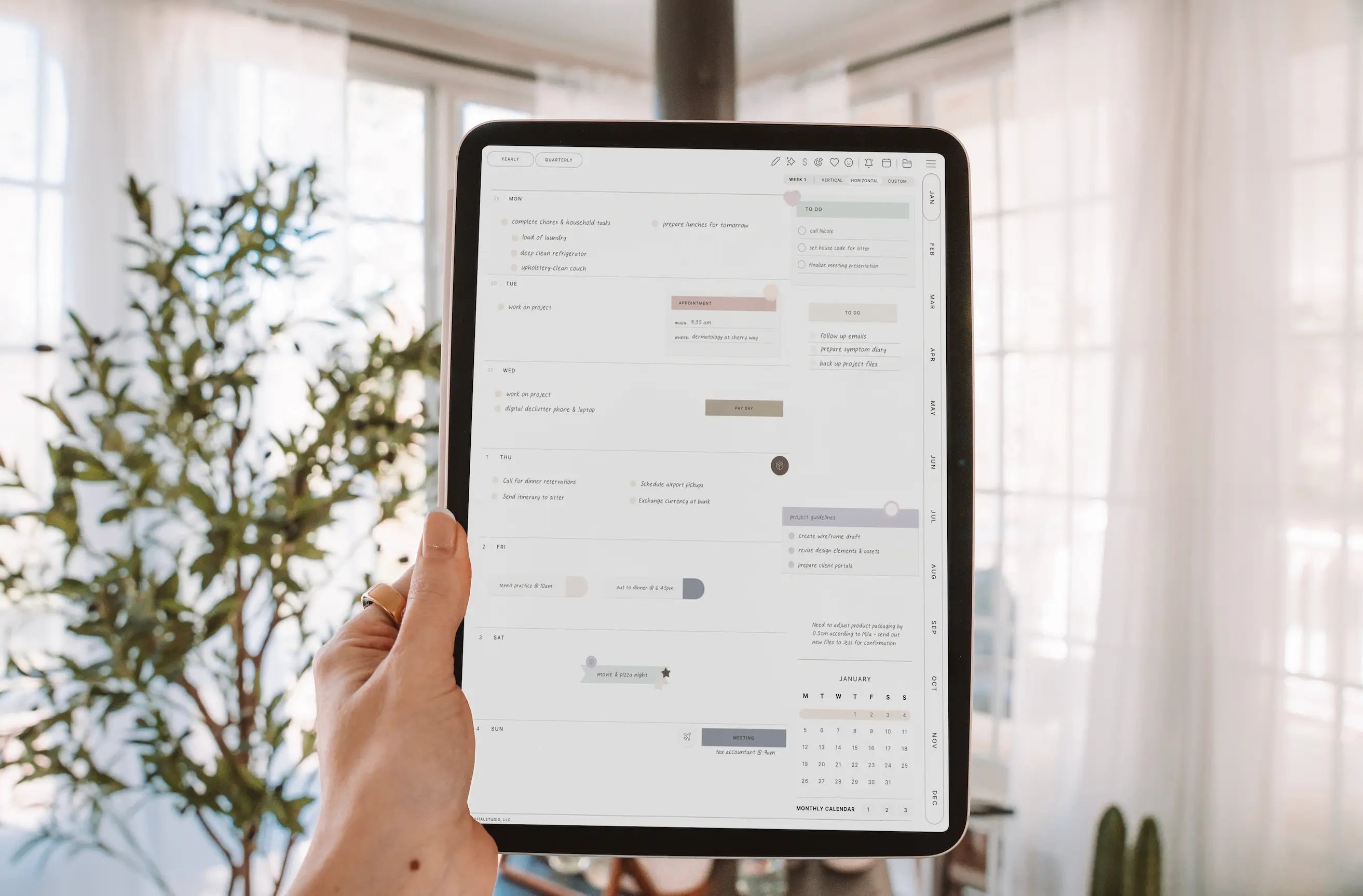
If you've spent any time in the digital planning world, you've probably seen both of these terms floating around — sometimes used interchangeably, sometimes not. So what's actually the difference between a digital planner and a PDF planner? And does it even matter?

Short answer: they're technically the same thing, but the term "digital planner" has a more specific meaning in our community. Let me explain.
What Is a PDF Planner?
A PDF planner is exactly what it sounds like — a planner that exists as a PDF file. You download it, open it in a PDF reader or annotation app, and use it digitally. Simple.
The "PDF planner" label is broad. It can mean anything from a single-page weekly printable that someone downloaded and opened on their iPad, to a 400-page fully hyperlinked annual planner with tabs, sticker sheets, and a dashboard. The PDF part just refers to the file format.
What Is a Digital Planner?
In the iPad and GoodNotes community, "digital planner" almost always refers specifically to a hyperlinked PDF — meaning the planner has interactive buttons and tabs built into it that let you navigate between sections by tapping.
So when someone says they have a digital planner, they typically mean:
- A PDF with clickable tabs that jump to different sections (monthly, weekly, daily, notes, etc.)
- Designed to be used in an app like GoodNotes, Notability, or PDF Expert
- Meant to be written on with an Apple Pencil
- Often designed to look like a physical planner, complete with a cover, spine, and realistic tabs
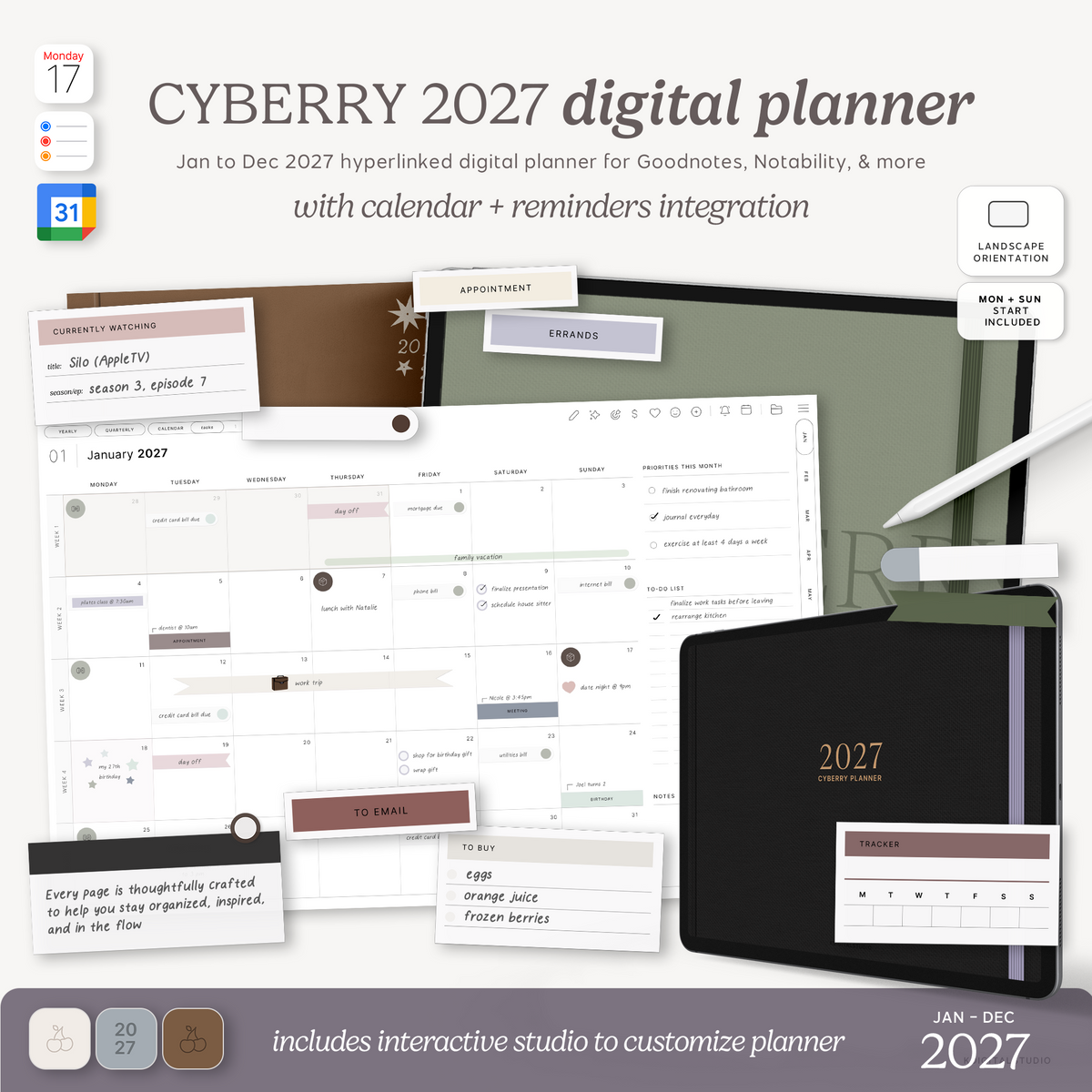
The interactivity is what makes it feel like an actual planner rather than just a static document. You can see plenty of examples in my planners collection.
Why Does the Distinction Matter?
It matters most if you're designing and selling planners, because the hyperlinks are what customers are paying for. A beautiful PDF without working hyperlinks isn't really a "digital planner" in the way the community understands that term — it's more of a printable that happens to live on an iPad.
Getting the hyperlinks right — building them properly so they work in GoodNotes and other apps — is one of the most important (and honestly most misunderstood) parts of the design process. I break down exactly how those hyperlinks work here.
How Are the Hyperlinks Made?
The hyperlinks are created in the design software — Adobe InDesign or Affinity are the two main tools people use — before the file is exported as a PDF. When you export, those hyperlinks are embedded in the PDF file itself, which is why they work when someone opens it in GoodNotes. (Deciding between the two apps? Here's my InDesign vs Affinity comparison.)
This is also why the design software you use matters so much. Not every tool handles hyperlinking well, and if the links aren't set up correctly, customers will open your planner and find that the tabs don't work — which is a quick way to get a refund request.
The Bottom Line
Digital planner = hyperlinked PDF designed for use in apps like GoodNotes. PDF planner = broader term that can mean anything. In practice, if you're in the iPad planning community, people saying "digital planner" almost always mean the hyperlinked kind.
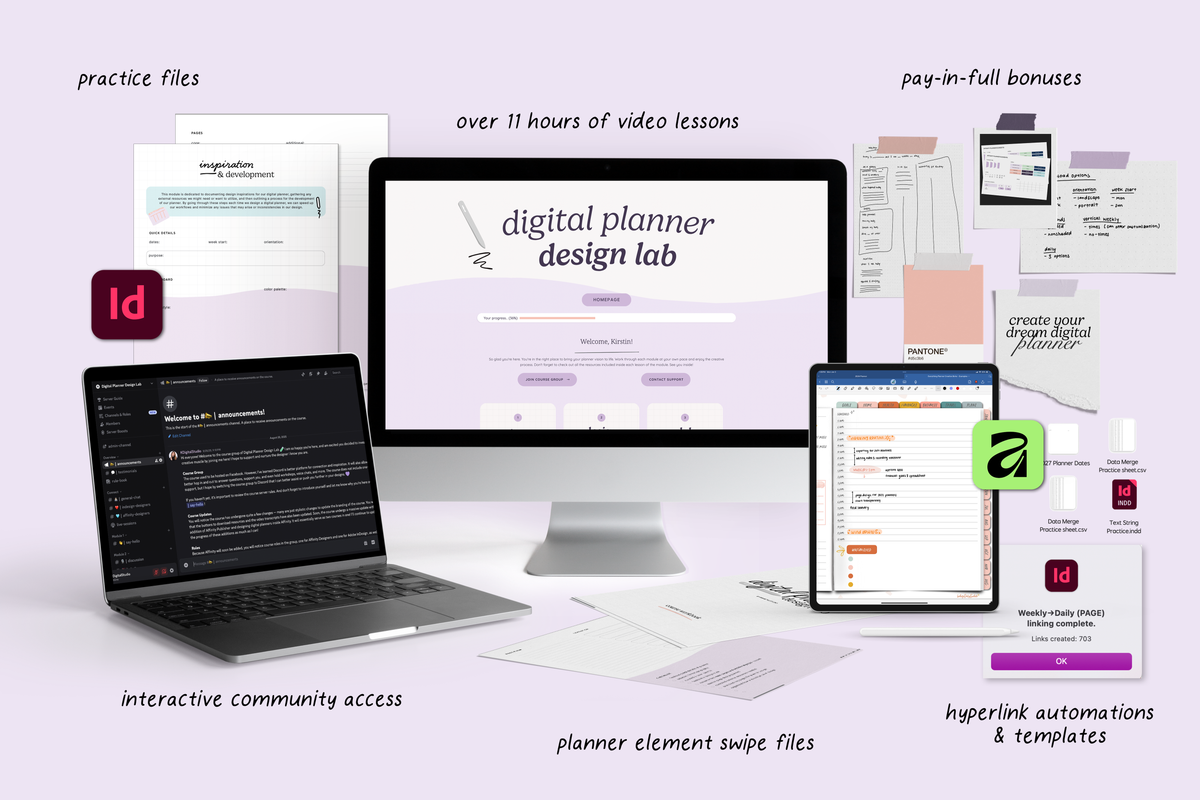
If you want to learn how to design a proper hyperlinked digital planner — one that navigates correctly, looks polished, and is ready to sell — that's exactly what I teach in Digital Planner Design Lab.
Share:
How to Set Up Your iPad for Note-Taking: A Back-to-School Guide
7 Things You Can Sell With Teachery (It's Way More Than Just Courses)