


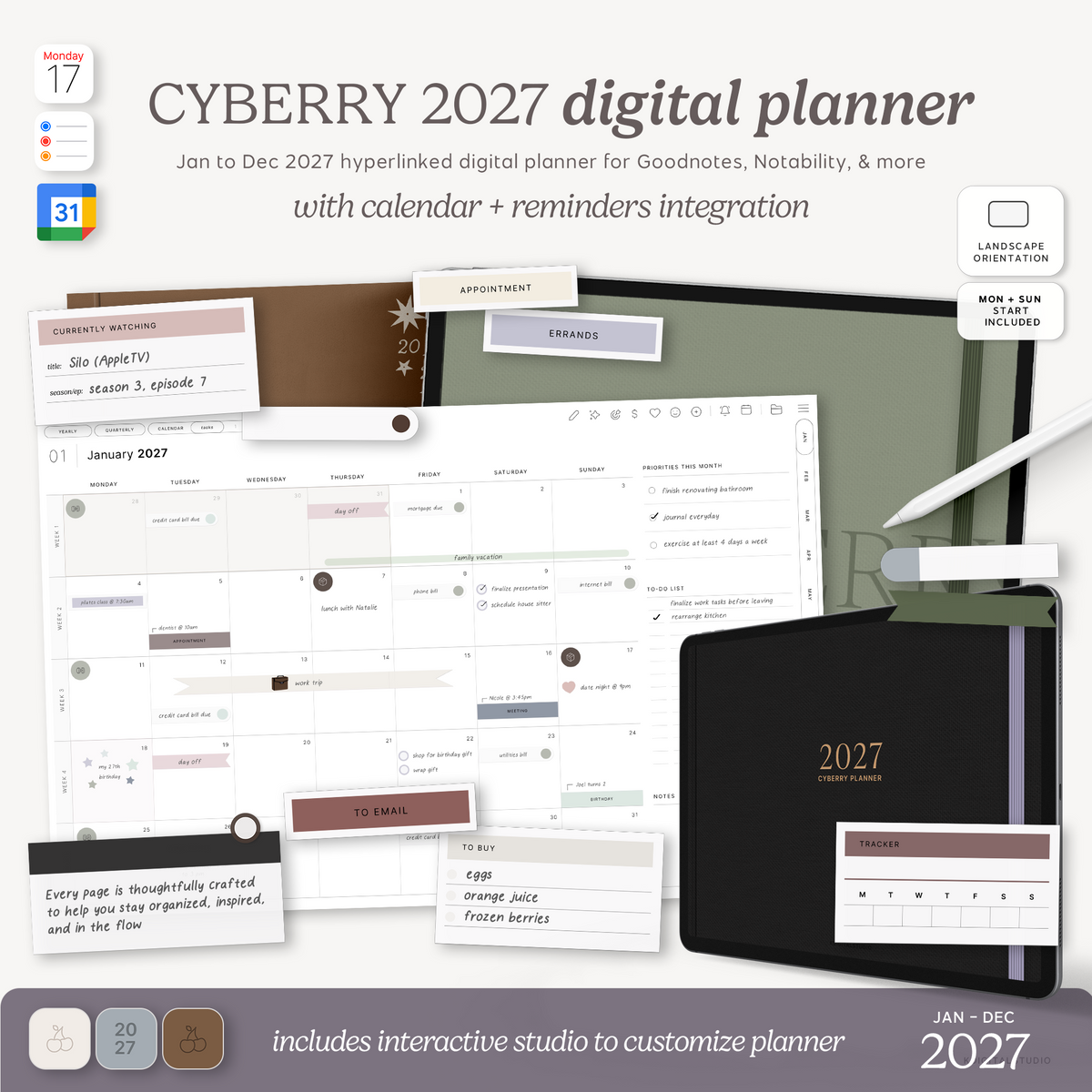
Every year I sit down around this time and completely rebuild the Cyberry planner from the ground up — and every year it's my favorite thing I make. The 2027 lineup is here, and honestly, it's the biggest redesign I've done since I first launched Cyberry back in 2020. If you've been waiting for a digital planner that feels as intuitive as your favorite app but as natural as writing on paper, this is the one I built for you.
I've been designing digital planners since 2018, I have a chemistry degree I earned taking every single note in GoodNotes, and I redesign this planner every year based on how people actually use it — not how a planner is "supposed" to look. So let me walk you through everything that's new in Cyberry 2027, all the ways you can make it yours, and how to figure out which version is right for you.

First — what exactly is the Cyberry planner?
If you're new here: Cyberry is a hyperlinked PDF digital planner you use inside an app like GoodNotes or Noteful on your iPad (or any tablet that reads annotatable PDFs). You tap the tabs and links to jump between months, weeks, and pages instantly — no scrolling, no printing, no paper. You write directly on it with your Apple Pencil, decorate it with digital stickers, and reuse it year after year. One file, one iPad, your entire year organized in a single place.
It's called Cyberry because of the little cherry mark that's been the brand's signature since the beginning — 🍒 — and every year it comes in a fresh design with new layouts, new colors, and new pages based on what people asked for.
What's new in the 2027 redesign
This year isn't a recolor of last year's planner — it's a genuine redesign with brand-new page types I added because you kept asking for them. Alongside the monthly, weekly, and daily pages you'd expect, Cyberry 2027 now includes:
- A Finances page to keep spending, savings, and bills in one view
- A Wellness page for the habits and check-ins that don't fit a standard tracker
- A Gantt-style timeline for mapping out projects and longer goals across weeks
- A Home Project Log for everything you're slowly working through around the house
- A Subscription Tracker so you finally know what's auto-renewing and when
- A Watchlist for shows, movies, and books you don't want to forget
- A Passwords page (kept simple and in your own hands)
- A Template Library so you can duplicate the pages you use most
These sit right alongside the core planning pages, all hyperlinked and tabbed so you can reach any of them in a single tap.
Four ways to make it yours: light, dark, landscape & portrait
Here's the thing I never compromise on — you shouldn't have to reshape your brain to fit a planner. So Cyberry 2027 comes in four separate versions, and you pick the one that matches how you actually use your iPad.
Landscape — Light & Dark Mode
Landscape is my pick if you're a split-screen person — planner on one side, your notes, browser, or a video on the other. It's the classic "desk" feel on an iPad.

👉 Shop Cyberry 2027 — Landscape, Light Mode
🌙 Shop Cyberry 2027 — Landscape, Dark Mode
Portrait — Light & Dark Mode
Portrait is the one to grab if you hold your iPad upright, plan on a smaller screen, or like a taller page that feels more like a traditional planner. Dark mode uses true black pages with light text and lines — easier on the eyes at night and gorgeous on an OLED screen.

👉 Shop Cyberry 2027 — Portrait, Light Mode
🌙 Shop Cyberry 2027 — Portrait, Dark Mode
Not sure which orientation? A quick rule of thumb: if you mostly use your iPad in split screen, go landscape. If you hold it upright like a notebook, go portrait. And light vs dark is purely personal — pick the one you'd actually enjoy opening every morning.
Then pick your weekly layout — and your week start
Every Cyberry planner is built with choices baked in instead of forcing one format on everyone. Inside each version you'll choose your weekly agenda style and whether your week starts on Sunday or Monday:
- Classic — a clean weekly grid for structure without clutter
- Dashboard — trackers, goals, and extra sections around the grid for people who like seeing everything at once
- Task-focused — checklists over time blocks, for weeks that are really one big to-do list
- Brain dump — open space to catch whatever the week throws at you, perfect for a busy or high-change season
If you want help deciding, I broke all four down in this post on the four weekly layout styles, and there's a whole separate one on Monday vs Sunday start if that's the piece you're stuck on.
The easiest way to get everything: the 2027 bundle
If you already know you want the full experience — every layout, both week starts, plus the extras — the bundle is the best value and the one most people reach for. It comes in its own light and dark versions so you're not mixing and matching.

🍒 Shop the Cyberry 2027 Bundle — Light Mode
🌙 Shop the Cyberry 2027 Bundle — Dark Mode
It's more than just the planner file
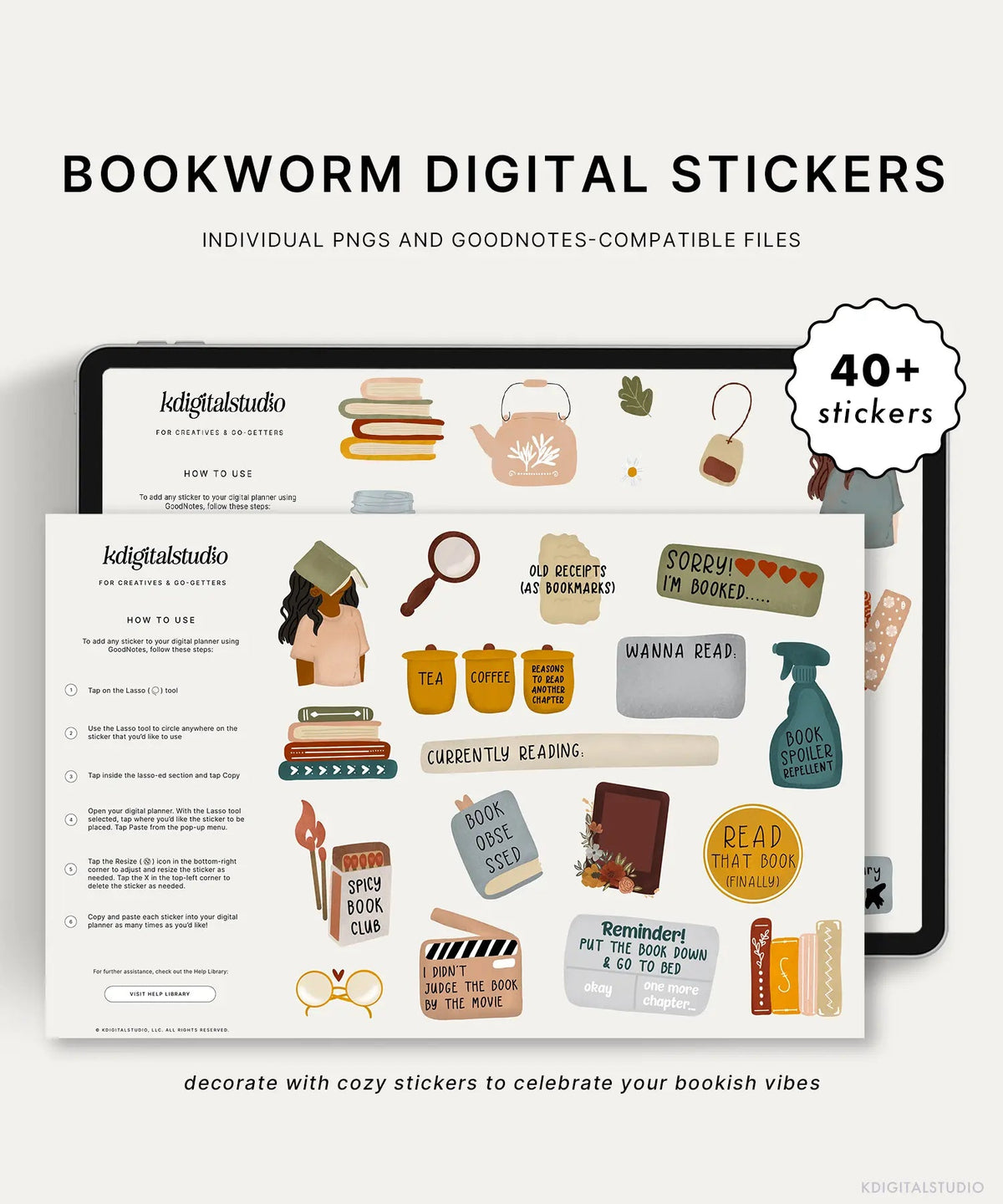
Cyberry 2027 was built to actually get used, not just look pretty on day one. When you grab it, you also get the little pieces that turn planning into a real habit: coordinating planner covers, a home-screen app icon so opening your planner is a one-tap thing instead of a five-tap scavenger hunt, an Apple Shortcut for sending events straight to your calendar, and access to the Cyberry sticker library with every past year's sticker sets included. It works right inside GoodNotes and Noteful, and the stickers come in GoodNotes and Noteful element formats plus individual PNGs so they drop into whatever app you already use.
Two more 2027 planners, if Cyberry isn't quite your thing
Cyberry is my flagship, but it's not the only 2027 planner in the shop. Depending on what you actually need, one of these might fit better:
2027 Daily Log Planner
If you don't want a big all-in-one planner and just want a calm, minimal space to log your day and your memories, the Daily Log is for you. It's simple on purpose — one clean daily page, hyperlinked and easy to keep up with.

📔 Shop the 2027 Daily Log Planner
2027 Household Digital Planner
If the thing you're really trying to get on top of is your home — meals, cleaning, budgets, the people and pets under your roof — the Household planner is built for exactly that. It's the one I point people to when their life admin is the part that feels out of control.

🏡 Shop the 2027 Household Digital Planner
So which one should you get?
Quick version, if you just want me to point you somewhere:
- Want the full year, all the layouts, and every extra? Grab the Cyberry 2027 bundle.
- Know your exact setup already? Pick the single Cyberry version that matches — landscape or portrait, light or dark.
- Just want something simple to log your days? The Daily Log.
- Trying to run your home more smoothly? The Household planner.
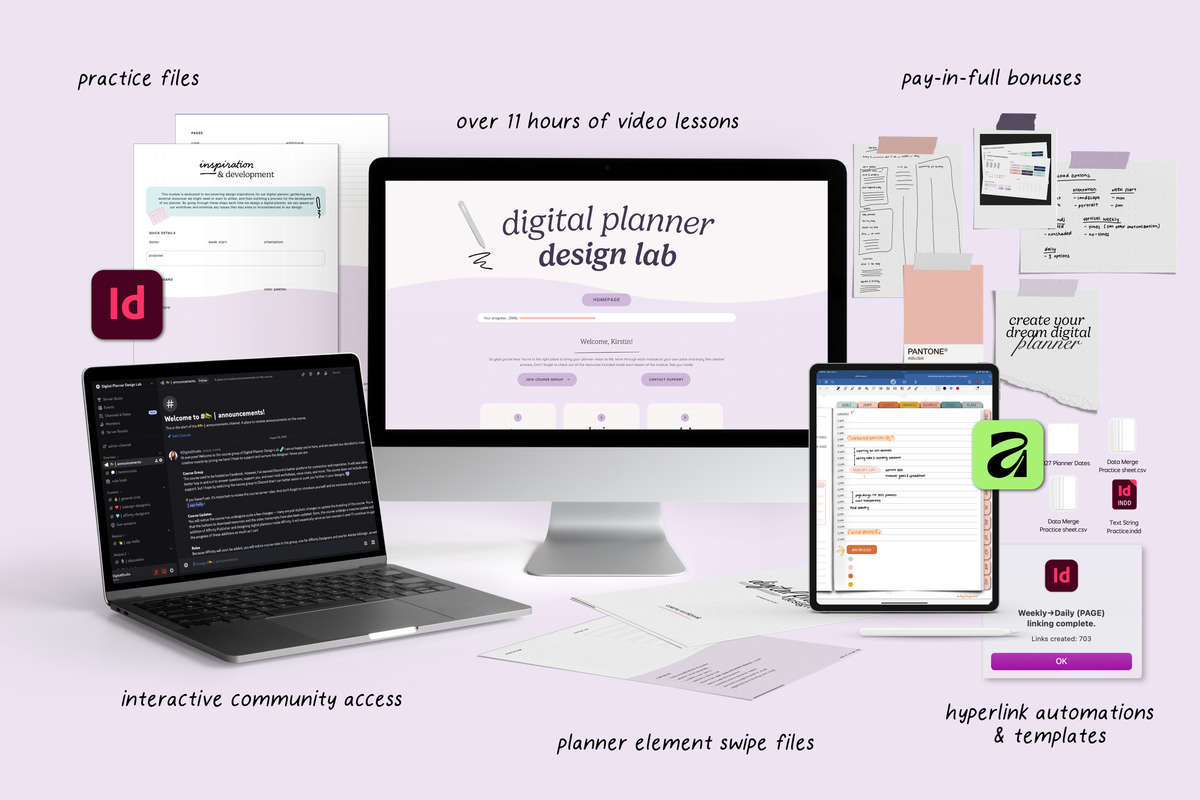
However you plan, the goal is the same one I design for every year — a planner that fits your actual life, not just your Pinterest board. You can see the whole 2027 lineup together in the Cyberry collection, and if you want to build your own planner from scratch instead, that's what I teach inside Digital Planner Design Lab.
Here's to a 2027 you actually feel ready for. 🍒
Share:
How to Build a Fall Reading List (Plus a Digital Reading Tracker Setup)
How to Design Your Own 2027 Digital Planner (Even With Zero Design Experience)