


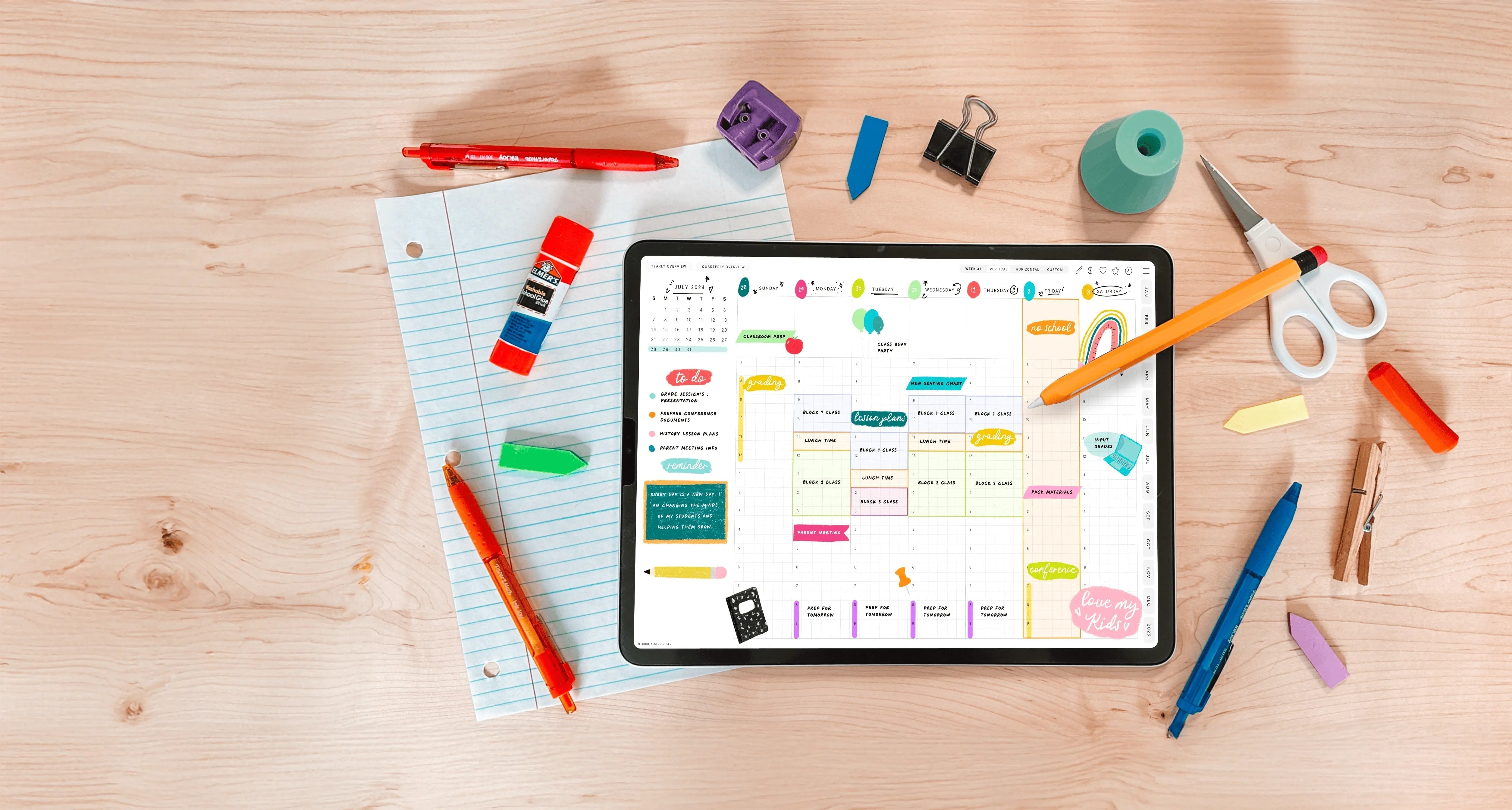
For students, the iPad can replace a backpack full of notebooks, textbooks, and sticky notes — if you choose the right note-taking app. But "best" looks different for a med student recording three-hour lectures than it does for an art major sketching diagrams. This is a neutral, student-focused guide to the top iPad note-taking apps in 2026 and which type of student each one suits.

What Actually Matters for Student Notes
Before the list, here's what tends to matter most in a classroom setting: a reliable, fast writing feel; the ability to mark up PDFs (lecture slides, readings, past papers); handwriting search for exam revision; audio recording for fast-talking lecturers; cross-platform sync so you can review on a laptop; and price, because student budgets are real.
Best For Students — Quick Guide
| App | Best student fit | Pricing (2026) |
|---|---|---|
| Notability | Recording lectures with synced audio | Free tier; paid subscription |
| Goodnotes | All-round notes, PDF markup & revision search | Free tier; subscription or one-time Special Edition |
| Noteshelf 3 | Subject-specific templates; Android users | Free tier; premium ~$29.99/yr |
| Noteful | Tight budgets, no subscription | Free to try; ~$4.99 one-time |
| Apple Notes / OneNote | Completely free to start | Free |
Pricing and plans change often — confirm current details (and any student offers) on each app's official site.
Notability — Best for Lecture Recording
If your professors talk fast, Notability may be the single most useful app you can own. It records audio while you write and syncs it to your handwriting, so during revision you can tap a word and hear exactly what was being said when you wrote it. For dense lectures, that's a genuine study superpower. It's Apple-only, with a free tier and paid subscription.
Goodnotes — Best All-Round Student App
Goodnotes is the do-everything choice. Import your lecture slides or PDF readings and annotate directly on them, organize notebooks by course, and — crucially for exam season — search your handwritten notes across every notebook at once. It syncs across iPad, Mac, Windows, and Android, so you can scribble in class and review on a library computer. It also pairs perfectly with academic digital planners for tracking assignments and deadlines.
Noteshelf 3 — Best Templates & Android Support
Noteshelf's deep built-in template library is a quiet gift for students — music notation for music majors, engineering and math grids for STEM, Cornell-style layouts for structured note-taking. It also has a full Android app, which matters if your other device isn't an Apple one. Credit-based AI tools can summarize pages, which is handy for condensing readings.
Noteful — Best on a Budget
Students and subscriptions don't always mix. Noteful delivers a beautiful writing experience and solid PDF markup for roughly a $4.99 one-time purchase — no recurring fee. If most of what you need is to write notes and annotate slides without spending much, it's an easy recommendation, and it opens digital planners too (here's my Noteful setup tutorial).
Apple Notes & OneNote — Best Free Options
If you're not ready to spend anything, start with what's free. Apple Notes is built in, syncs across your Apple devices, and handles Apple Pencil notes well. Microsoft OneNote is free, works on every platform, and its infinite canvas suits mind-mapping and visual subjects. Many students begin here and upgrade to a dedicated app only once they know what they need.
A Few Study Tips, Whatever App You Pick
- Annotate your slides and readings directly instead of copying them out — it's faster and keeps everything in one place.
- Use a consistent notebook-per-course structure so revision is painless.
- Turn on handwriting search (Goodnotes and Noteshelf) so you can find any concept in seconds before an exam.
- Add a digital planner to track assignments, exams, and study blocks in the same app you take notes in.
Level Up With an Academic Planner
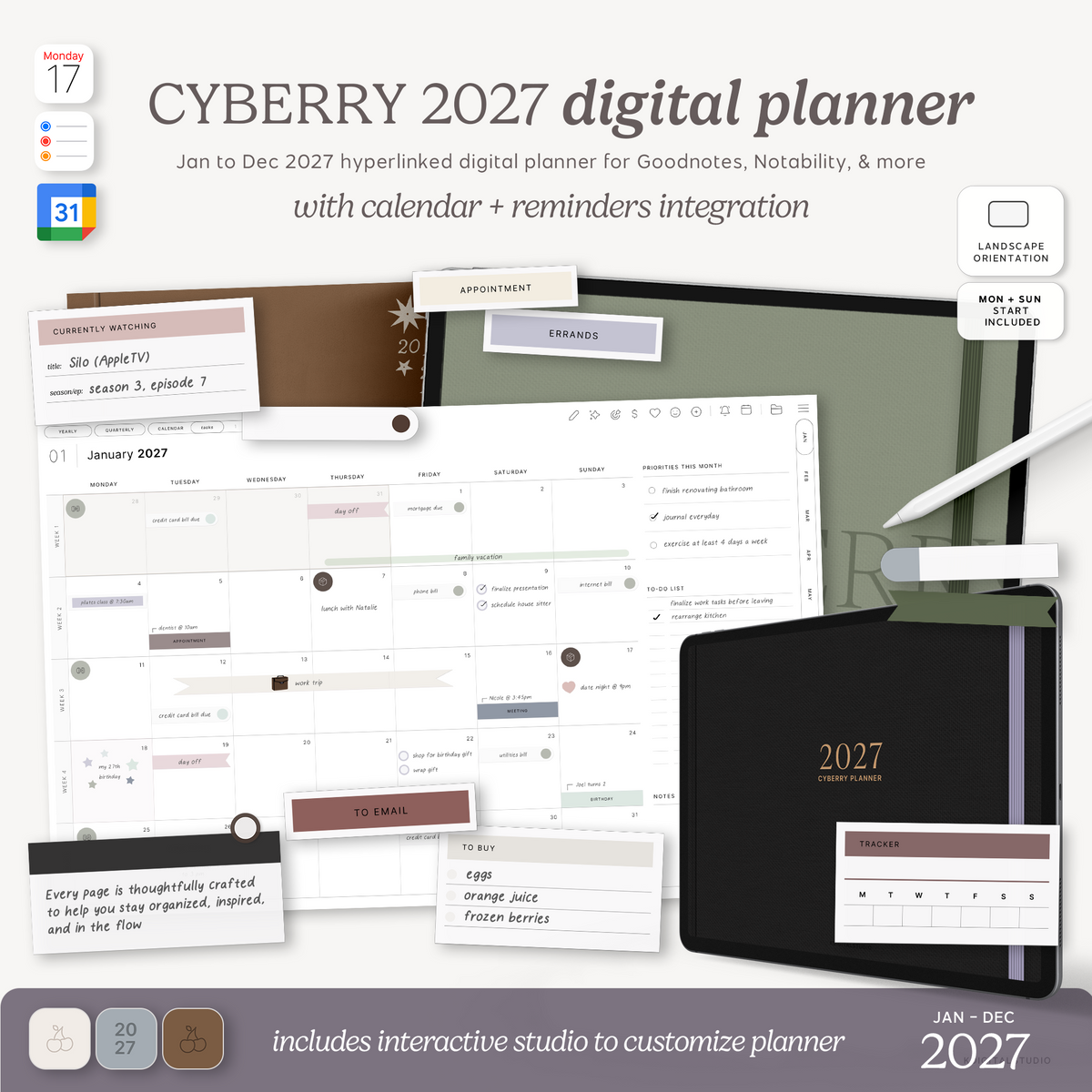
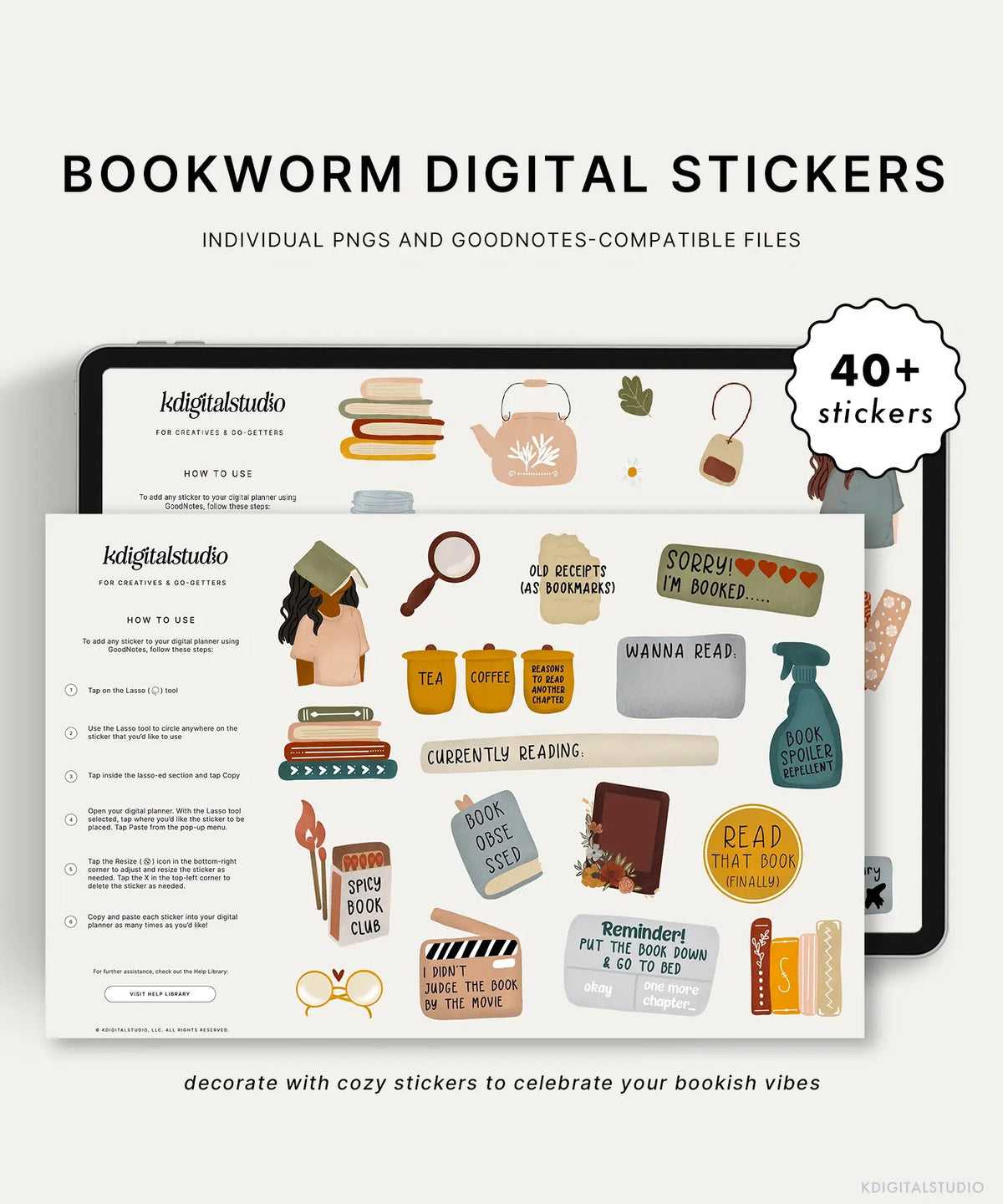
A hyperlinked academic planner keeps your semester organized right alongside your notes — and the same PDF works in Goodnotes, Notability, Noteshelf, and Noteful. Browse my academic collection for student planners, and make them yours with Pastel Student Widgets or the app-style studentOS Stickers.
See the Apps in Action
Browse each app's help library before you commit: Notability, Goodnotes, Noteshelf, and Noteful.
Share:
Best FREE iPad Note-Taking Apps for Students (2026)
Best FREE iPad Note-Taking Apps for Students (2026)