



The iPad is one of the best note-taking devices ever made — but only if you pair it with the right app. In 2026 there are more strong options than ever, each with a slightly different strength. This is a neutral roundup of the best iPad note-taking apps, what each one does best, and how to figure out which belongs on your home screen.

Best For — Quick Guide
| App | Best for | Pricing (2026) |
|---|---|---|
| Goodnotes | Overall notebooks, templates & digital planners | Free tier; subscription or one-time Special Edition |
| Notability | Audio recording synced to notes | Free tier; paid subscription |
| Noteshelf 3 | Built-in templates & cross-platform (incl. Android) | Free tier; premium ~$29.99/yr |
| Noteful | Beautiful pen feel on a budget | Free to try; ~$4.99 one-time |
| Apple Notes | Free, built-in, quick capture | Free |
| Microsoft OneNote | Free, cross-platform, infinite canvas | Free |
Pricing and plan names change often — always confirm on each app's official site before buying.
1. Goodnotes — Best Overall
Goodnotes is the app most people mean when they picture writing on an iPad. It combines a smooth, low-latency writing experience with a notebook-and-folder structure, best-in-class handwriting search across every notebook, a large template and planner marketplace, and AI features that can even correct typos in your own handwriting. It runs on iPad, iPhone, Mac, Windows, Android, and the web. If you want one app that does nearly everything — and you love digital planners — start here.
2. Notability — Best for Recorded Audio
Notability's signature feature is audio recording that syncs to your handwriting: tap a word later and jump to the exact moment you wrote it. That makes it a favorite for lectures, meetings, and interviews. It's clean, fast, and Apple-only (iPad, iPhone, Mac), with a free tier and paid subscription tiers.
3. Noteshelf 3 — Best Built-In Templates
Noteshelf is the most polished Goodnotes alternative for pure handwriting. It ships with an unusually deep template library — including subject-specific pages like music notation and engineering grids — offers customizable pens and credit-based AI tools, and syncs across iPad, iPhone, Mac, Android, and Windows. Its full Android client makes it a standout for mixed-device households.
4. Noteful — Best Budget Pick
Noteful proves you don't need a subscription for a superb writing experience. Its InfiniteStroke ink engine produces crisp vector strokes, and its fountain pen is among the best in any app. It keeps things lean — ink, tabs, and solid PDF markup — at roughly a $4.99 one-time price. It's a fantastic, affordable home for digital planners, too.
5. Apple Notes — Best Free & Built-In
Don't overlook the app already on your iPad. Apple Notes has grown into a capable handwriting and quick-capture tool with solid Apple Pencil support, tagging, and seamless iCloud sync across Apple devices. It's not built for hyperlinked planners or deep template workflows, but for everyday notes it's fast, free, and always there.
6. Microsoft OneNote — Best Free Cross-Platform
OneNote is free, works everywhere (including Windows and Android), and uses an infinite-canvas approach where you can place text, ink, and images anywhere on the page. It's a great fit if you already live in the Microsoft ecosystem or need your notes on every kind of device.
How to Choose the Right One
A few quick questions cut through the noise:
- Do you record lectures or meetings? Notability.
- Do you love digital planners and templates? Goodnotes (or Noteshelf/Noteful, which also open planners).
- Do you want to avoid subscriptions? Noteful's one-time price or the free Apple Notes/OneNote.
- Do you use Windows or Android too? Goodnotes, Noteshelf, or OneNote.
- Do you just want something free to start? Apple Notes or OneNote, then upgrade later.
Most of these apps have a free tier or free trial, so the smartest approach is to test two or three with your real notes for a week before committing.
Getting the Most From Your App: Add a Digital Planner
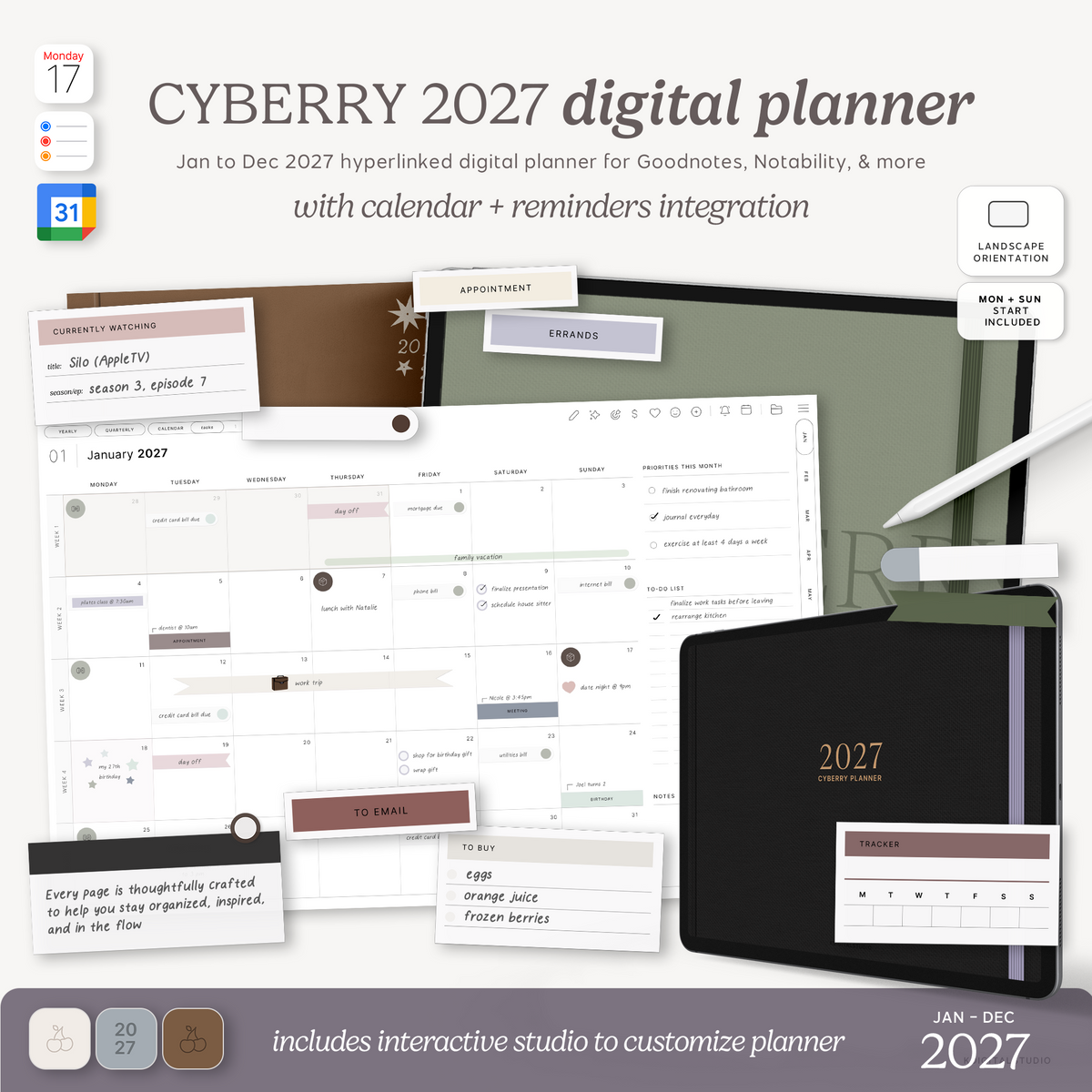
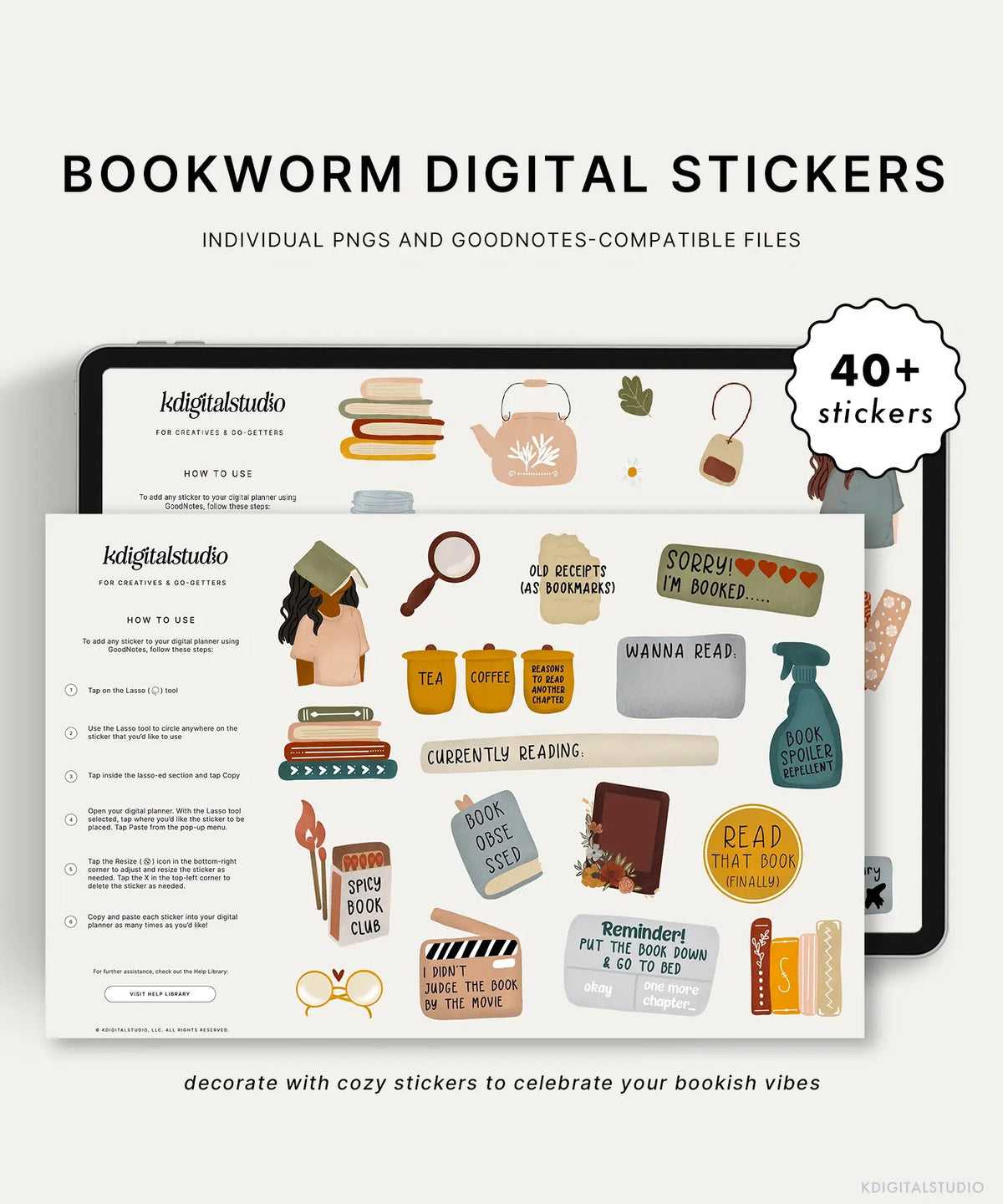
Whichever app you land on, a hyperlinked digital planner can transform it from a blank notebook into an organized planning system. A good planner uses tappable hyperlinks to jump between months, weeks, and days — and the same PDF works across Goodnotes, Notability, Noteshelf, and Noteful. Browse ready-to-use options in my digital planners collection, and pair it with digital stickers to make it your own.
See the Apps in Action
Each app keeps a screenshot-rich help library: Goodnotes, Notability, Noteshelf, and Noteful.
Share:
Goodnotes vs Notability for Students (2026): Which iPad Note-Taking App Is Best for School?
Goodnotes vs Notability for Students (2026): Which iPad Note-Taking App Is Best for School?