


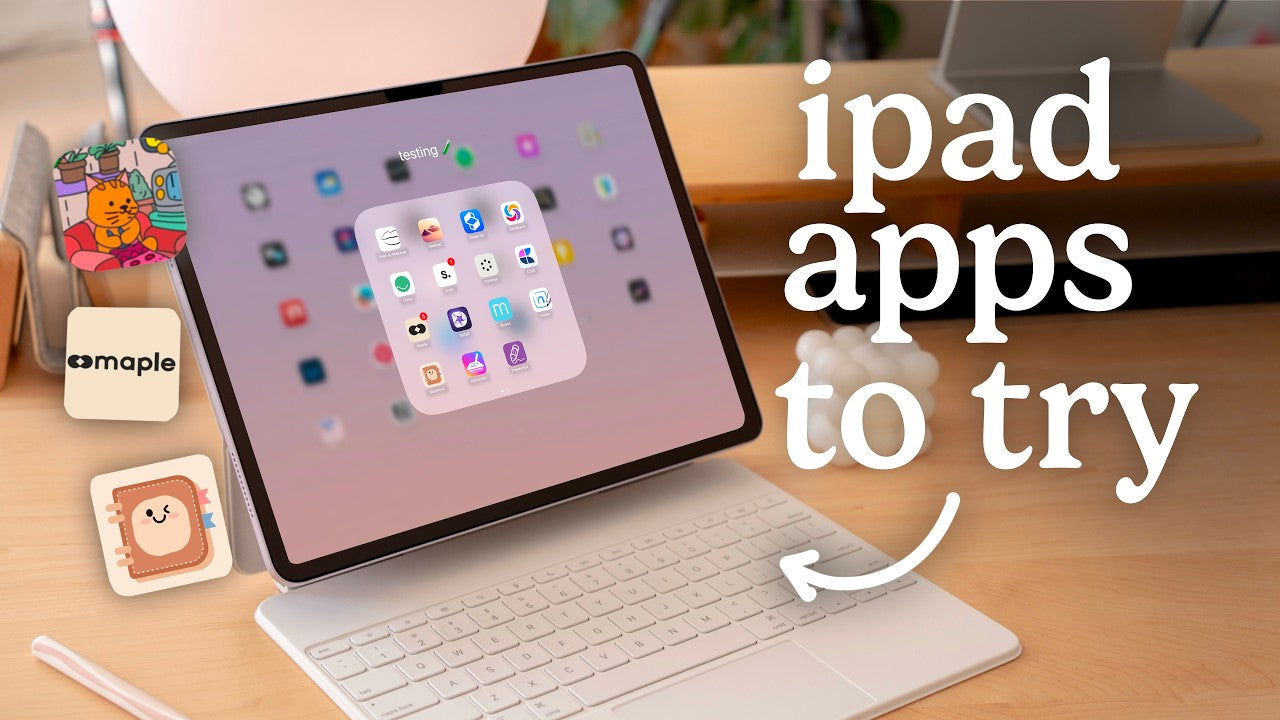
Back-to-school season is expensive enough. The good news? You do not need to pay for a note-taking app to get started on your iPad—several of the best options have genuinely useful free versions. Here are the ones worth your time in 2026, plus how to get free templates to go with them.
1. Goodnotes (free version)
Goodnotes offers a free tier that lets you create a limited number of notebooks—plenty to try it out and cover a class or two. You get the same smooth writing, PDF import, and folder organization the paid version is loved for. If you outgrow the notebook limit, you can upgrade later. It also works across iPad, iPhone, Mac, Windows, and Android.
2. Notability (free version)
Notability's free plan lets you write, import, and try its famously smooth pen—with a monthly cap on edits. The headline feature, recording audio synced to your handwriting, makes it worth trying free if you sit through lectures. Upgrade to Notability Plus later only if you need unlimited edits.
3. Apple Notes (100% free, already installed)
Don't sleep on the app that came with your iPad. Apple Notes handles Apple Pencil handwriting, quick sketches, checklists, scanning, and syncs across all your Apple devices for free. For lightweight note-taking it's genuinely excellent—and there's nothing to download.
4. CollaNote (free)
CollaNote is a popular fully-free option with PDF annotation, a wide range of pens, templates, and even collaboration features. It's a fantastic pick if you want lots of tools without any paywall, and it accepts hyperlinked PDF planners like the paid apps do.
5. Samsung Notes / OneNote (free, cross-platform)
If you split time between an iPad and a Windows or Android device, Microsoft OneNote is free, powerful, and syncs everywhere. It's less “notebook-pretty” than Goodnotes but hard to beat for free cross-platform note-taking.
Which free app should you pick?
- Want the classic digital-planner experience? Start with Goodnotes free.
- Record lectures? Notability free.
- Just want simple and instant? Apple Notes.
- Want maximum features for $0? CollaNote.
For the full head-to-head, read my Goodnotes vs Notability comparison and Best iPad Note-Taking Apps (Fully Tested!), or watch me test them on my YouTube channel.
Free templates to go with your free app
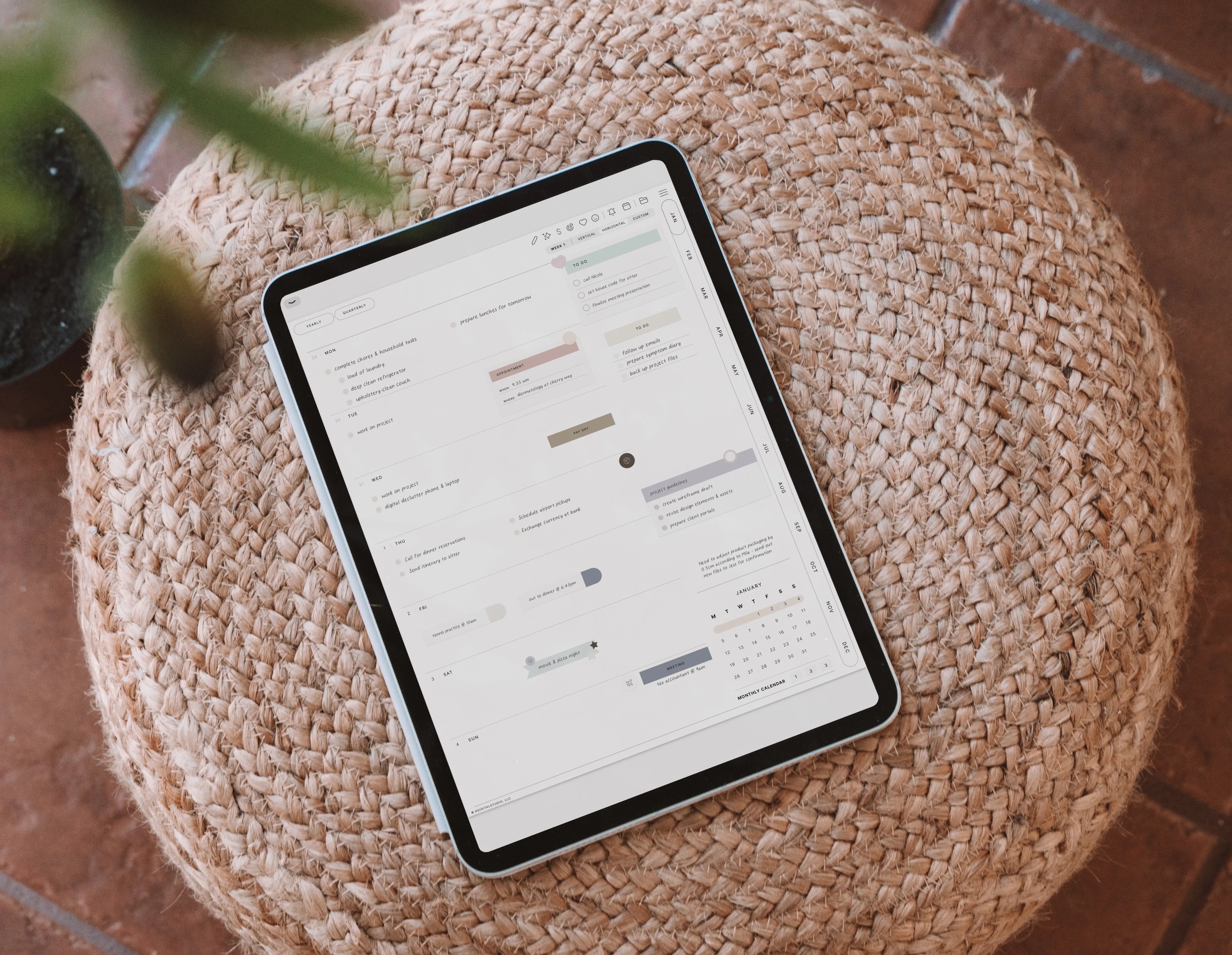
An app is only half the setup—you'll want something to write on. The best part: most free apps accept hyperlinked PDF planners, so you can start fully-loaded without spending a thing. Grab a free planner from my Free Downloads, and follow How to Start Digital Planning for Free to set it all up.
Ready to level up (when you're ready to spend a little)
Once you're hooked, a few inexpensive add-ons make notes far more organized and fun: Sticky Note Stickers, Pastel Student Widgets, and a handwriting font like the Kirstin Font—most under $8. But start free, get comfortable, and upgrade only when you know what you actually need.
App pricing and free-tier limits change often—confirm current details in the App Store before downloading.

Share:
The Best Note-Taking Apps on iPad for Students (2026)
The Best Note-Taking Apps on iPad for Students (2026)