


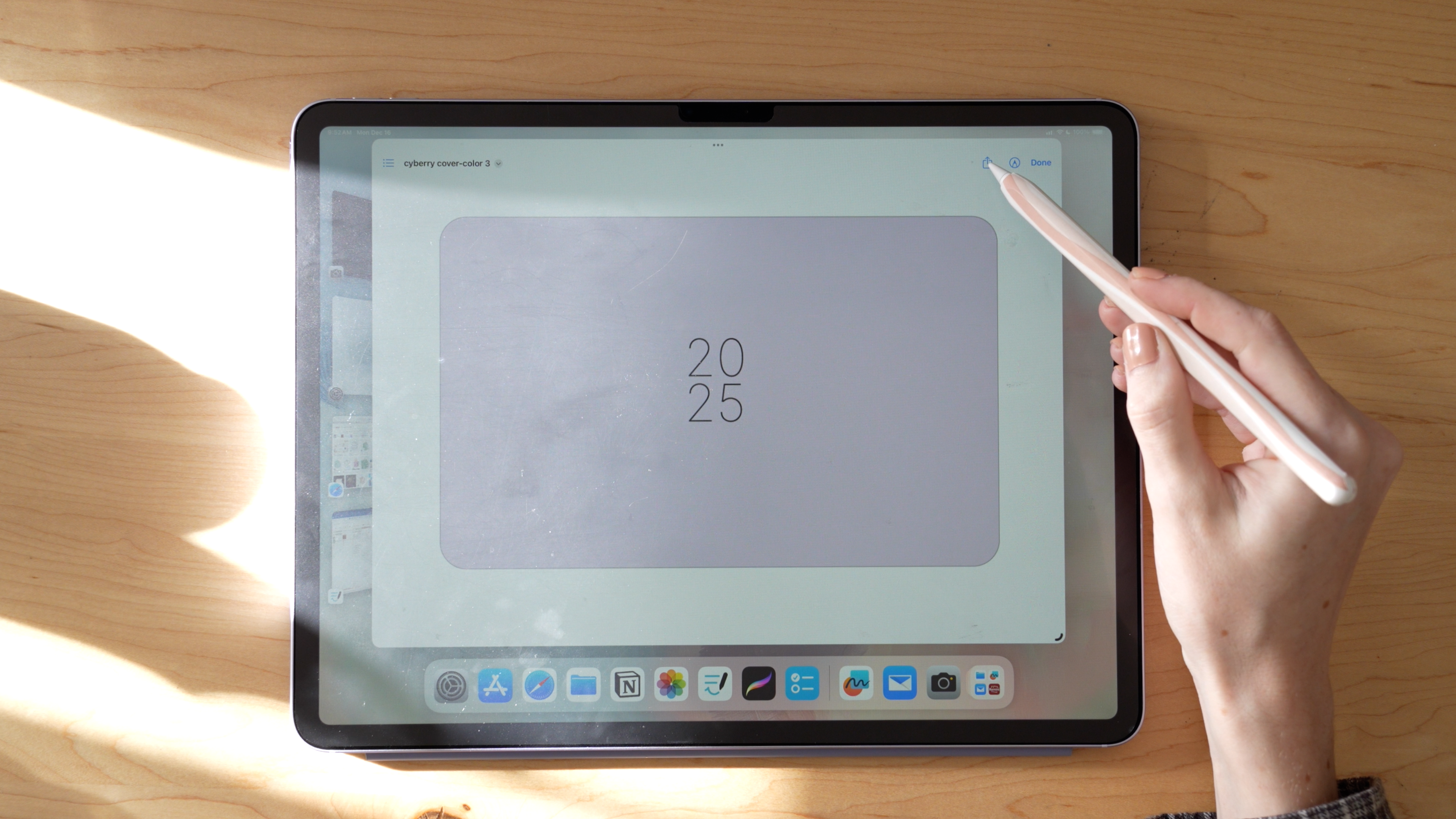
If you have ADHD, you've probably tried more planning systems than you can count. Paper planners you filled in for two weeks and abandoned. Apps that were too complex to maintain. Bullet journals that were beautiful for one month and then sat untouched.
This isn't a "you need more discipline" problem. It's a system design problem. Here's what actually helps.
What Makes Planning With ADHD Different
ADHD affects working memory, task initiation, time perception, and sustained attention. A planning system designed for a neurotypical brain often fails not because the person didn't try hard enough, but because the system creates friction at exactly the wrong moments.
The goal is to reduce friction — the number of steps between "I need to do something" and "I'm doing it."
[product=cyberry-mid-year-digital-planners-bundle-2026-2027]
What to Look for in a Digital Planner
Simple navigation. Complex hyperlink systems are satisfying to look at but exhausting to use. Look for planners where you can get to any section in 2 taps or fewer.
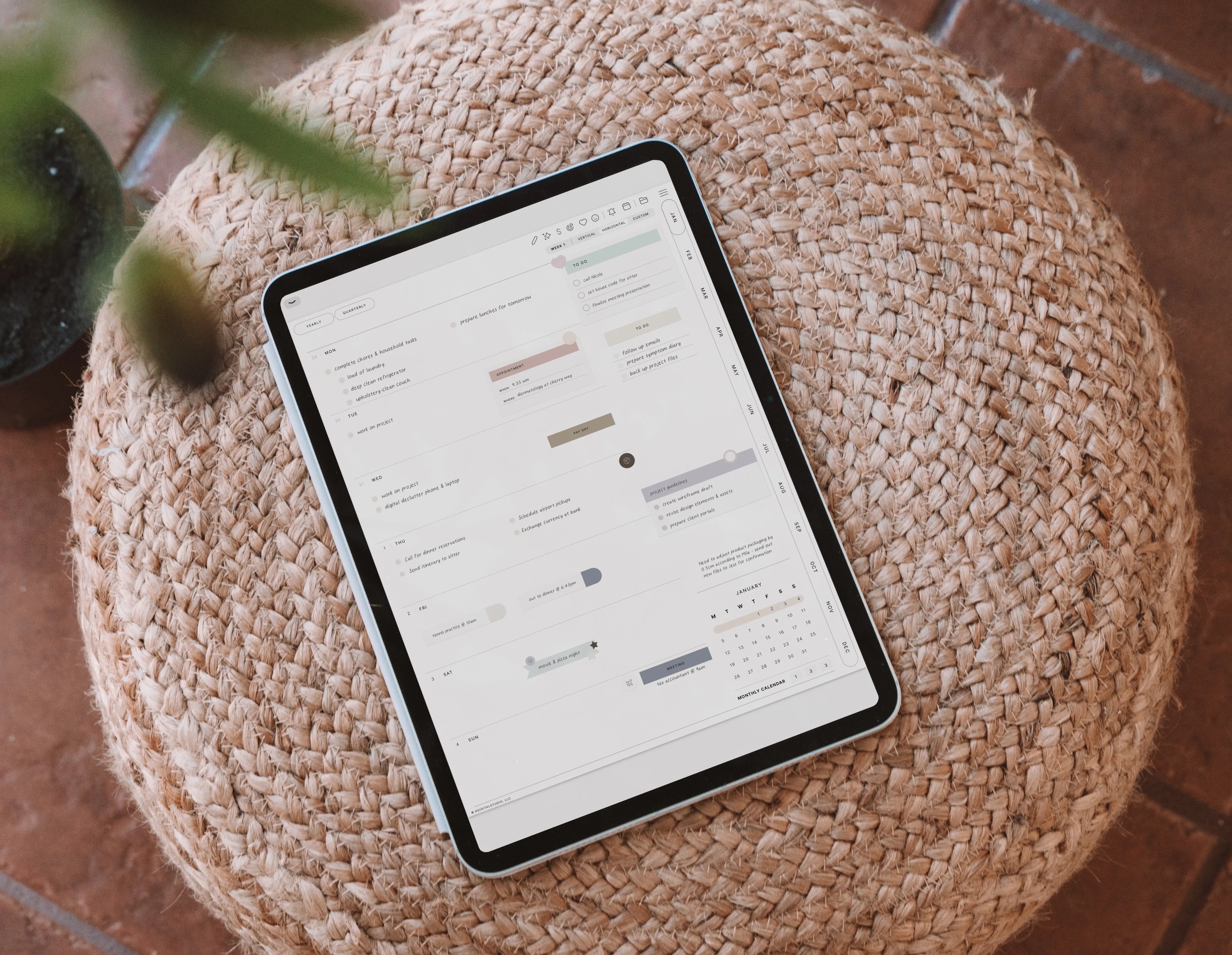
Flexible daily pages. ADHD planning often benefits from time-blocking — assigning tasks to specific time slots rather than running a long undifferentiated to-do list. Look for daily pages with hourly time slots or a space for scheduling.
Visual structure without visual noise. Highly decorated planners can be distracting. Clean layouts with enough structure to organize your day tend to work better.
Undated or easily adapted. Dated planners punish missed days. An undated planner means you can skip a day and pick up without the visual reminder of what you didn't do.

Apps That Work Well With ADHD
GoodNotes is the most popular choice. Handwriting input helps with retention, the app is fast to open, and notebooks are easy to organize. The search function is genuinely useful for ADHD brains who write things down and then can't remember where.
Notability offers audio recording alongside notes — helpful if you learn better with audio cues or want to record meetings while taking notes.
Apple Notes is underrated for its simplicity. If you need the lowest possible friction, a pinned daily note in Apple Notes might beat a full digital planner.
A Setup That Works With Your Brain
Rather than trying to use a planner perfectly, design a system you can use imperfectly and still get value from:
- Morning: Open your planner. Write 3 things you need to do today. Time-block them if possible.
- During the day: Capture everything — tasks, ideas, things you don't want to forget — in one place. Don't sort it now. Just capture it.
- Evening (optional): Spend 5 minutes reviewing. Move anything undone to tomorrow. Note one thing that went well.
Simple enough to do on hard days. Effective enough to matter on good ones.

Planners Worth Looking At
If you want a starting point, the KDigitalStudio shop has digital planners designed for iPad that prioritize clear navigation and flexible layouts. The KDigitalStudio shop includes both dated and undated options — and if you want to build something custom around exactly how you work, the Digital Planner Design Lab walks you through creating your own from scratch.
The best planner for ADHD is the one you'll actually open. Everything else is secondary.
[collection=planners]

Share:
Best Prime Day 2026 Deals: iPad Essentials & Tech Picks
How to Use Notion for Planning: The Complete Beginner's Guide