


If you've decided you want to design your own digital planner, one of the first questions you're going to run into is: what app should I actually use?

And honestly? The answer isn't the same for everyone. There are a few different tools people use, and they're suited for very different skill levels and goals. Let me break them all down so you can figure out what makes sense for you.
Option 1: Canva
Best for: Total beginners who want to make something simple fast
Canva is where a lot of people start, and I get it — it's free (or cheap), it's familiar, and the drag-and-drop interface is really approachable.
You can make something that looks like a digital planner in Canva. But here's what you'll run into pretty quickly:
- Hyperlinks in Canva's PDF export are very limited — here's why hyperlinks matter and how they work
- Graphics are often raster-based, meaning they can look blurry when you zoom in on an iPad
- There's no master page functionality, so if you want to update something across 200 pages, you're doing it manually
- Data merge (auto-filling dates) isn't a thing
For personal use, Canva can work fine. For selling? You'll hit a ceiling fast.
Option 2: Adobe InDesign
Best for: People who want the industry-standard tool and don't mind a subscription
InDesign is what professional print designers have used for decades, and it's incredibly powerful for digital planner design. Master pages, data merge, robust hyperlinking, paragraph styles — it has everything.
The downsides: it's a subscription (part of Adobe Creative Cloud), and the learning curve is real. It's not the most intuitive app to just open and figure out on your own.
That said, if you invest the time to learn it, InDesign is incredibly capable and there's a huge community of resources around it.
Option 3: Affinity
Best for: People who want professional-level features without the subscription price
This is honestly my personal favorite for digital planner design, especially for people who are newer to desktop publishing software. Affinity is a one-time purchase (usually around $70), it has master pages, data merge, hyperlinking, and outputs clean crisp PDFs.
The interface is a little different from InDesign but in some ways it's actually more intuitive. And the price point is a huge deal — you pay once and own it forever. I compare the two in depth in InDesign vs Affinity for Digital Planners.
If you're just getting started and you don't already have an Adobe subscription, I'd start here.
Option 4: Adobe Illustrator or Photoshop
Best for: Not digital planner design, actually
I see people try to design planners in Illustrator or Photoshop sometimes, and while you can technically export a PDF from these apps, they're not built for multi-page document layouts. You'll be fighting the software the whole time. Save these tools for individual graphics and illustrations, not full planner layouts.
So Which One Should You Use?
Here's my honest take:
- Just want to play around and make something for personal use → Canva
- Ready to learn properly and sell your work → Affinity to start, InDesign if you already have Adobe CC
- Already a professional designer with InDesign experience → InDesign
The tool matters less than actually learning the workflow — understanding how master pages work, how to set up hyperlinks correctly, how to use data merge to auto-populate your dates. That knowledge is what separates planners that sell from planners that don't. (Wondering if you can do this with no design background? I answer that here.)
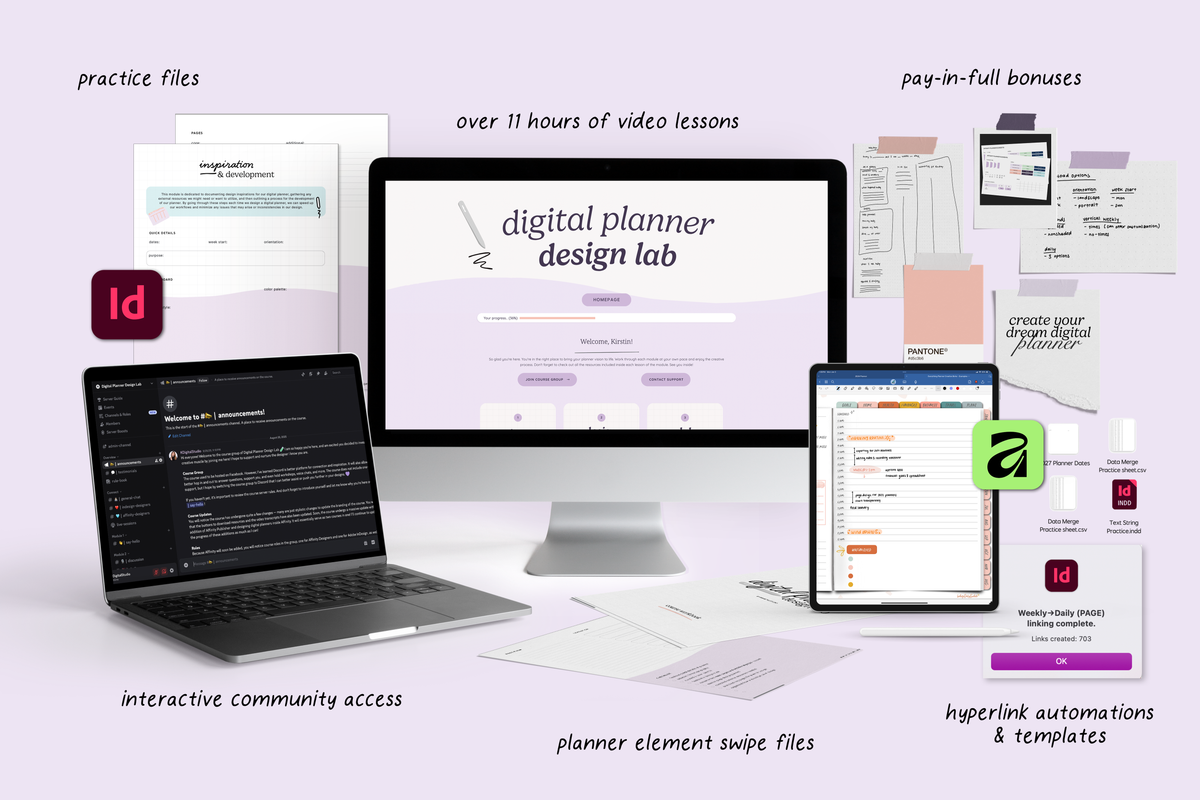
If you want to learn that full workflow — in both InDesign and Affinity — I cover all of it inside Digital Planner Design Lab. It's my complete course on designing professional digital planners from scratch, and I walk you through every step of both apps so you can work in whichever one fits you best.
Share:
Goodnotes vs Notability for Students (2026): Which iPad Note-Taking App Is Best for School?
The Best Note-Taking Apps on iPad for Students (2026)