


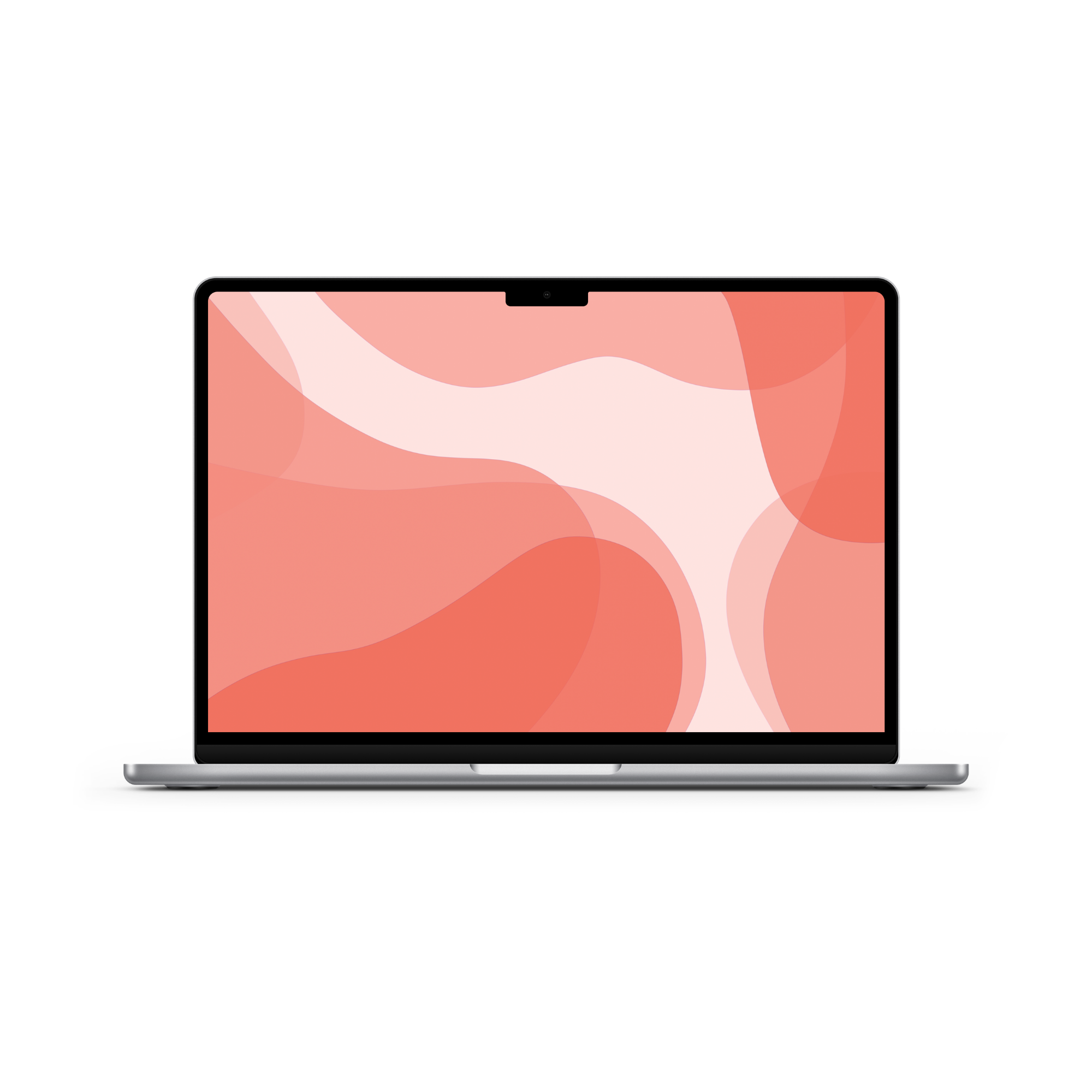
Hey there! 🤭 I created a collection of colorful wallpapers perfect for your desktop, phone, or iPad/tablets. This is such a fun, liquid-y, colorful, flowy wallpaper collection that I had such a joy creating! Let me know if you have any wallpaper requests.
➡️ Here’s the full folder of all the wallpapers! But keep scrolling to get a peek at this month's wallpaper collection. Keep scrolling if you'd like a peek at the designs first!
📥 How to Download Your Wallpapers
Scroll through the collection, pick the ones that catch your eye, and tap the link to download your preferred sizes. Save the image to your device and set it as your background—it’s that simple.
💡 On a Mac? Create a folder of your faves and set them to rotate. Go to System Settings > Wallpaper and shuffle them throughout the month!
Flow State Wallpapers
You'll find they are all sized for desktop but since I created them at a high resolution, you'll find that they also work well for your iPad or iPhone too!
The Collection


🗓 When Do New Wallpapers Drop?
You’ll find fresh backgrounds posted a few days before each new month — just in time to reset your screens. Stay tuned here or sign up for the newsletter so you never miss a new collection.
Friends of the newsletter get first dibs on the wallpaper drop, so join if you want to download and access them sooner!
[newsletter]
📸 Tag & Share Your Setups
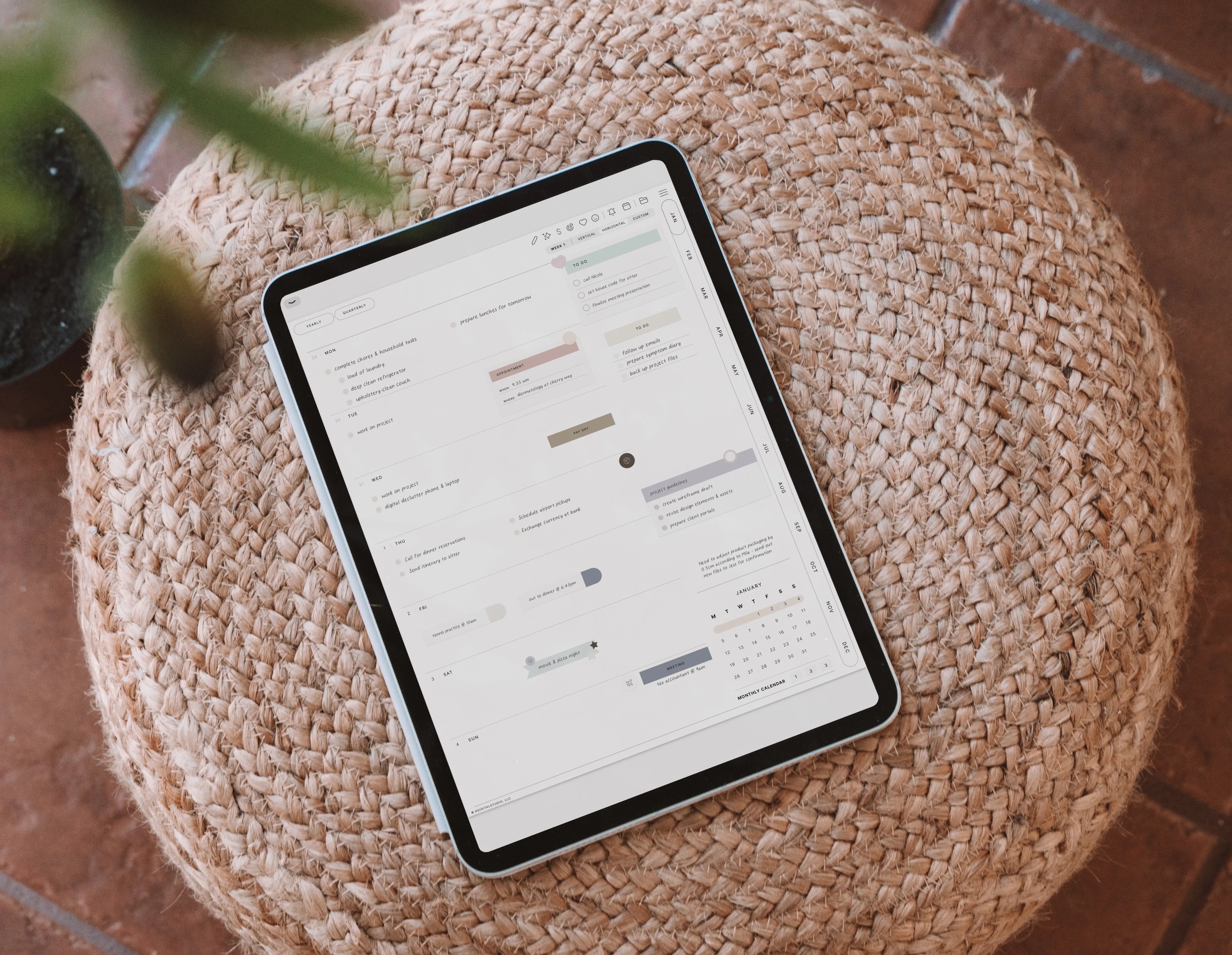
Loving how your device looks with a fresh January background? Tag me on Instagram @kdigitalstudio so I can see and share your styled screens. I always love seeing your setups!
Share:
Minimal Speckled Wallpaper
August 2026 Wallpapers