


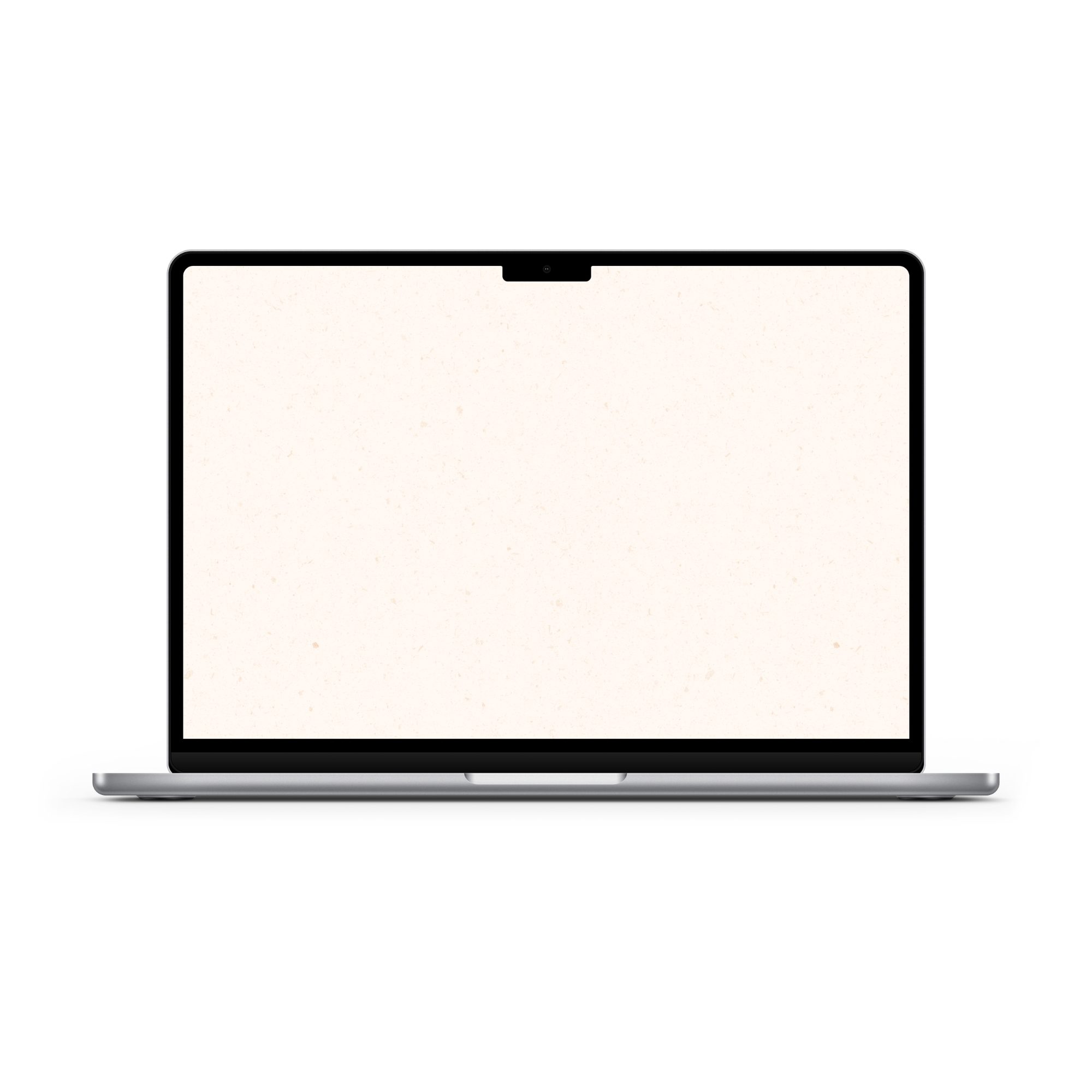
Sometimes there is nothing like a simple, very minimal wallpaper that can be a gamechanger for creating calm, intentional digital spaces... think your desktop background, your iPad wallpaper, or your phone background. Easy to see notifications, quickly take a look at the apps, and nothing visually to overwhelm. ☺️
I find myself craving wallpapers like this more and more, so I wanted to share a simple speckled wallpaper I created that you can download for free! It's currently only sized for desktop, but it can be used and will work perfectly on any device since the resolution is high. 🤎
I hope you enjoy!
📥 How to Download Your Wallpaper
Download from the wallpaper here. Save the image to your device and set it as your background—it’s that simple.
💡 On a Mac? Create a folder of your fave images and set them to rotate. Go to System Settings > Wallpaper and shuffle them throughout the month!

🗓 When Do New Wallpapers Drop?
You’ll find fresh backgrounds posted a few days before each new month — just in time to reset your screens. Stay tuned here or sign up for the newsletter so you never miss a new collection.
Friends of the newsletter get first dibs on the wallpaper drop, so join if you want to download and access them sooner!
[newsletter]
📸 Tag & Share Your Setups
Loving how your device looks with a fresh January background? Tag me on Instagram @kdigitalstudio so I can see and share your styled screens. I always love seeing your setups!
Share:
July 2026 Wallpapers
Flow State Wallpapers