Limited Time!

Apple Pencil Sleeves back in stock! ✏️

Limited Time!

Apple Pencil Sleeves back in stock! ✏️

Limited Time!

Apple Pencil Sleeves back in stock! ✏️

Limited Time!

Apple Pencil Sleeves back in stock! ✏️

Limited Time!

Apple Pencil Sleeves back in stock! ✏️

Limited Time!

Apple Pencil Sleeves back in stock! ✏️

Limited Time!

Apple Pencil Sleeves back in stock! ✏️

Limited Time!

Apple Pencil Sleeves back in stock! ✏️

Limited Time!

Apple Pencil Sleeves back in stock! ✏️

Limited Time!

Apple Pencil Sleeves back in stock! ✏️

The latest posts

Sign up for more, and get the latest posts straight to your inbox
Sign up

Blog

Digital planner spreads designed in Digital Planner Design Lab

What You'll Learn in Digital Planner Design Lab (Full Course Breakdown)

I believe in being transparent about what's inside a course before you buy it. So here's exactly what Digital Planner Design Lab covers, broken down by section. The kind of polished, hyperlinked planners you'll learn to build from scratch. The...

Read moreabout What You'll Learn in Digital Planner Design Lab (Full Course Breakdown)

Beginner learning to design digital planners on an iPad

Can You Sell Digital Planners Without Design Experience?

This is probably the question I get asked most often, and I want to answer it honestly rather than just telling you what you want to hear. You don't need a design degree — you need the right skills and...

Read moreabout Can You Sell Digital Planners Without Design Experience?

Designer comparing InDesign and Affinity for planner design

InDesign vs Affinity for Digital Planners: An Honest Comparison
If you've decided you want to design digital planners professionally, at some point you're going to have to pick a tool. And the two that come up over and over again in the digital planner design world are Adobe InDesign...

Read moreabout InDesign vs Affinity for Digital Planners: An Honest Comparison

Designing a digital planner on a tablet and laptop

The Best Apps for Creating Digital Planners in 2026
If you've decided you want to design your own digital planner, one of the first questions you're going to run into is: what app should I actually use? The right tool makes designing a sellable planner far easier. And honestly?...

Read moreabout The Best Apps for Creating Digital Planners in 2026

A hyperlinked digital planner shown on an iPad screen

What's the Difference Between a Digital Planner and a PDF Planner?
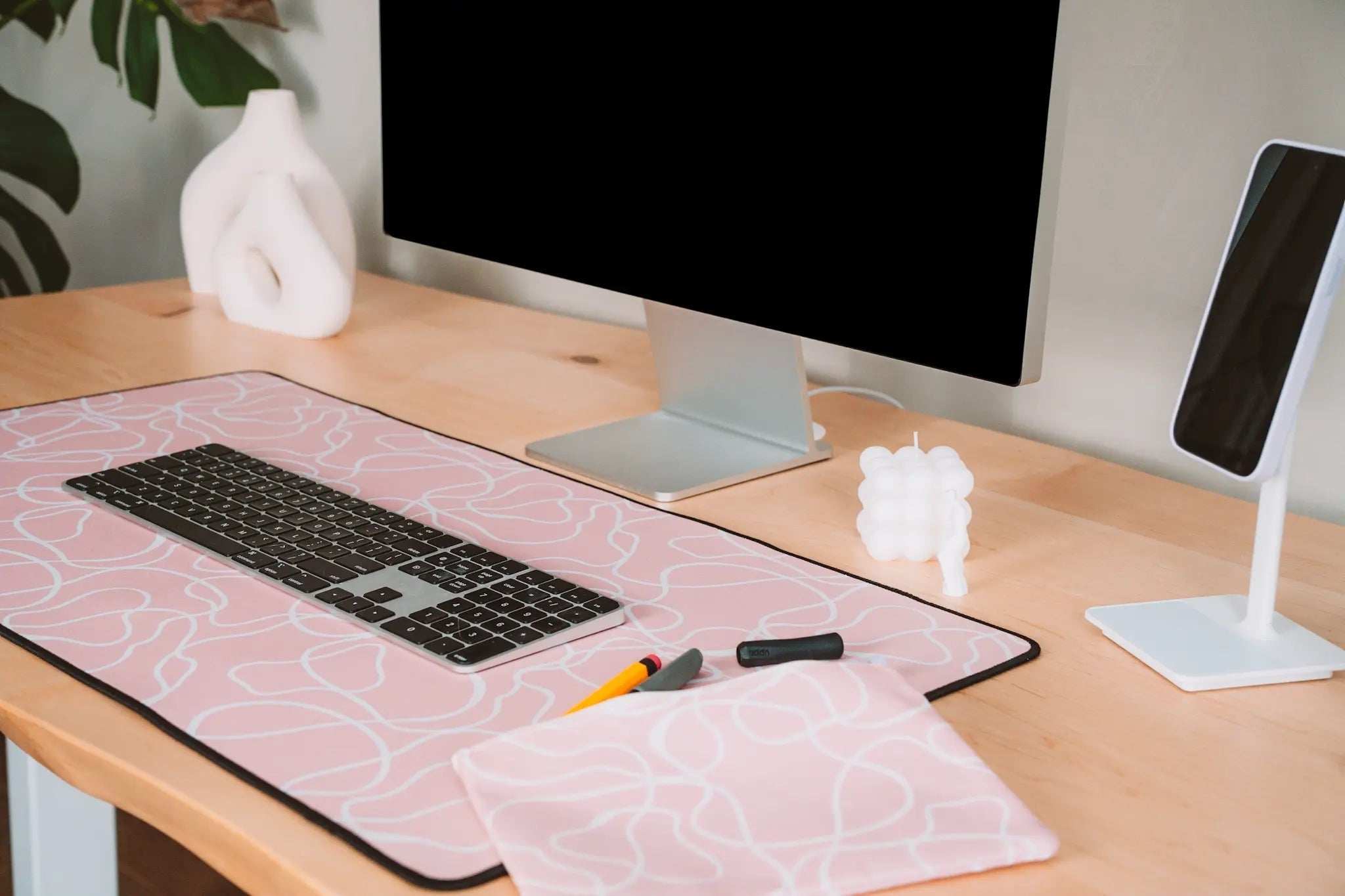
If you've spent any time in the digital planning world, you've probably seen both of these terms floating around — sometimes used interchangeably, sometimes not. So what's actually the difference between a digital planner and a PDF planner? And does...

Read moreabout What's the Difference Between a Digital Planner and a PDF Planner?

Hyperlinked digital planner tabs on an iPad

Goodnotes Hyperlinks Explained: How They Actually Work
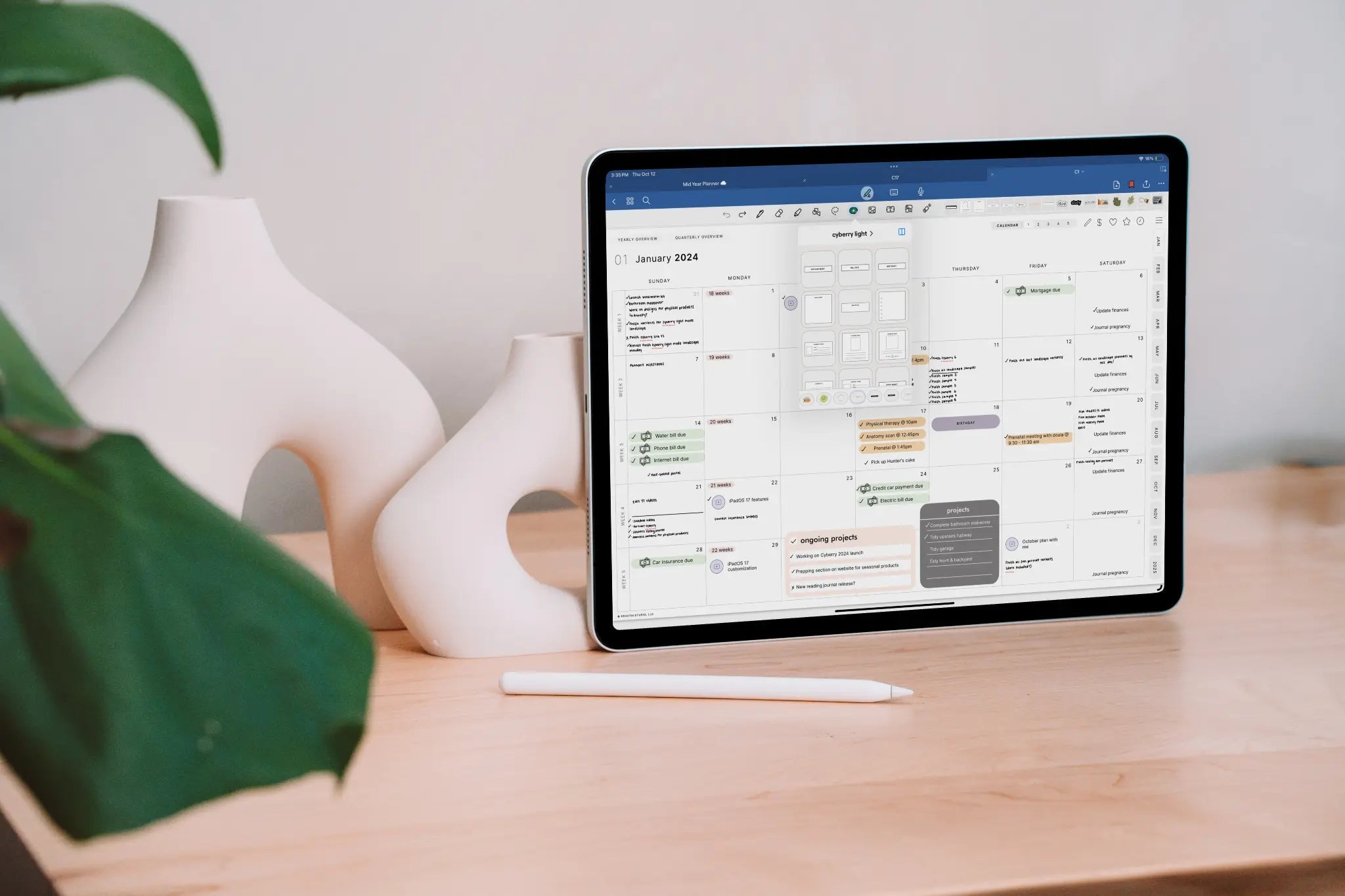
If you use a digital planner in GoodNotes, you've definitely used hyperlinks — every time you tap a tab and jump to your weekly spread, that's a hyperlink doing its job. But have you ever wondered how those links actually...

Read moreabout Goodnotes Hyperlinks Explained: How They Actually Work

Digital planner and stickers displayed on an iPad

How to Make a Digital Planner in GoodNotes
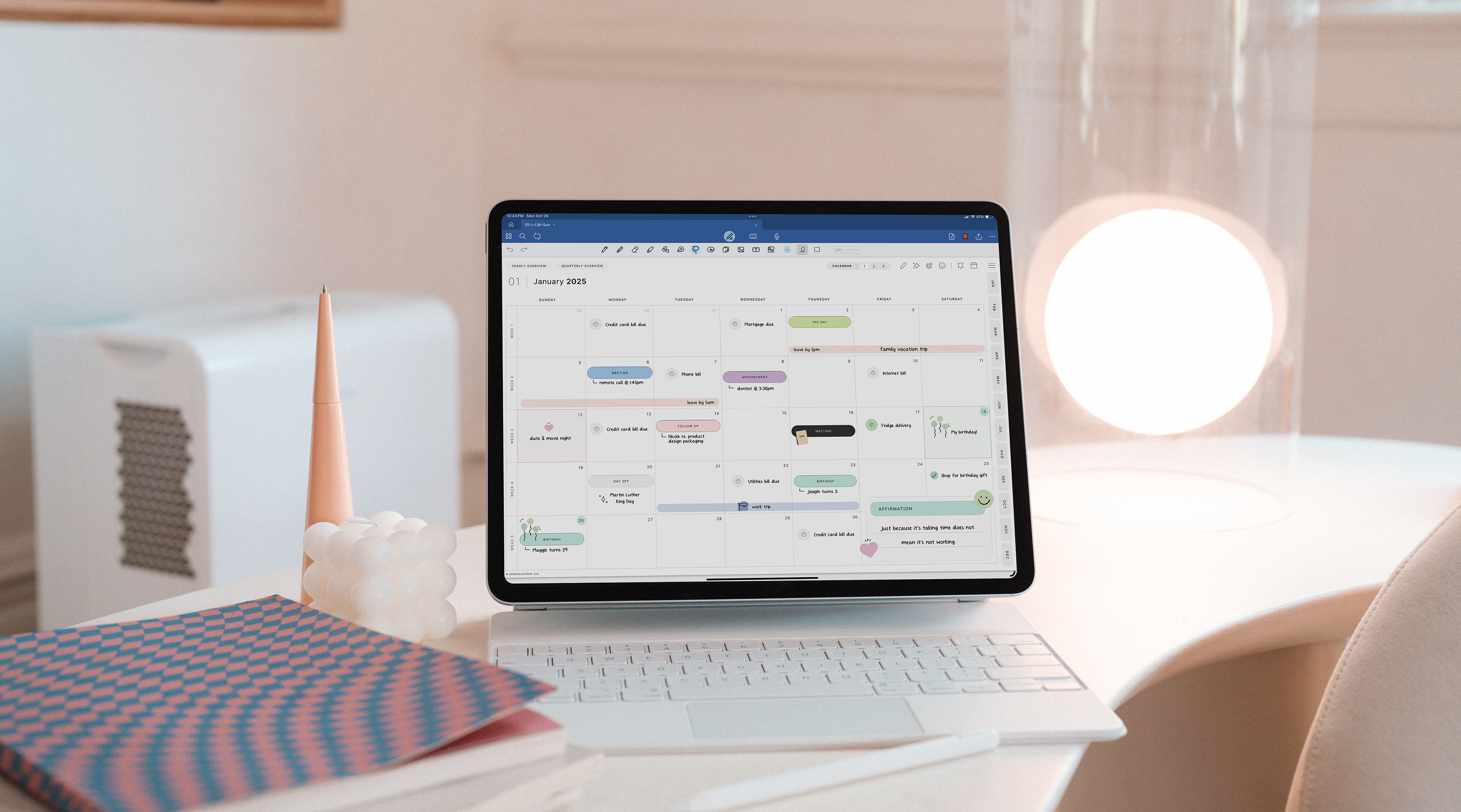
If you've ever opened GoodNotes and thought "I wish this planner looked exactly how I wanted it to" — good news: you can actually make that happen. And no, you don't need to be a graphic designer or have any...

Read moreabout How to Make a Digital Planner in GoodNotes

Cyberry Digital Planner Review: Is It Worth It? KDigitalStudio
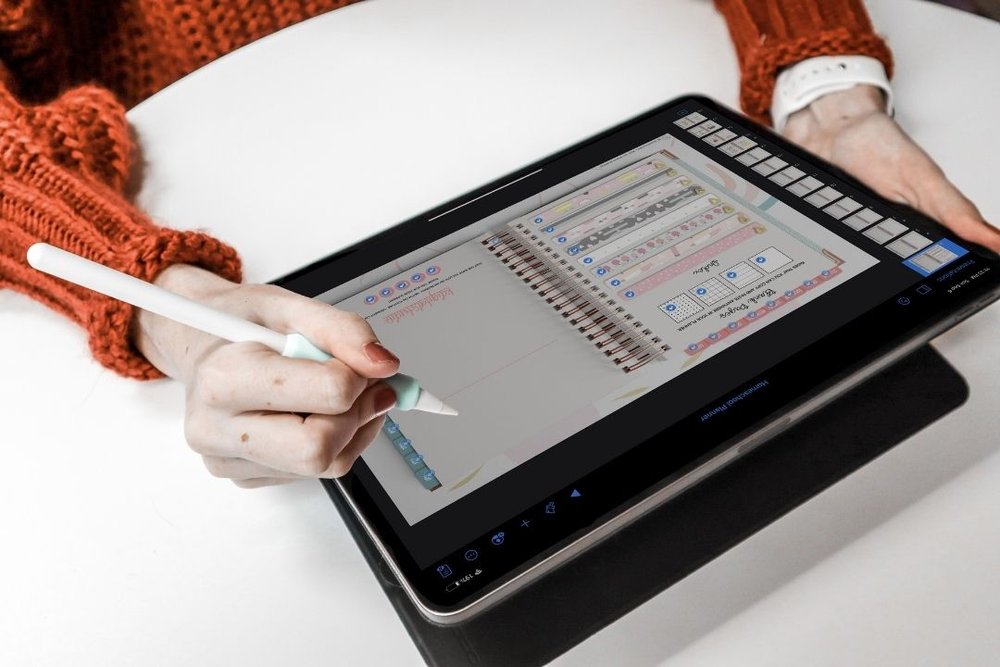
Cyberry Digital Planner Review: Is It Worth It?

An honest review of the Cyberry digital planner — what's included, how it works in GoodNotes, who it's best for, and whether it's worth buying.

Read moreabout Cyberry Digital Planner Review: Is It Worth It?

How to Design a Digital Planner in Keynote (Without Adobe) KDigitalStudio

How to Design a Digital Planner in Keynote (Without Adobe)

You don't need Adobe to make a digital planner. Here's how to design, hyperlink, and export a PDF planner using Keynote — free on every Mac and iPad.

Read moreabout How to Design a Digital Planner in Keynote (Without Adobe)