


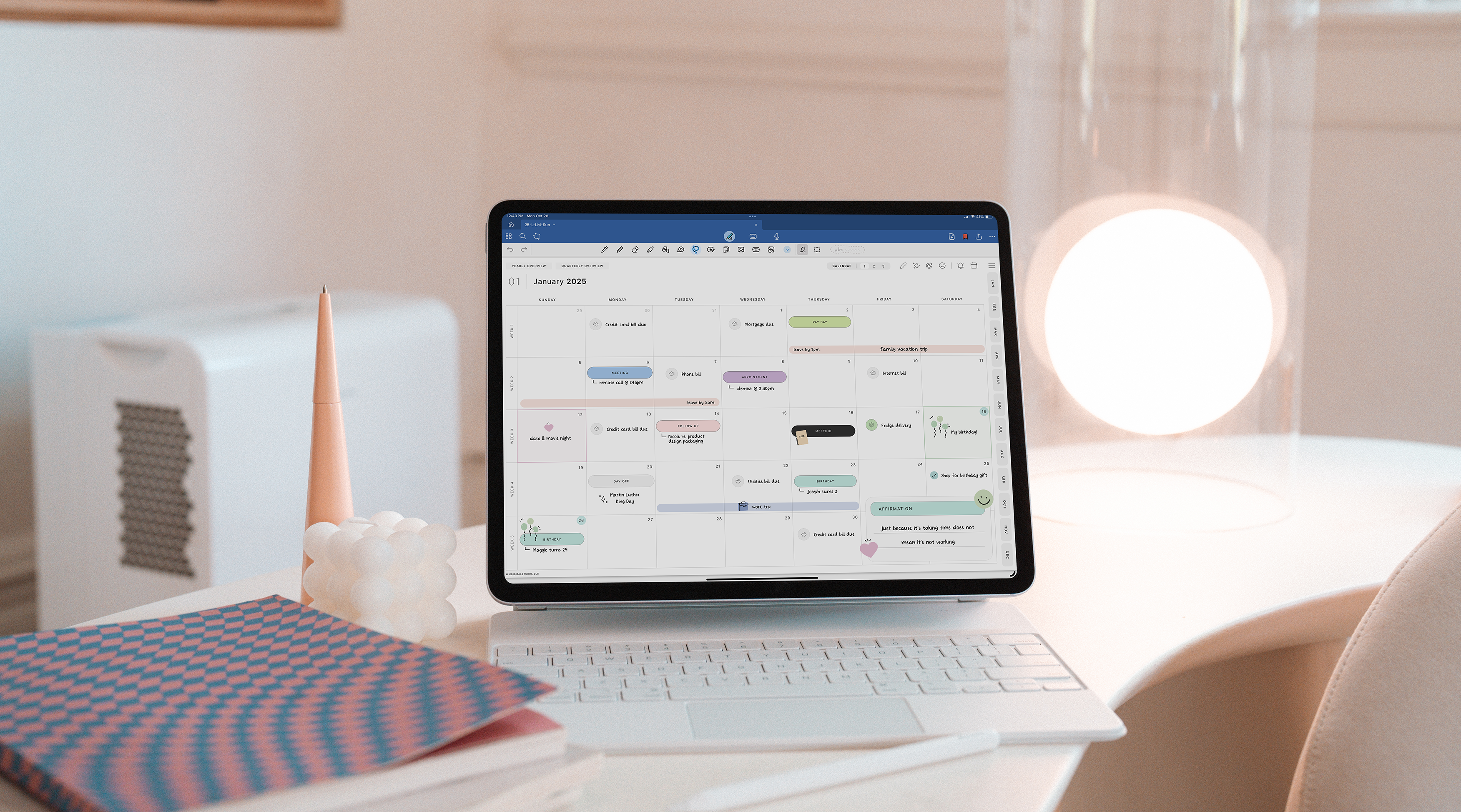
If you've been researching digital planners for iPad, you've probably come across the Cyberry. It shows up in roundups, gets mentioned in planning communities, and has a distinctive aesthetic that photographs beautifully. But is it actually good to use? That's what this review is about.
I've spent time with the Cyberry planner so you don't have to guess. Here's an honest look at what's inside, what works, and who it's actually for.
What Is the Cyberry Digital Planner?
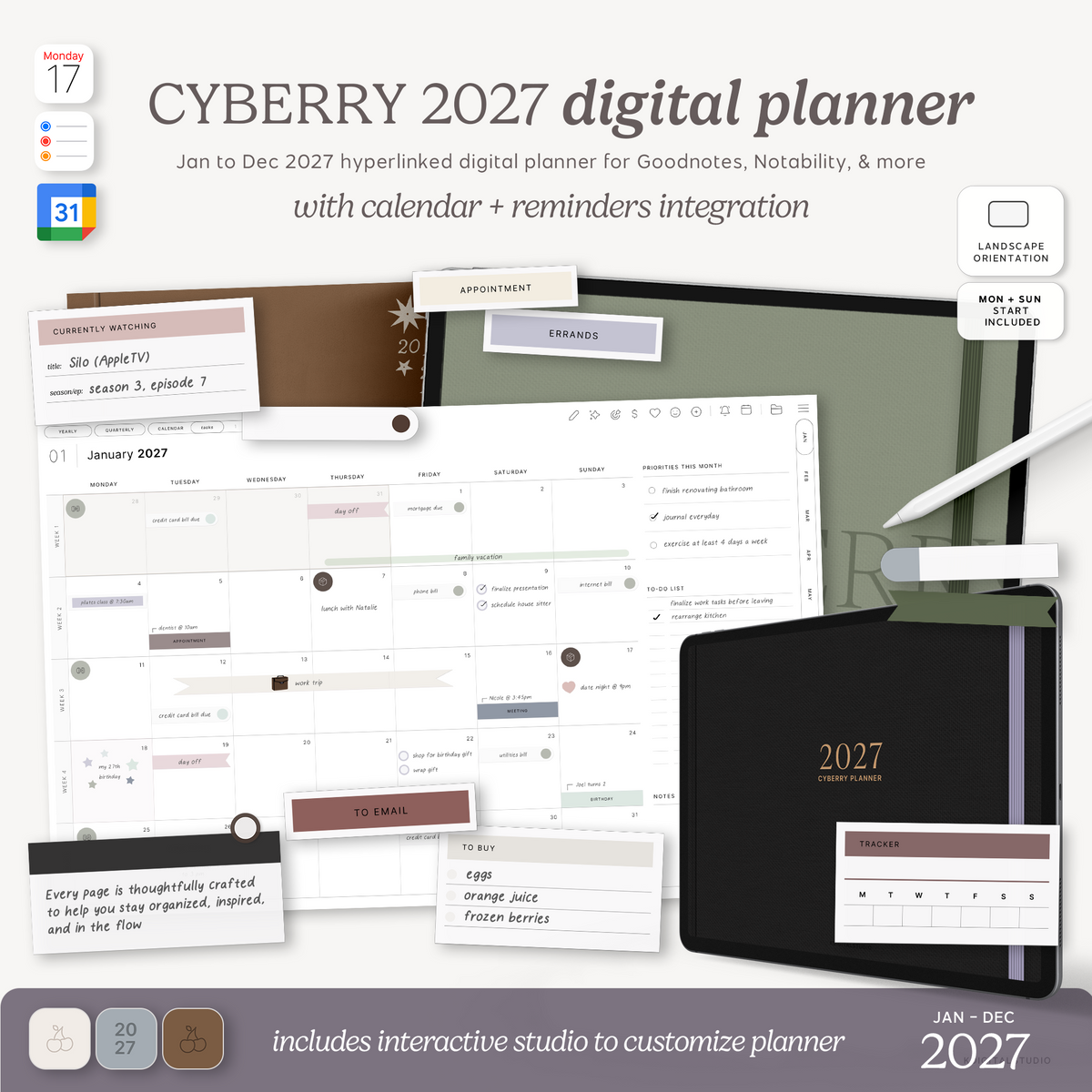
The Cyberry is a digital planner designed primarily for use in GoodNotes on iPad. It's a hyperlinked PDF, which means you can tap on tabs and buttons to navigate between sections. The aesthetic leans pastel and feminine — think soft pinks, sage greens, and clean sans-serif fonts.
It typically includes a yearly overview, monthly spreads, weekly spreads, daily pages, and various extras like habit trackers, goal-setting pages, and notes sections. The exact contents vary depending on the edition.

[collection=cyberry-planners]
What Works Well
The navigation is smooth. The hyperlinks are set up thoughtfully — you can jump from the yearly view to a specific month, then into a week, then back out. For a hyperlinked PDF, the experience is intuitive.
The design is genuinely pretty. If aesthetics matter to your planning practice (and for a lot of people, they do), the Cyberry delivers. It looks good on screen, photographs well for your journal spreads, and has a cohesive visual identity.
It's iPad-native. The layouts are designed for tablet screens rather than adapted from print. This makes a real difference in how comfortable it is to write on.

What Could Be Better
Dated editions require repurchasing. If you buy a dated version, you'll need to buy a new one next year. Undated versions avoid this, but some people prefer the structure of dated planners.
The aesthetic is a specific vibe. If you prefer a decorative, colorful, or highly "paper planner" look, the Cyberry digital planner might feel too minimal and neutral.
Who Is It For?
The Cyberry is a strong option for iPad users who want a polished, hyperlinked PDF planner with a minimal aesthetic and solid navigation. It's particularly good for Goodnotes users who are new to digital planning and want something that feels complete out of the box.
If you want total flexibility, prefer a more book aesthetic, or want a planner designed around your specific workflow (like time-blocking or habit stacking), you might find it limiting.
Alternatives Worth Considering
If the Cyberry isn't quite right for you, here are a few directions to explore: the Everything Planner, decorative undated planners, or building your own using a template like the ones in the KDigitalStudio Keynote Kits.
The best digital planner is the one that matches how you actually think and work — not the one that looks best in a flat lay.
[collection=planners]
Share:
How to Design a Digital Planner in Keynote (Without Adobe)
How to Sell Digital Planners on Etsy: What Actually Works in 2026