


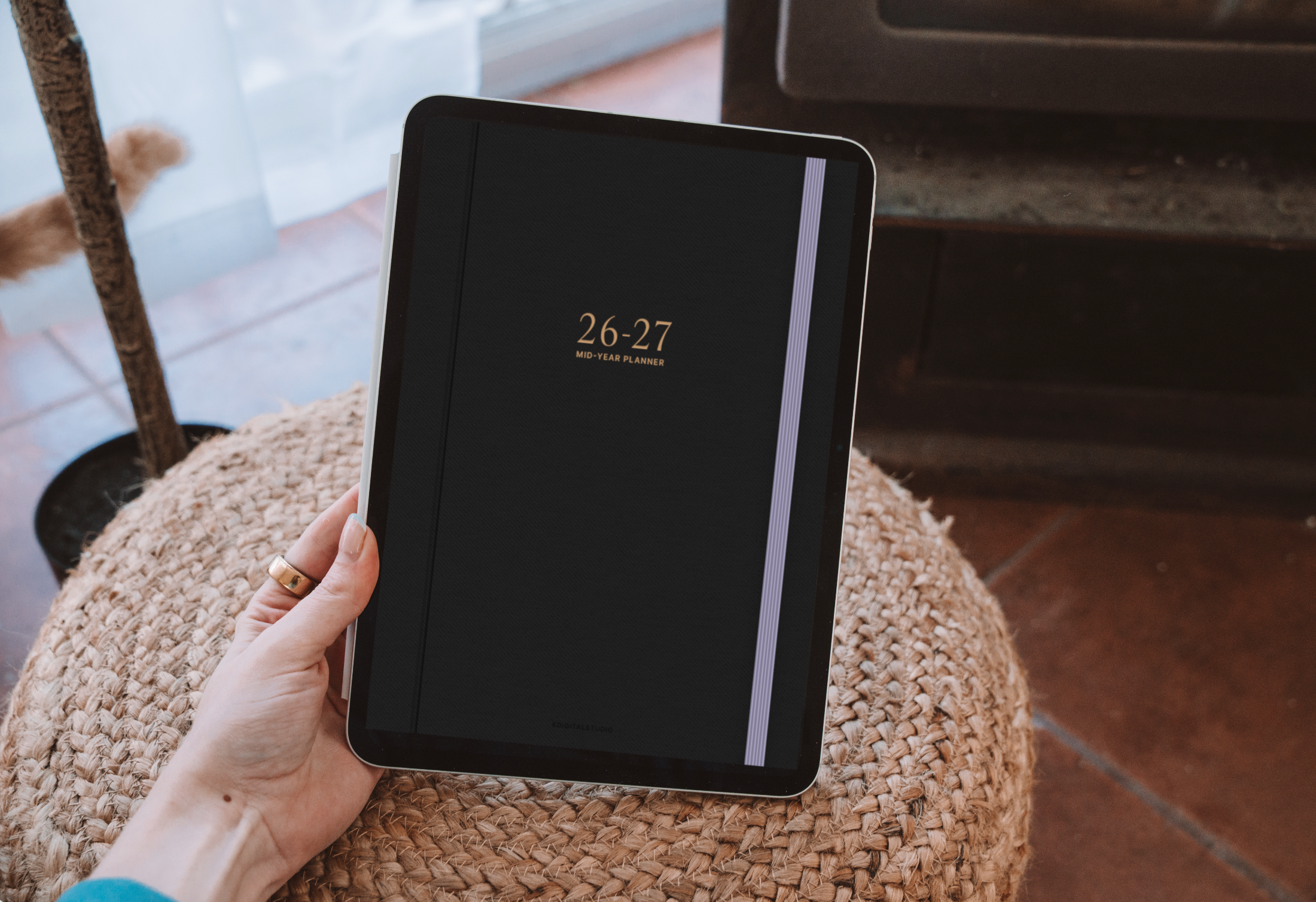
Every August, the same question pops up: should I take notes on paper, or switch to an iPad? I've done both—years of paper through school, then a full switch to digital during my chemistry degree—so here's an honest look at the trade-offs to help you decide before classes start.
The case for paper notes
- Zero distractions. No notifications, no app-switching, no temptation to “just check” something.
- Memory benefits. Some research suggests handwriting on paper can help retention—though writing by hand on an iPad offers similar benefits.
- Cheap to start. A notebook and pen cost a few dollars.
- No battery, no tech issues. Paper never needs charging or updates.
The downsides: paper is easy to lose, impossible to search, heavy to carry across a full course load, and you can't back it up. Spill coffee on a semester of notes and it's gone.
The case for digital notes on iPad
- Everything in one place. Every class, every semester, in a device lighter than a single textbook.
- Searchable handwriting. Apps like Goodnotes and Notability let you search your handwritten notes—a lifesaver during finals.
- Automatic backups. Sync to the cloud and you'll never lose your notes again.
- Record while you write. Notability syncs audio to your handwriting so you can replay any moment of a lecture.
- Endless supplies. Infinite paper, colors, highlighters, and stickers—no restocking.
The honest downsides: an iPad and Pencil are a real upfront cost, and the same device that holds your notes also holds every distraction. The good news is that you keep the handwriting benefits—you're still physically writing, just on glass.
Do you lose the “handwriting helps memory” benefit going digital?
This is the biggest worry I hear, and the reassuring answer is: not really. The memory boost comes largely from the act of handwriting—forming letters, summarizing in your own words—not from the paper itself. Writing with an Apple Pencil keeps that. What you gain on top is search, organization, and backups.
So which should you choose?
Stick with paper if: you're easily distracted by devices, you're on a tight budget, or you simply love the feel of a pen on a page.
Go digital if: you're juggling multiple classes, you reread and reorganize your notes, you want everything backed up and searchable, or you record lectures. For most students carrying a full course load, the iPad wins on sheer convenience.
Best of both? Plenty of students handwrite on paper in class and rewrite key material digitally to study—the rewrite itself is great revision.
Thinking about making the switch?
If you're leaning digital, you don't have to spend a fortune to start. Read Why I Switched to Digital Planning (and How You Can Too) and How to Start Digital Planning for Free. Then pick your app with my Goodnotes vs Notability comparison, and set everything up with How to Set Up Your iPad for Note-Taking.
Want to make digital notes that are actually a joy to open? Functional add-ons like Sticky Note Stickers, Student Flags, and a handwriting font like the Kirstin Font bridge the paper-versus-digital gap beautifully. And you can watch me put digital notes to the test on my YouTube channel.

Share:
How I Built a Digital Planner Business from Scratch (And What I'd Do Differently)
How I Built a Digital Planner Business from Scratch (And What I'd Do Differently)