


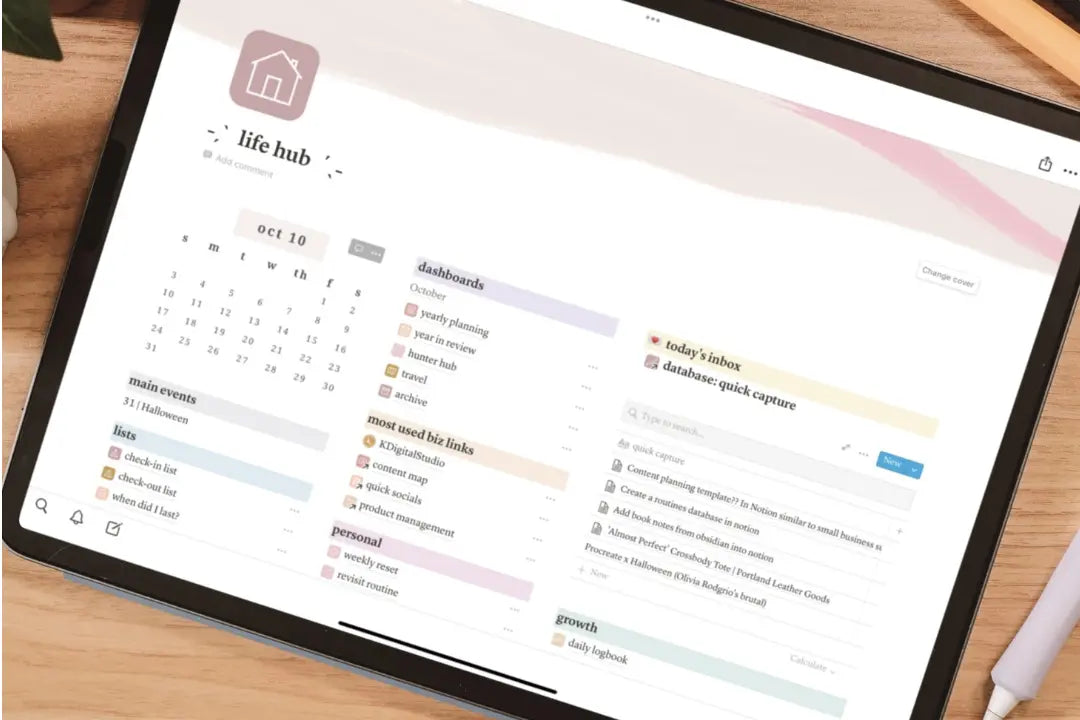
If you’re anything like me that means you have to get your ideas down in that instant or risk forgetting them forever. Sometimes there is not enough time to grab that pen and paper, pull out your laptop, etc. But we almost always (I’d argue always) have over phones on us.
I store all of my ideas in Notion, but it was getting to be a pain to open the app, navigate to my ideas page, start a new entry, and then write out my idea. I needed something even more seamless. With Notion API, we now have great customizability for integrations into different apps and systems to help manage + run our lives.
Personally, I think integrations/automations/shortcuts can get super convoluted, which defeats the purpose. Thankfully, there is a way to set up a very easy & straightforward integration in Notion that allows you to quickly capture anything using your phone.
Here’s how
- Download the Boomerang app: It’s a free app that essentially lets you email yourself.
- Go to Blockbase.dev and follow the instructions to connect the Boomerang email to one of your Notion databases.
- Open the Boomerang app and set up your email address and you’ll receive a verification code within the database you are attempting to connect it to.
- Under the settings in Boomerang, select Preview under email subject. This ensures that the note you type in Boomerang is visible in your Notion database.
- Now everything is setup on the Boomerang and Notion side of things!
- You can create a shortcut to the Boomerang app on your phone by using the Shortcuts app and that way anytime you click the shortcuts icon it will immediately open the app and be ready for you to type your idea!
If you’re interested in a more advanced system for capturing ideas with certain tags, etc., I recommend checking out muchelleb’s method (which is similar but with the paid app Drafts).
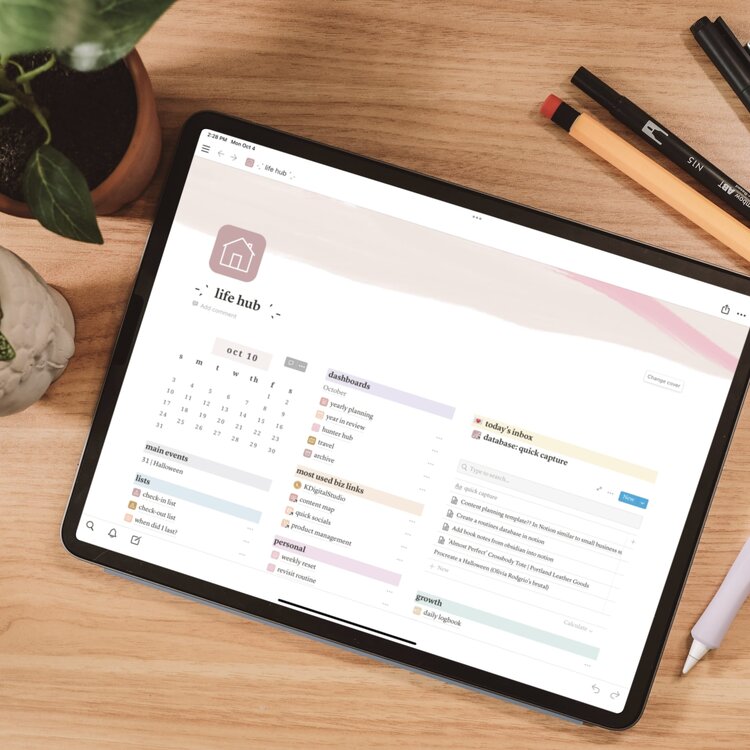
My Notion Setup + Tour | How I organize my life, projects, and Ideas
If you’re new to Notion or maybe you’re just curious of how I use Notion, check out this video. I cover how I use Notion for work and personal life planning, content creation and business management, growth and self-development, and as my knowledge and reference database. If you’re just getting started or need some new templates to get you motivated, I am sharing many of my templates and free downloads in my shared Notion hub.
Share:
How to Take Notes in GoodNotes 5 on the iPad
Best Digital Planner for 2022
2 comments
Hi. :)
When I go to no longer exists. Also, where is your Notion hub? Thank you.