


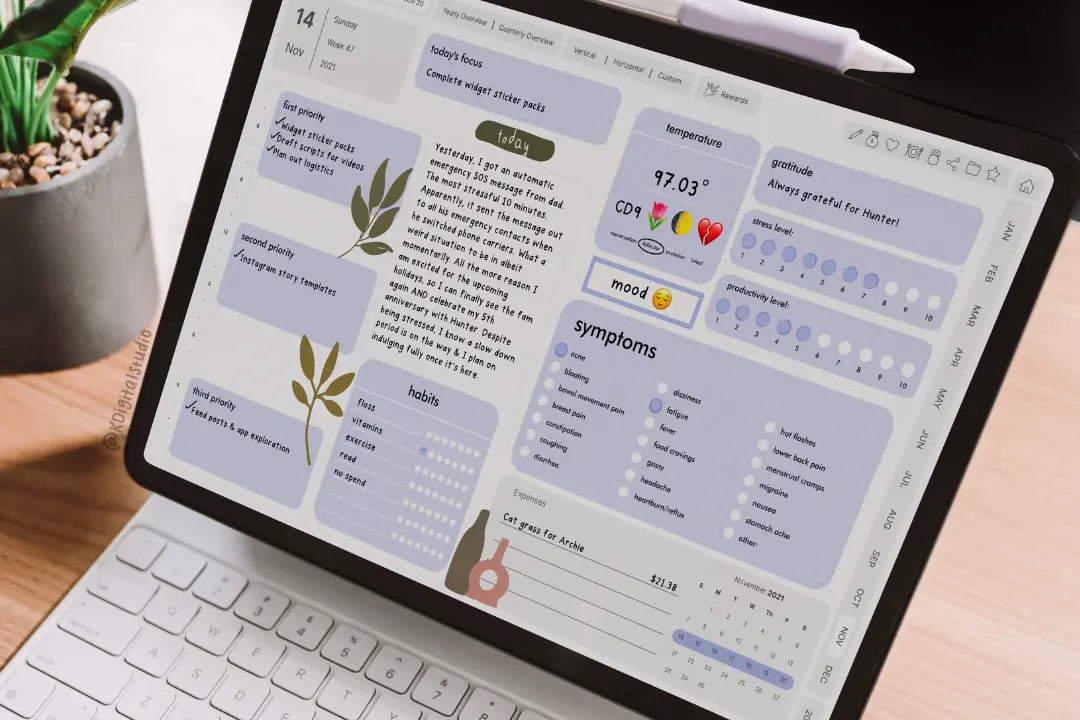
If you’re ready to combine the customizability of your paper planner and the ease and portability that technology provides, meet digital planning!
What is digital planning?
A digital planner is just like a paper planner but instead of paper, it is a PDF file (which stands for portable document format). In other words? A digital planner is simply a more portable version of a paper planner. They are coded with these things called hyperlinks, which allow you to tap the tabs, buttons, text, etc., to jump between the pages of the planner. The planners can then be imported into apps that allow you to ‘mark up’ PDF files. You’re probably familiar with Adobe Reader (like on your computer), but you can import PDFs into apps like GoodNotes, Notability, Noteshelf, and others.
How to get started with digital planning?
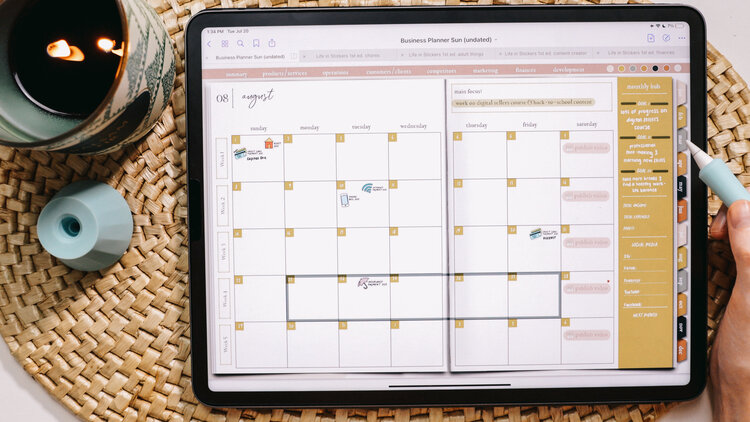
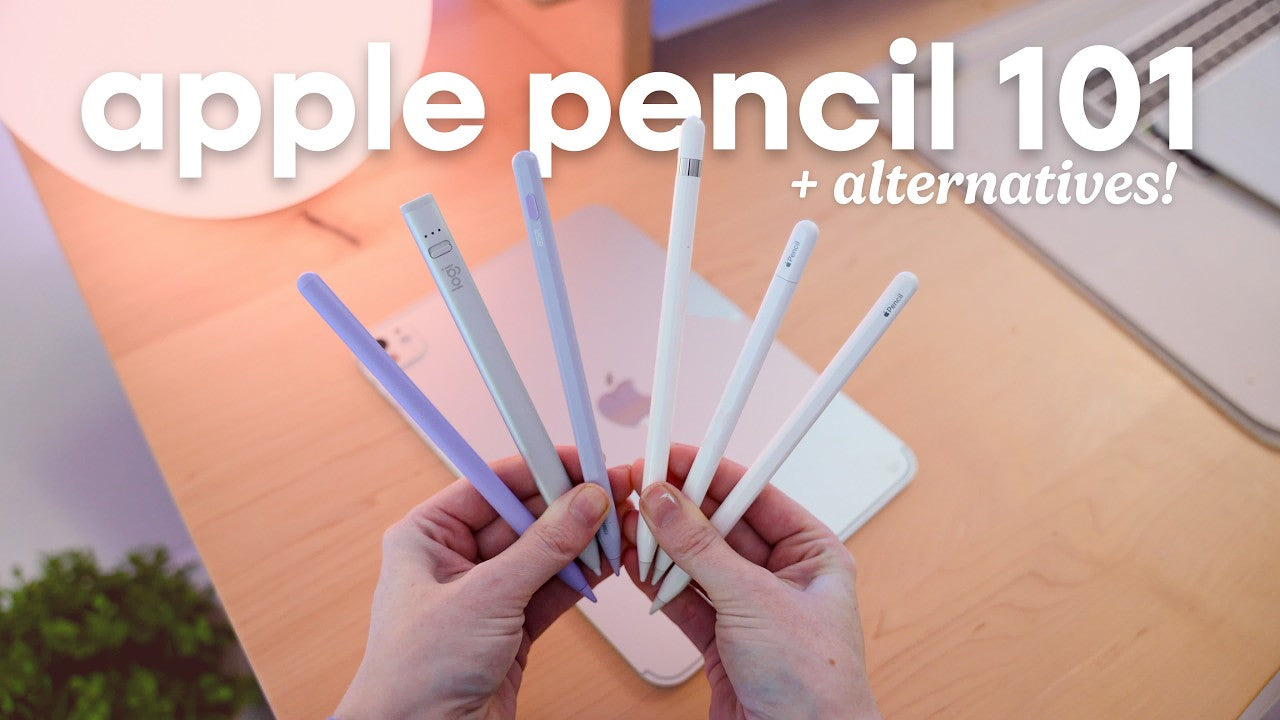
- Grab your iPad/tablet (or whatever else you have): Chances are you can use a device you already have, whether it is your phone, tablet, or computer! I would not recommend purchasing a device strictly for digital planning until you have already dipped your toes in the water and know that is something you want. I’ve found that the superior digital planning experience is with an iPad and an Apple Pencil.
- Download an app: You'll need to download an app that can open, draw, and type on PDF files. The device you choose may restrict what apps are available (i.e. Android versus iOS). There are apps available for every device, though, so don't let this deter you!
- Choose your planner: If your paper planner worked great for you, find digital planners that are similar! Explore free digital planners before purchasing to test what you like. We have some available. And if there is something in the shop that catches your eye, there is no harm in trying it out - you just might discover planner peace!
- Get creative: Now that you are learning the tips and tools of the trade, it's time to get creative! You can add fun digital stickers (and use forever & ever), insert your own templates, and so much more. Experiment with freebies to find the perfect balance between functional and decorative. The possibilities are endless!

How do digital planners work?
Hyperlinked PDF digital planners actually work a lot like a paper planner. They do not sync to Google calendar or related calendars and you won’t get notified of any events or deadlines you write down. It’s basically a digital version of your paper planner, and much like your paper planner, what you write down is similar to writing with a traditional pen and paper.
Every month, I film a Plan with Me in my digital planner. Some months, I’ll switch up the planner I am using. The Plan with Me videos is the BEST way to see digital planning in action and decide whether it is for you. Plus, you’ll see different styles of planning — a win, a win! You can check out my entire playlist of Plan With Me’s and tune in every month on YouTube, so we can plan together!
Where can I buy a digital planner?
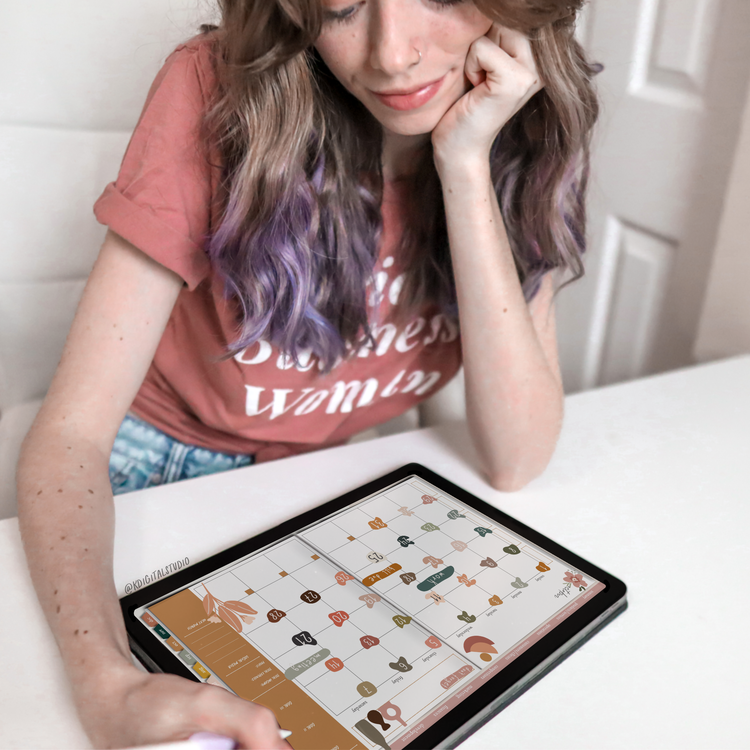
You can find a digital planner where there are digital sellers — places like Etsy offer an entire host of different digital planners. You can find a wide variety of digital planners here on KDigitalStudio.com or Etsy, if you’d prefer shopping there.
Can I get started with digital planning for free?
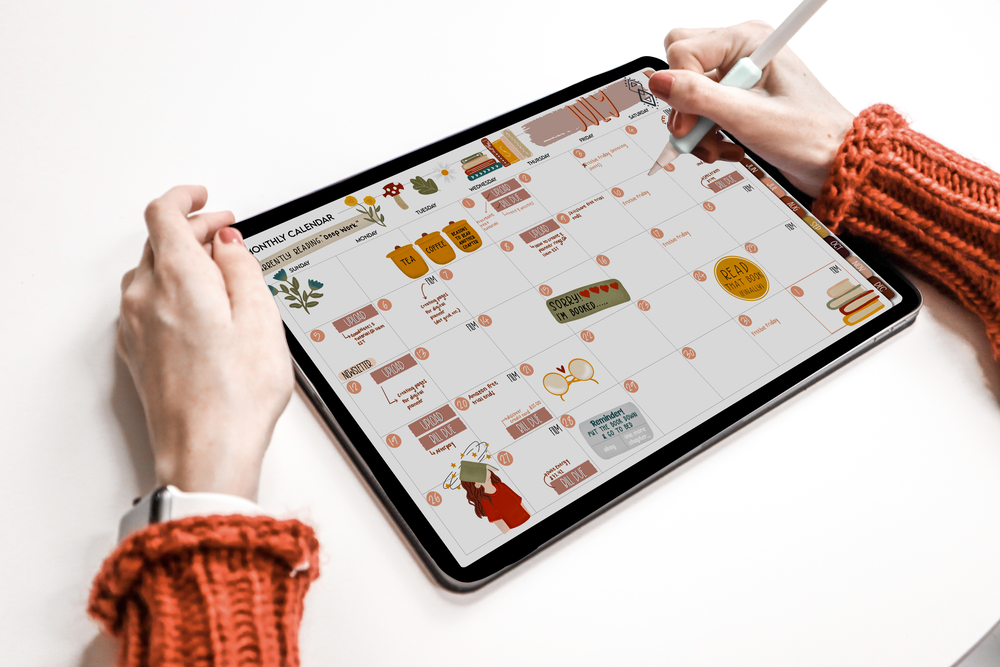
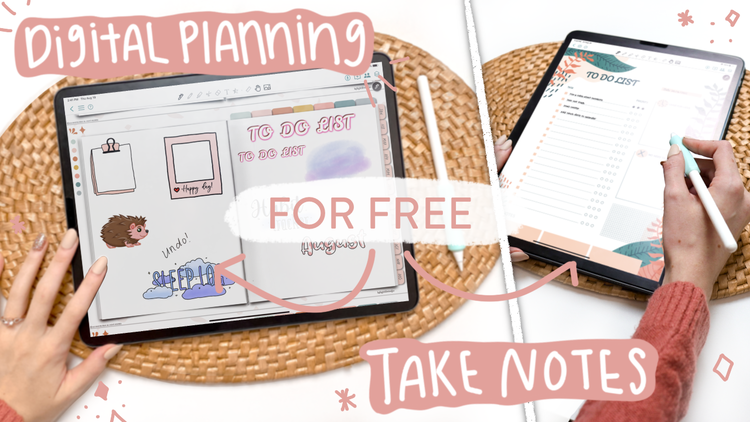
There are a number of free digital planners you can download and try. KDigitalStudio offers one of the best and most detailed free digital planners out there that you can access by signing up for the newsletter. You’ll receive password-access to free digital planners and so much more to get started.
However, it is more difficult to find a free app to start digital planning. The most popular app used by those who digitally plan is GoodNotes 5. And I have an entire video dedicated to walking you through and showing you the ins & outs of GoodNotes 5. However, the app does come with a price tag, $7.99 USD, and is only available in Apple’s App Store. While it is a worthwhile app to download, it is understandable why some might not want to pay for an app when they aren’t sure whether digital planning is right for them.
For awhile there was not a free app for digital planning out there — not one that had all the features that made digital planning enjoyable — anyway… until CollaNote!
CollaNote recently came out with a massive update that has all the same functions, and even more, than its paid predecessors. The app allows you to click through hyperlinks in PDF files and digital planners. It also includes free bullet journal stickers that could add to the digital planning experience!
Because of CollaNote, you can now get started with digital planning for 100% free. Download CollaNote and a free digital planner from KDigitalStudio to get started today!
Learn more about CollaNote
I have an entire walk-through and tutorial of the CollaNote app to help get you started. And after watching that, you can check out my second video on CollaNote which details the recent updates that make it possible for a free digital planning experience!
Share:
Amazon Favorites for Digital Planning
How to Take Notes in GoodNotes 5 on the iPad
5 comments
Happy
Allo
Shoul I get a free planner or make my own
I should like to have a free Digital Planner
nisacirik04@gmail.com