

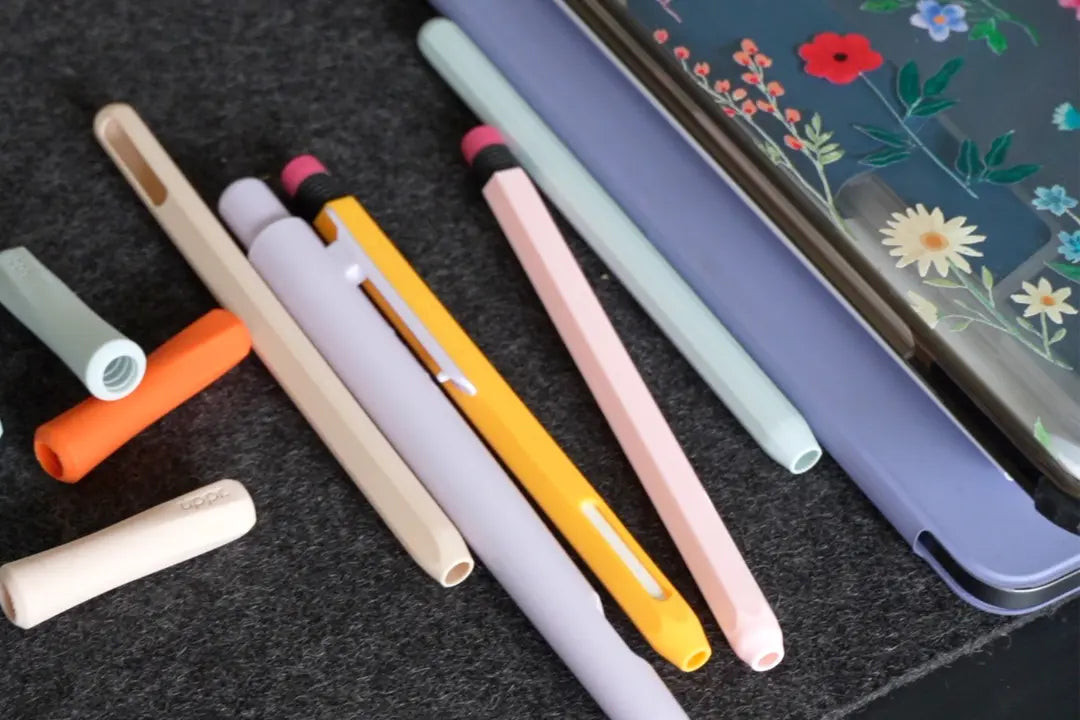
Hey BFFs! Here’s another blog post regarding some questions I often get in my comment sections on YouTube and Instagram- “Where do you get [X] from?” Where “X” is a prop or tech accessory seen in my post or video. I have all of the items people ask about in my Amazon shop page here, but let me run through a few of my favorites I use around my office.
Paperlike Screen Protector
Before getting my first one, I was admittedly skeptical of the claim that the Paperlike Screen Protector would make using my Apple Pencil with my iPad feel like pencil and paper, but it absolutely lives up to its claims and the hype. If you’ve been on the fence about this, I highly recommend you give it a chance. It feels satisfying to use and is perfectly clear so that the screen is just as unobtrusive as it would be with a regular, clear screen protector.

Apple Pencil Case
This is by far my favorite case for my Apple Pencil and accessories, and while there are many options for you to buy a case, I can vouch for the quality of this one. The stitching is nice, making the elastic durable, and has a couple mesh pouches so you can reliably hold all your Apple Pencil accessories in a place you can see all of them at once, avoiding dropping pieces and losing them (saving you money!).

iPad Artist Glove
This is a clever accessory that you might not otherwise think about, and although it’s called an “artist glove,” it solves the same problem for artistry and academic work alike. I can’t count how many times I’ve been working and suddenly closed out a tab in GoodNotes 5 or made markings on my sketch in a random place because of my natural inclination to rest my hand on the screen while I work. The artist glove completely solves this problem by making it so your extra fingers and palm do not register on the screen, but leave your thumb, index, and middle finger exposed so you can still work just as efficiently as if you weren’t wearing it.

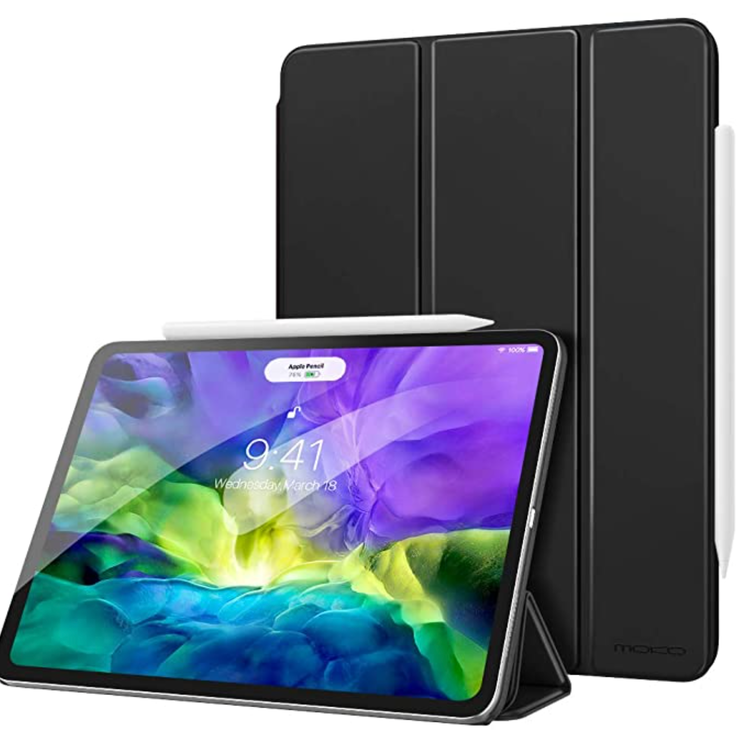
Magnetic iPad Case
Your screen protector will protect your screen from scratches, but it’s essential that you protect your iPad from cracking from inevitable drops. This is the case I keep getting for my iPads because the magnetic case completely covers the screen when not in use, and must be opened intentionally rather than annoyingly flop around on its own like most cases with covers. This case’s cover is also foldable in a few sections, allowing you to use the case itself as a stand for your iPad. This is useful for drawing, watching shows, and angling the screen in general to allow yourself to naturally achieve more ergonomic posture (by not being hunched over your iPad so much).
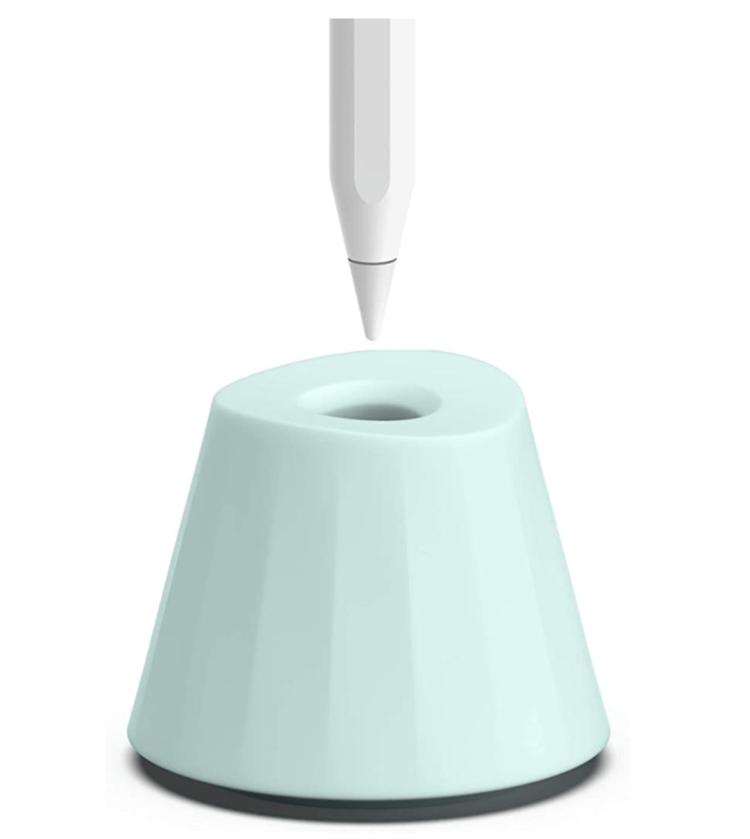
Apple Pencil Stand/Holder
This is another one you might not think of, but is very useful and stylish if you have a desk that you work at frequently. If your Apple Pencil doesn’t need to recharge, you probably just set it on the desk when you take breaks. Having this minimalist pen holder keeps you from losing track of your Apple Pencil. It’s made well, having a nice weight to it and doubles as a satisfying thing to fidget with in your hand, running your fingers over the smooth silicone. Not a necessity by any means but I enjoy having mine around, and it makes my office look picturesque with the other sleek Apple products alongside the Apple Pencil in this holder.
P.S. You can also save 15% off if you’re purchase by using my coupon code KDS15, you’ll just need to check out on the company’s website to redeem the offer!


Share:
Make Digital Stickers on iPad
How to Start Digital Planning for Free