


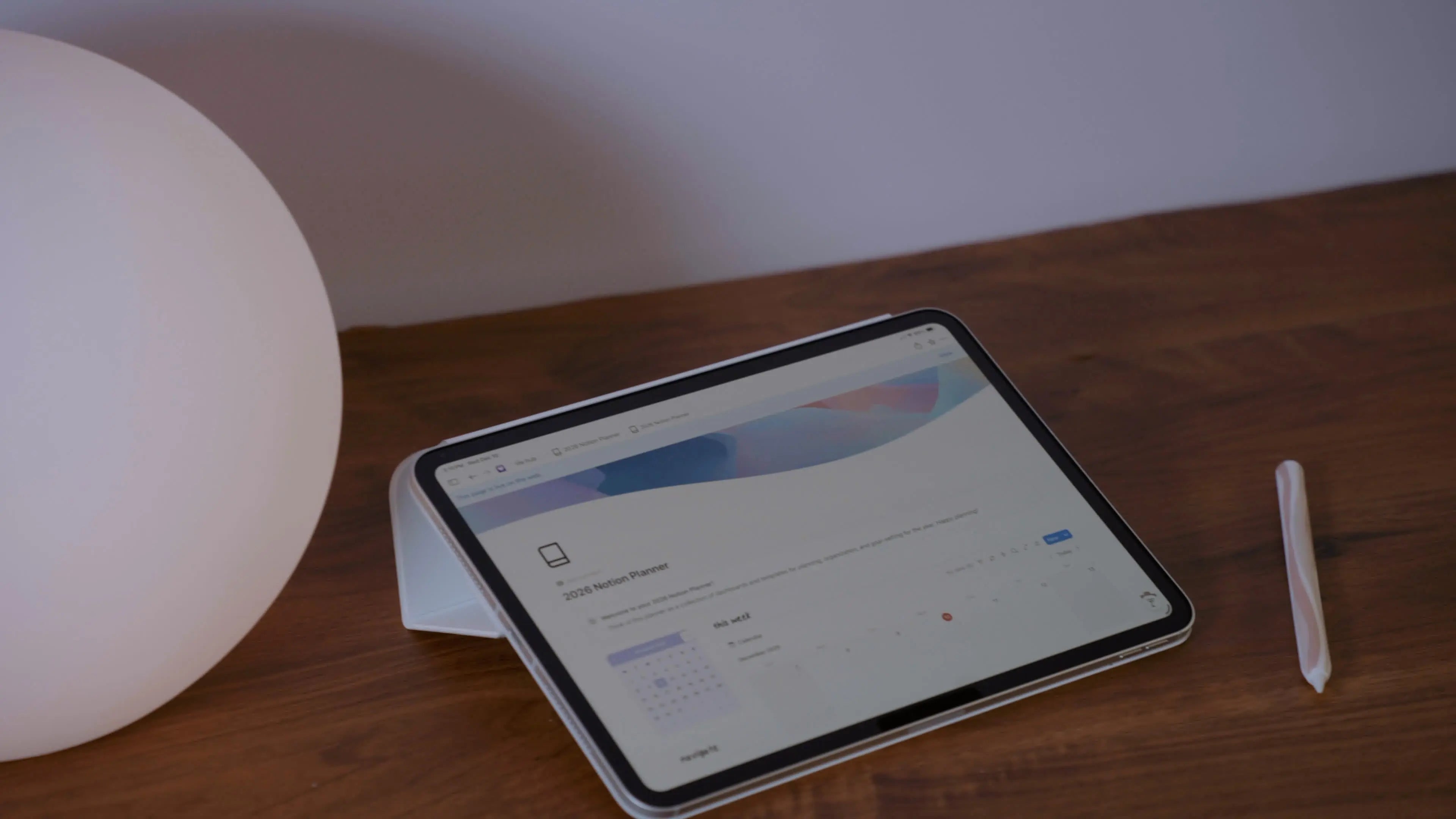
If you’ve ever opened Notion and thought, “This is functional… but it doesn’t feel like me,” you’re not alone.
Notion is incredibly powerful, but it can also feel a little cold or overly structured—especially if you’re a visual thinker or creative planner. That’s exactly why I created these free Notion widgets: to help you add softness, personality, and intention to your digital space without adding complexity.
In this post, I’m sharing three free widgets you can use in Notion today:
-
A countdown widget for upcoming moments you’re looking forward to
-
A calendar widget for a clean, at-a-glance view of your schedule
-
A mood widget to help you check in with yourself daily
They’re simple, aesthetic, and designed to support your planning—not distract from it.
Why Use Widgets in Notion?
Widgets are one of the easiest ways to personalize Notion without building complex systems or databases.
Instead of adding more pages, properties, or automations, widgets allow you to:
-
Add visual breathing room to your dashboard
-
Surface information you want to see at a glance
-
Create a space that feels more inviting and less utilitarian
Think of widgets as the finishing touches—like throw pillows for your digital workspace. Except many of them can serve a functional purpose like the ones I created and am sharing today.
One gripe I had with many of those Notion widget websites is that they are overly complicated and charge you once you've used a number of widgets (that they set) from their website. Sometimes it's only one widget you can make without paying. Sometimes it's five. A more clear option, in my opinion, is paying for access to a collection of premium widgets, rather than limiting what options you can use from their "free" collection. These free widget websites are often fraught with pop-up ad after pop-up ad, and frankly, I find a lot of Notion widgets just plain ugly. Because there are so few options out there, you'll find everyone in the Notion community using the same ones, making dashboards all just... feel the same?
So I set out to design my own customizable widgets and am sharing my favorites with you today!
Free Notion Countdown Widget
Perfect for: launches, trips, goals, and seasonal resets
The countdown widget is one of my favorites because it adds anticipation and intention to your dashboard. Instead of time passing quietly in the background, this widget gives you something to look forward to.
You can use it to count down to:
-
A product launch or creative deadline
-
An upcoming trip or event
-
The end of the year, month, or season
-
A personal milestone you’re working toward
It’s clean, minimal, and easy to embed—no Notion formulas required.

Why it works:
Seeing a countdown can gently shift your focus from “I’m behind” to “I’m moving toward something.”
Free Notion Calendar Widget
Perfect for: daily clarity without overwhelm
If you don’t want to live inside a full Notion calendar database, this widget gives you a simpler option.
The calendar widget lets you:
-
View upcoming dates at a glance
-
Anchor your dashboard in time
-
Add structure without adding friction
It works beautifully alongside daily planning pages, weekly resets, or content dashboards—especially if you already manage events elsewhere (like Apple Calendar or Google Calendar).

Why it works:
It adds context to your planning without asking you to manage yet another system.
Free Notion Mood Widget
Perfect for: emotional check-ins and creative awareness
Planning isn’t just about tasks—it’s also about energy, capacity, and how you feel showing up each day.
The mood widget is a simple way to:
-
Pause and check in with yourself
-
Track emotional patterns over time
-
Make your dashboard feel more human
You can use it as a daily ritual, a journaling prompt, or just a quiet reminder that productivity doesn’t exist in a vacuum.

Why it works:
It encourages self-awareness without turning reflection into another to-do.
How to Add These Widgets to Your Notion Dashboard
All three widgets are designed to be beginner-friendly.
The basic steps:
-
Open the widget generator page
-
Customize the widget (style, date, mood, etc.)
-
Copy the embed link
-
Paste it into Notion using /embed
That’s it—no databases, no formulas, no setup spiral.
How I Recommend Using Widgets Together
If you’re building a calm, intentional dashboard, here’s a simple layout idea:
-
Top of dashboard: Countdown widget (sets intention)
-
Middle section: Calendar widget (adds structure)
-
Bottom or side column: Mood widget (supports reflection)
This creates a balance between where you’re going, what’s coming up, and how you’re feeling—which is exactly how I think digital planning should work.
Free Notion Widgets, Designed with Intention
These widgets are completely free and were created to support the way creatives actually use Notion—visually, intuitively, and with flexibility.
If you’re craving a dashboard that feels less rigid and more you, this is a great place to start.
And if you want to go deeper, these widgets pair beautifully with digital planners, templates, and systems designed to grow with you—not overwhelm you.
I can't wait to add to this collection over time, so keep checking back for more Notion widgets!

Share:
How to Use the Digital Font Organizer
The Digital Planner That Finally Got Me Organized in 2026