



Jan - Dec 2027
Cyberry 2027 Digital Planner in Landscape (Light Mode)
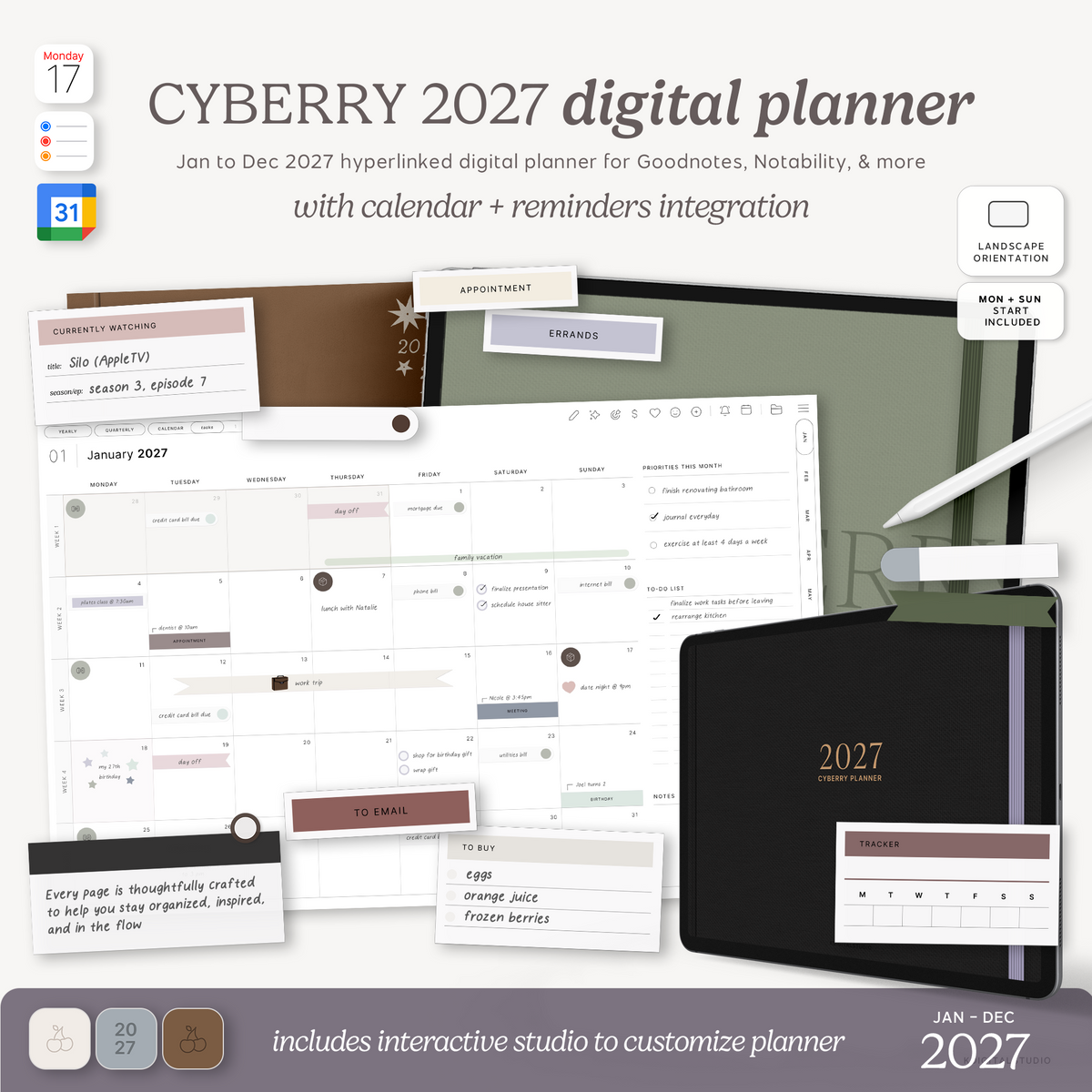
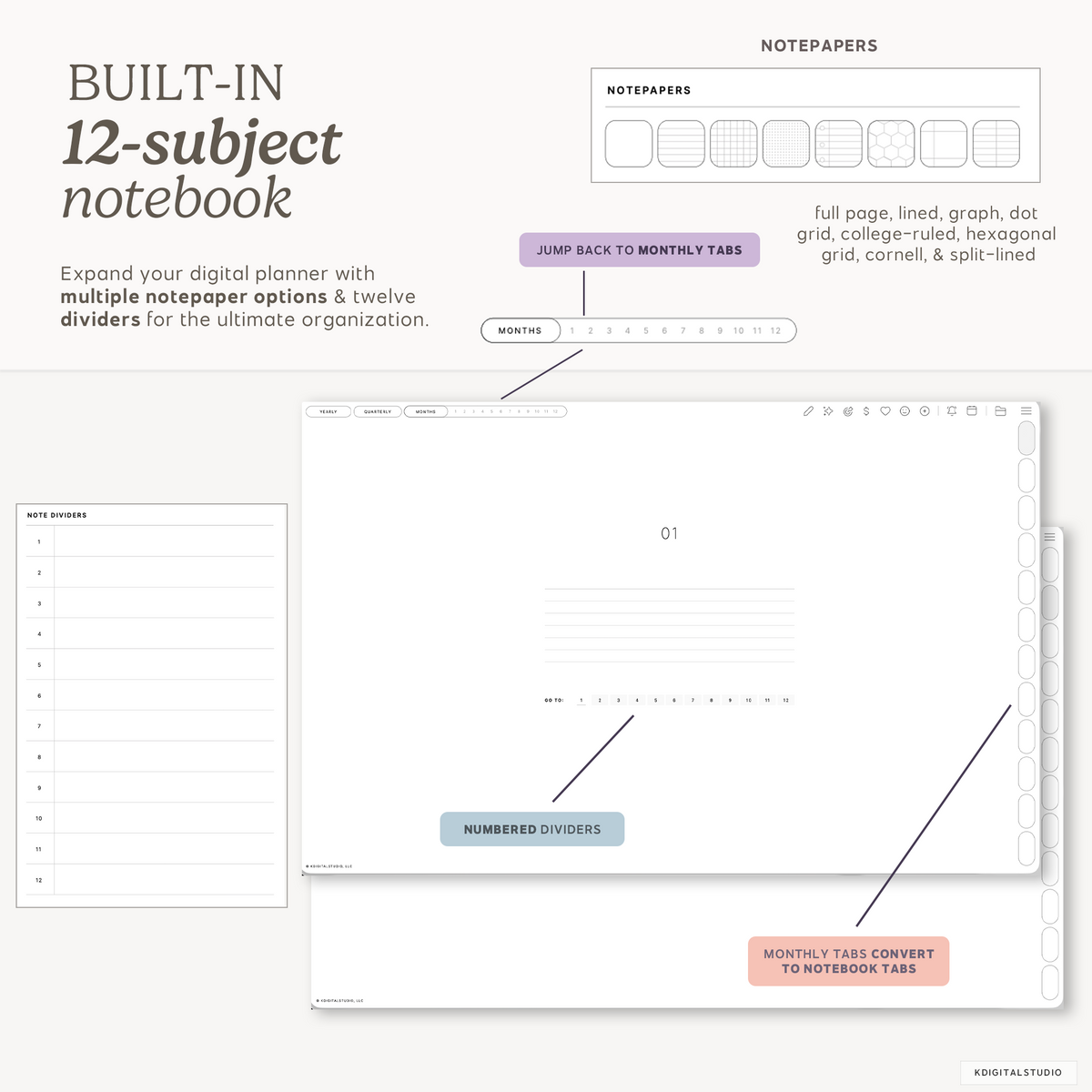
Meet Cyberry — your all-in-one space to plan, dream, and create. 🍒 Designed to feel as intuitive as your favorite app yet as natural as writing on paper, Cyberry brings structure and creativity together in one beautiful place. Every page is thoughtfully crafted to help you stay organized, inspired, and in flow — whether you’re mapping out your week or sketching your next big idea. Now with access to a new Planner Studio to fully customize this digital planner to your heart's content. Achieve planner peace with the best digital planner for 2027.
This is a digital download. No physical item(s) will be shipped. You receive a link to download your file(s) after purchase. No refunds or exchanges are permitted.
Get your files instantly after purchase
Hyperlinked PDF planner
Compatible with many note-taking apps
Includes advanced shortcut integrations
Dark Mode disclaimer: Depending on the device & app you use, clicking the links in your planner make exhibit a faux "flash." Download a free sample to test on your device prior to purchase.
🎁 Grab your free gift
Cyberry 2027 Digital Planner in Landscape (Light Mode)
If you have a quick question, you’re in the right place. Most questions are answered below — and if not, we’re always happy to help.
-
Customer Support
If something isn’t working as expected —downloads, files, or app setup — we’re here to help. Please allow up to 72 business hours for a reply, and include your order number if you have one so we can assist you faster.
-
FAQ’s
Wondering how it works, which apps they’re compatible with, or how to download them? Our FAQs cover the most common questions about using digital stationery on iPad.
-
Contact Us
Still need help or have a question before purchasing? Send us a message and we’ll get back to you as soon as possible during business hours.
Product Details
Cyberry 2027 Digital Planner in Landscape (Light Mode)
Meet Cyberry — your all-in-one space to plan, dream, and create. 🍒 Designed to feel as intuitive as your favorite app yet as natural as writing on paper, Cyberry brings structure and creativity together in one beautiful place. Every page is thoughtfully crafted to help you stay organized, inspired, and in flow — whether you’re mapping out your week or sketching your next big idea. Now with access to a new Planner Studio to fully customize this digital planner to your heart's content. Achieve planner peace with the best digital planner for 2027.
What's included?
Planner pages
See it in action
Included with your planner
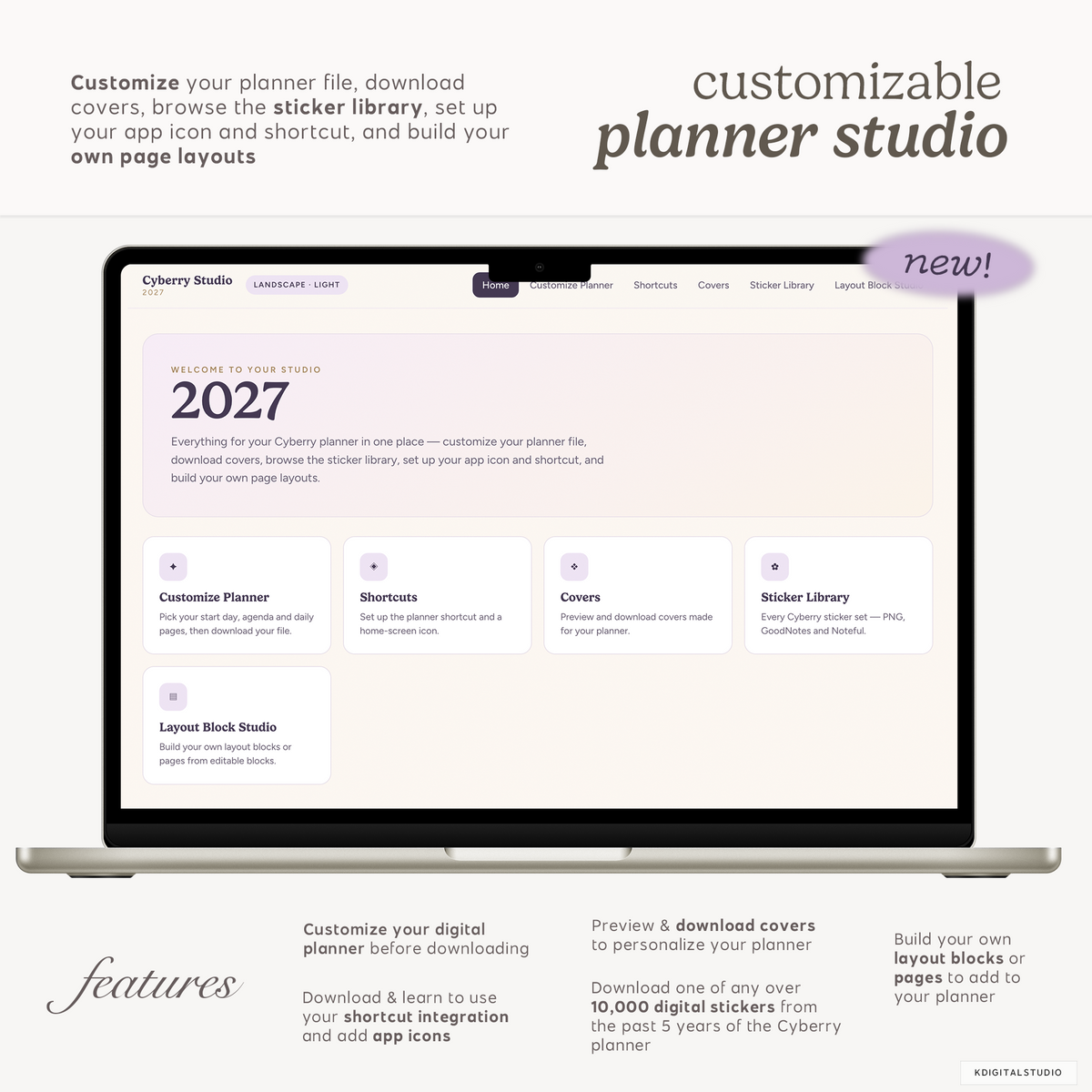
Your planner comes with its own studio
Everything for your Cyberry planner lives in one place — customize your planner file, grab your covers and app icon, set up calendar shortcuts, download every sticker collection, and build your own page layouts.
Built the way you plan
Customize your planner before you download it
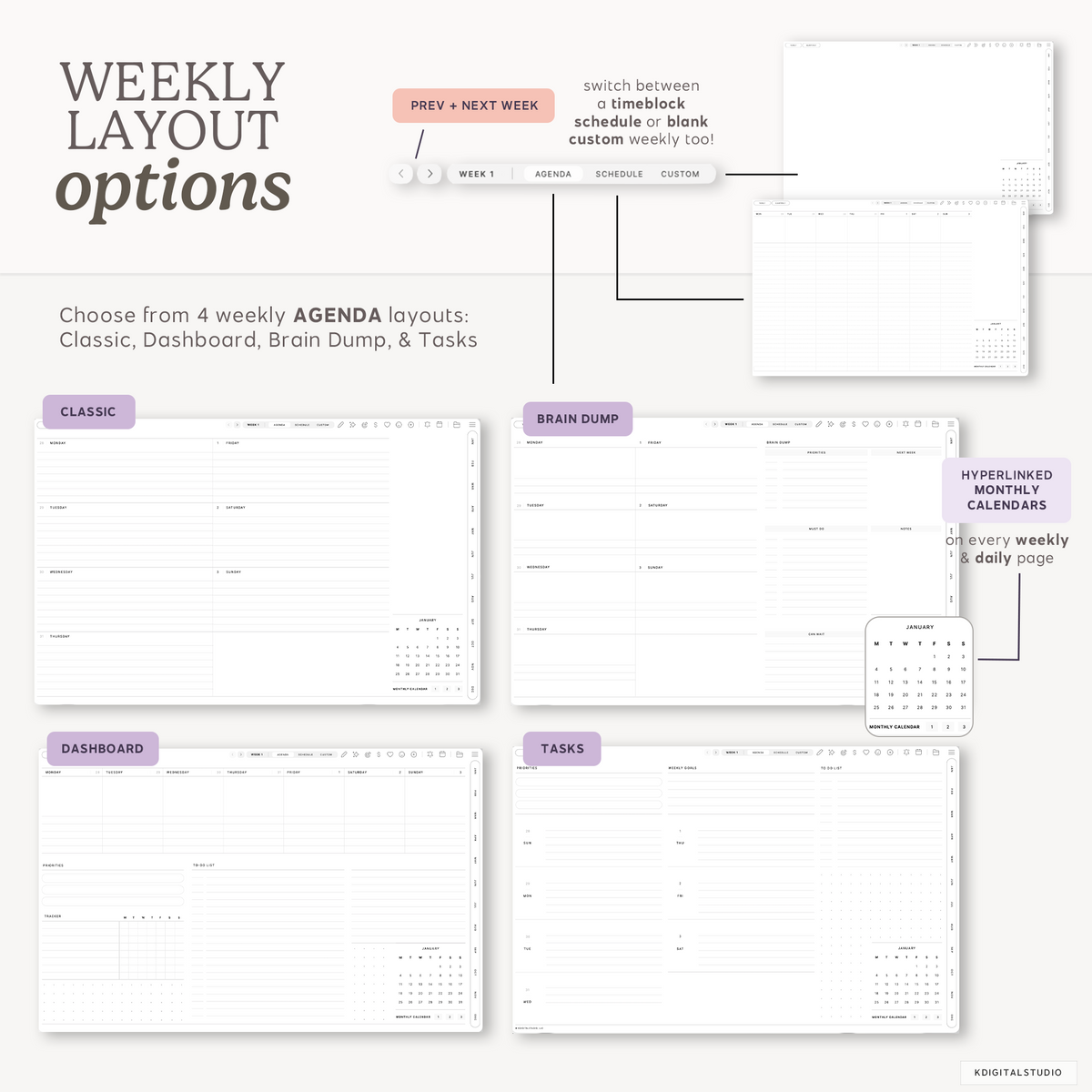
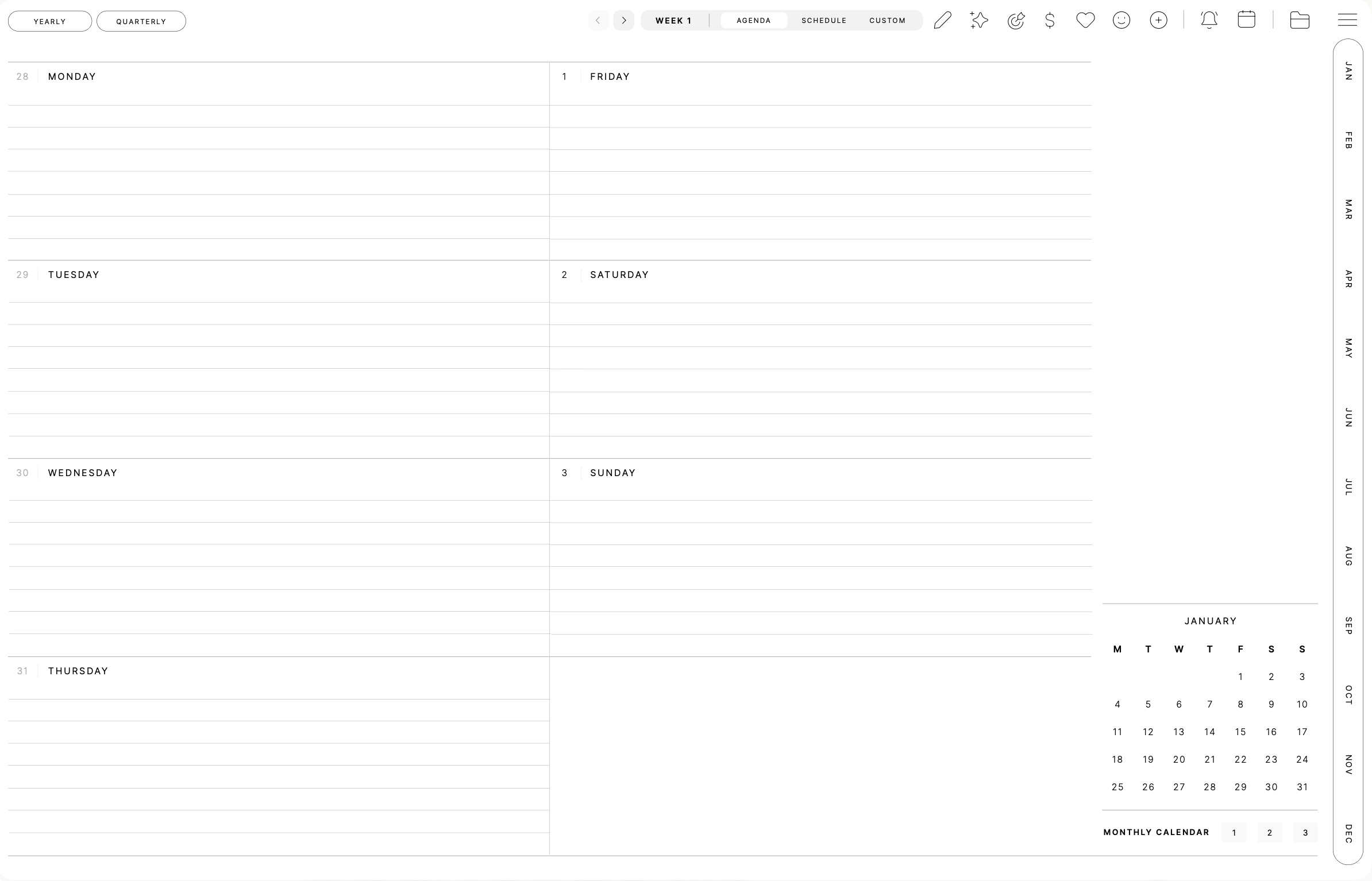
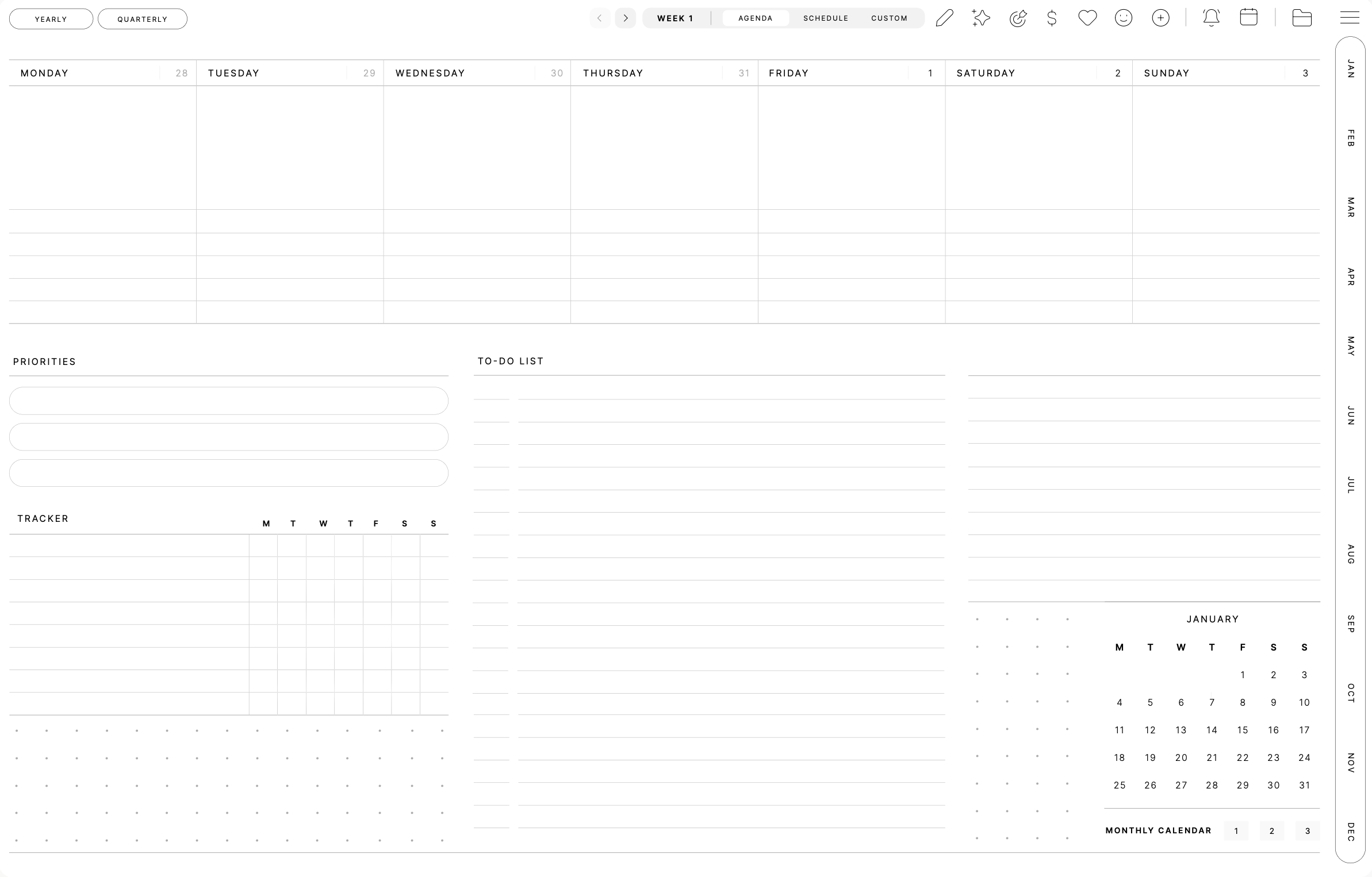
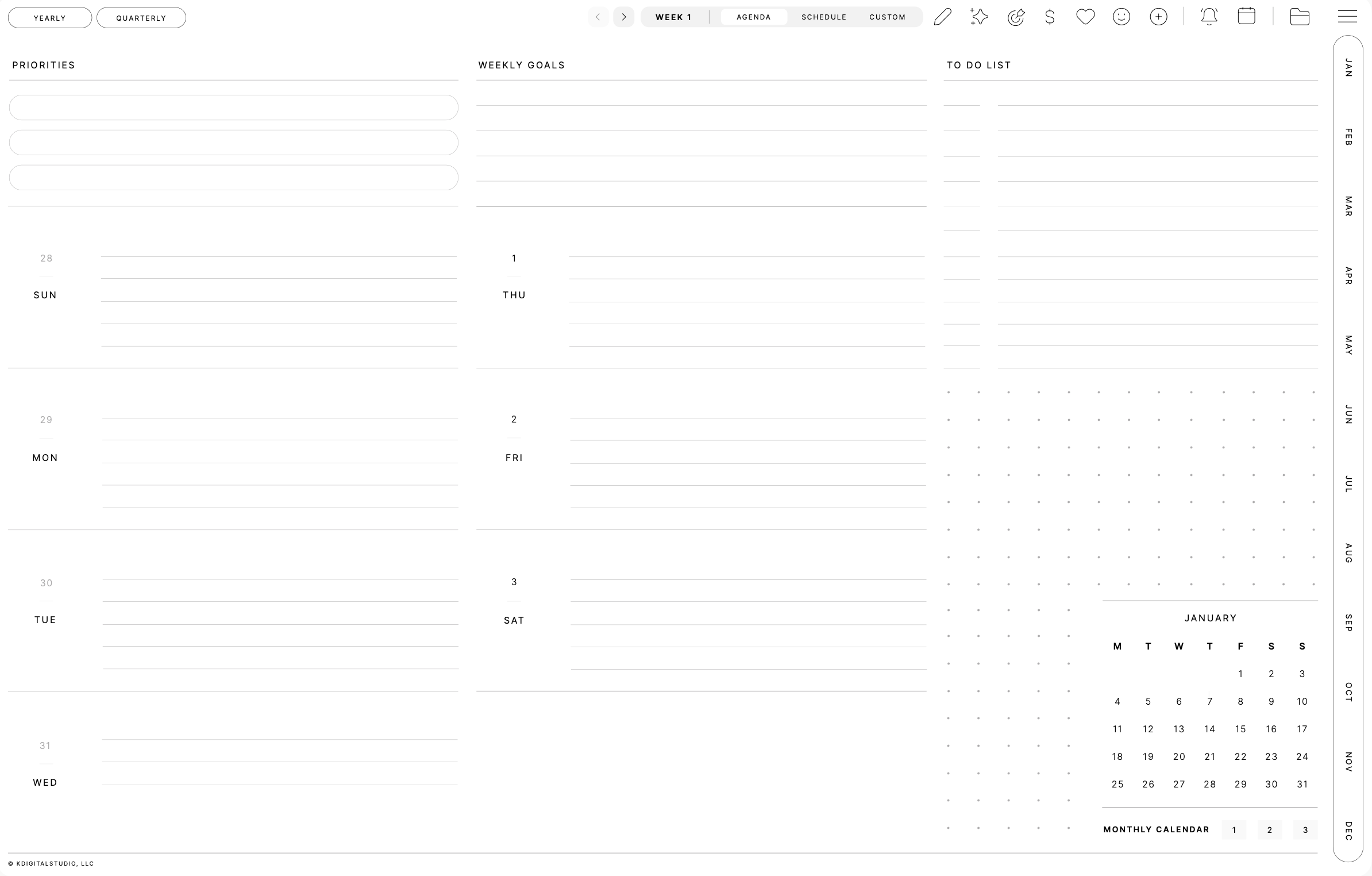
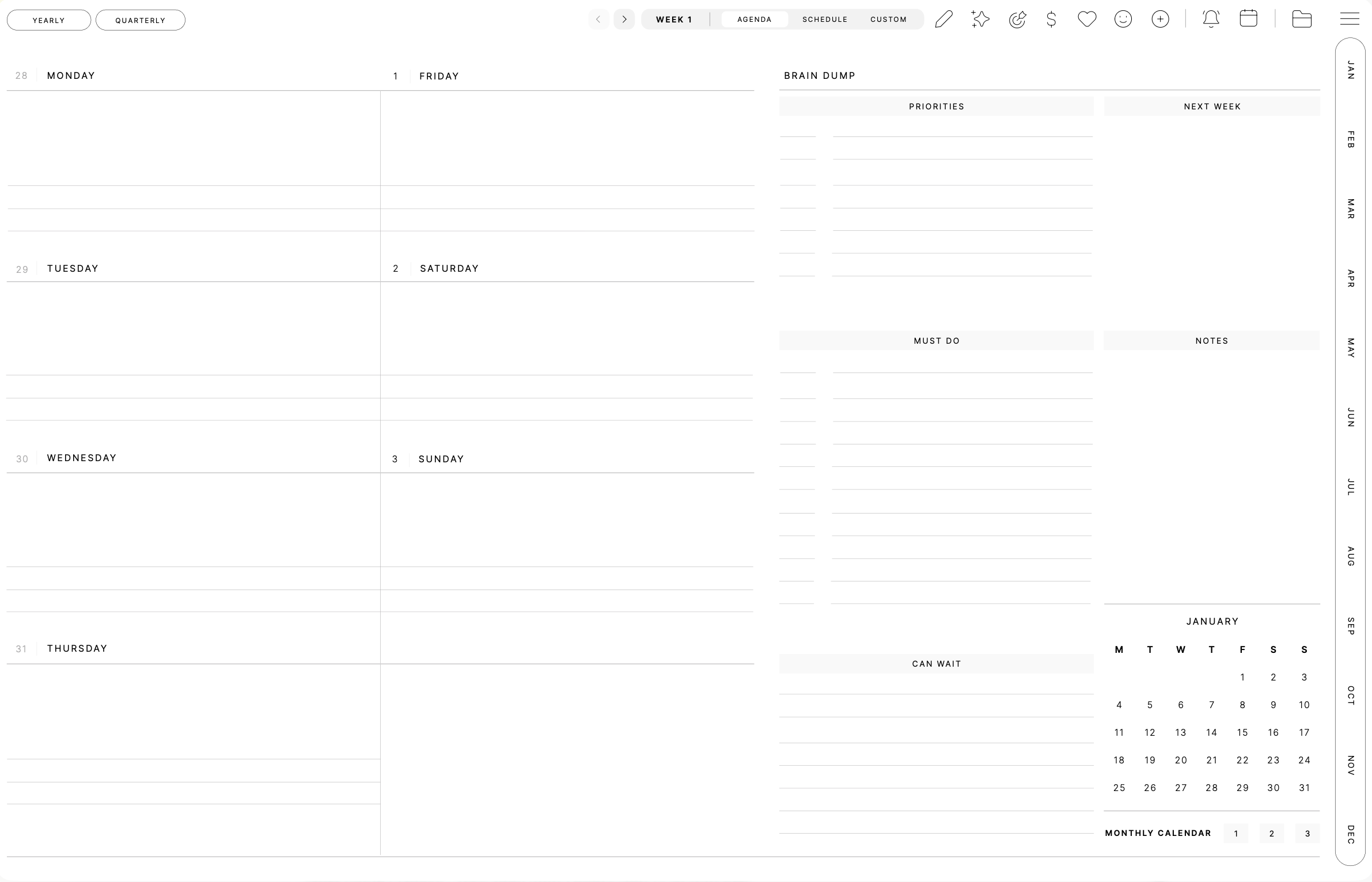
Pick your week start, choose the weekly agenda that fits how you actually plan, and decide whether you want daily pages. The studio hands you the exact file — no extra pages you'll never use.
Week starts on
Weekly agenda style — tap to preview
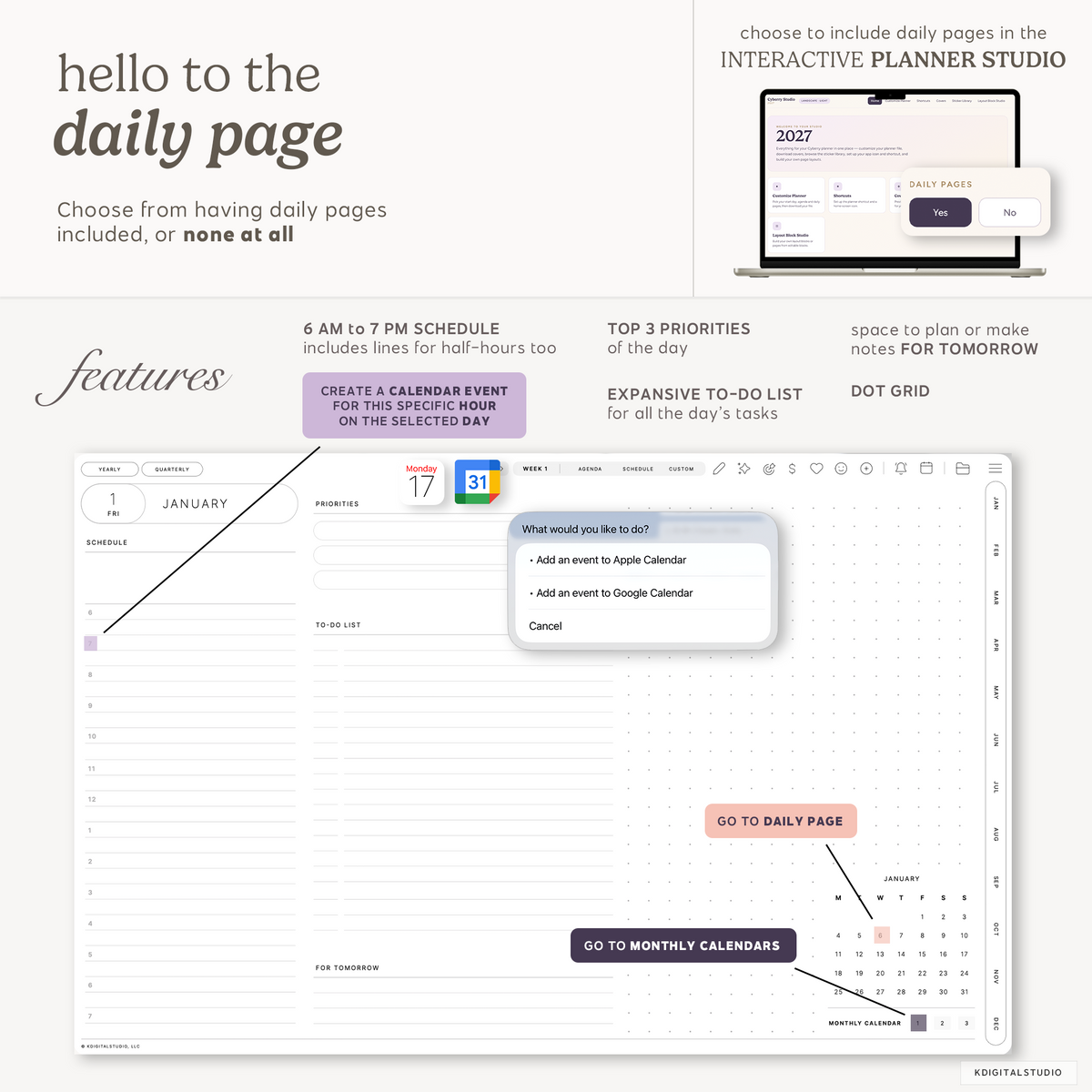
Daily pages
Apple & Google Calendar integration
Plan on paper. Schedule in your calendar.
Two simple setups: the planner shortcut adds calendar powers inside your planner, and the home-screen icon puts your planner one tap away.
KDigitalStudio 2027 Planner Shortcut
Set reminders and create events in Apple or Google Calendar without ever leaving your planner.

Events and reminders are created in your calendar apps — they don't sync back into the planner pages.
Planner app icon
Put your planner one tap away with a home-screen icon in one of 12 colorways that match the 2027 covers — a line-art cherry or a stacked 2027.


Dress it up
22 covers made for your planner
Three cover families sized for your edition — swap them whenever the mood strikes.


Clean, timeless designs. Swipe to see them all →
Clean, timeless designs.|Warm patterns and detail.|Bold, expressive statements.Sticker library
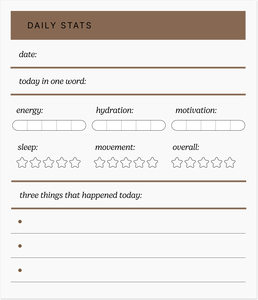
Every Cyberry sticker set, yours to keep
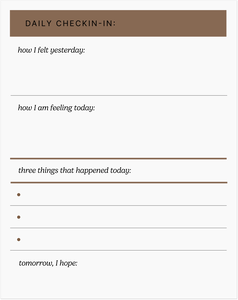
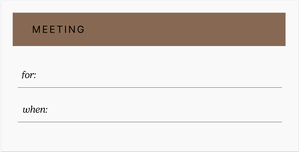
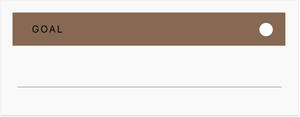
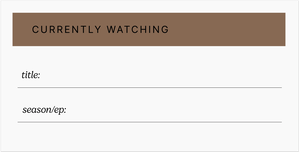
Get the brand-new 2027 collection plus the full Cyberry archives — each set as a GoodNotes collection, a Noteful pack, and individual PNGs.
The 2027 sticker collection
12 colorways — one to match every planner cover.
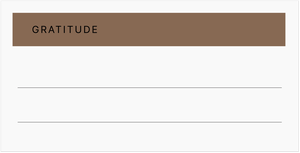
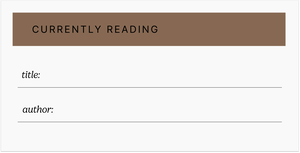
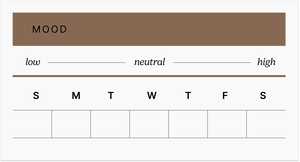
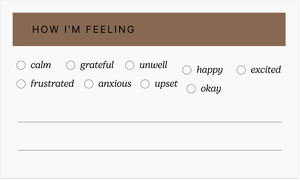

Every past release, included
Celebrate Cyberry through the years — download stickers from every collection since 2022, in all three formats.
- 2026–2027Decorative frames, lace & papers
- 2026Functional widgets, icons & accents
- 2025Hand-drawn doodles, labels & widgets
- 2024–2025Everyday planning stickers
- 2024Light & dark planning labels
- 2023–2024Light & dark essentials
- 2023Light & dark monthly set
- 2022Where it all started — icons, labels & checklists
Your own blocks & pages
Build the page you wish your planner had
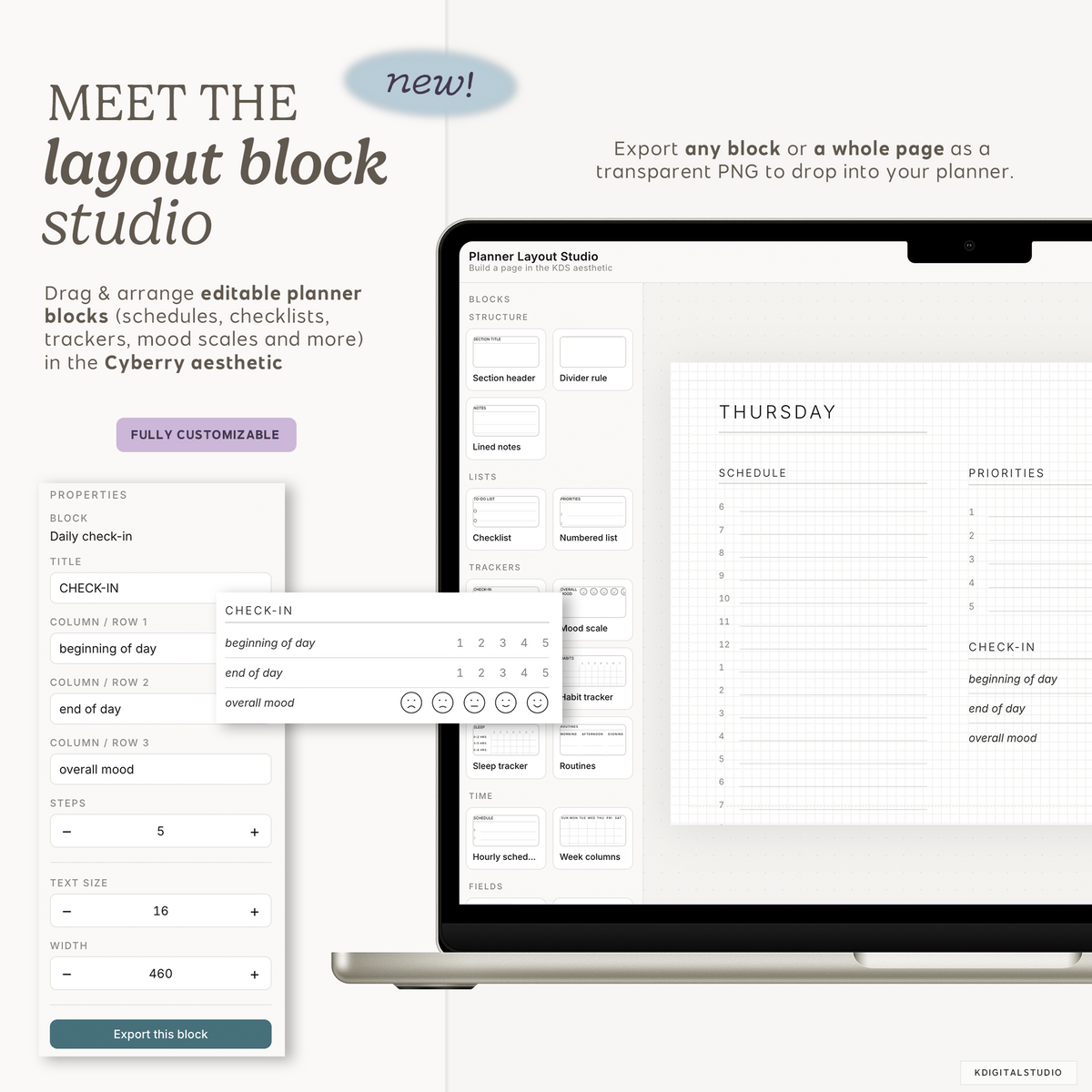
The Layout Block Studio lets you drag and arrange editable planner blocks in the Cyberry style, then export a single block or a whole page as a transparent PNG to drop right into your planner. Landscape or portrait, light or dark.
How it works
From checkout to planning in minutes
One studio per planner edition, and it's yours to come back to all year.
Check out
Your studio link and password are included in your purchase confirmation.
Customize & download
Build your planner file, then grab your covers, app icon, shortcut and stickers.
Come back anytime
Changed your mind on a layout? Download a different combination whenever you like.
Flick through the
Cyberry 2027 Digital Planner


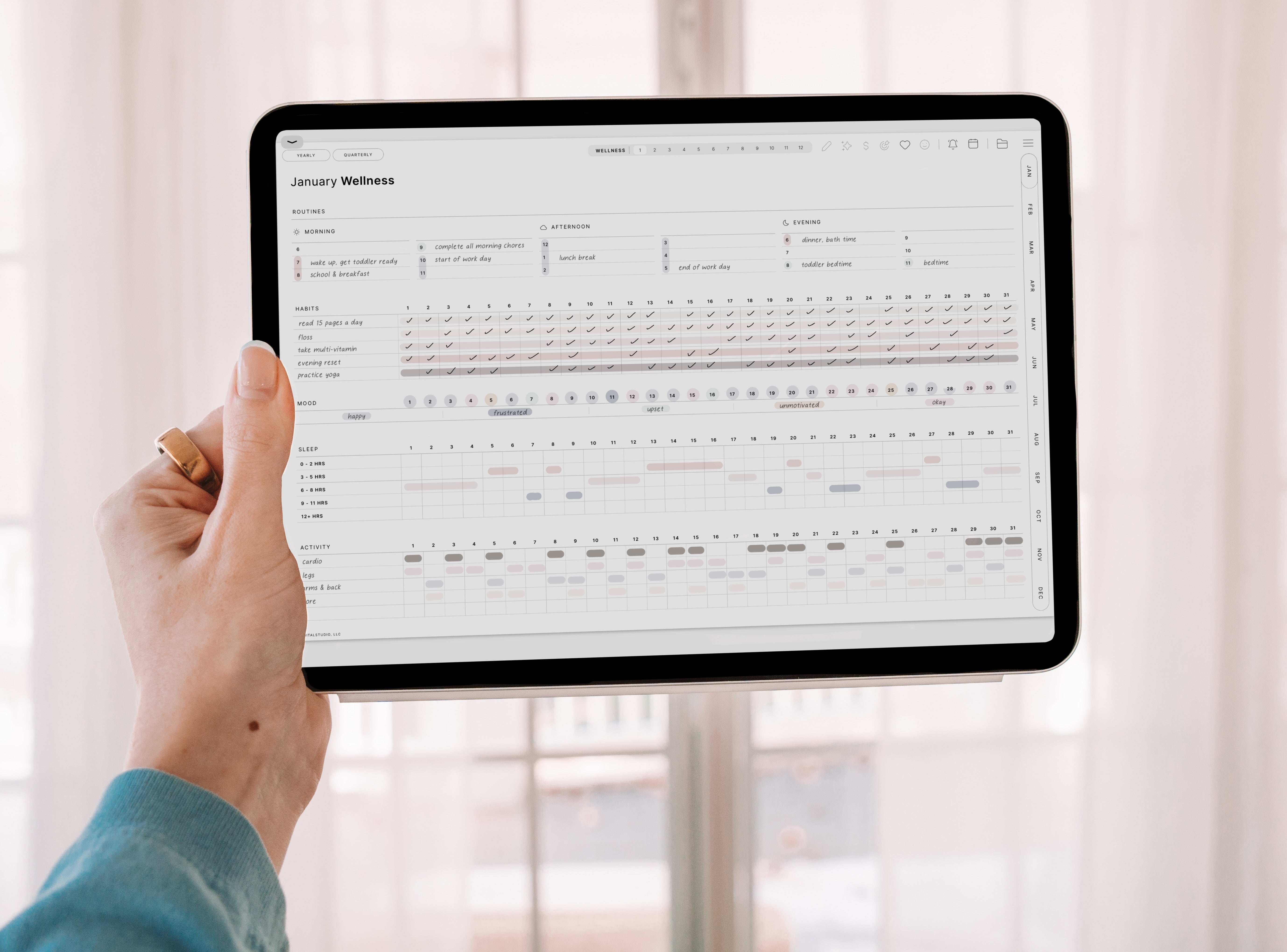
Designed to feel as intuitive as your favorite app yet as natural as writing on paper, Cyberry brings structure and creativity together in one beautiful place.

What people
are saying
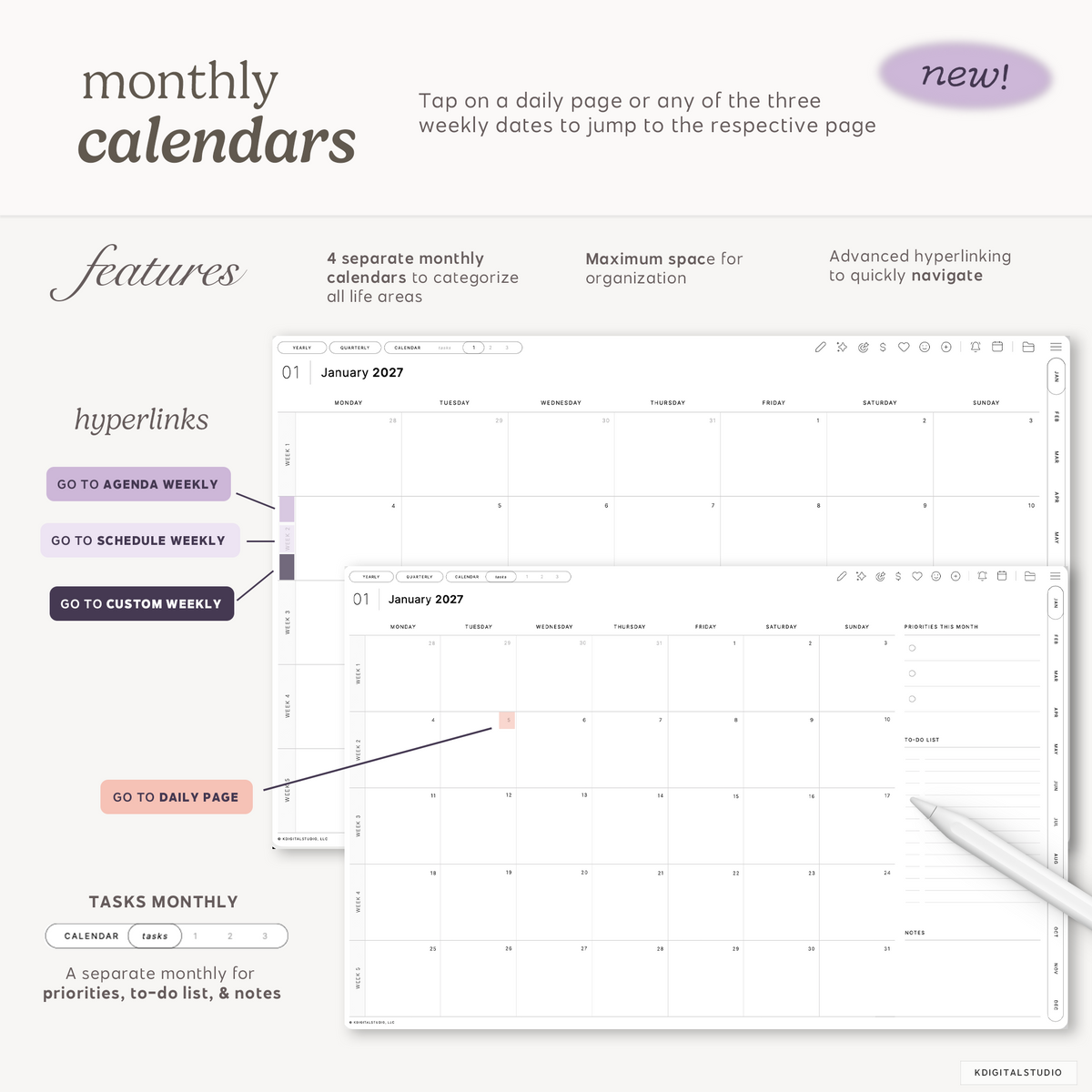
Kate TanHave tried many digital planners and by far, the Cyberry is the most intuitive with extremely comprehensive hyperlinks. Makes switching between pages seamless, easy and accessible. The monthly, weekly and daily pages are categorized together, allowing user to view the month/week/day before and after, with just a swipe left/right. The clean and minimal look is everything i am looking for (though i appreicate if the lines werent that faint). With all the other goodies that come with the planner, its definitely worth every penny!
Kendra PaytonCyberry is my favorite planner. Ive tried so many others but I always come back to Cyberry and KDS ❤️
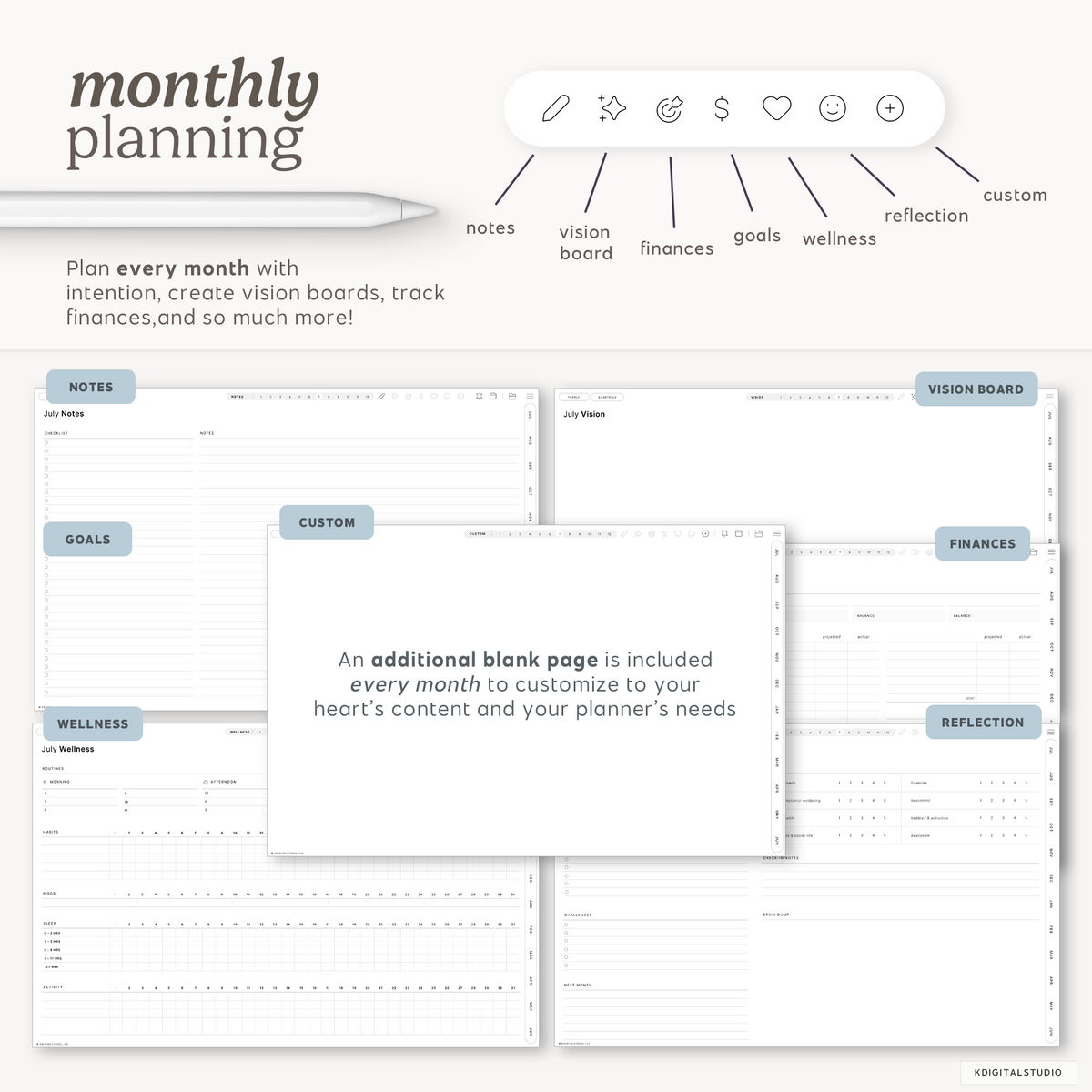
Ashleefirst time Cyberry userI have tried many other planners that were sort-of similar to Cyberry, and I had contemplated buying Cyberry for the past few years, and finally did recently. This has the best navigation of any other digital planner I have used, so I know I will stick with this one. It isn’t full of templates that you may not use, and you can customize the blank sheets with the stickers included or use other PNG templates or widget stickers from KDS. This clearly took a lot of time to put together and it shows and is appreciated!
Gina G.Best planner evahhh!! There are so many goodies in Cyberry: multiple calendars for months and weeks! The creativity pours out of the user because of the minimal (read:gorg) interface. Experimenting with insanely fun Cyberry. Don’t wait: Pull The Plunge and purchase this asap!!
KatieI have been looking around for "the best" digital planner for the longest time. I have tried simple basic ones and complicated ones from other Etsy shops but they never seem to fulfill my needs (e.g. some templates may be tough to navigate between pages or layouts).
When I saw that KDigitalStudio offers multiple monthly calendars, strategic placement of buttons across months/weeks/days, apple calendar/reminder integration, watched the tutorial and I knew I had to get this!! The planner is worth every penny considering that the features provided are comprehensive (but not overwhelming with 30-100 other irrelevant templates).
Still not sure? Well, I must say the ease of navigation and user-friendliness simply won me over. It was screaming at me - TAKE MY MONEY! So here I am, with one of the best digital planners and a whole community to share my hobby.
FAQs
Please read our Help Library page to find out more.
What apps and/or devices are compatible with this planner?
Refer to our Help Library for more information about device and app compatibility.
How do I choose Monday or Sunday start for this planner?
Both Monday and Sunday start planner variants are included with your purchase. You'll choose between Monday and Sunday in your Planner Studio that you'll receive after purchase.
What is the Planner Studio?
The Planner Studio is an interactive app hosted on KDigitalStudio.com that allows you to customize your Cyberry planner (choose week start and preferred weekly agenda), as well as download the included planner covers, app icons, shortcut integration, and stickers. It is your all-in-one place for everything you need for your planner.
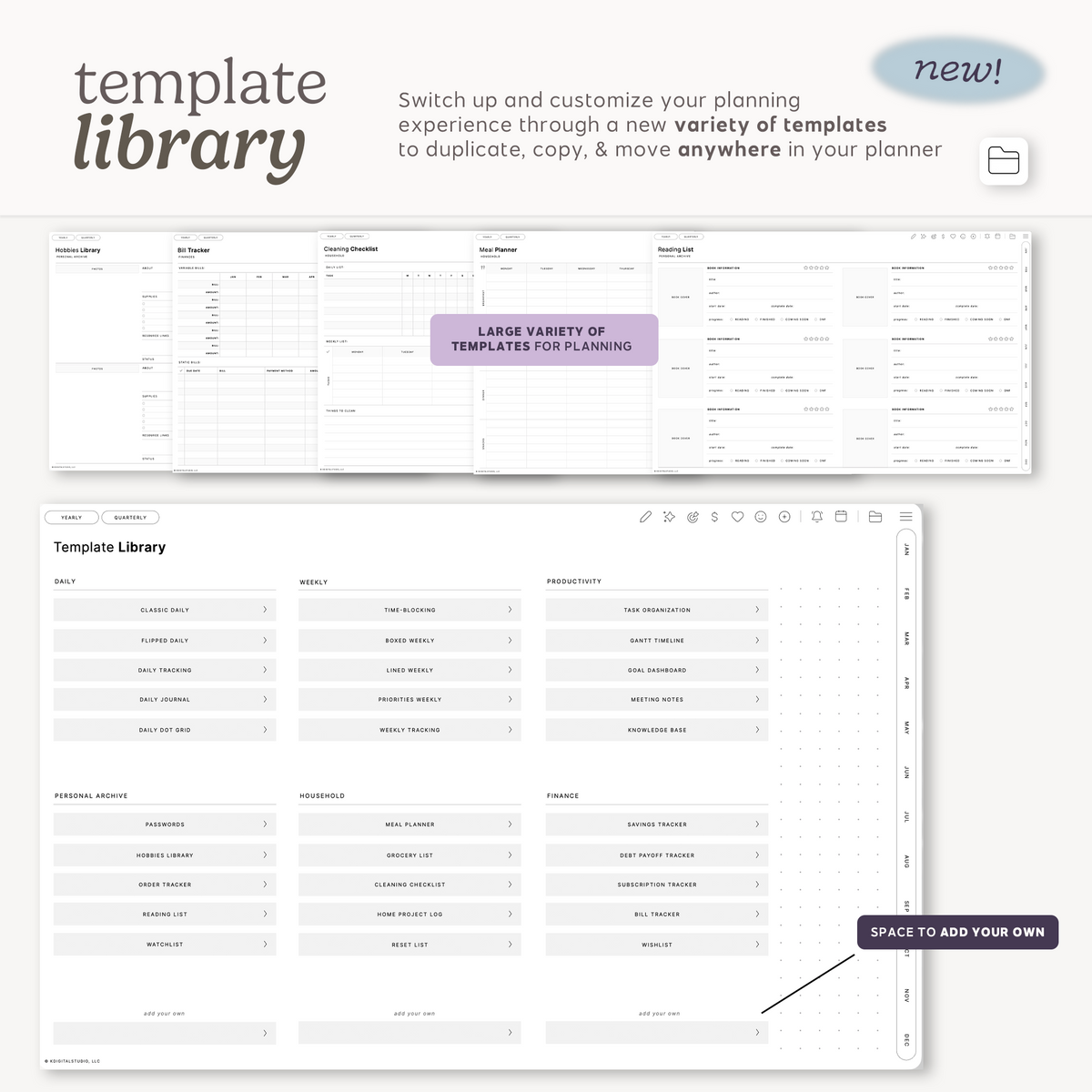
Inside the Planner Studio, you'll also have access to the Layout Block Studio where you can customize planner spreads and layout blocks to add essential or desired elements to your planner spreads.
How does the shortcut integration work?
Inside the planner access portal that you receive the link for after purchase, you will find steps for installing and activating the shortcut to run the reminder + calendar integrations.
Once installed, tapping the bell icon will allow you to set a reminder in the Reminders app. Tapping the calendar icon will allow you to create an event using Apple Calendar or Google Calendar for the current day unless you tap the icon on a daily page. In that instance, you can create an event for that respective daily page.
Please note: The shortcut integration only works on iPad.
Will this planner sync with calendar or reminder apps?
No, it will not. Whatever you write in your digital planner will not automatically appear in your automated Apple Calendar, Google Calendar, or Apple Reminders.
The integration offered is simply a means of interacting with Apple Calendar, Google Calendar, or Reminders quickly without having to leave your digital planner. It still requires you to manually add the events or reminders yourself.
How large is this planner?
Despite the advanced and intricate design and hyperlinking system of the planner, the file size is only approximately 19 mb, which is relatively quite small, without sacrificing quality. As you add stickers, text, handwriting, and other assets over time once importing into your desired annotation app, the file size may increase.
How is this different than Cyberry Mid-Year?
Cyberry Mid-Year runs from July 2026 to June 2027 and does not include access to the Planner Studio. Additionally, there are new pages, templates, and small improvements to the overall design in Cyberry 2027 that are not in the mid-year version.
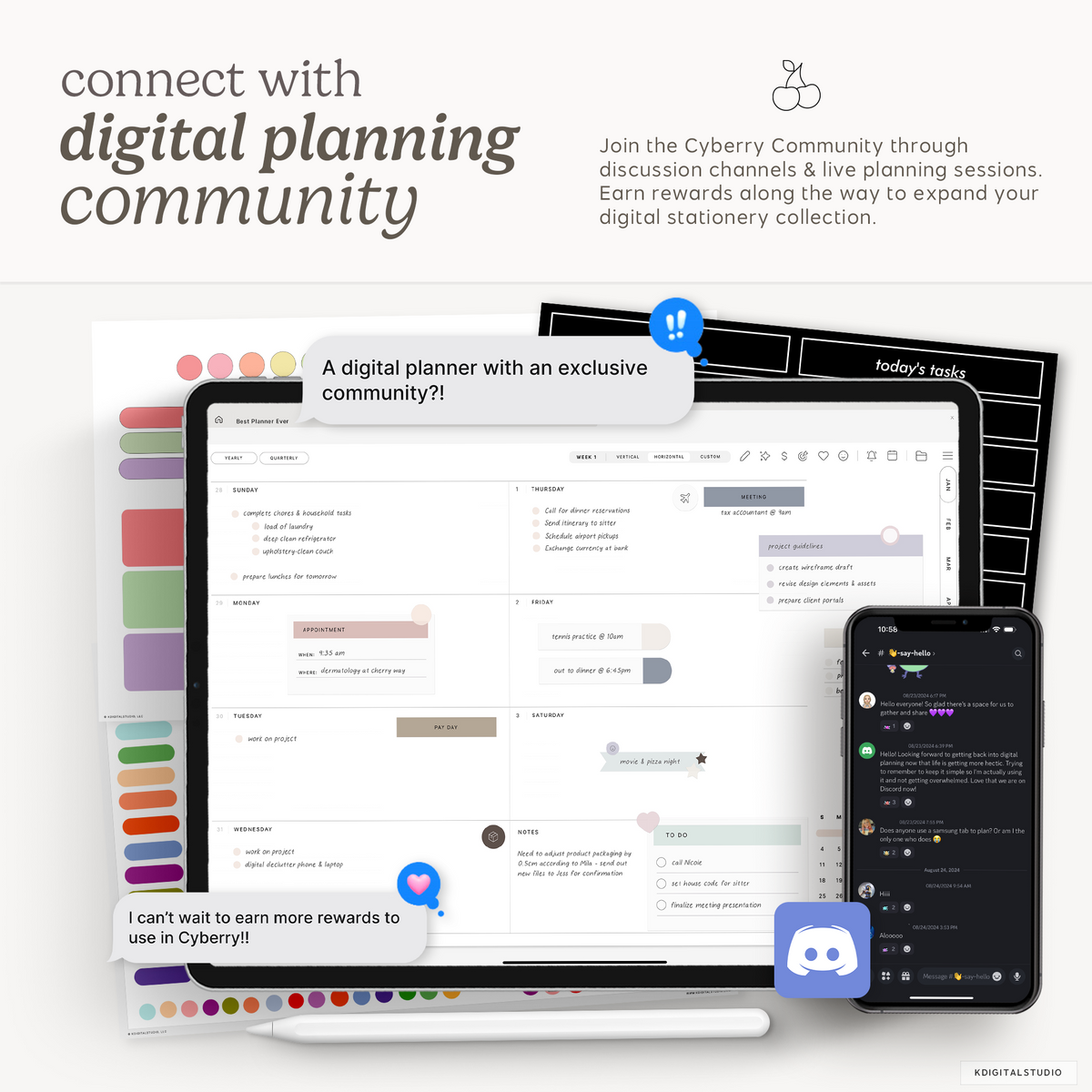
How do I join the Cyberry Community?
After purchase, you'll find links inside the setup guide and your planner for joining the Cyberry Community.
If you have trouble joining the Community, please reach out to support and we'll be happy to make sure you're enrolled.
I purchased the wrong selection for this planner. Can I change it?
Sorry to hear that! Unfortunately, we cannot offer refunds, returns, or exchanges on digital products. You must double-check your cart before following through with your order as KDigitalStudio is not responsible for failure to make the correct selections.
The shortcut integration opens the Shortcuts app. Is there a way to bypass that?
This is expected behavior. Apple launches the Shortcuts app to be able to run the integration. There are workarounds (like running the shortcut via Siri), but they don't translate well to digital planning.
I have another question. Can you help?
Happy to help! Please reach out to support.