



So you've made a digital planner. Or you're thinking about making one. And now you're wondering: can I actually sell this on Etsy?
Yes. And a lot of people are. Digital planners are one of the most popular product categories on Etsy — low overhead, instant delivery, and a customer base that genuinely loves what they're buying. But there's a big gap between listing a planner and actually selling it, and most people get stuck in that gap.
Here's what I've learned from running KDigitalStudio and building a digital product business from a base-model iPad. Let's break it down.
Start With the Right Product
The biggest mistake new sellers make is creating a planner they personally love and assuming the market will follow. Before you even open your design software, spend time in Etsy's search bar. Type "digital planner" and watch what autofills. Look at what's selling.
Product angles that consistently perform well: dated planners (they sell from October through mid-year), niche planners (ADHD, teacher, student, fitness), targeting apps specifically (Goodnotes does particularly well), and bundle deals.
Get Your Listing SEO Right
Etsy is a search engine. Your listing title, tags, and description all feed into how Etsy decides whether to show your product.
Title: Use your primary keyword near the front. Something like: "2026 Digital Planner for iPad — GoodNotes PDF Planner, Landscape, Dated"
Tags: You get 13 tags — use all of them. Think in phrases: "digital planner goodnotes," "ipad planner pdf," "dated digital planner 2026."
Description: Lead with what the product is and who it's for. Answer the questions buyers always ask: What apps does it work in? What's included? How do they download it?

Mockups Are Make-or-Break
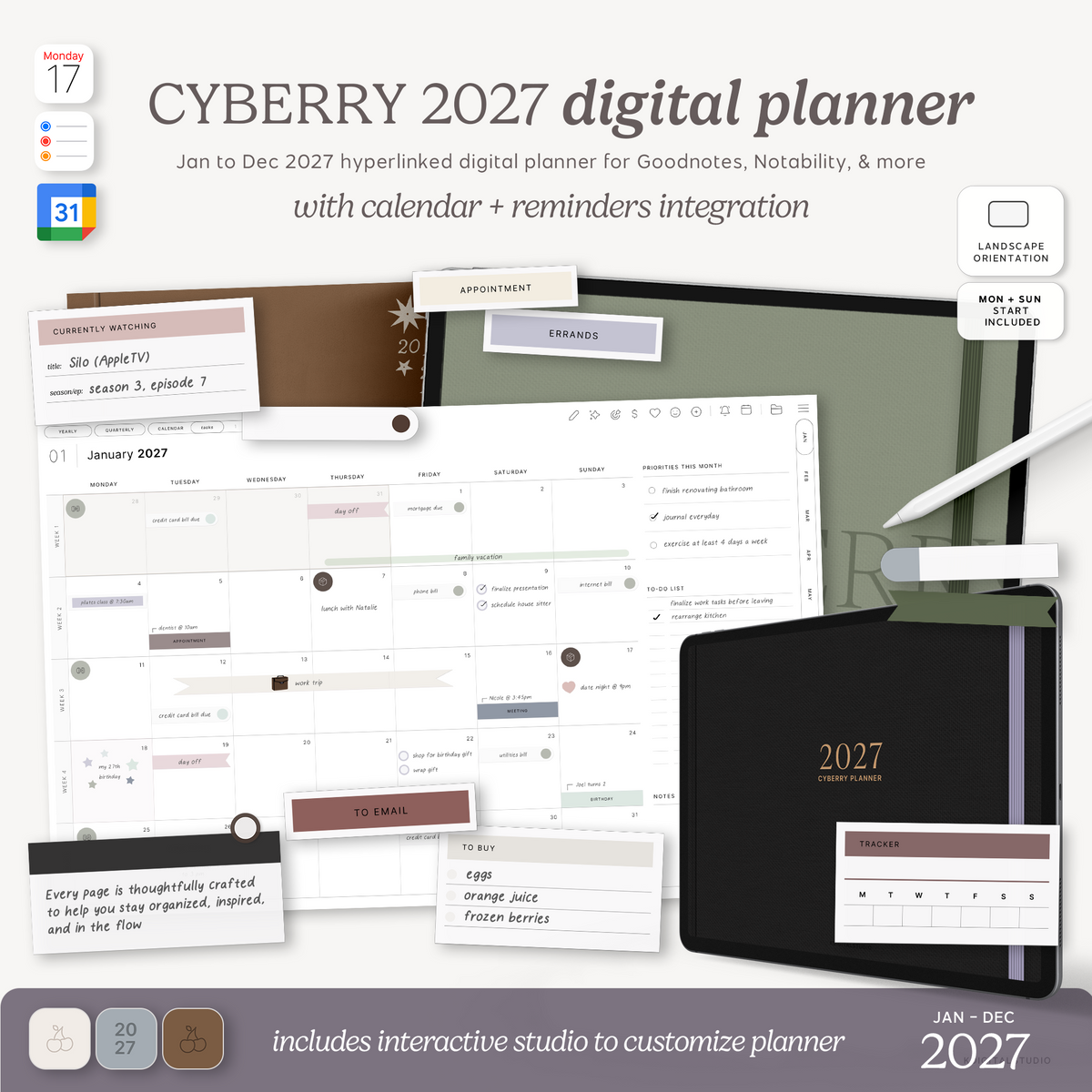
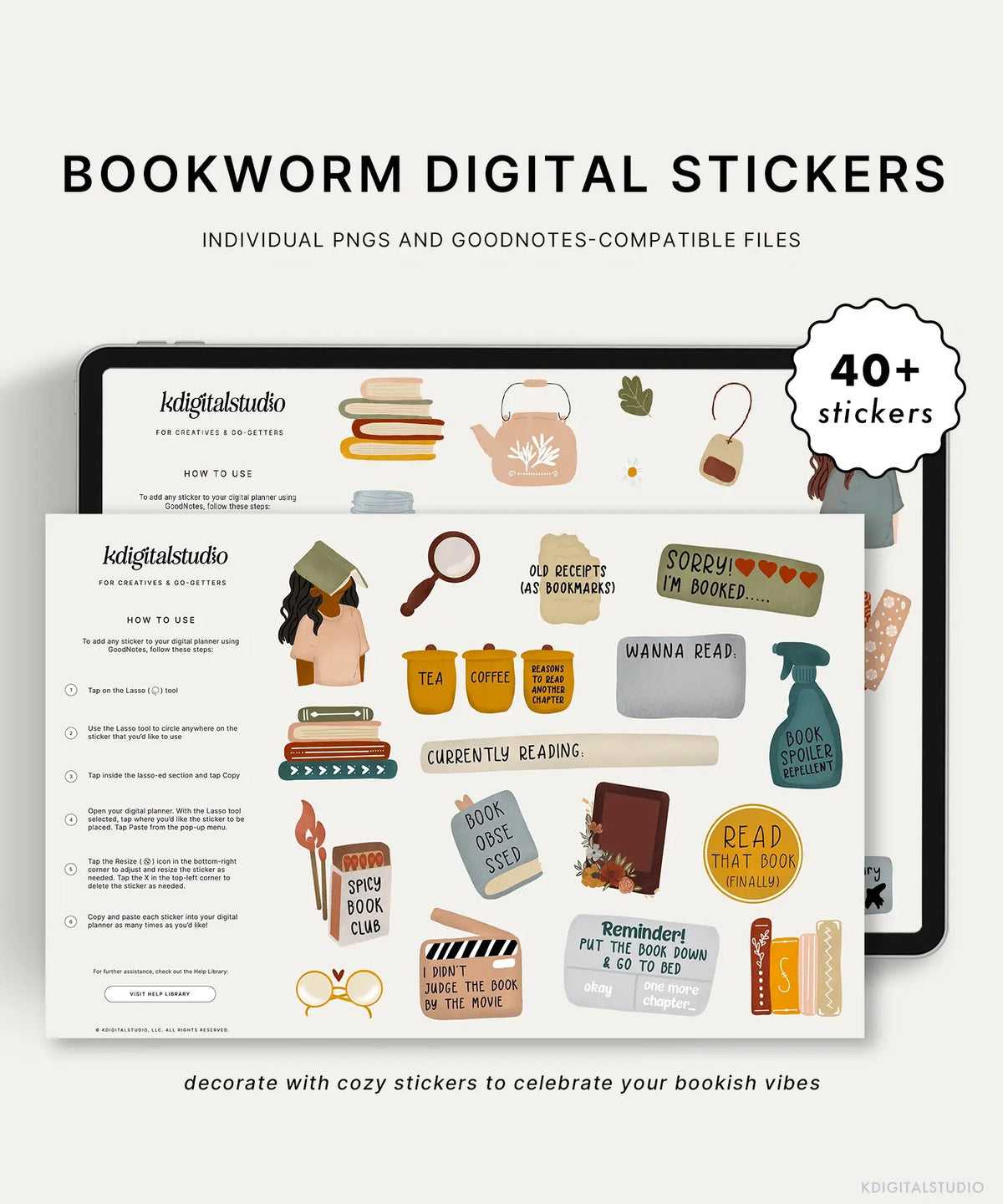
On Etsy, your thumbnail is your storefront. Digital product mockups — images showing your planner on an iPad or desk setup — are essential. The first image should show the planner in use on a device. Digital products tend to do better with multiple screenshots mocked up on the device your ideal customer will use it on (such as an iPad) along with text, arrows, and descriptions pointing out specific features of how the planner is to be used. While screenshot mockups dominate the digital product space, don't be afraid to throw in a few lifestyle photos of the digital planner in use. After all, your digital planner should be solving a problem for your customer.

Pricing: Don't Undersell Yourself
Digital planners sell for $4 to $35+ depending on complexity and niche. A good starting point for a full annual planner is $12–$18. Niche planners can command $18–$25. Bundles can go higher.
Deliver a Great Customer Experience
Set yourself up for success by writing crystal-clear download instructions, creating a PDF walkthrough buyers can reference, and responding to messages quickly.
Ready to Design Your Own Planner?
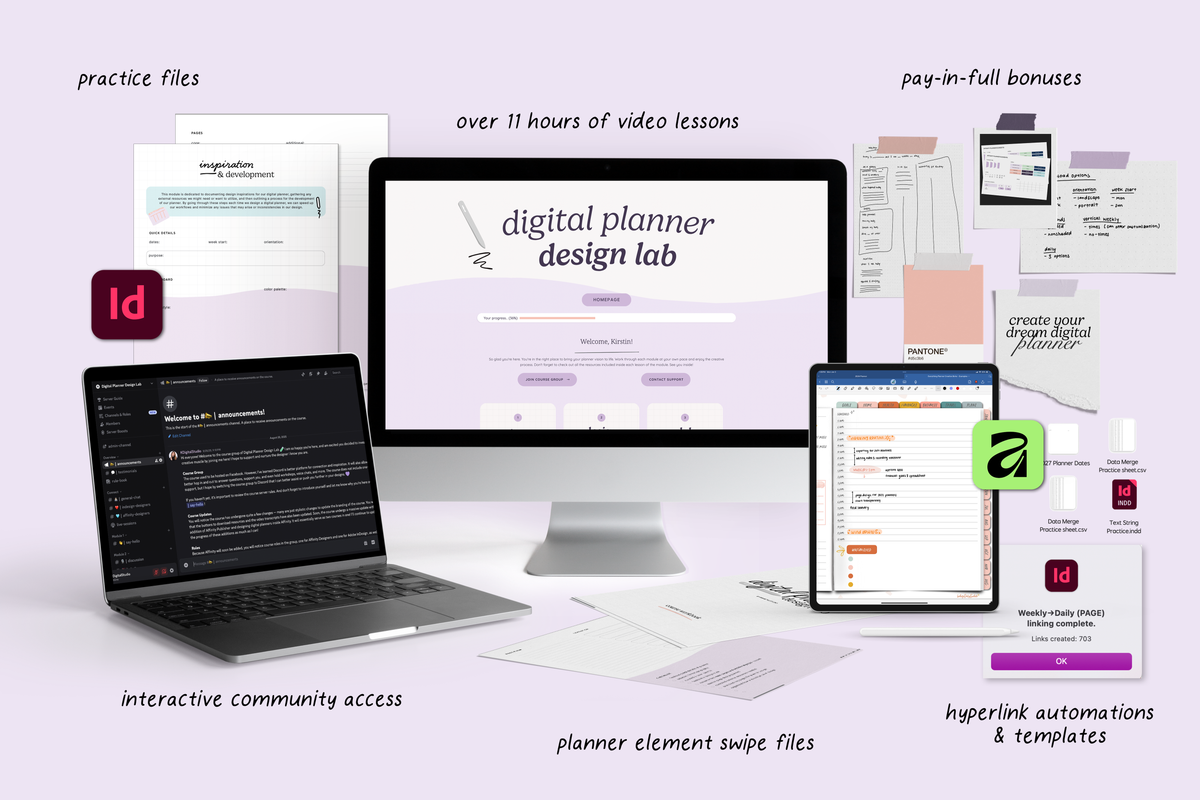
The Digital Planner Design Lab walks you through designing, hyperlinking, exporting, and preparing your planner for sale using Keynote or Affinity Publisher. Browse the Keynote Kits for editable planner templates you can customize and resell.
[collection=keynote-kits]
Share:
Cyberry Digital Planner Review: Is It Worth It?
Track Your Mood in Notion With This Free Customizable Widget