


Mood tracking sounds like a small thing until you've done it consistently for a month. Suddenly you start seeing patterns — the days you always feel drained, the habits that correlate with better energy, the triggers you didn't realize were affecting you.
The problem is that most mood tracking apps are completely separate from everything else you do. You open a different app, log something quickly, and then that data just... sits there. Disconnected from your tasks, your goals, your actual life.
Building mood tracking into Notion — where you already plan your days and reflect on your week — is a more integrated approach. And you can start for free.
The KDigitalStudio Mood Tracker Widget
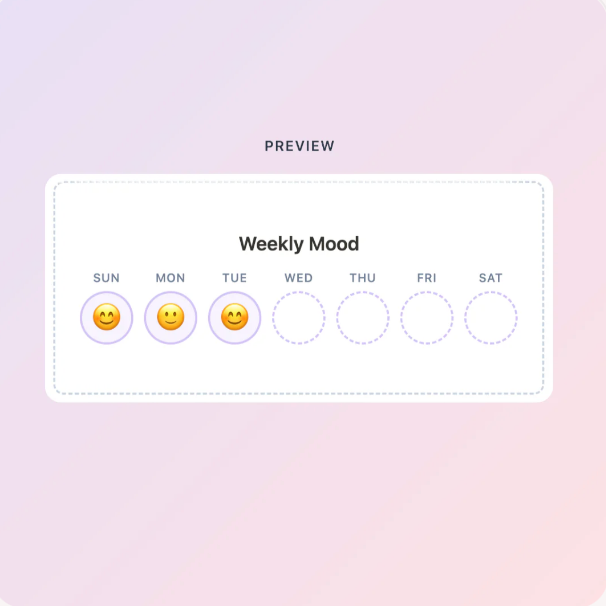
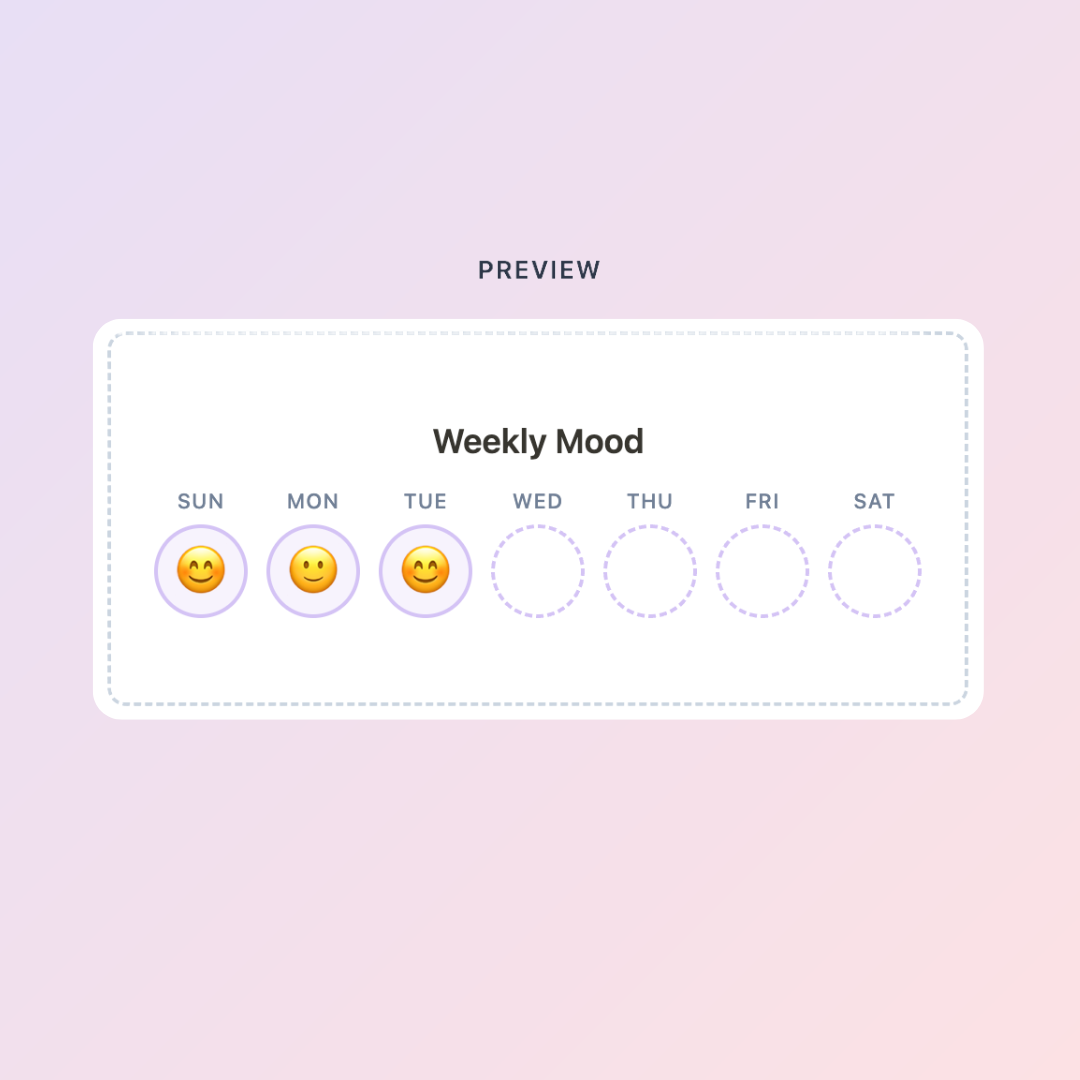
The Mood Tracker widget is part of the free Digital Toolkit at KDigitalStudio. You customize the look and feel before embedding — choose your mood options, color scale, and visual style — then drop it into any Notion page with a simple embed.
It's interactive: you tap or click your mood for the day directly inside Notion. No other app needed.
Create your free Mood Tracker → kdigitalstudio.com/pages/notion-mood-widget
How to Embed It in Notion
- Go to the Mood Tracker page on the Digital Toolkit
- Customize your mood scale and colors
- Copy the embed link
- In Notion, type
/embed, paste the link, and resize to fit your layout
The widget works on both desktop and mobile, so you can check in from wherever you are.
Where to Put It in Your Workspace
Daily journal or check-in page — Adding your mood log right next to where you write your daily notes gives you context. You can note why you felt a certain way on a given day, not just what you felt.
Weekly dashboard — A small mood widget at the top of your weekly planning page gives you a quick emotional snapshot before you start mapping out tasks.
Habit or wellness page — If you already track sleep, water, or exercise in Notion, mood belongs in the same place. Everything that affects how you function should live together.
Seeing the Full Picture
Daily mood logs are useful. But the real insight comes when you can look across weeks and months — comparing mood trends against your habits, your schedule, your health data, and your goals.
That kind of cross-reference is hard to do with a widget alone. It's exactly what the Life Ledger is built for.
[product=life-ledger-notion-pack]
The Life Ledger is a Notion tracking system designed to hold all the data points of your life in one place: mood, habits, energy, health, and goals. Pair it with the free mood tracker widget for your daily check-in, and use the Life Ledger to see what those check-ins are telling you over time.
A Note on Consistency
The biggest factor in whether mood tracking works is whether you actually do it every day. Friction is the enemy.
Embedding the widget somewhere you already open daily — your morning planning page, your dashboard, your task list — removes the "remember to open a different app" step entirely. It's just there.
That's the whole point: the tools that live in your workflow get used. The ones that don't, don't.
[collection=notion]
If you're ready to go beyond the widget and build a full self-tracking system in Notion, the template collection has everything you need to get started.
Customize your mood tracker → kdigitalstudio.com/pages/digital-toolkit
Share:
How to Sell Digital Planners on Etsy: What Actually Works in 2026
How to Add a Beautiful Calendar Widget to Your Notion Dashboard