The latest posts

Sign up for more, and get the latest posts straight to your inbox
Sign up

Blog

How to Design a Digital Planner in Keynote (Without Adobe) KDigitalStudio
How to Design a Digital Planner in Keynote (Without Adobe)

You don't need Adobe to make a digital planner. Here's how to design, hyperlink, and export a PDF planner using Keynote — free on every Mac and iPad.

Read moreabout How to Design a Digital Planner in Keynote (Without Adobe)

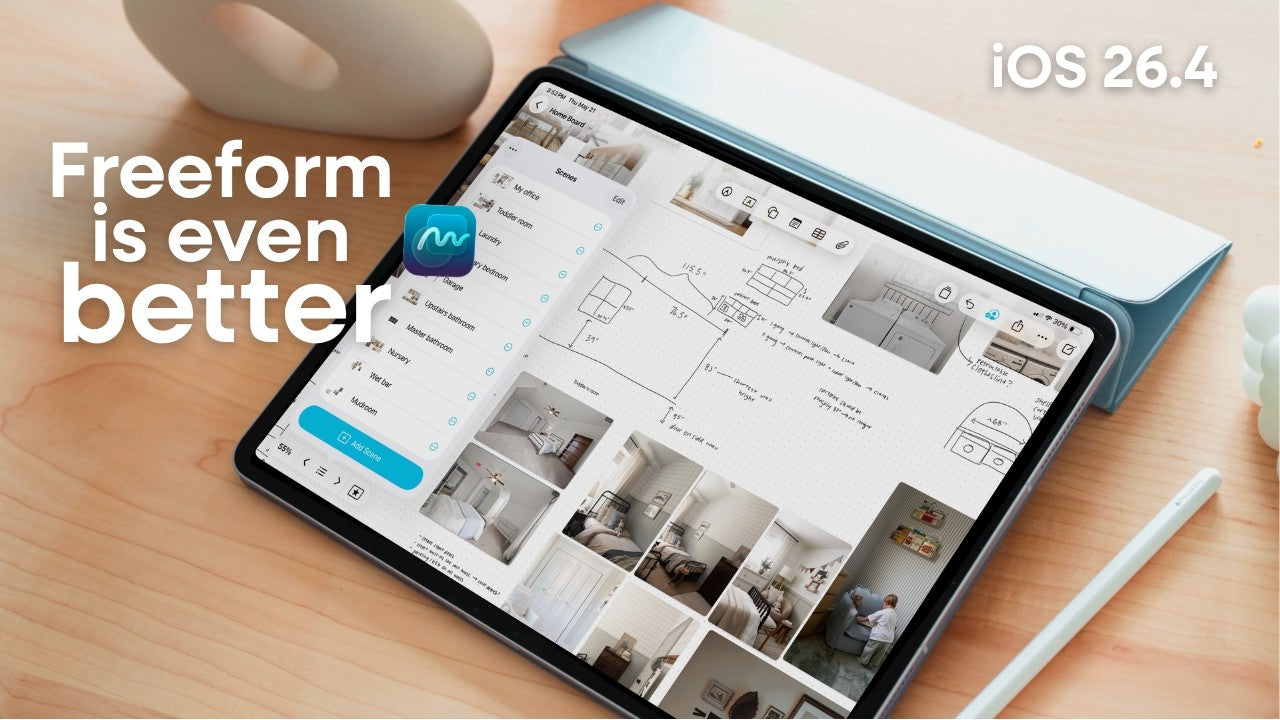
video thumbnail for 'Apple Freeform just got BETTER'

Apple Freeform Just Got Better

Apple Freeform Just Got Better Out of every app on my iPad, Freeform is the one I use the most. Not the flashiest app. Not the most talked-about app. Just the one I keep coming back to every single day....

Read moreabout Apple Freeform Just Got Better

How to Make a Digital Planner: Step-by-Step Guide for 2026 KDigitalStudio
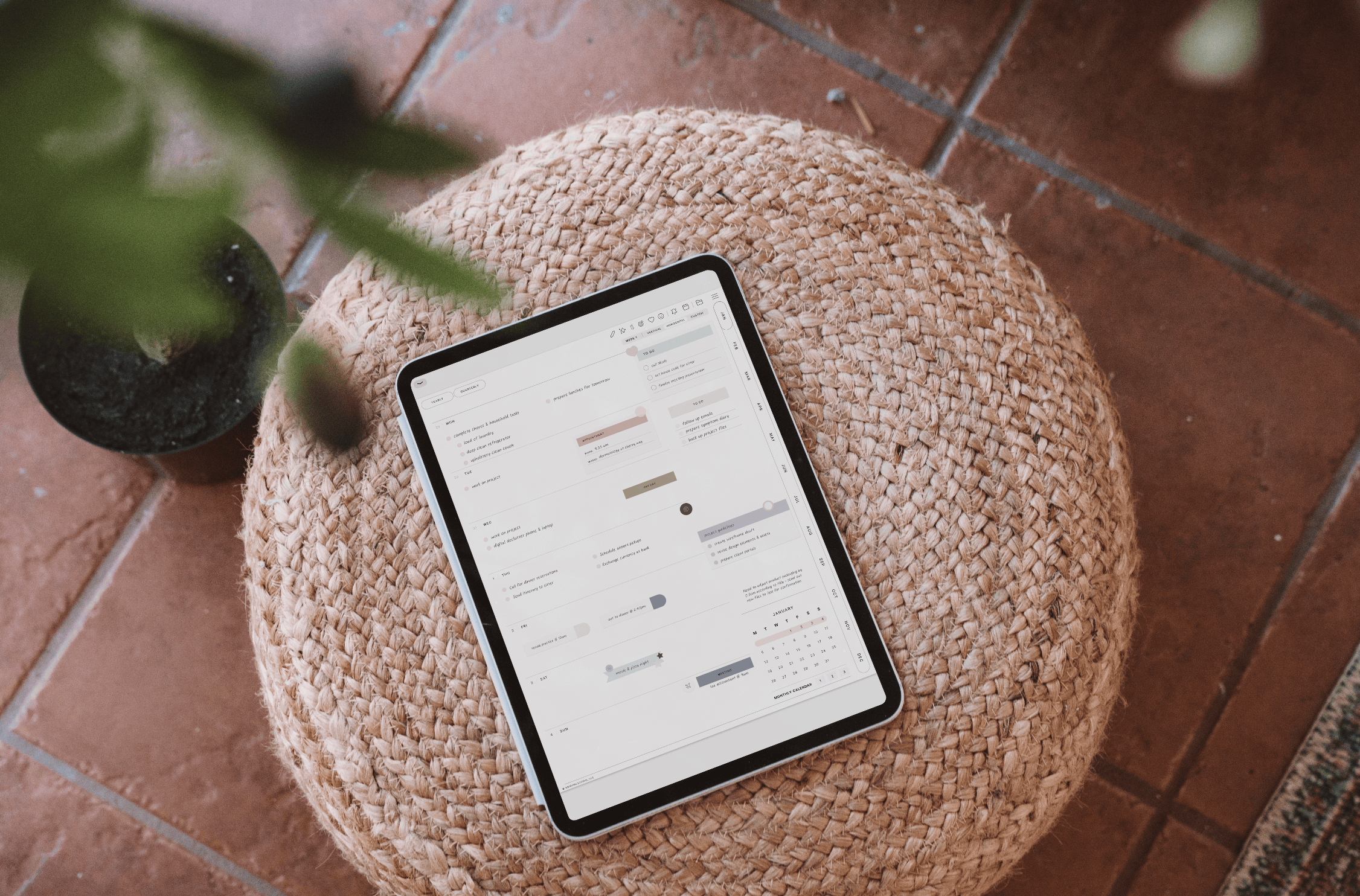
How to Make a Digital Planner: Step-by-Step Guide for 2026

Designing a personalized digital planner unlocks new levels of organization and productivity tailored to exact needs. With increasing demand for flexible planning solutions, learning how to create a digital planner enables individuals and professionals to stay on top of tasks,...

Read moreabout How to Make a Digital Planner: Step-by-Step Guide for 2026

How to Create Your Digital Planner: The Ultimate 2026 Guide KDigitalStudio

How to Create Your Digital Planner: The Ultimate 2026 Guide

Digital planners have transformed how people organize their time and tasks, blending traditional structure with modern technology. They offer a versatile approach that suits busy lifestyles by combining functionality with the convenience of digital tools. This comprehensive guide will walk...

Read moreabout How to Create Your Digital Planner: The Ultimate 2026 Guide

How to Use the Digital Font Organizer

If you ever had so many fonts that it made it difficult to pick the perfect one, you're not alone. I have thousands upon thousands of fonts... of course, I always choose the same one, but a girl can dream...

Read moreabout How to Use the Digital Font Organizer

Final Cut Pro on iPad: Editing Made Effortless KDigitalStudio
Final Cut Pro on iPad: Editing Made Effortless

Apple announced in a press release that they are bringing Final Cut Pro and Logic Pro to iPad on a random Tuesday in May, and it’s pretty sick. Now I’ve tried using other editing programs on the iPad -- and...

Read moreabout Final Cut Pro on iPad: Editing Made Effortless

Handwritten Fonts You're Sure to Love! KDigitalStudio
Handwritten Fonts You're Sure to Love!

Discover the Charm of Handwritten Fonts Handwritten fonts have a way of bringing warmth and personality to any digital project. Whether you’re journaling in your digital planner, creating invitations, or simply adding a personal touch to your designs, the right...

Read moreabout Handwritten Fonts You're Sure to Love!

Fonts You Didn't Know You Needed (But Totally Do!) KDigitalStudio

Fonts You Didn't Know You Needed (But Totally Do!)

Fonts do more than just display words—they bring personality, mood, and style to your projects. Whether you’re using them in GoodNotes, Procreate, Canva, or your digital planner, the right font can completely transform your design. And hopefully answer all the...

Read moreabout Fonts You Didn't Know You Needed (But Totally Do!)

How to Make Digital Sticker Sheets for GoodNotes KDigitalStudio

How to Make Digital Sticker Sheets for GoodNotes

Learn how to make your own precropped GoodNotes sticker sheets for digital planning

Read moreabout How to Make Digital Sticker Sheets for GoodNotes