

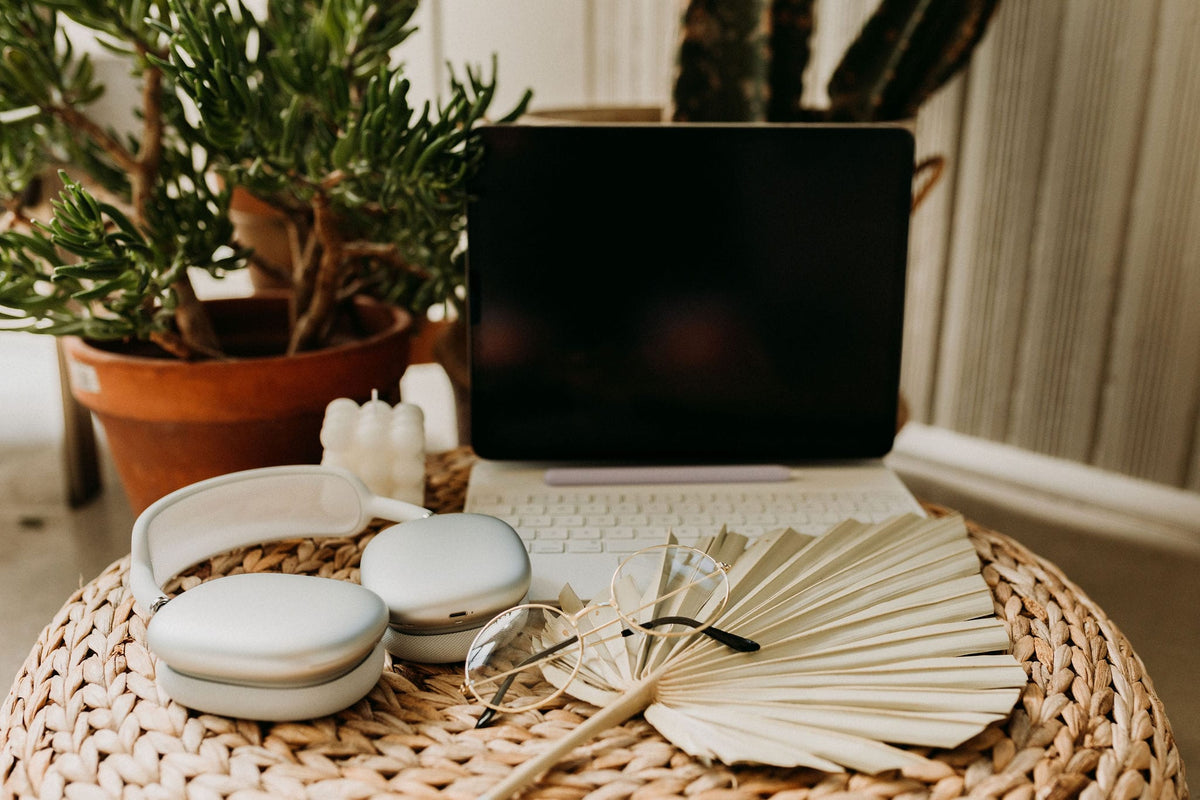
Somewhere along the way, a lot of us turned our planners into just another productivity tool competing for our attention — one more thing to optimize, one more system to perfect. Fall is a good excuse to push back on that a little. Here's how I think about building a slower, cozier digital planning ritual instead of just a more efficient one.
Separate "planning" from "task management"
These aren't actually the same activity, even though we treat them like they are. Task management is quick, functional, and a little transactional — check what's due, note what's next. Planning, the slower version, is where you actually think about your week, your energy, your priorities. Give them different times of day if you can. Task management can happen anywhere, anytime. Planning deserves a little more space.
Create an actual environment for it
This sounds small, but it changes everything: a specific chair, a candle, a warm drink, maybe a playlist you only use for this. When planning has its own little environment, your brain starts associating it with slowing down rather than one more task to blast through. This is genuinely the difference between dreading your planner and looking forward to it.

Decorate with intention, not obligation
You don't need to fully decorate every single page to have a "good" planner. Some of the most peaceful planning setups I've seen use restraint — a few well-placed stickers, a soft color palette, plenty of white space. If decorating has started to feel like pressure rather than a nice part of the ritual, it's completely fine to simplify. A set like Cozy Hygge works well here because it's built for a warm, understated look rather than a busy one.
Build in a weekly slow-down, not just a weekly reset
A lot of planning advice focuses on the "reset" — clearing tasks, migrating what's undone, prepping the week ahead. That's useful, but it's still forward-motion energy. Try adding a genuine slow-down alongside it: five minutes with no agenda, just looking back at the week that happened. No optimizing, no planning ahead, just noticing.
Let some pages exist just for you
Not every page in your planner needs to serve productivity. A gratitude log, a "small good things" list, a page for nothing but doodles or a mood tracker — these don't move any task forward, and that's exactly the point. They're what keep a planner feeling like a companion instead of a taskmaster.
Notice when you're forcing it
If opening your planner has started to feel heavy, that's information, not a failure. It might mean your current layout doesn't fit your season anymore, or that you've been asking it to do too much. It's always okay to strip things back to the basics — a calendar, a simple list, some breathing room — and rebuild slowly from there.
The season is an invitation, not a deadline
You don't need to overhaul your entire system to feel this shift. Even one small change — a slower Sunday planning session, a page dedicated to reflection, a cozier sticker palette — is enough to make your planner feel like it belongs to this season instead of running on autopilot from summer. That's really the whole goal.
For more ideas on slowing your planner down this season, take a look at the full fall digital planner refresh guide.
Share:
The Complete Guide to Halloween Digital Planner Stickers
How to Build a Fall Reading List (Plus a Digital Reading Tracker Setup)