


I started designing digital planners in 2018 with basically no design background — a chemistry degree, a lot of curiosity, and GoodNotes open on my iPad. If you're sitting on the idea of turning your own design skills into an actual shop in 2027, I want to walk you through what that path realistically looks like, because it's more achievable than the polished "overnight success" stories make it seem.
Step 1: Learn the actual technical skills first
Before you can sell a planner, you need to be able to build one that works — proper hyperlinked navigation, clean layouts, functional tabs, and multiple format variants. This is the unglamorous foundation that most people skip in favor of jumping straight to marketing, and it's exactly why Digital Planner Design Lab spends its first four modules purely on the design and production process in both InDesign and Affinity Publisher before touching business strategy at all.
Step 2: Start smaller than you think you should
Your first product doesn't need to be a full 12-month planner with six layout variants. A single-month planner, a simple weekly template, or a small sticker set is a completely legitimate way to learn how selling digital products actually works — the listing process, the file delivery, the customer questions you didn't anticipate — without the pressure of a massive launch.
Step 3: Pick your platform intentionally
Etsy is the most common starting point because of built-in search traffic, but it comes with fees and less control over branding. A Shopify store (like this one) gives you full ownership and no marketplace fees, but you're responsible for driving your own traffic. Plenty of successful shops — mine included — actually use both, with Etsy for discovery and Shopify for the loyal, repeat-customer side of the business.

Step 4: Build in public, even a little
You don't need 160,000 YouTube subscribers to start (I certainly didn't start with that many). Sharing your process — a time-lapse of a cover design, a before-and-after of a layout, even just honest posts about what you're learning — builds an audience that already knows and trusts you by the time you launch. That trust converts into sales far better than a polished product listing with zero context behind it.
Step 5: Price for the value, not just the time
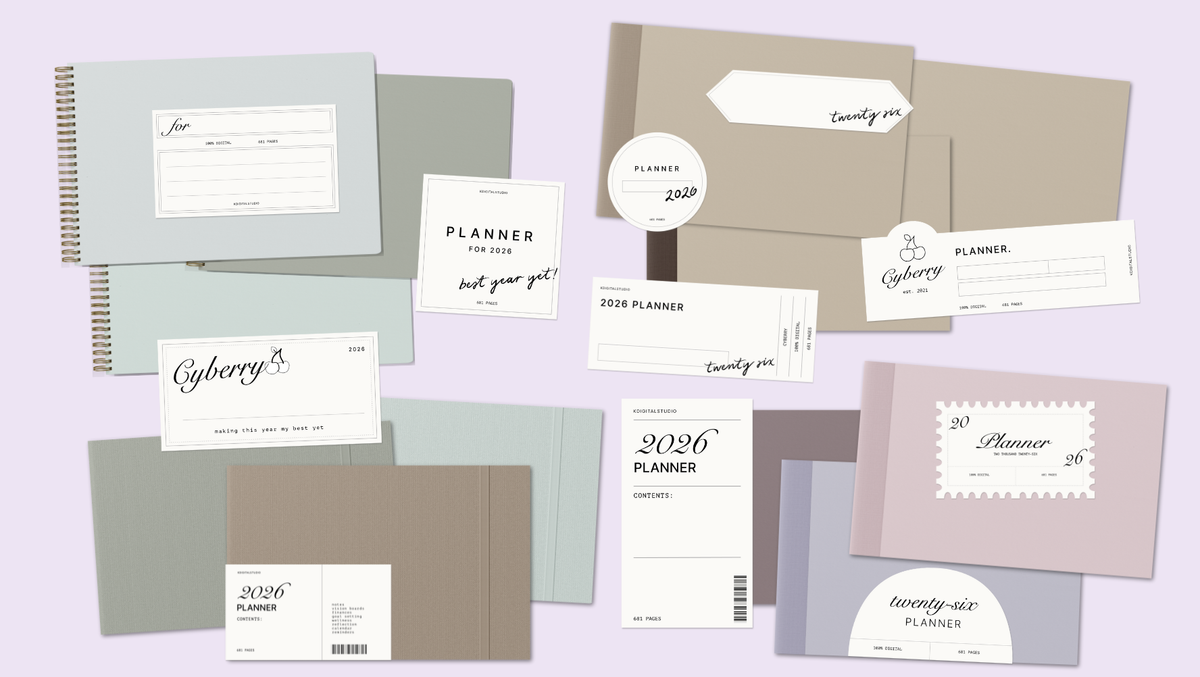
A common beginner mistake is pricing a digital planner like it took ten minutes to make, when in reality it represents hours of design work plus the ongoing time to support customers. Look at what's already succeeding in your category — the Cyberry planner has sold thousands of copies at a price that reflects a fully hyperlinked, multi-variant product, not a quick template.
Step 6: Reinvest in your skills as you grow
The designers I've watched build the most sustainable shops are the ones who keep leveling up their technical skills year over year instead of plateauing after their first product. Advanced hyperlinking, automation scripts, and professional finishing techniques — the kind covered in the later modules of Digital Planner Design Lab — are what separate a one-time product from a shop customers come back to every single year.
The honest timeline
Realistically, going from "I want to do this" to "I have a finished, sellable planner" takes a few focused months, not a weekend. But if you start now, 2027 is genuinely a realistic launch window for your first product — especially if you use the slower fall and winter months to actually learn the process instead of rushing it.
See what's inside Digital Planner Design Lab →
Want to see what a finished, multi-variant planner actually looks like? Take a look at my Cyberry 2027 digital planner — it's a real-world example of the hyperlinked, light/dark, landscape/portrait product this whole process builds toward. Browse the 2027 collection →


Share:
How to Prepare for 2027: A Digital Planning Reset for a Fresh Start
2027 Digital Planner Layouts Explained: Classic vs Dashboard vs Task-Focused vs Brain Dump