


Jul 2026 - Jun 2027
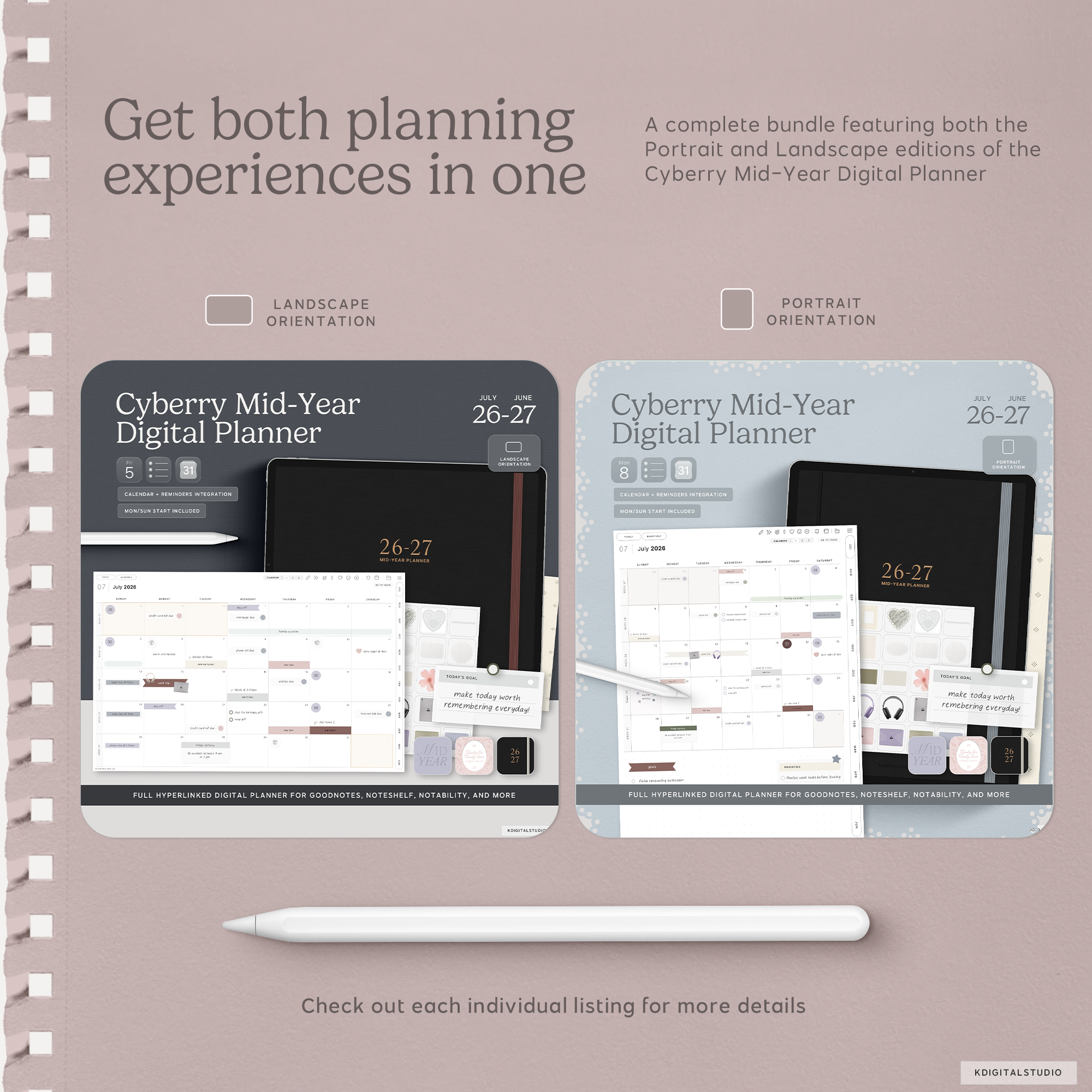
Cyberry Mid-Year Digital Planners BUNDLE (2026-2027)
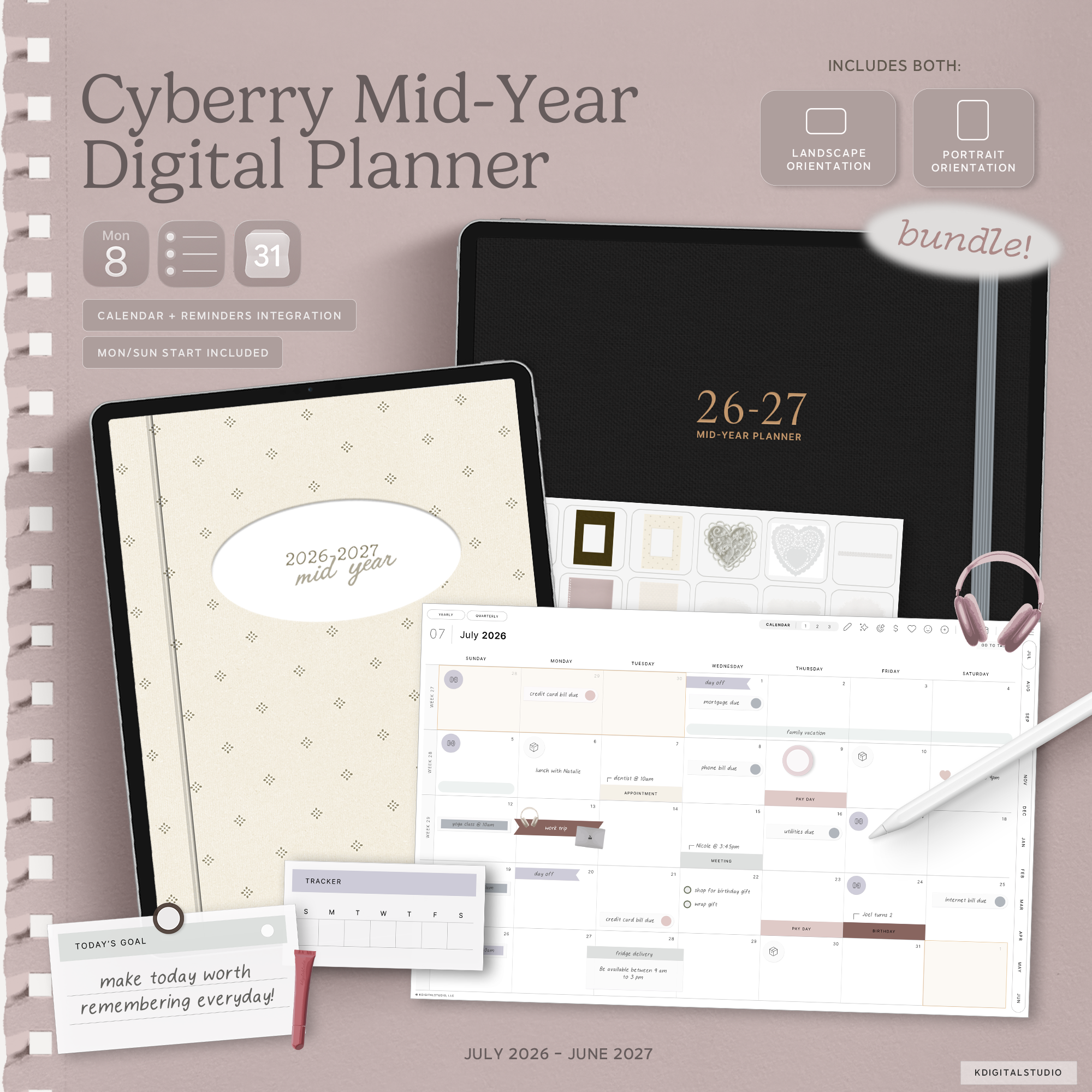
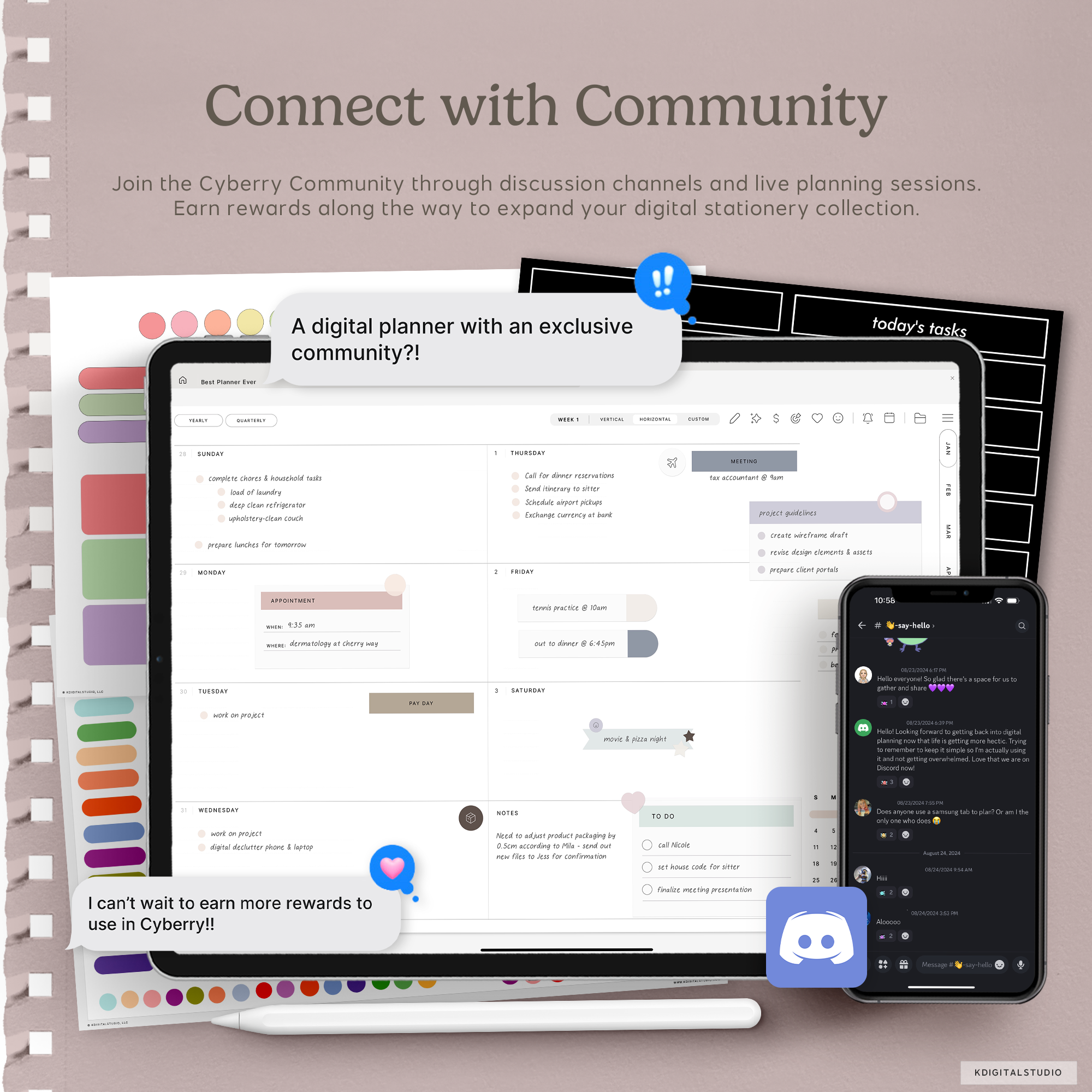
Meet Cyberry — your all-in-one space to plan, dream, and create. 🍒 Designed to feel as intuitive as your favorite app yet as natural as writing on paper, Cyberry brings structure and creativity together in one beautiful place. Every page is thoughtfully crafted to help you stay organized, inspired, and in flow — whether you’re mapping out your week or sketching your next big idea.
This is a digital download. No physical item(s) will be shipped. You receive a link to download your file(s) after purchase. No refunds or exchanges are permitted.
Get your files instantly after purchase
Hyperlinked PDF planner
Frequent updates
Compatible with many note-taking apps
Includes advanced shortcut integrations
Pairs well with
Cyberry Mid-Year Digital Planners BUNDLE (2026-2027)
If you have a quick question, you’re in the right place. Most questions are answered below — and if not, we’re always happy to help.
-
Customer Support
If something isn’t working as expected —downloads, files, or app setup — we’re here to help. Please allow up to 72 business hours for a reply, and include your order number if you have one so we can assist you faster.
-
FAQ’s
Wondering how it works, which apps they’re compatible with, or how to download them? Our FAQs cover the most common questions about using digital stationery on iPad.
-
Contact Us
Still need help or have a question before purchasing? Send us a message and we’ll get back to you as soon as possible during business hours.
Product Details
Cyberry Mid-Year Digital Planners BUNDLE (2026-2027)
Meet Cyberry — your all-in-one space to plan, dream, and create. 🍒 Designed to feel as intuitive as your favorite app yet as natural as writing on paper, Cyberry brings structure and creativity together in one beautiful place. Every page is thoughtfully crafted to help you stay organized, inspired, and in flow — whether you’re mapping out your week or sketching your next big idea.
What's included?
Planner pages
See it in action
Flick through the new pages in
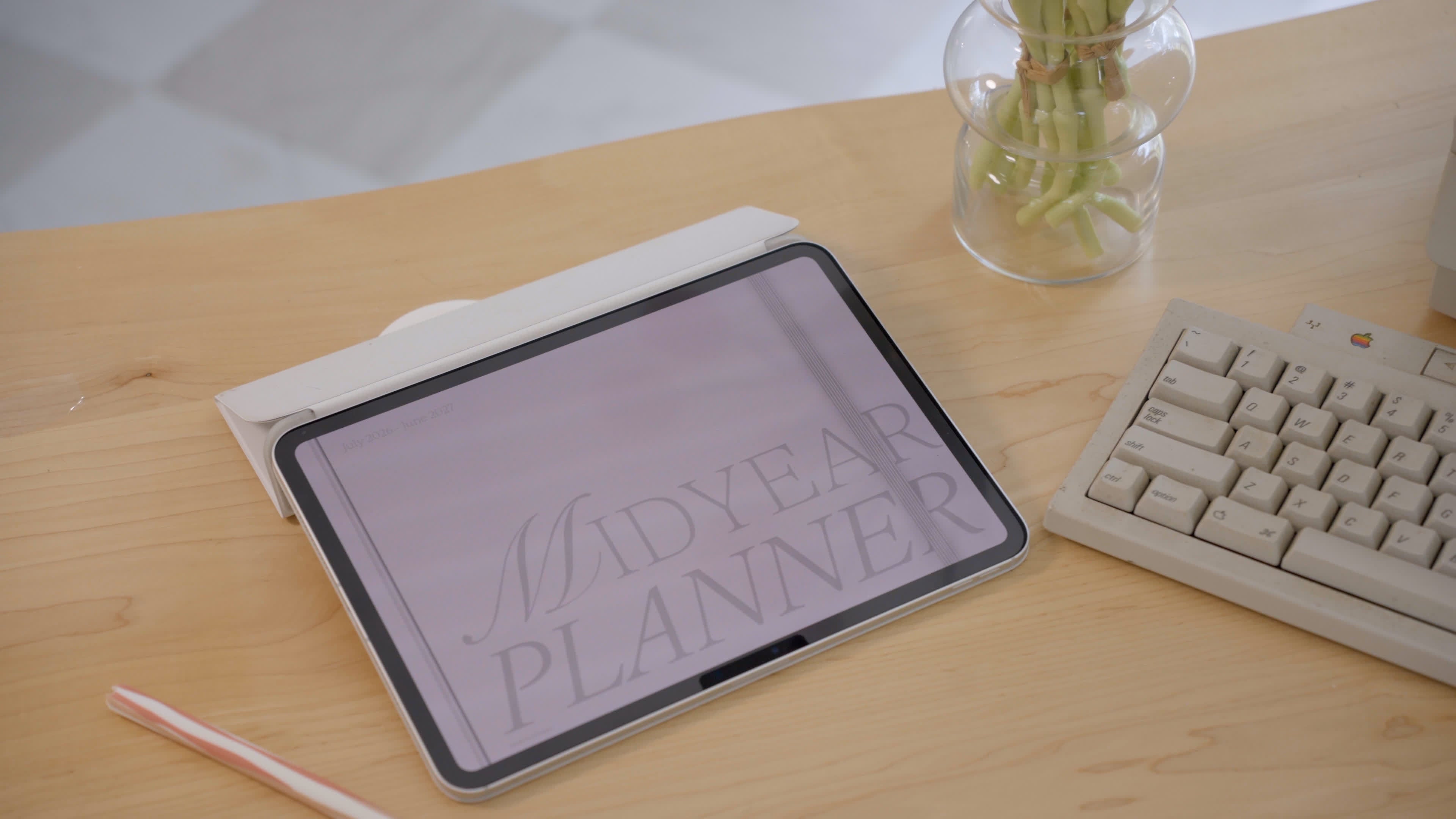
Mid-Year Planner
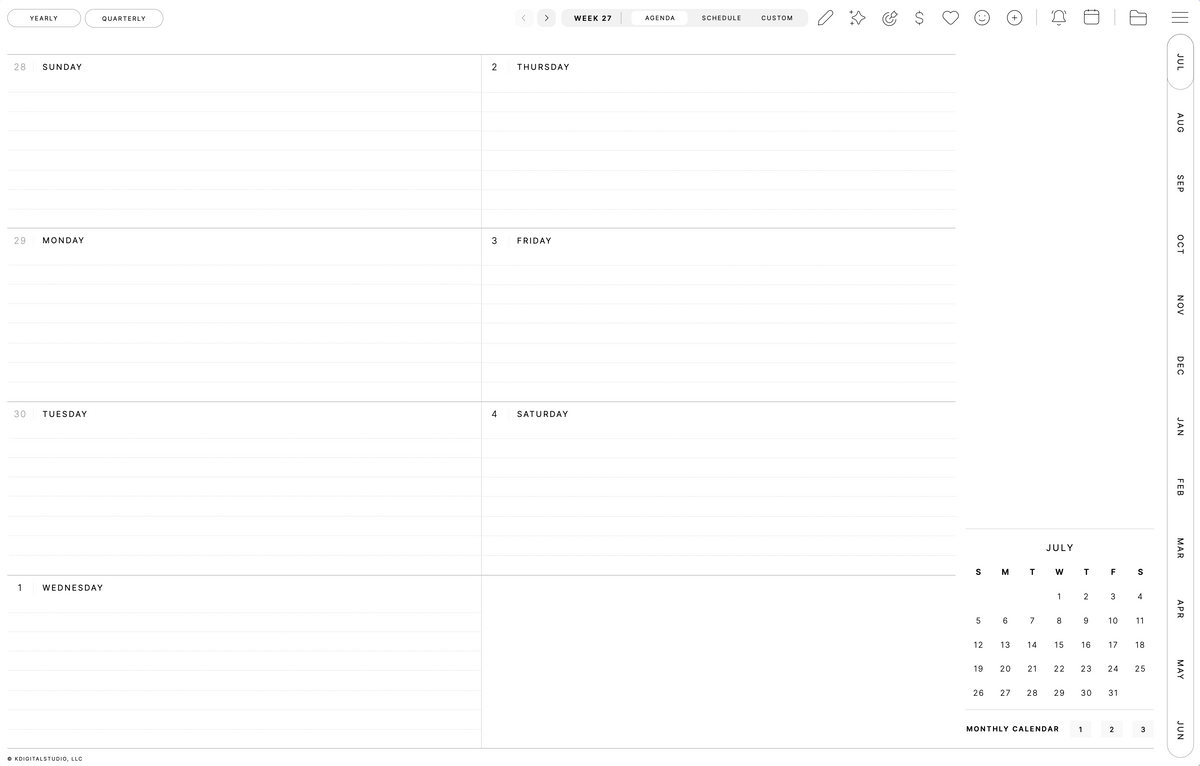
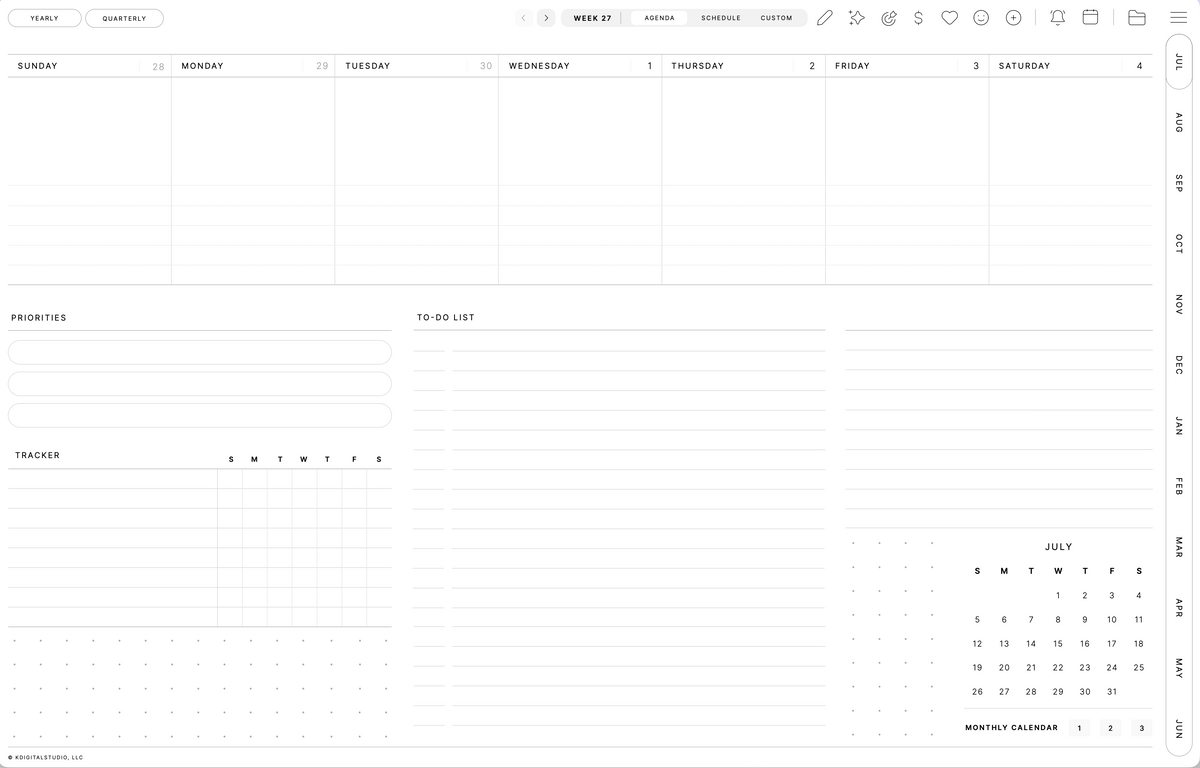
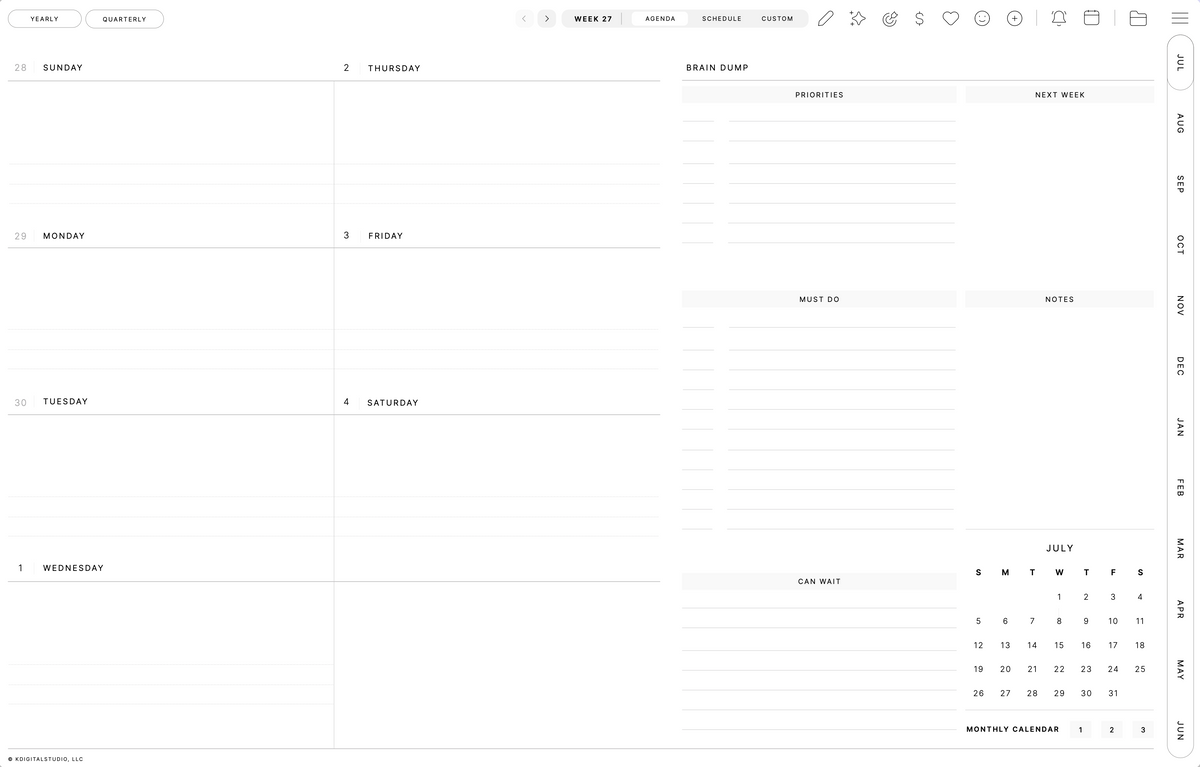
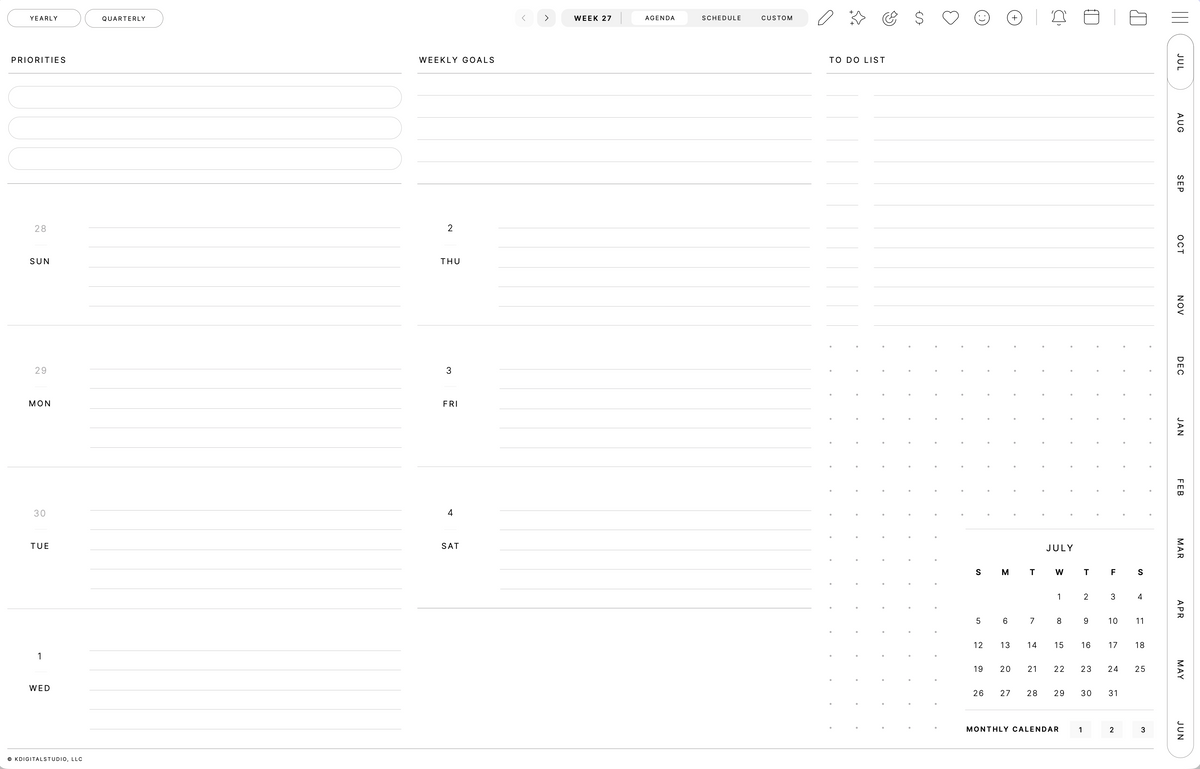
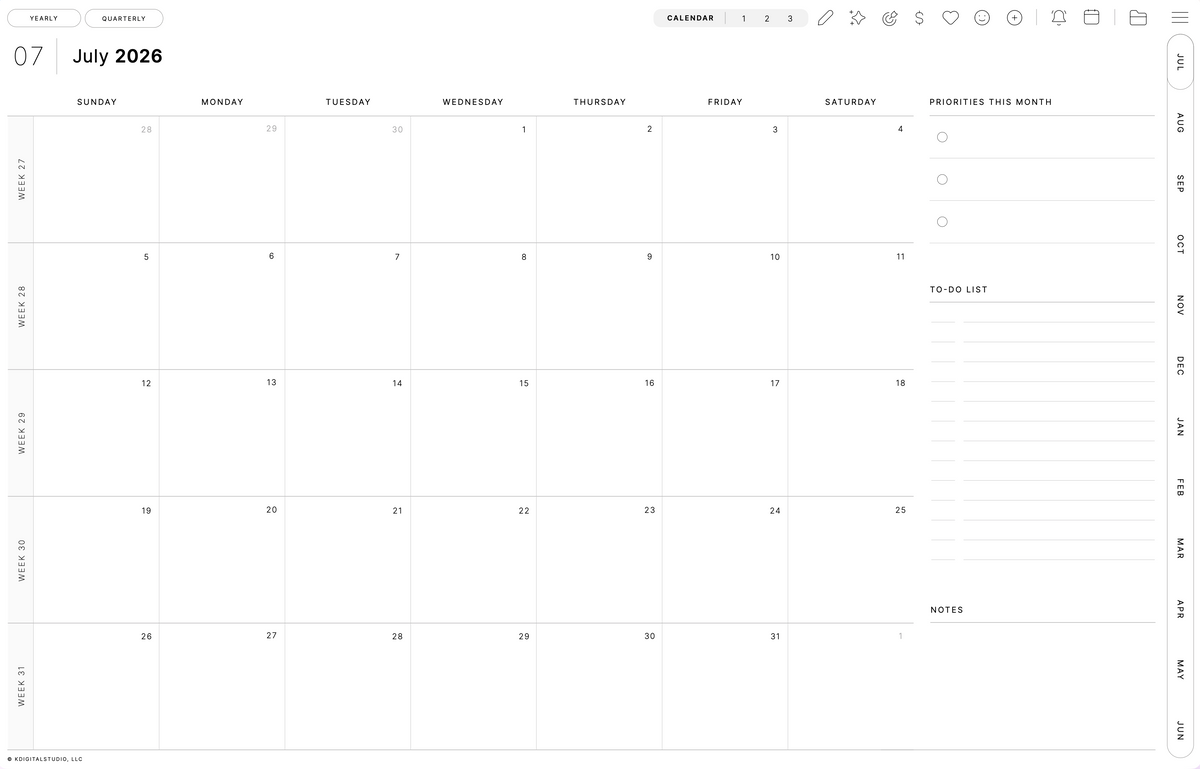
Designed to feel as intuitive as your favorite app yet as natural as writing on paper, Cyberry brings structure and creativity together in one beautiful place.
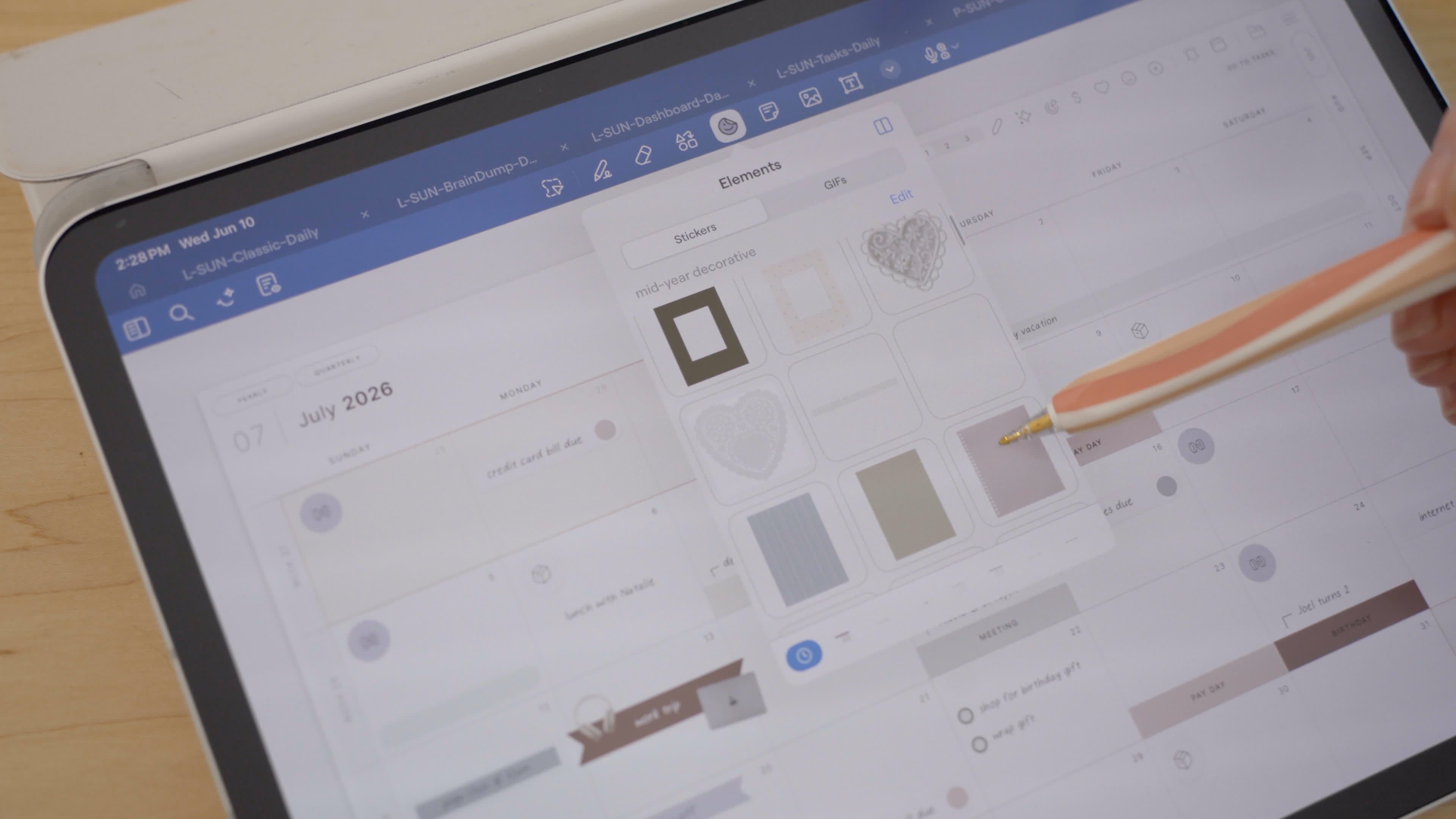
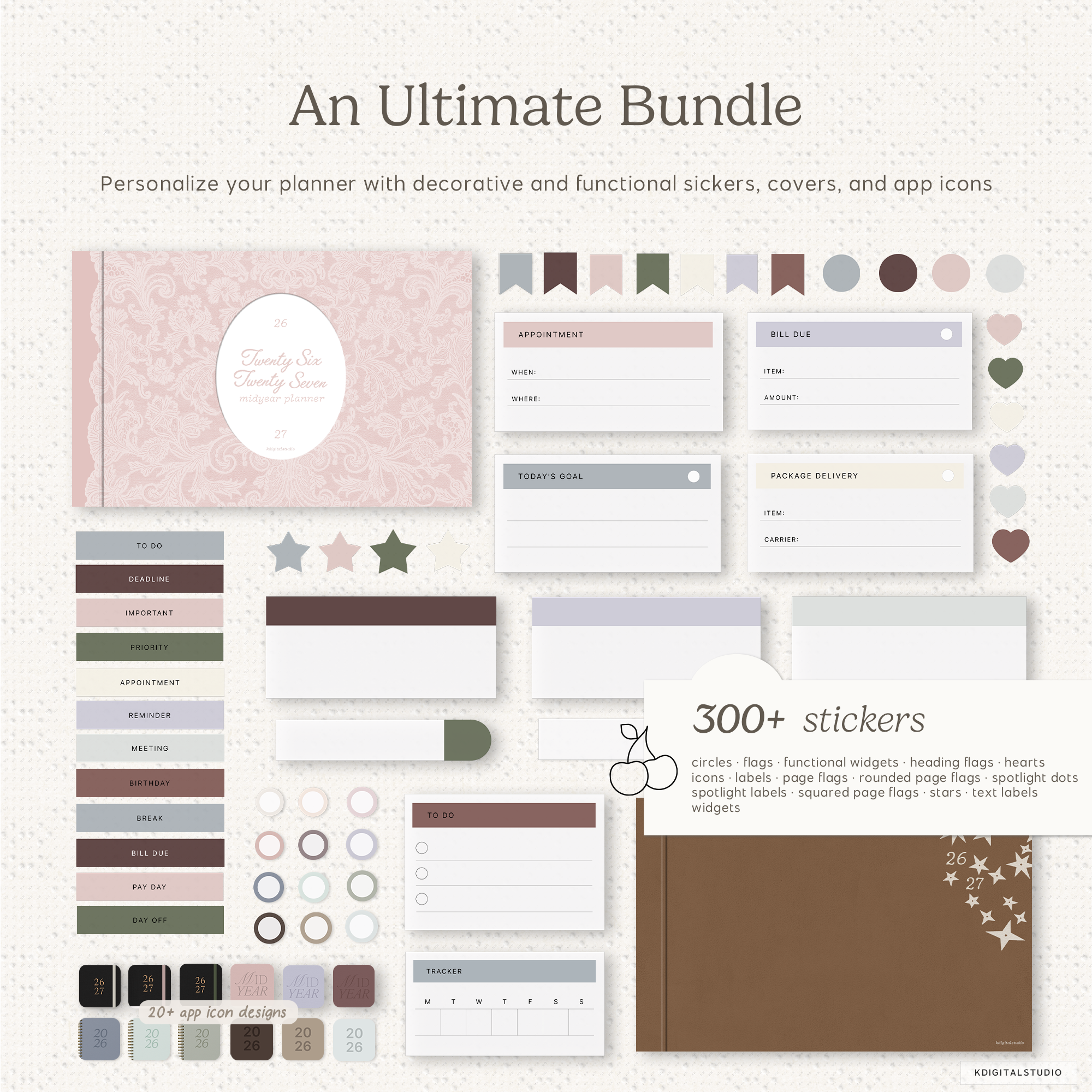
Hundreds of Stickers for Planning
All that you need to plan your day, schedule events, take notes, and decorate your planner
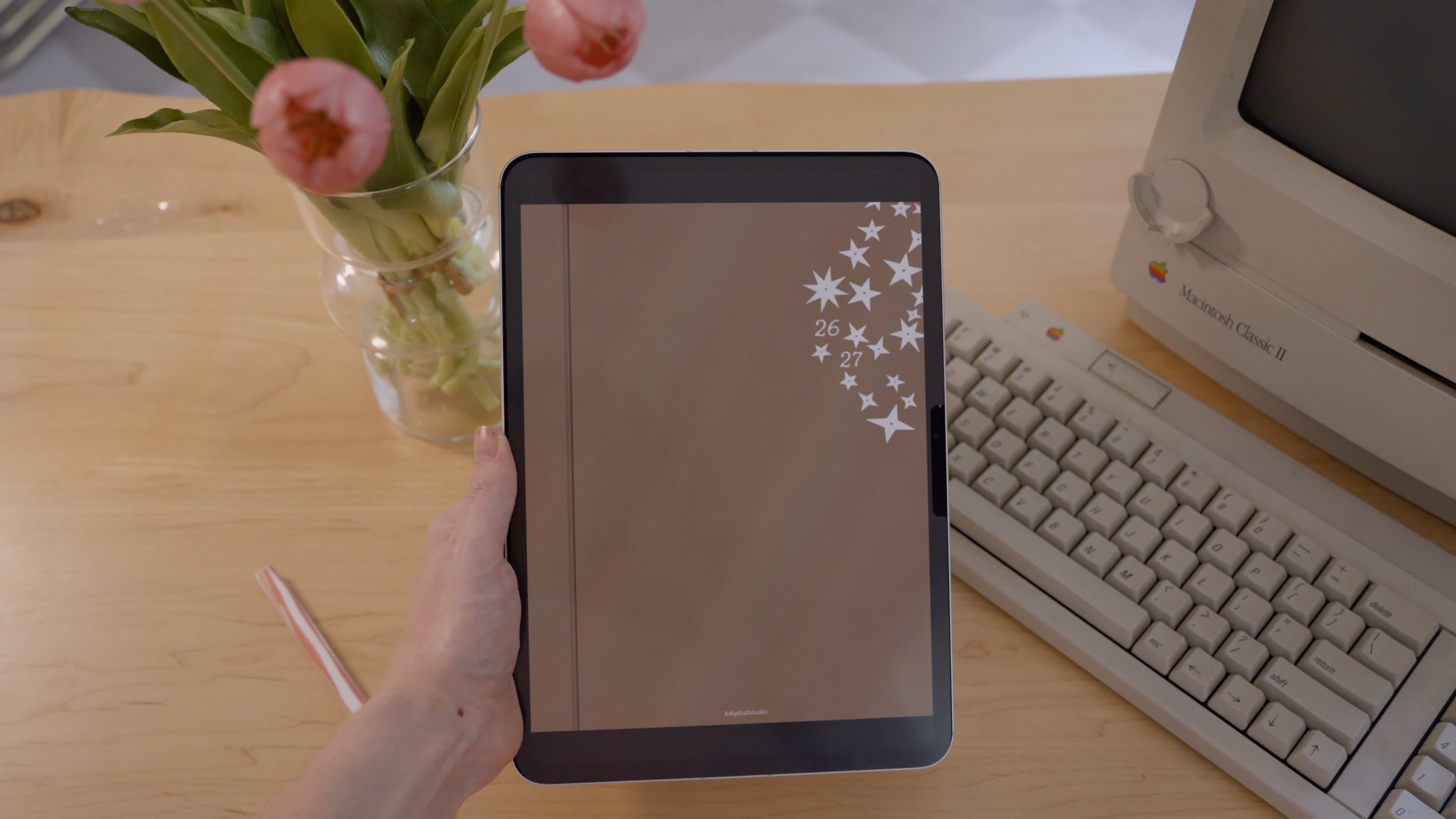
Customizable Planner Covers
Three different styles, each with plenty of colorways to choose from
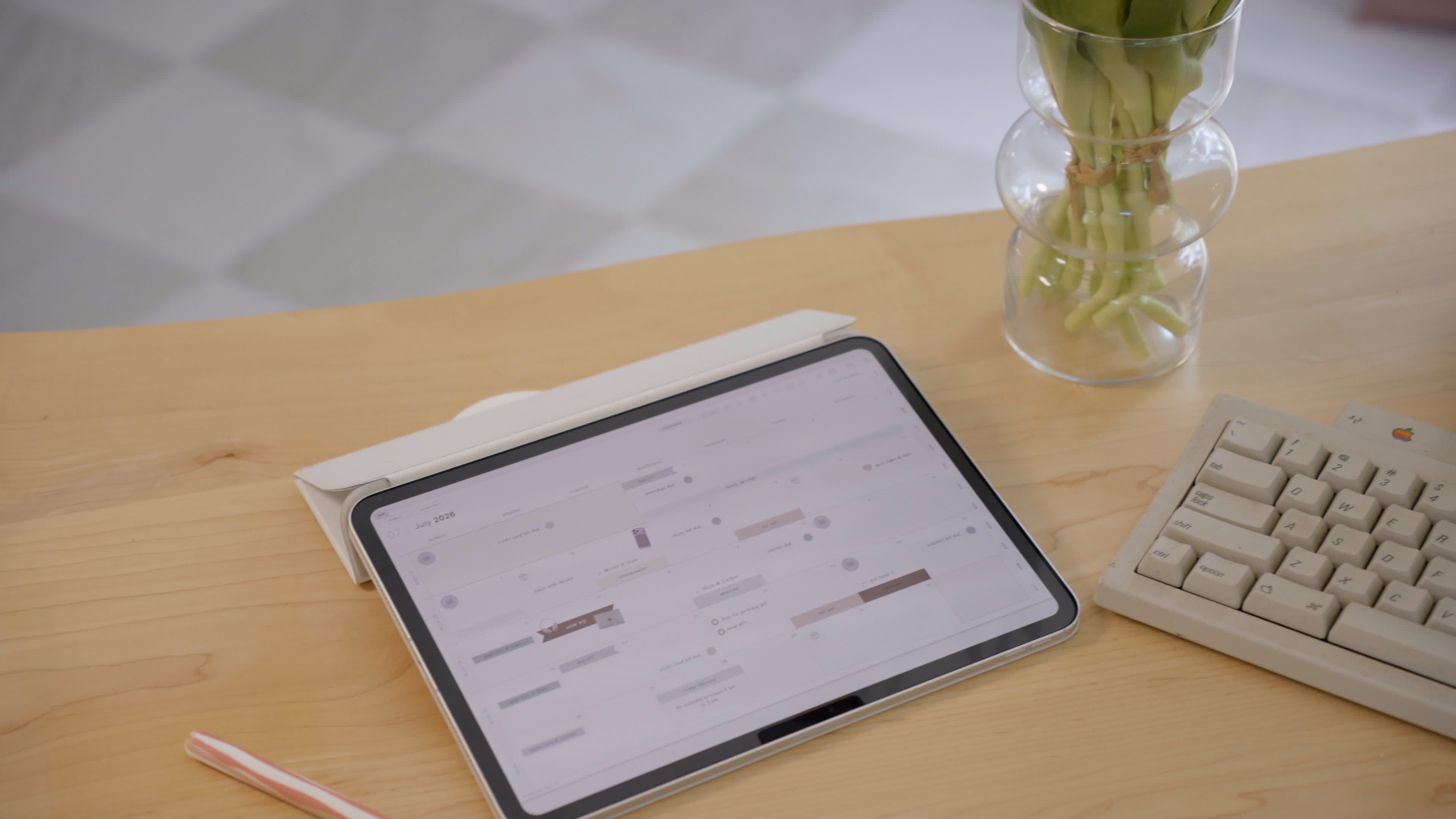
App Icons for Shortcuts
Coordinate your home-screen planner shortcut with various app icons
Your plans. Simplified, stylized, and synced.
With an interface that feels calming yet capable, it transforms everyday planning into a mindful ritual. Write, highlight, and organize your life your way with the ease of digital and the heart of paper.

Advanced Shortcut Integrations
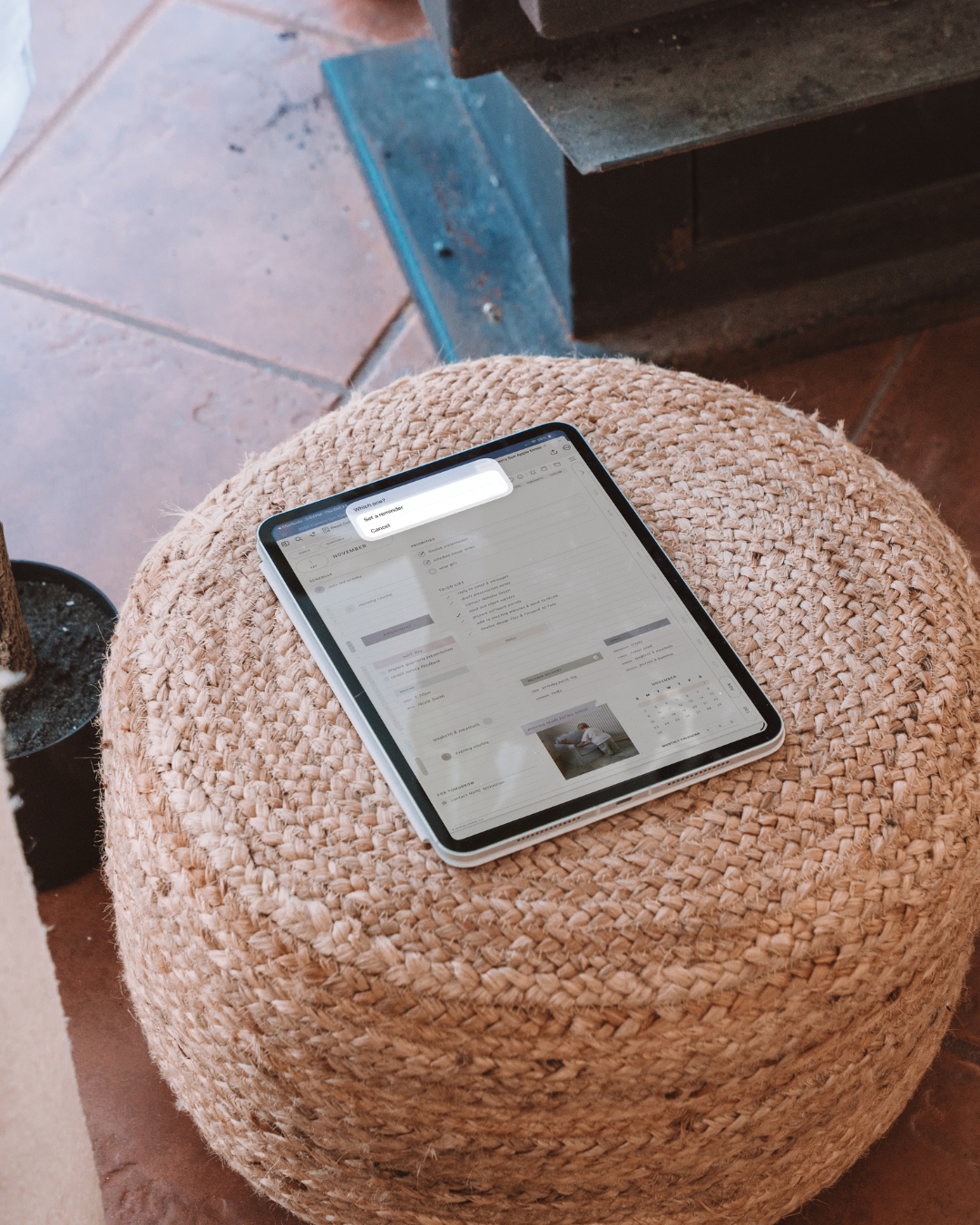
Daily pages:
Create an all-day event for the selected day (Apple and Google Calendar)
All other pages:
Create an all-day event for current day (Apple and Google Calendar)
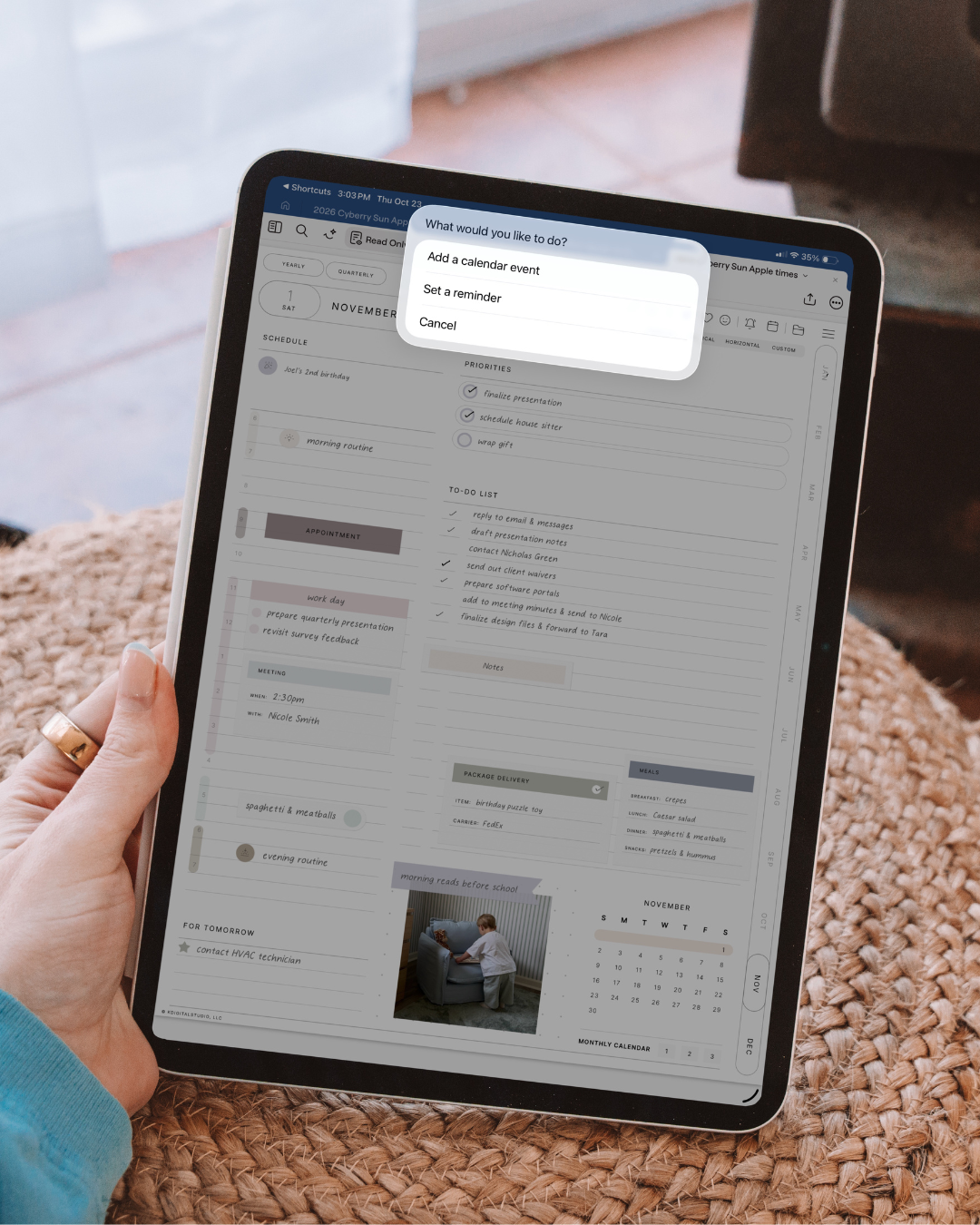
Apple and Google Calendar:
On daily pages, you can create an event by tapping each hour for that respective day
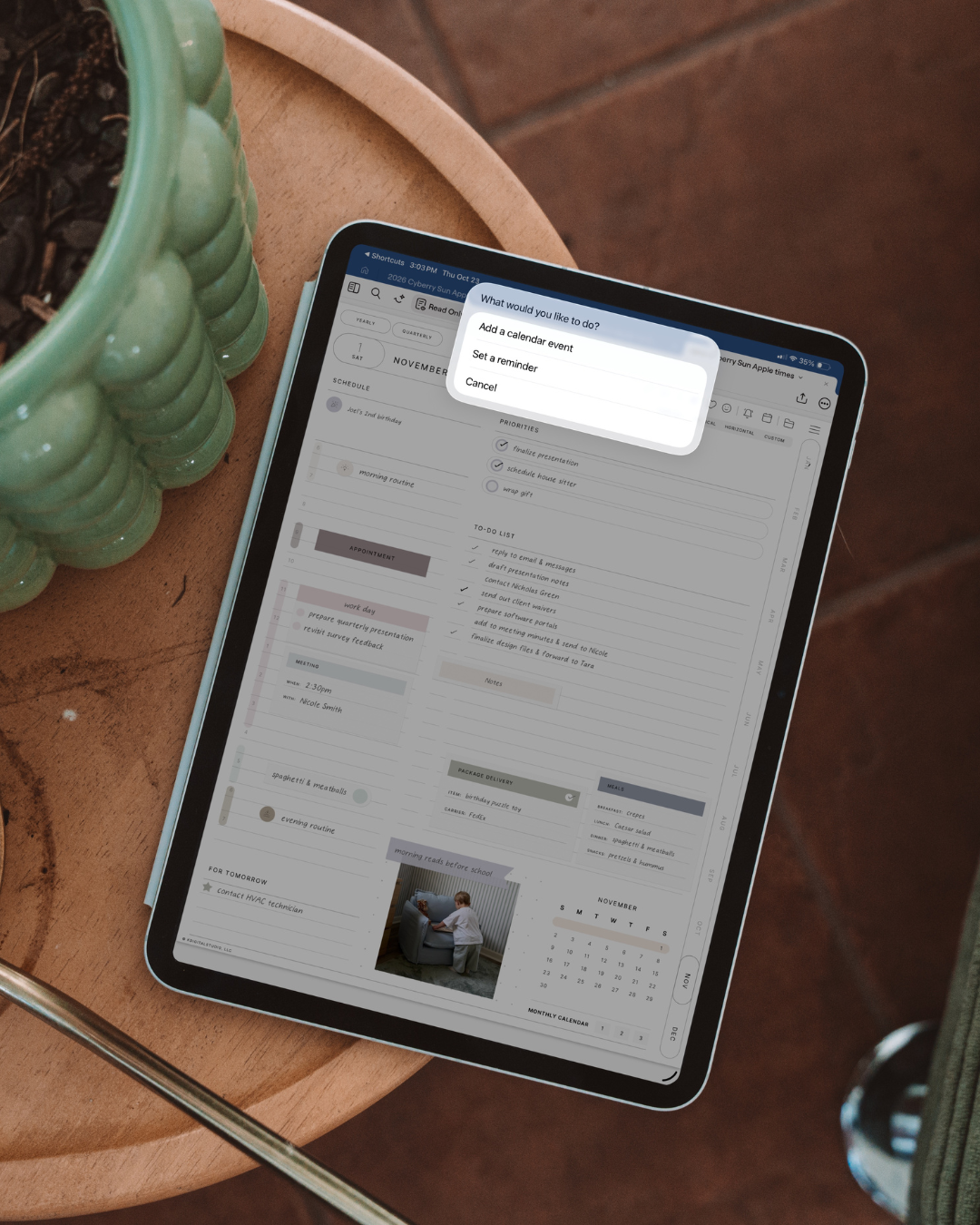
Set a reminder using Apple Reminders. Choose your Reminders list, set alerts, and more!

Visible When You Choose
Faint grid-lines so your writing stands out. Zoom in for visible grid-lines. Zoom out for a minimal look.
What people
are saying
Kate TanHave tried many digital planners and by far, the Cyberry is the most intuitive with extremely comprehensive hyperlinks. Makes switching between pages seamless, easy and accessible. The monthly, weekly and daily pages are categorized together, allowing user to view the month/week/day before and after, with just a swipe left/right. The clean and minimal look is everything i am looking for (though i appreicate if the lines werent that faint). With all the other goodies that come with the planner, its definitely worth every penny!
Kendra PaytonCyberry is my favorite planner. Ive tried so many others but I always come back to Cyberry and KDS ❤️
Ashleefirst time Cyberry userI have tried many other planners that were sort-of similar to Cyberry, and I had contemplated buying Cyberry for the past few years, and finally did recently. This has the best navigation of any other digital planner I have used, so I know I will stick with this one. It isn’t full of templates that you may not use, and you can customize the blank sheets with the stickers included or use other PNG templates or widget stickers from KDS. This clearly took a lot of time to put together and it shows and is appreciated!
Gina G.Best planner evahhh!! There are so many goodies in Cyberry: multiple calendars for months and weeks! The creativity pours out of the user because of the minimal (read:gorg) interface. Experimenting with insanely fun Cyberry. Don’t wait: Pull The Plunge and purchase this asap!!
KatieI have been looking around for "the best" digital planner for the longest time. I have tried simple basic ones and complicated ones from other Etsy shops but they never seem to fulfill my needs (e.g. some templates may be tough to navigate between pages or layouts).
When I saw that KDigitalStudio offers multiple monthly calendars, strategic placement of buttons across months/weeks/days, apple calendar/reminder integration, watched the tutorial and I knew I had to get this!! The planner is worth every penny considering that the features provided are comprehensive (but not overwhelming with 30-100 other irrelevant templates).
Still not sure? Well, I must say the ease of navigation and user-friendliness simply won me over. It was screaming at me - TAKE MY MONEY! So here I am, with one of the best digital planners and a whole community to share my hobby.
FAQs
Please read our Help Library page to find out more.
What apps and/or devices are compatible with this planner?
Refer to our Help Library for more information about device and app compatibility.
How do I choose Monday or Sunday start for this planner?
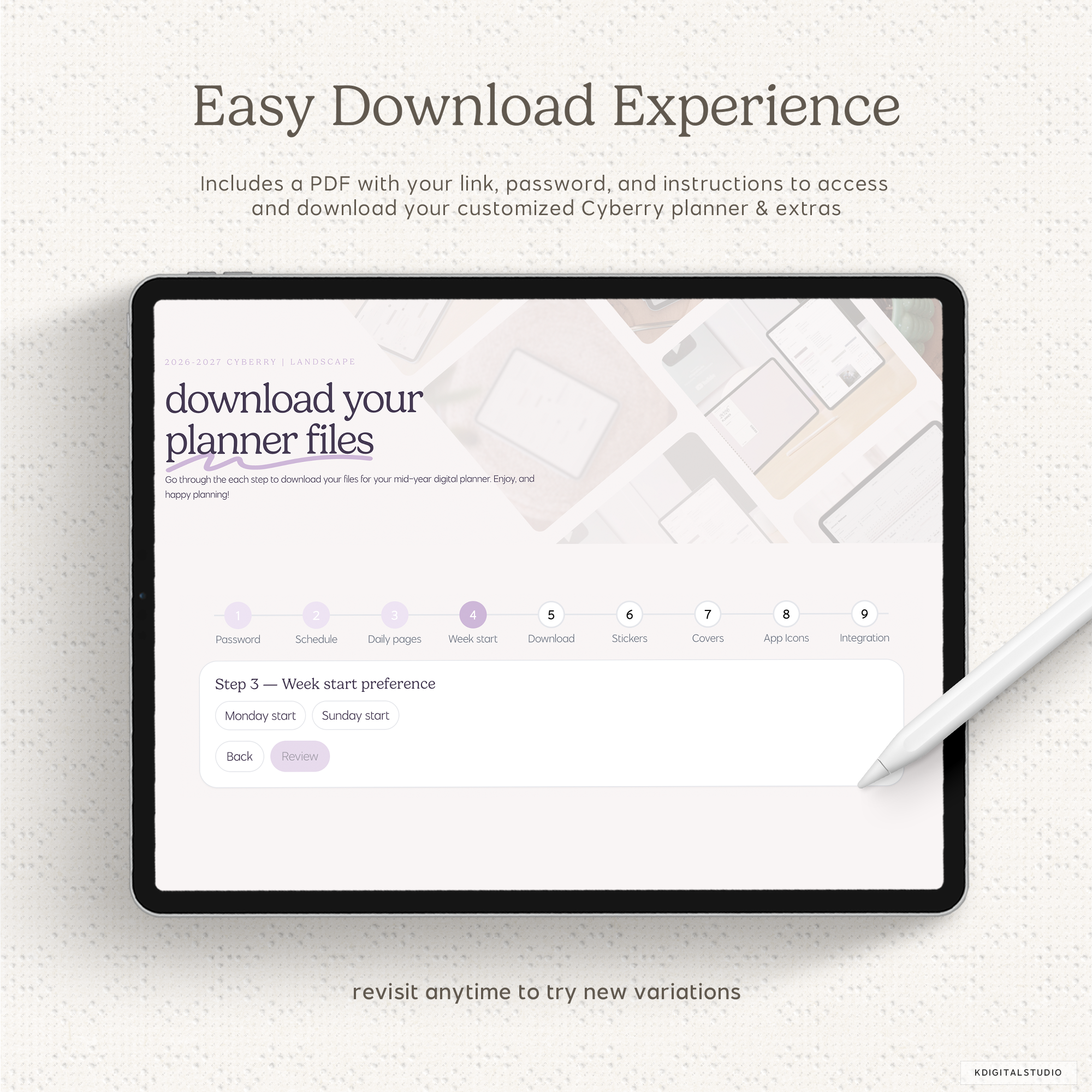
Both Monday and Sunday start planner variants are included with your purchase. You'll choose between Monday and Sunday in your planner access portal that you'll receive after purchase.
How do I customize the weekly pages?
Cyberry Mid-Year automatically comes with three hyperlinked weekly pages that you can seamlessly switch between: Agenda, Schedule, and Custom. Agenda is further customizable in the Planner Portal where you can choose from 1 of 4 layouts. Schedule shows a traditional vertical time-blocking layout. Custom is a blank page, which allows you to build or paste in your own layouts to use.
Are there daily pages included?
Yes! In the Planner Portal, you can choose between having daily pages or no daily pages. If you choose to not have daily pages, you will obviously not have access to the additional shortcut integrations available only for daily pages.
How does the shortcut integration work?
Inside the planner access portal that you receive the link for after purchase, you will find steps for installing and activating the shortcut to run the reminder + calendar integrations.
Once installed, tapping the bell icon will allow you to set a reminder in the Reminders app. Tapping the calendar icon will allow you to create an event using Apple Calendar and Google Calendar for the current day unless you tap the icon on a daily page. In that instance, you can create an event for that respective daily page.
Please note: The shortcut integration only works with iOS Shortcuts.
Will this planner sync with calendar or reminder apps?
No, it will not. Whatever you write in your digital planner will not automatically appear in your automated Apple Calendar, Google Calendar, or Apple Reminders.
The integration offered is simply a means of interacting with Apple Calendar, Google Calendar, or Reminders quickly without having to leave your digital planner. It still requires you to manually add the events or reminders yourself.
How large is this planner?
Despite the advanced and intricate design and hyperlinking system of the planner, the file size is only approximately 19 mb, which is relatively quite small, without sacrificing quality. As you add stickers, text, handwriting, and other assets over time once importing into your desired annotation app, the file size may increase.
What is new with Cyberry Mid-Year?
In addition to a refreshed design, you will find a new template library, planning pages for 2026-2027, key dates, new monthly quick menu pages, and additional shortcut integrations with the hourly layout planner customizations, along with the ability to choose your preferred agenda weekly style. You can also choose whether you'd like daily pages included inside your planner, or not. The download and customization process has been streamlined with an interactive step-by-step process.
Where is the dark mode version of this planner?
Unfortunately, the demand for dark mode has been low and decreasing each year of Cyberry's release. At this time, there is no dark mode version.
How do I join the Cyberry Community?
After purchase, you'll find links inside the setup guide and your planner for joining the Cyberry Community.
If you have trouble joining the Community, please reach out to support and we'll be happy to make sure you're enrolled.
I purchased the wrong selection for this planner. Can I change it?
Sorry to hear that! Unfortunately, we cannot offer refunds, returns, or exchanges on digital products. You must double-check your cart before following through with your order as KDigitalStudio is not responsible for failure to make the correct selections.
The shortcut integration opens the Shortcuts app. Is there a way to bypass that?
This is expected behavior. Apple launches the Shortcuts app to be able to run the integration. There are workarounds (like running the shortcut via Siri), but they don't translate well to digital planning.
I have another question. Can you help?
Happy to help! Please reach out to support.