



Goodnotes gets most of the attention in the iPad note-taking world, but Noteshelf has a devoted following — and for good reason. Noteshelf 3 is arguably the most polished notebook-style handwriting app after Goodnotes, and in a few areas it actually pulls ahead. If you're deciding between the two, here's an honest, neutral comparison.

The Quick Answer
Goodnotes is the safe, community-standard choice with the biggest ecosystem of templates, planners, and tutorials. Noteshelf is the pick if you want an exceptionally rich built-in template library, a slightly more customizable writing setup, and generous cross-platform support including a full Android app.
At a Glance
| Feature | Goodnotes | Noteshelf 3 |
|---|---|---|
| Structure | Notebook & folder based | Notebook & group based |
| Built-in templates | Good, plus large marketplace | Extensive, including subject-specific pages |
| AI features | Handwriting spellcheck, learns your handwriting | Generate/summarize/translate notes (credit-based) |
| Handwriting search | Excellent, across all notebooks | Yes |
| Platforms | iPad, iPhone, Mac, Windows, Android, Web | iPad, iPhone, Mac, Android, Windows |
| Pricing model (2026) | Free tier; subscription or one-time Special Edition | Free tier; premium subscription (~$29.99/yr) with AI credits |
Pricing and plan structures change often — confirm current details on each app's official site.
The Writing Experience
Both apps are a joy to write in. Low latency, reliable palm rejection, and smooth ink are a given on modern iPads. Noteshelf gives you a little more granular control over pen customization — you can fine-tune your favorite pens and save them — while Goodnotes keeps things clean and quick. Neither will let you down; this comes down to taste.
Organization
Here the two apps are very similar. Both use a notebook metaphor: you create notebooks with real pages you flip through, and you group them into folders or categories. If you're coming from a physical binder or you use hyperlinked digital planners, both will feel natural. This is a big reason people who love Goodnotes tend to feel at home in Noteshelf and vice versa.
Templates: Noteshelf's Strong Suit
Noteshelf ships with an unusually deep built-in template library, including subject-specific pages — music notation, engineering and math grids, art and design layouts, and more. If you want lots of ready-made paper without hunting for it, Noteshelf is generous out of the box.
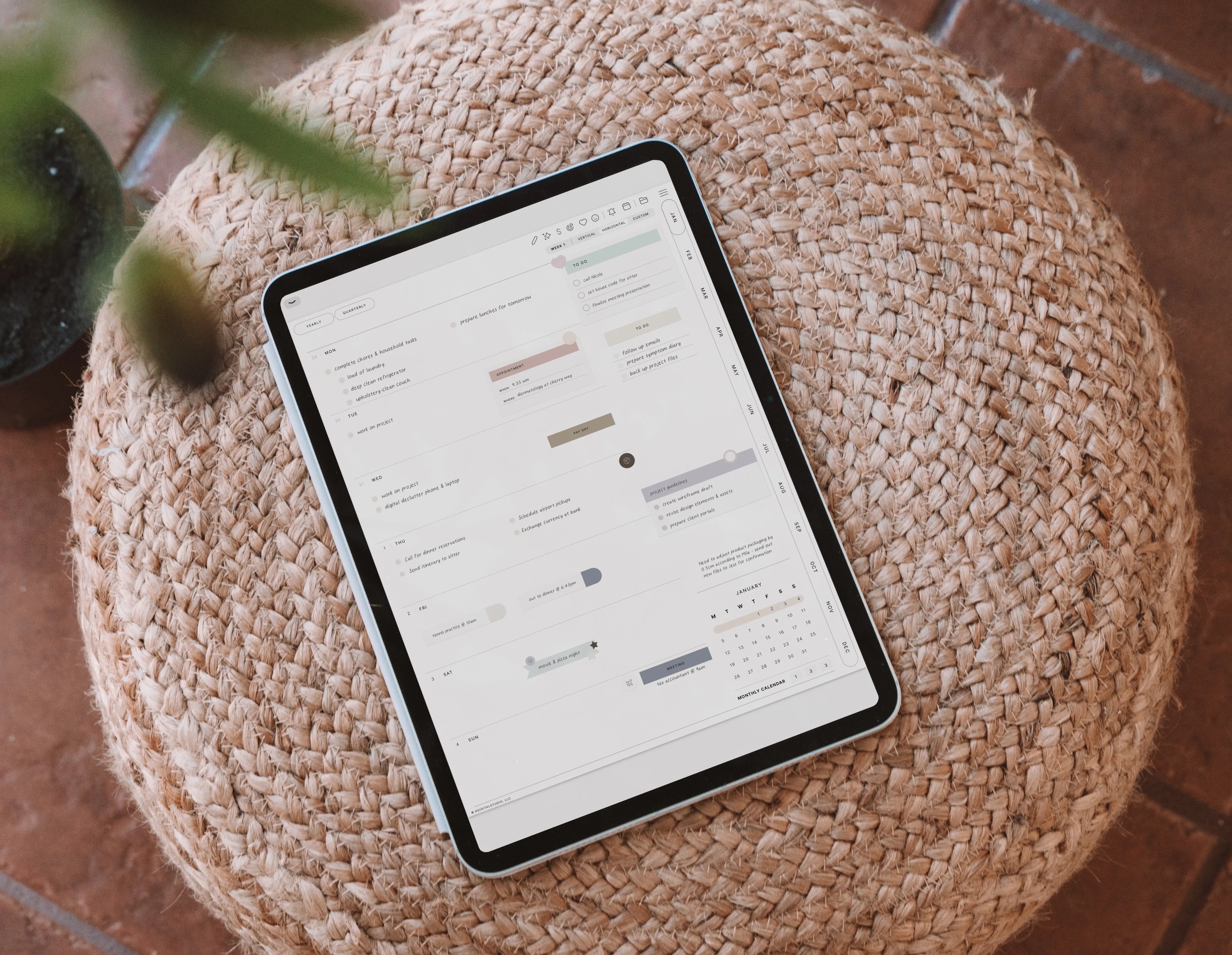
Goodnotes counters with a large third-party marketplace and the biggest community of planner and template creators. Both let you import your own PDF templates and planners, so you're never locked into the built-ins. You can drop a ready-made hyperlinked planner from my planners collection into either app.
AI Features
Both apps have leaned into AI. Goodnotes can learn your handwriting and even spellcheck your notes in your own handwriting, correcting typos as you go. Noteshelf offers a credit-based AI assistant that can generate handwritten notes on a topic, summarize pages, translate text, and explain terms — with a set number of AI credits included each month on the premium plan. Which approach appeals to you depends on whether you want AI cleaning up your writing (Goodnotes) or AI helping generate and digest content (Noteshelf).
Pricing in 2026
Goodnotes has a free tier, paid subscription plans (Essential and Pro), and a one-time Special Edition option for subscription-averse users. Noteshelf also offers a free tier, with a premium subscription (around $29.99/year, plus shorter billing options) that unlocks unlimited notebooks, auto-backup, and monthly AI credits. Noteshelf's Android and Windows versions are sold separately.
Always verify current pricing on the Goodnotes and Noteshelf sites.
Platforms and Sync
Both are impressively cross-platform. Goodnotes covers iPad, iPhone, Mac, Windows, Android, and web. Noteshelf covers iPad, iPhone, Mac, Android, and Windows, and is one of the few premium handwriting apps with a genuinely full-featured Android client. If you mix Apple and Android/Windows devices, either app will keep you in sync — a real advantage over Apple-only options.
So, Which Should You Choose?
Choose Goodnotes if: you want the largest ecosystem of planners, templates, and tutorials, best-in-class handwriting search, and the app most digital-planner creators design for first.
Choose Noteshelf if: you want a deep built-in template library, more pen customization, and generous cross-platform support with a strong Android app.
Both have free tiers — try each with real notes before deciding.
See the Apps in Action
Browse the screenshot-rich Goodnotes Help Center and the Noteshelf site and help resources to see the interfaces before you buy.

Share:
Teachery vs. Kajabi, Teachable & Thinkific: The Honest 2026 Comparison for Course Creators
How to Use Digital Planner Covers in GoodNotes & Noteful