


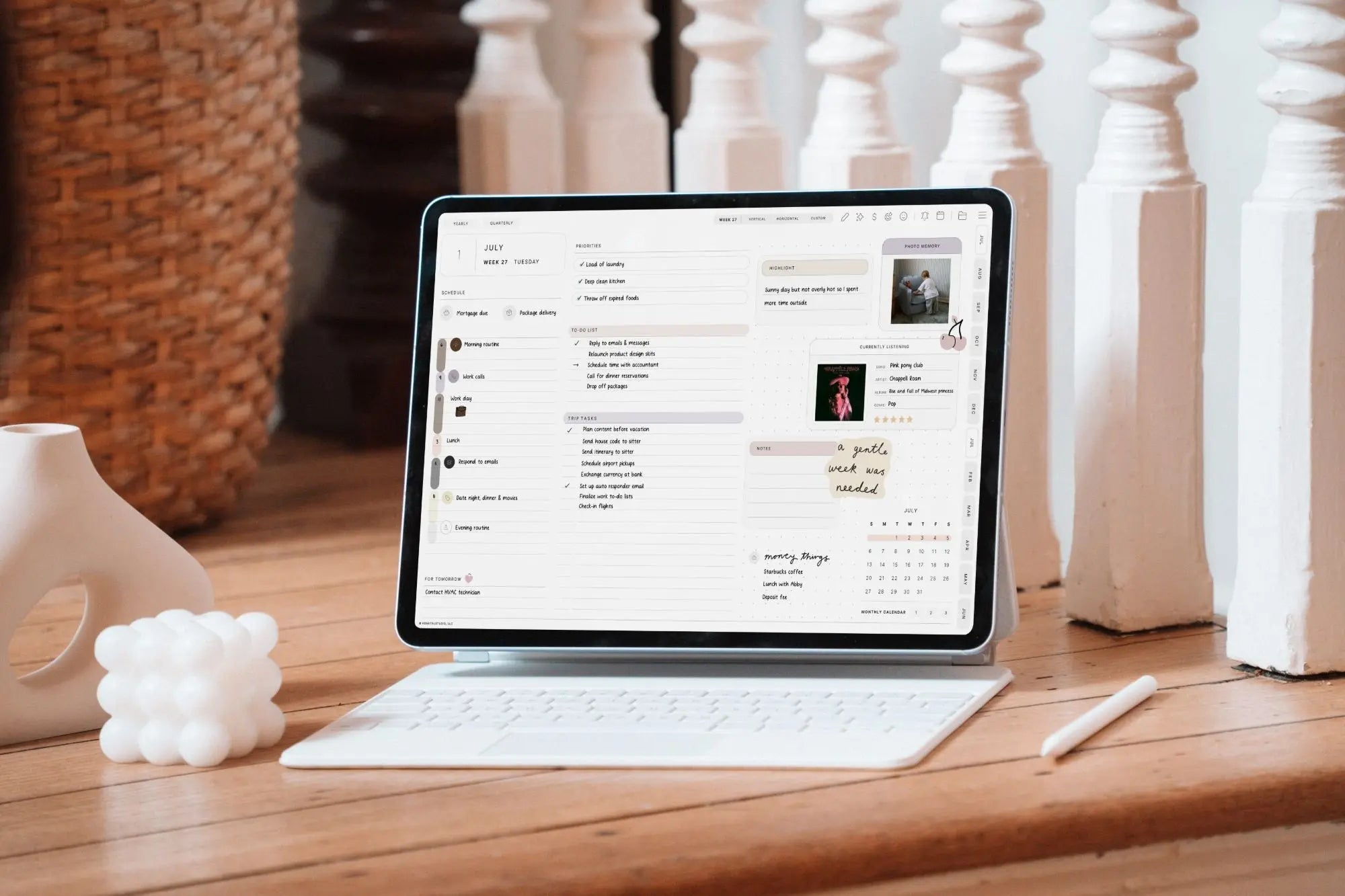
These two apps sit at interesting opposite ends of the iPad note-taking spectrum. Goodnotes is the feature-packed, ecosystem-rich standard that most people know. Noteful is the quietly excellent budget favorite — a lean, fast handwriting app with one of the best ink engines around and a price that's hard to argue with. Here's a neutral look at how they stack up in 2026.

The Quick Answer
Goodnotes is for people who want the full package — templates, a huge planner ecosystem, handwriting search across everything, cross-platform sync, and AI extras. Noteful is for people who mostly want to write and mark up PDFs, love a beautiful pen feel, and would rather pay a small one-time price than a subscription.
At a Glance
| Feature | Goodnotes | Noteful |
|---|---|---|
| Best for | All-in-one notes, planners, cross-platform | Affordable, beautiful pen notes & PDF markup |
| Ink engine | Smooth, low latency | InfiniteStroke vector ink — highly praised pens |
| Extras (audio, AI, marketplace) | Extensive | Lean and focused |
| Handwriting search | Excellent, across all notebooks | More limited |
| Platforms | iPad, iPhone, Mac, Windows, Android, Web | iPad & iPhone (sync expanding) |
| Pricing (2026) | Free tier; subscription or one-time Special Edition | Free to try; ~$4.99 one-time |
Pricing changes often — confirm current details on each app's official site.
The Writing Experience
This is Noteful's calling card. Its custom ink engine (InfiniteStroke) produces crisp, high-resolution vector strokes, and its pen options — especially the fountain pen — are frequently praised as some of the best in any handwriting app, with lots of fine-tuning. Writing feels responsive with excellent palm rejection.
Goodnotes is no slouch — its writing is smooth and reliable — but if pure pen feel is your top priority, a lot of enthusiasts give Noteful the edge. As always, try both; ink feel is subjective.
Features and Extras
This is where Goodnotes pulls ahead by design. It offers audio recording on paid plans, AI handwriting tools, an enormous template and planner marketplace, and handwriting search across every notebook. Noteful deliberately stays lean: ink, tabs, folders, and solid PDF markup, without the sprawling extras. For many people, that focus is a feature, not a limitation — fewer menus, less clutter, faster to just write.
Digital Planners in Both Apps
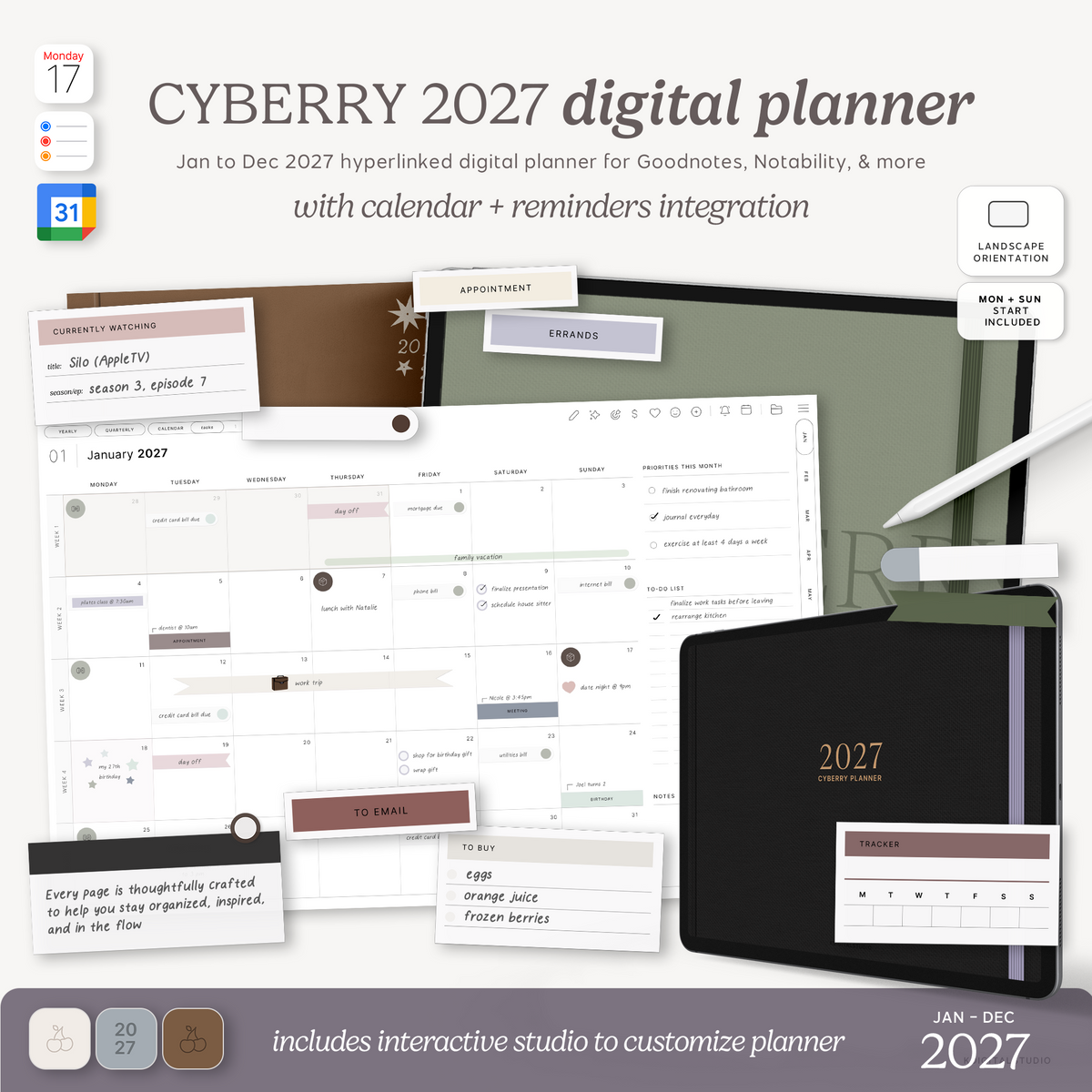
Good news: both apps open and annotate hyperlinked PDF planners, so a well-made planner works in either. Noteful has become a popular, affordable home for digital planners — I even wrote a full Noteful 2026 tutorial and setup guide if you want to get started. You can drop any planner from my planners collection into Noteful or Goodnotes and the tappable hyperlinks will work the same way.
Pricing in 2026
The pricing story is stark. Noteful is free to try and around a $4.99 one-time purchase — no subscription. Goodnotes has a free tier, then subscription plans (Essential and Pro) or a one-time Special Edition. If avoiding recurring costs matters to you, Noteful is one of the most budget-friendly quality options on the App Store. If you want the deeper feature set and cross-platform sync, Goodnotes justifies its higher cost.
Check Noteful and Goodnotes pricing for current numbers.
Platforms and Sync
Goodnotes is broadly cross-platform (iPad, iPhone, Mac, Windows, Android, web). Noteful is centered on iPad and iPhone, with cross-device sync expanding in its newer versions. If you need Windows or Android access, Goodnotes is the clear pick; if you're an iPad-first note-taker, Noteful covers you comfortably.
So, Which Should You Choose?
Choose Goodnotes if: you want an all-in-one app with planners, audio, AI, handwriting search, and multi-platform sync.
Choose Noteful if: you want a gorgeous pen feel, simple PDF markup, and a one-time price with no subscription — especially if you're on a budget or iPad-first.
See the Apps in Action
Explore the Noteful website and the Goodnotes Help Center for screenshots and feature walkthroughs.
Share:
How to Set Up Your iPad for Note-Taking: A Back-to-School Guide
How to Set Up Your iPad for Note-Taking: A Back-to-School Guide