

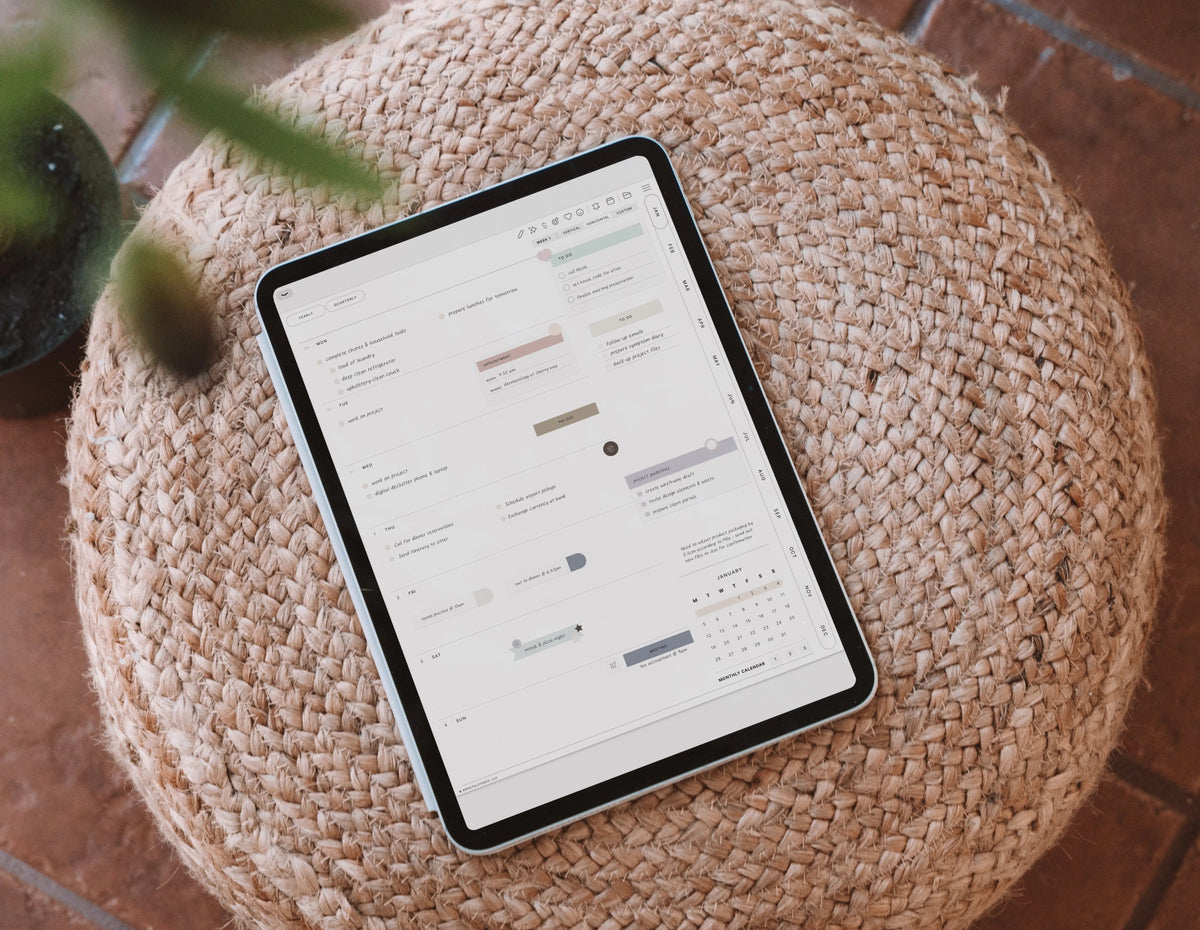
September always sneaks up on me the same way — one minute it's back-to-school stickers and iced coffee, and the next I'm already thinking about next year. If you're the kind of planner who likes to get ahead of the curve (and if you're reading a digital planning blog, you probably are), now is actually the best time to start thinking about 2027. Not in a stressed-out, rushing-the-season way — just a slow, intentional head start so January doesn't catch you off guard.
I've been designing digital planners since 2018, and every single year the people who feel most in control come February aren't the ones who bought the fanciest planner. They're the ones who set their system up before the year actually started. So let's talk about how to prepare for 2027 in a way that's realistic, a little cozy, and actually sets you up to use your planner past January 15th.
1. Reflect before you plan
It's tempting to skip straight to picking colors and stickers (guilty), but a few minutes of honest reflection changes everything about how you plan next year. Grab your current planner or journal and ask yourself:
- What actually worked in my planning system this year — and what did I abandon by March?
- Did I need a Monday start or a Sunday start? Did my weekly layout actually match how I think?
- What do I want more of in 2027 — rest, creative time, consistency, movement, saving?
This is the exact question I ask myself before redesigning the Cyberry planner every single year, because a planner only works if it matches how you actually live, not how you wish you lived.
2. Choose your 2027 planning format on purpose
Digital planning gives you options paper never could, but that also means it's worth choosing intentionally instead of grabbing whatever's popular. A few questions to nail down before the year flips:
- Week start: Sunday or Monday — pick whichever matches your brain, not what you think you're "supposed" to use.
- Weekly layout style: classic, dashboard, task-focused, or brain-dump style — this is genuinely the difference between opening your planner every day or letting it collect digital dust.
- Orientation: landscape for split-screen iPad users, portrait if you're planning on your phone or a smaller screen too.
- Light or dark mode: purely personal, but worth choosing before you buy so you're not reformatting stickers later.
If you've used a Cyberry planner before, you already know I build these choices right into the planner rather than forcing one layout on everyone. The 2027 lineup is here now — landscape and portrait, light and dark mode — so once you're clear on your preferences, you can grab the exact version that fits.
3. Set up your system, not just your spreads
A planner is only half the equation — the other half is the little workflow pieces that make it click into daily life:
- A home screen app icon so opening your planner is a one-tap habit, not a five-tap scavenger hunt through GoodNotes or Noteful.
- A shortcut or calendar integration so events on your planner pages actually land in Apple or Google Calendar.
- A sticker library organized by season or category so decorating doesn't turn into a 45-minute detour.
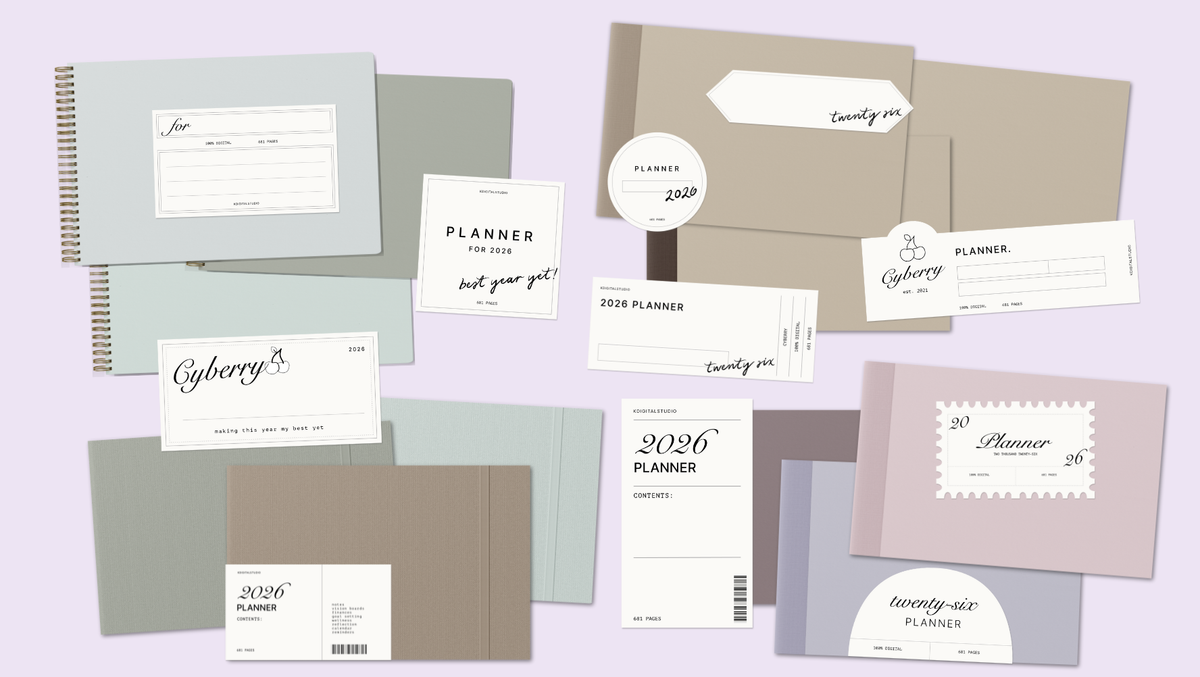
These are the unglamorous parts of digital planning nobody posts about, but they're the difference between a planner you open every morning and one you open every "someday." (Good news: the 2027 Cyberry planner comes with all three — covers, an app icon, a calendar shortcut, and the full sticker library.)
4. Decide what kind of 2027 you're designing for
Before you touch a single template, get specific about the year ahead. Are you in a building season — new job, new routine, new habit you're trying to stick to? Or is 2027 more about slowing down, protecting your time, and doing less but better? Your planner should look different depending on the answer. A brain-dump layout suits a chaotic, high-growth season. A classic, minimal layout suits a season where you already know your rhythm and just need to track it.
5. If you want to design your own planner instead of buying one
Every year I hear from people who love the idea of a completely custom planner — their own covers, their own layout, maybe even one they eventually sell. If that's you, this is genuinely the best time to start learning, because it takes a few months to go from "I have an idea" to "I have a finished, hyperlinked PDF planner ready for January 1st." I teach the entire process — Adobe InDesign and Affinity Publisher, hyperlinked navigation, covers, layouts, the whole thing — inside Digital Planner Design Lab.

The bottom line
You don't need to have 2027 figured out today. You just need one small step: reflect on what worked, decide on your format, and start paying attention to what you actually want your days to look like. That's it. That's the whole head start. Whether you grab a Cyberry planner or build your own from scratch, the goal is the same — a planner that fits your actual life, not just your Pinterest board.
Ready to grab your 2027 planner?
The 2027 Cyberry planners are here — landscape, portrait, light, and dark mode, with four weekly layouts and both week starts built right in.

🍒 Meet the Cyberry 2027 Digital Planner →
🛒 Browse the full 2027 Cyberry collection →


Teilen:
Fall iPad Home Screen Setup: Wallpapers, App Icons & a Cozy Aesthetic
From Idea to Income: How to Turn Your Design Skills Into a Digital Planner Shop in 2027