

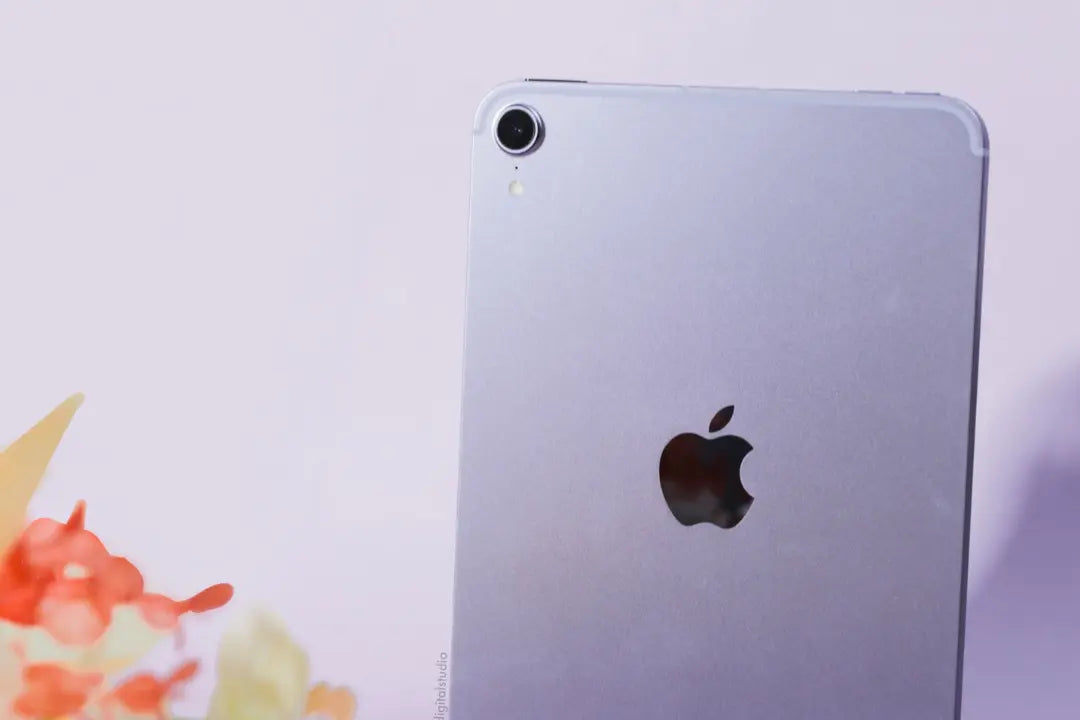
When the iPad Mini 6 was unveiled at the Apple Fall event of 2021, there was a ton of hype. And I mean a ton. I personally was so pumped to see a beautiful redesign, packed with power, in a lovely purple color. You can see a full unboxing and my first impressions of the iPad Mini here.
What It’s Capable Of
Because of the A15 bionic chip encased in the iPad Mini 6, it is a tiny force to be reckoned with. Everything I do on my massive iPad Pro M1, I am able to do with the iPad Mini.
The iPad Mini has no problem with digital planning, Procreate illustration, note-taking, and even gaming. Its portability and smaller form factor make it ideal for on-the-go notes and work. But we’re approaching March, which is traditionally when Apple unveils new products for the year during their Spring Events. Rumor has it that they will release a new iPad Air.
Should I Purchase the iPad Mini?
Now you might be wondering whether it is even worth getting the the then less than new iPad Mini when Apple allegedly plans to launch a new line for their iPad Air. You can argue that the decision between the Mini and Air is apples to oranges. Yet, I find that most people who are bouncing around whether to purchase the iPad Mini 6 is actually considering an iPad Air as well.
Thoughts
In this video, I share my thoughts on whether the iPad Mini 6 is still worth looking into and purchasing depending on the different workflows involved. There is no question that the iPad Mini 6 is a powerful little device in gorgeous colors, but it might not be the device for you depending on your consumption or work-style, especially if you already own a newer iPad.

Share:
Best Digital Planner for 2022
Everything You Need to Know About Digital Stickers in GoodNotes