


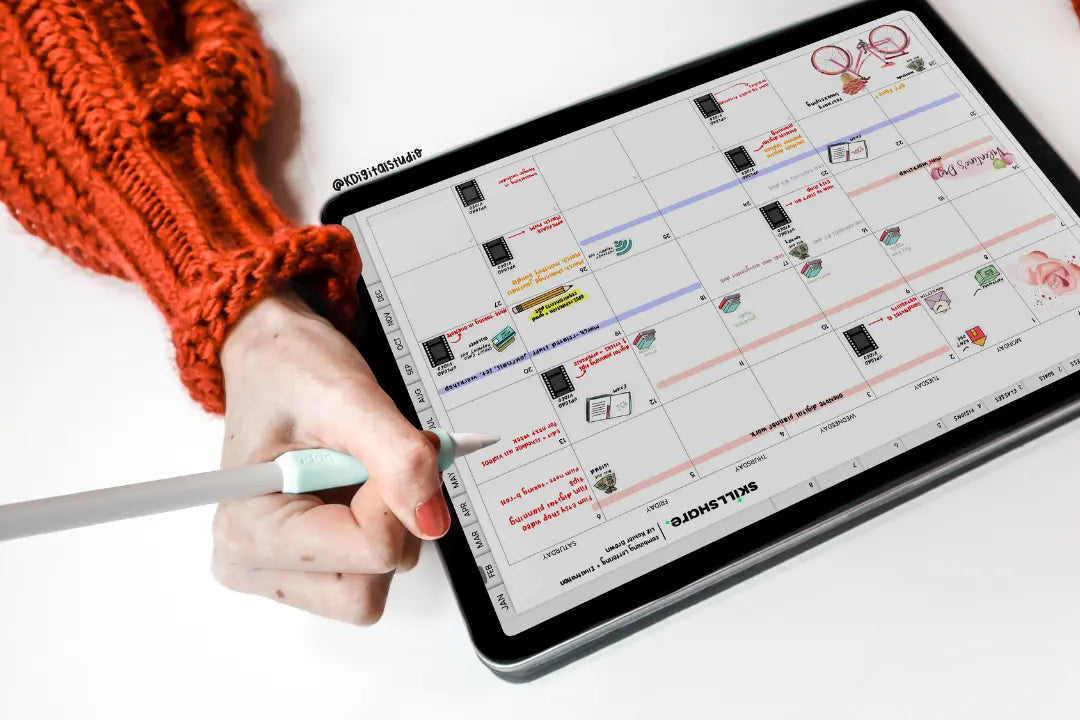
So you've stumbled upon digital planning. Perhaps you spent an absurd amount of time searching Etsy shops or through pages of Google searches trying to find the perfect digital planner or notebook; one that incorporates spreads you've always used and loved. Days have gone by. You've tossed more and more money out of the window. And you haven't found it. You haven't found planner peace.
So then you shift your mindset to: maybe I should create my own digital planner? So back to Google search you go to find the perfect YouTube tutorial to get you started from the ground-up in creating a digital planner. But maybe it wasn't enough. You're yearning for more. Or maybe you need more detailed guidance. Or a community to turn for help, to ask questions, and seek inspiration.
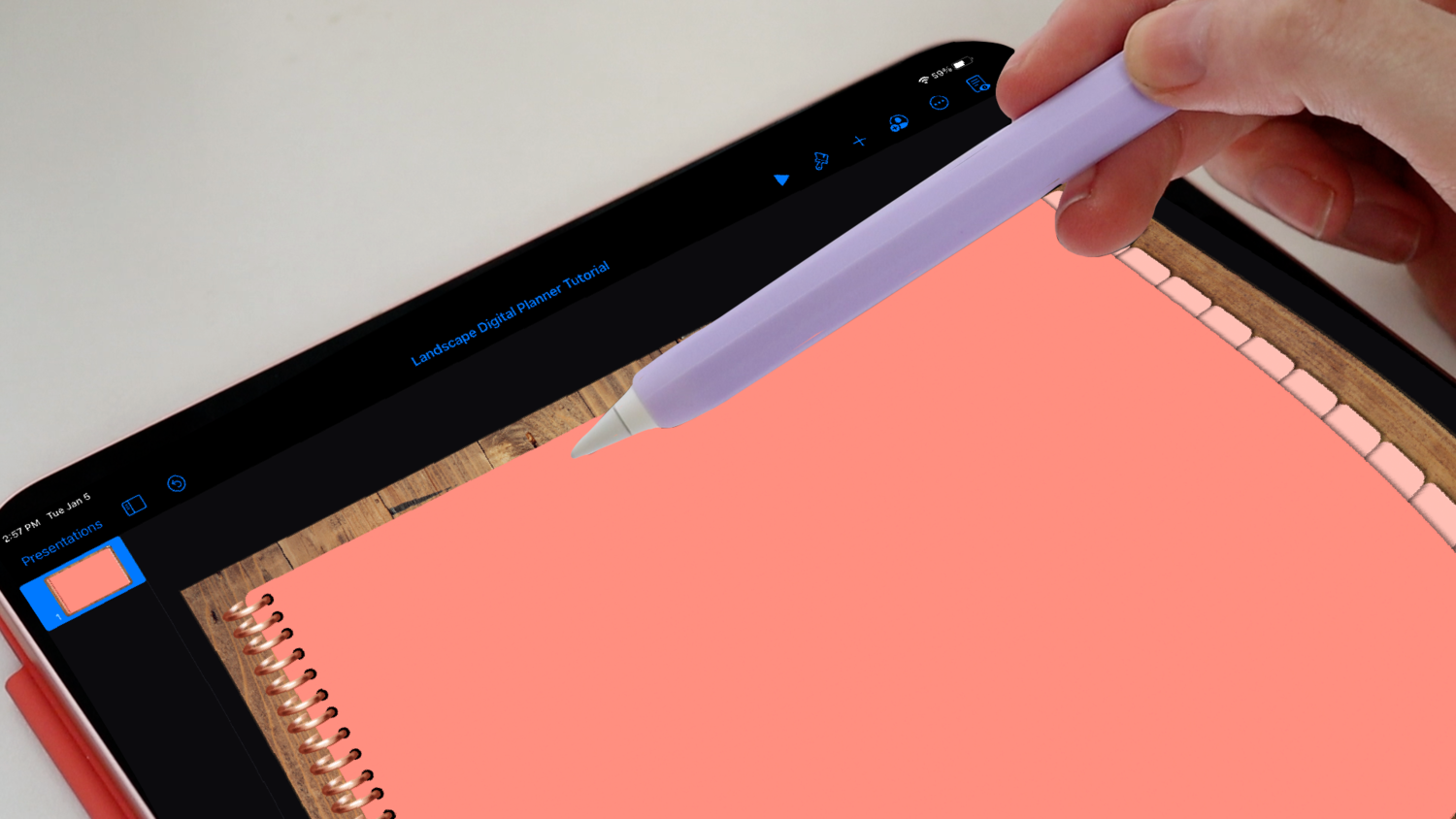
That is where this online course comes in — How to Create Digital Products by KDigitalStudio, where you not only learn how to create digital planners step-by-step in detail but many other popular digital products too!
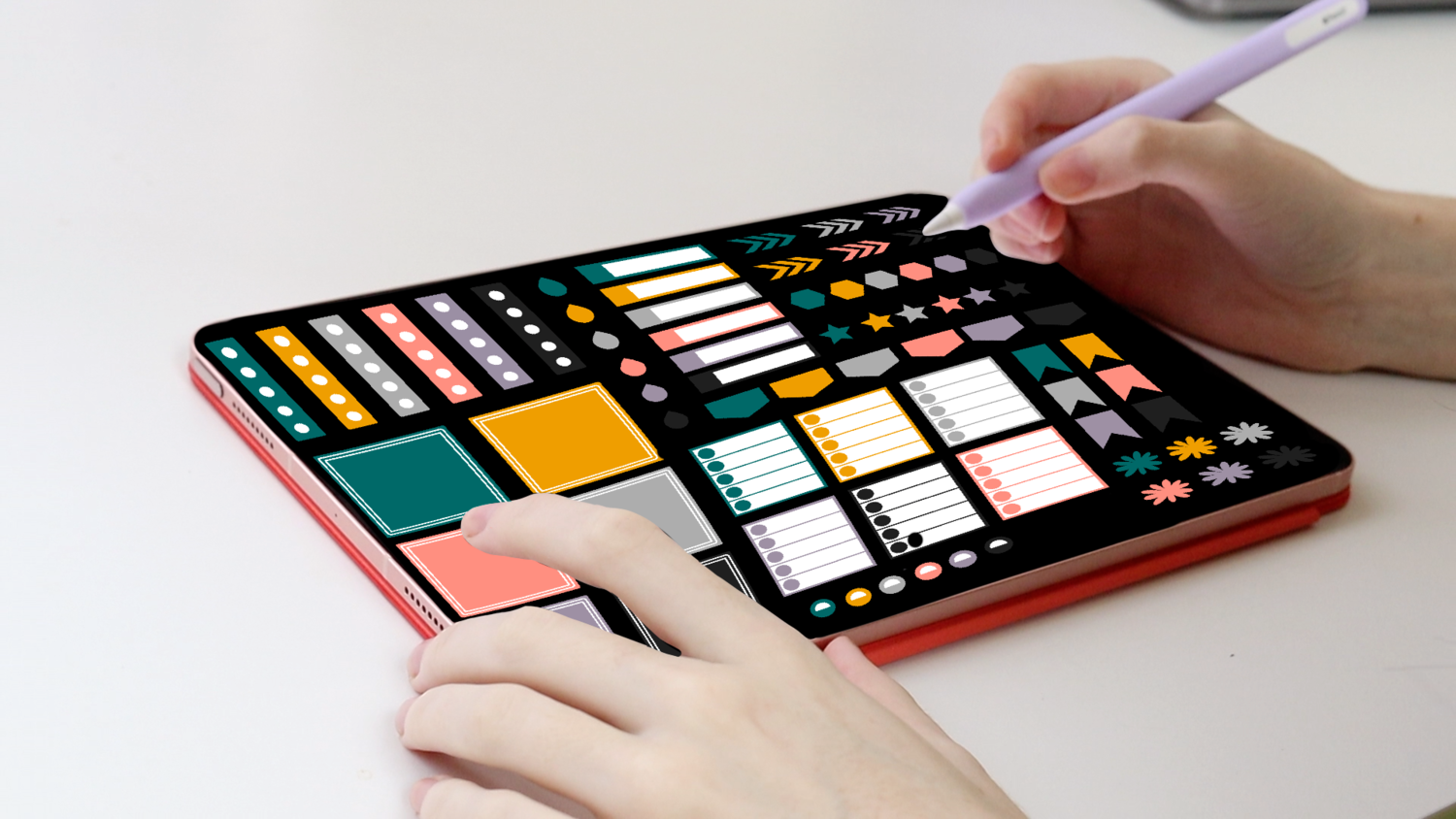
I know what you are thinking "what makes this any different from all those Google searches and the tens of hundreds of YouTube tutorials I watched?" And here's what: This course has been developed, built, and curated to be an all-inclusive space. Never again will you need to watch "How to Make a Digital Planner" tutorials and then watch separate videos on how to make planner rings, planner templates, and the like. Everything you need to get started is there, in order, and in a very attractive space. And unlike those YouTube tutorials, you'll have access to resources, bonuses, guides, and worksheets to help bring your digital idea to actualization.
What's great about this course is that it also includes a tight-knit community for asking your questions, seeking inspiration, sharing your progress with others, and holding yourself accountable for creating the digital planner of your dreams — and finally, how you put it to use!
So what are some other reasons that make this course a stand-out?
-
It was created over the course of several months. The idea for it came almost a year before. The second you enter the course, you'll see the work, effort, and love that went into it. And it was created by someone with experience teaching digital planning — KDigitalStudio has a total of one million views on YouTube for getting involved with digital planning and creating your own!
-
It is jam-packed (in a good way)! There is so much value offered in this course. You'll find yourself seamlessly watching one tutorial and then moving into the next with ease. This is one of the only online courses for digital products that include this many modules, hours of personalized tutorials, and resources — all for a great value!
-
You do not need a background in graphic design or any specific skills to get started. Apps and programs used throughout this course are free, accessible, or otherwise cheap — and super easy to use & get started! Everything you need to know, you'll learn in this course. And then more.
-
Resources included in this course are not required to complete any of the tutorials videos. Most are awesome added bonuses for you to cut down on time, headache, and hassle. And they can be used for future products that you create — meaning they are not single-use!
-
Unlike other online courses, you won't feel disconnected. You'll always have a community to turn on. Gain access to an exclusive platform for chatting with others, sharing your questions, and so much more.
Convinced yet? Let's get started. Enroll today!

Share:
iPad Pro 11" vs iPad Pro 12.9"
How to Start an Etsy Shop & Make Your First Sale