


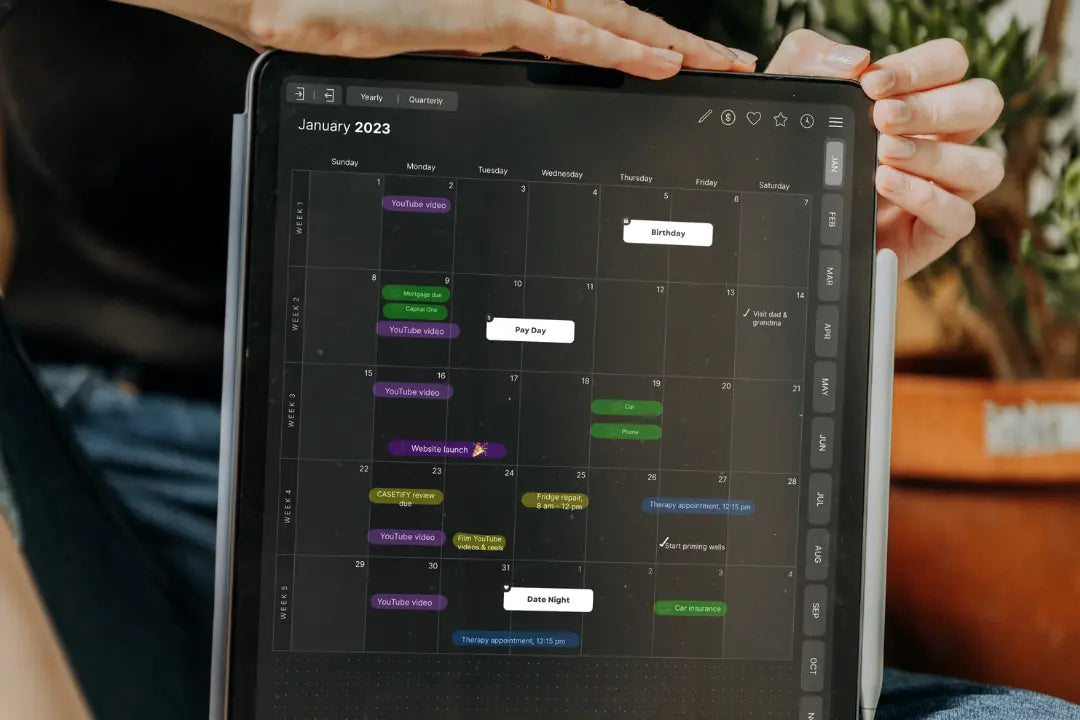
Digital planning apps have revolutionized the way we organize our lives and stay on top of our schedules. From digital planners to task management apps, there are a multitude of options available to help you plan and prioritize your day. Here are some different digital planning apps to try:
GoodNotes
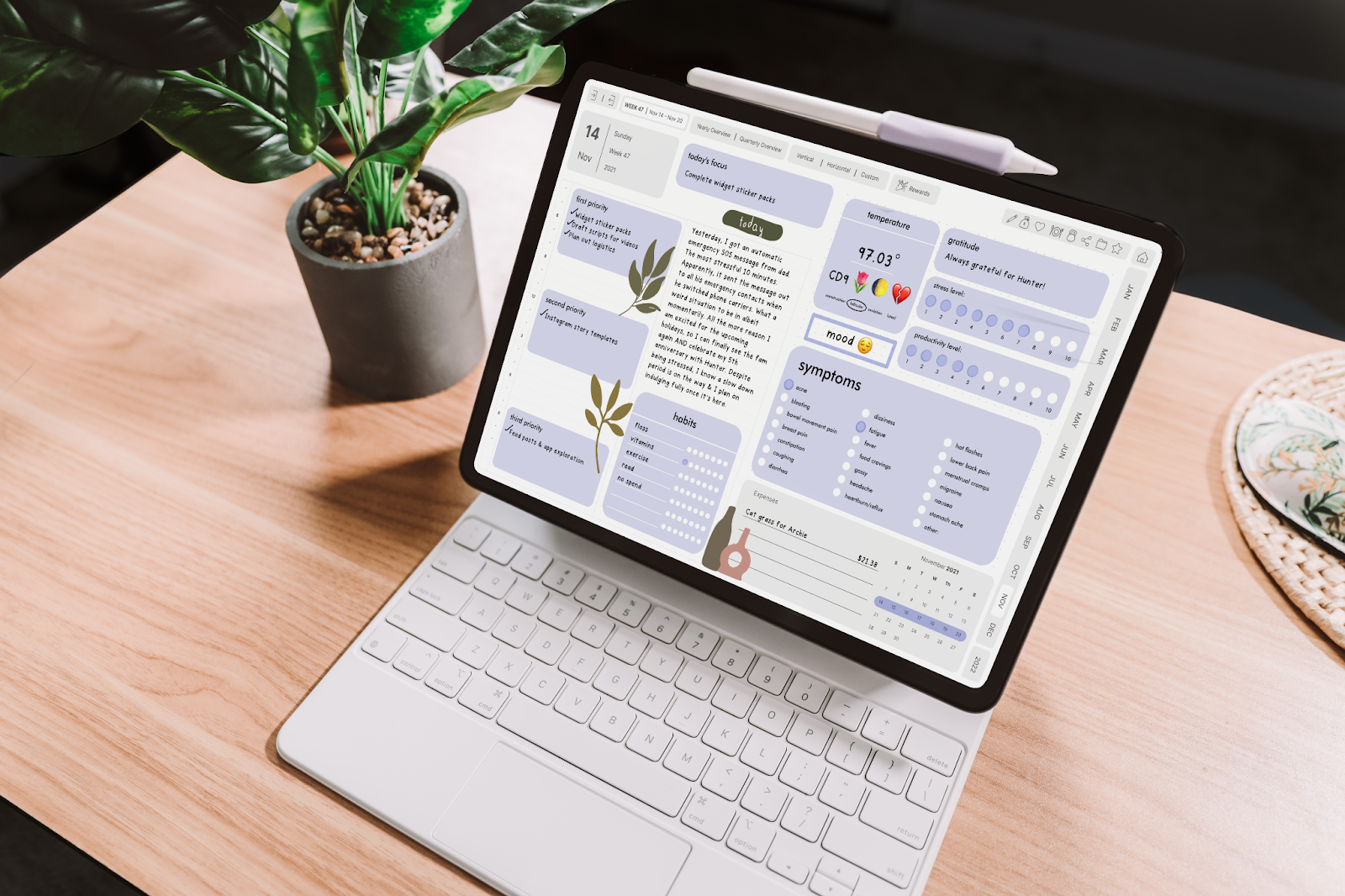
GoodNotes is a powerful digital planner that allows you to write and draw on your iPad using a stylus. It's perfect for those who prefer a more tactile experience when it comes to planning. It is also an incredibly unique experience that attempts the feeling of using a paper planner but on your iPad and other devices.
Google Calendar
Google Calendar is a free, user-friendly scheduling app that integrates with your Gmail account. It's a great choice for those who prefer a more traditional calendar format.
Todoist
Todoist is a task management app that allows you to prioritize and organize your to-do list. It's perfect for those who prefer a simple, straightforward approach to task management.
Things
Things is a premium task management app that offers a sleek and intuitive interface for managing your to-do list. It's a great choice for those who prefer a more stylish and sophisticated approach to task management.
Notion
Notion is a powerful all-in-one productivity app that allows you to take notes, organize tasks, and plan your day. It's perfect for those who need a comprehensive solution for their digital planning needs.

Apple Notes
Apple Notes is a free note-taking app that comes pre-installed on all Apple devices. It's a great choice for those who prefer a simple, straightforward approach to note-taking and don't need advanced features.
Trello
Trello is a project management app that allows you to organize tasks and projects into boards and cards. It's perfect for those who prefer a visual approach to project management.
Evernote
Evernote is a popular note-taking app that allows you to take notes, create to-do lists, and organize your thoughts. It's perfect for those who prefer a simple, straightforward approach to note-taking.
In conclusion, there are many different digital planning apps to choose from, each offering its own unique features and benefits. Whether you prefer a traditional calendar format or a more sophisticated task management app, there's a digital planning app that's perfect for you. Try out a few of these apps and see which one works best for you.

Share:
7 Ways You Can Incorporate Your iPad into Your Morning Routine
April iPad Plan with Me 2023
1 comment
Hi
I like your website. Have You Considered Selling? I would propose x25 of your monthly earnings.
Thank you
Best Regards
Dennis Demchyna
https://www.facebook.com/profile.php?id=100077635508369