


The NEW Direction of GoodNotes and What It Means for Digital Note-Taking
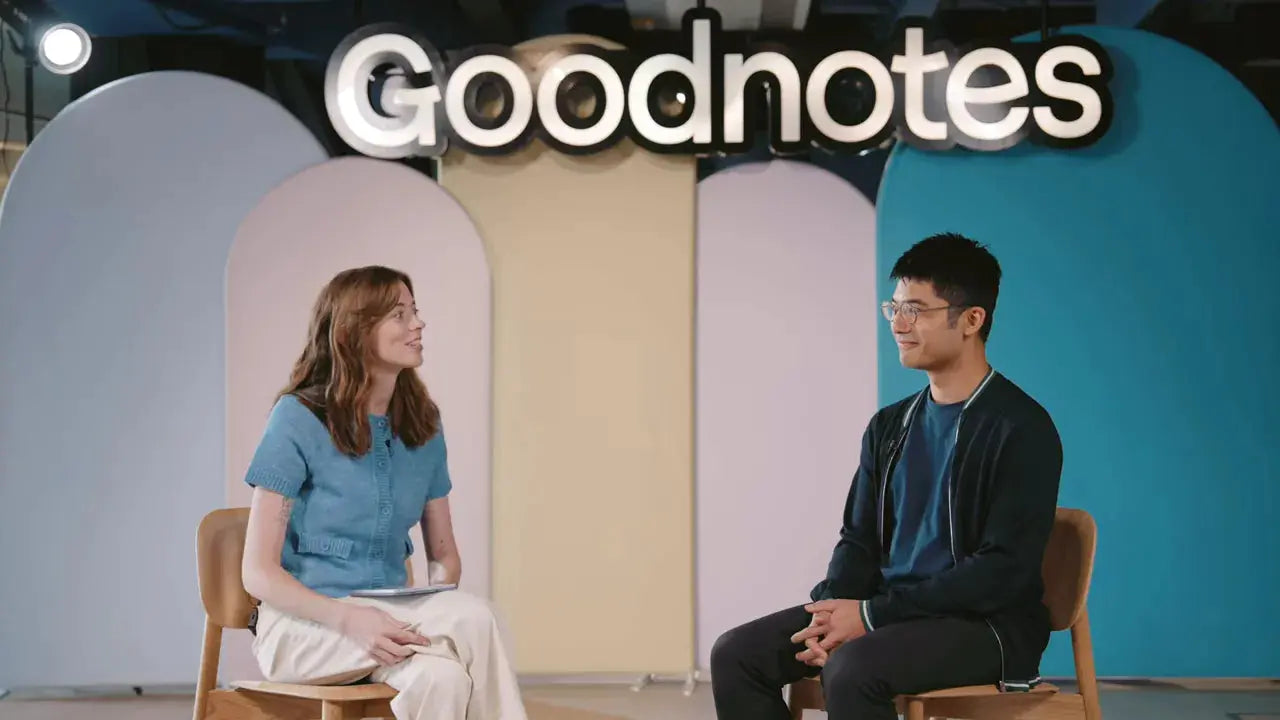
GoodNotes just shipped its biggest update since 2011. The scope is broad: fully typed Text Documents, an infinite-canvas Whiteboard with real-time collaboration, more powerful diagramming and templates, and a built-in AI assistant that actually feels useful. These changes reposition GoodNotes from a stylus-first notebook app into a multi-input, all-in-one note-taking hub that works across devices and workflows.
What is Text Document and why it matters
Text Document is GoodNotes reimagined for typing. For years the app has been known for its pen-and-paper feel with the Apple Pencil. Text Document brings the same organization and polish to typed notes so you can work comfortably on phone, laptop, desktop, or iPad with a keyboard.
Key highlights of Text Document:
- Clean block-based typing workflow. Use the backslash command to pull up headings, tables, images, and other blocks for fast document structure.
- Cross-device access. Type on phone or desktop without losing the GoodNotes organizational features you know.
- Planned enhancements. The team already plans to merge handwriting and sketches into Text Documents so typed and handwritten content live together seamlessly.
Whiteboard: infinite canvas, collaboration, and diagramming
The Whiteboard is the long-awaited infinite canvas users have requested for years. It removes page boundaries and adds real-time collaboration, enabling remote brainstorming and ideation that feels natural.
What Whiteboard unlocks:
- Free-form sketching and note-taking without page limits.
- Real-time collaboration so teams can ideate together even when remote.
- Advanced diagramming tools for turning sketches into polished visuals.
Templates for personal and team use
Whiteboard templates are designed for both individual workflows and team sessions. Instead of starting from a blank canvas every time, pick a template tailored to brainstorming, retros, planning, or roadmap sessions.
There is also AI-generated templates. Ask the AI assistant to create a layout that fits your scenario and GoodNotes will generate a template on the fly—handy when you want a starting structure for an unfamiliar meeting or exercise.
How GoodNotes is integrating AI—useful, lightweight, and user-driven
Rather than slapping in an AI feature for marketing, GoodNotes focused on practical AI tools that add genuine value. The guiding principle has been user involvement at every stage: ideation, testing, and real-world feedback.
"We always involve users in terms of ideation, building, testing, and then we really want to ship useful features to our users." — Steven Chan
Notable AI capabilities already available or highlighted:
- Ask Your Notes: Summarize documents, answer questions about your notes, and extract key points.
- Quiz Me: Students can turn notes into quizzes for active recall and study practice.
- Co-creation: The AI can generate templates, suggest layouts, and even sketch small illustrations to enhance your pages.
The AI assistant is intentionally lightweight and unobtrusive. Pull it in when you want help and hide it when you do not. In practice it organizes and synthesizes content instead of simply repeating it, which makes it genuinely helpful for review and drafting tasks.
Moving toward an all-in-one note-taking hub
GoodNotes is evolving into a single place for all types of note-taking: handwriting, typing, sketching, planning, and AI-enhanced workflows. The philosophy is device- and input-agnostic—whether you prefer stylus, keyboard, or a hybrid approach, GoodNotes aims to support it.
That does present product challenges. GoodNotes serves many user segments—middle and high school students, university students, professionals, digital planners, and creators. Balancing a simple, consistent user experience while meeting diverse needs is a major part of the roadmap.
How GoodNotes listens to users and ships breakthrough features
Several of GoodNotes standout features came directly from user feedback and internal experimentation:
- The lasso tool became one of the app's most used features and helped define how people manipulate handwriting and sketches in a digital space.
- Ask Your Notes emerged from testing and turned into a tool people described as genuinely useful rather than just another AI gimmick.
Hack week and the creator marketplace
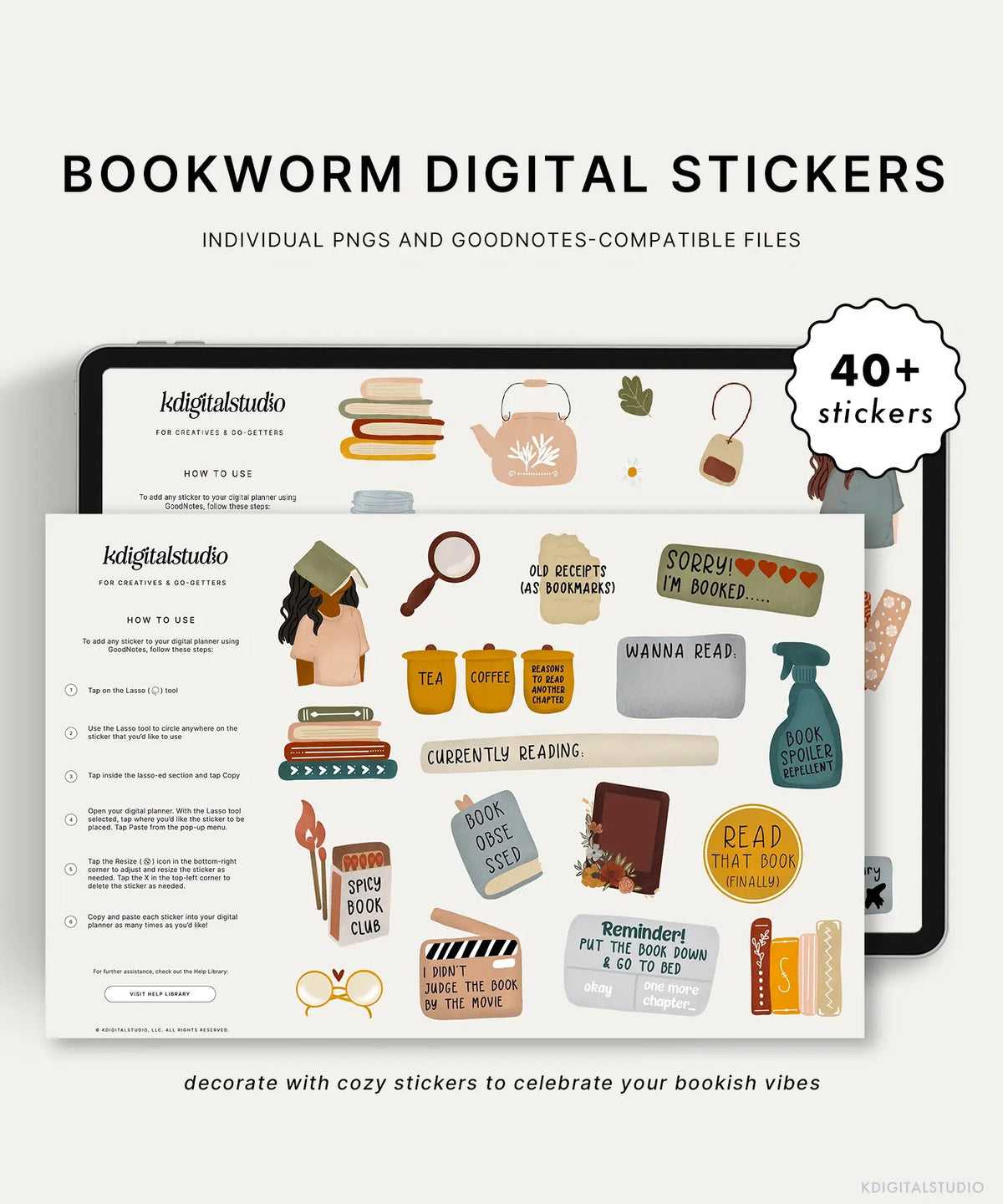
GoodNotes runs a quarterly hack week where teams prototype ideas in a week. That experimentation led to what is now the Marketplace—starting as a pop-up shop for stickers and planners and evolving into a creator-driven storefront inside the app.
What to expect next
The current releases are just the start. One clear roadmap point is deeper integration between handwriting/sketching and Text Documents so typed and handwritten content blend naturally. Expect continued improvements to AI and richer cross-device consistency.
Who benefits and how to use these features
These updates make GoodNotes more useful across a wide range of workflows:
- Students: Use Ask Your Notes and Quiz Me to study smarter, and Whiteboard for group projects and brainstorming.
- Professionals: Use Text Documents for meeting notes and Whiteboard for planning, diagrams, and remote workshops.
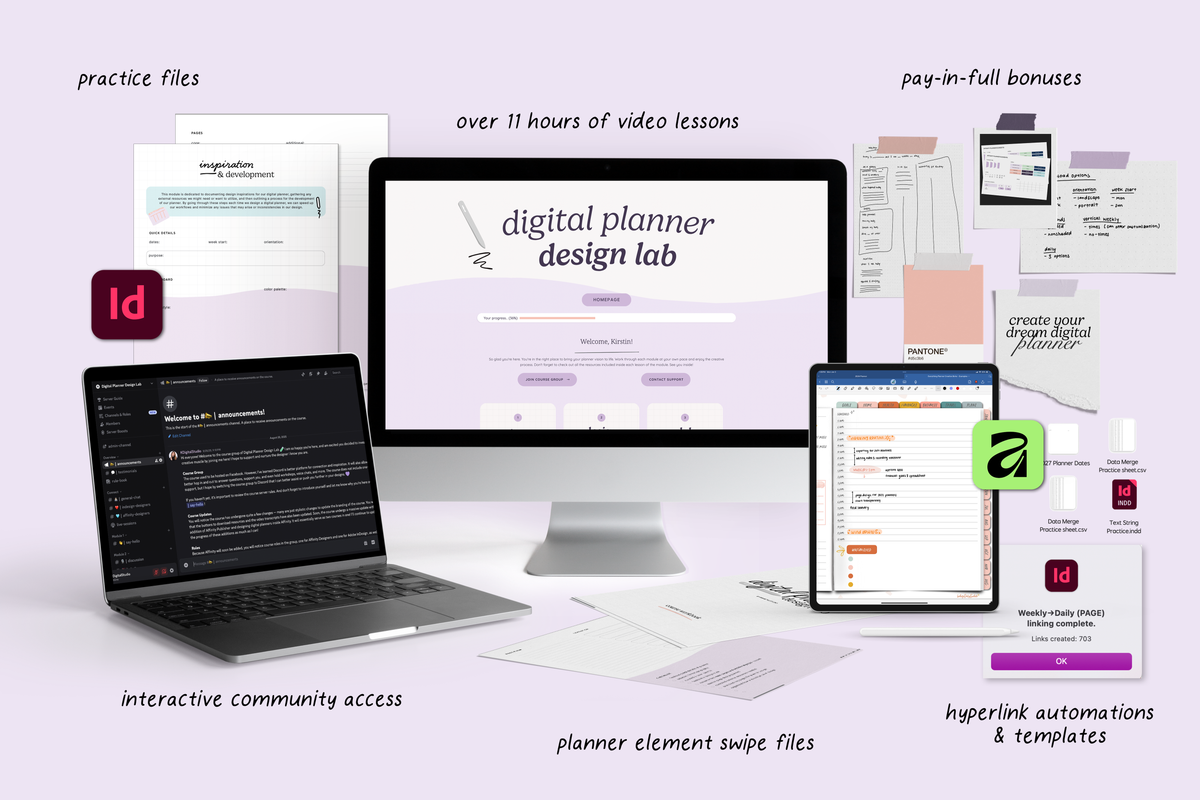
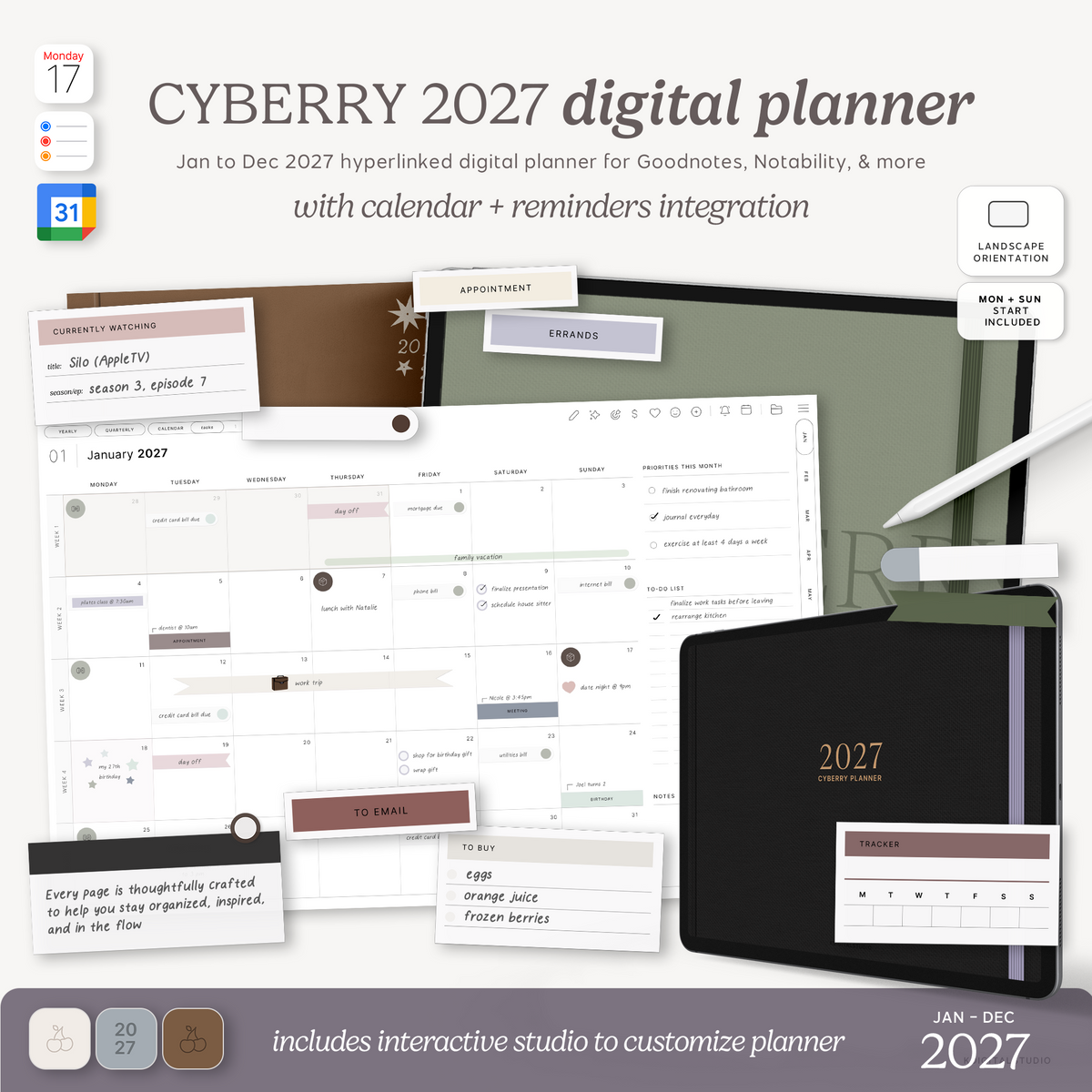
- Creatives and planners: Marketplace templates combined with Whiteboard templates let you prototype ideas and build polished digital planners.
- Hybrid users: Mix handwriting and text as the app evolves so notes remain flexible and searchable no matter the input method.
Final thoughts
GoodNotes is moving beyond being a great handwriting app into becoming a platform that supports multiple input styles, team collaboration, and practical AI tools. The emphasis on user-driven development and lightweight, genuinely useful AI features makes this evolution feel thoughtful rather than rushed.
I am working on a deep dive and tutorial covering everything from Whiteboard to Text Documents and the AI assistant, so there will be a full walkthrough of how to bring these tools into your workflow soon. For now, try the new features with your favorite use case in mind and see how GoodNotes fits into your daily note-taking and planning rituals.
Share:
The Best Digital Planner for 2026
THE ULTIMATE NOTION TOUR: Organize Your Entire Creator Business with One System