


Jul 2025 - Jun 2026
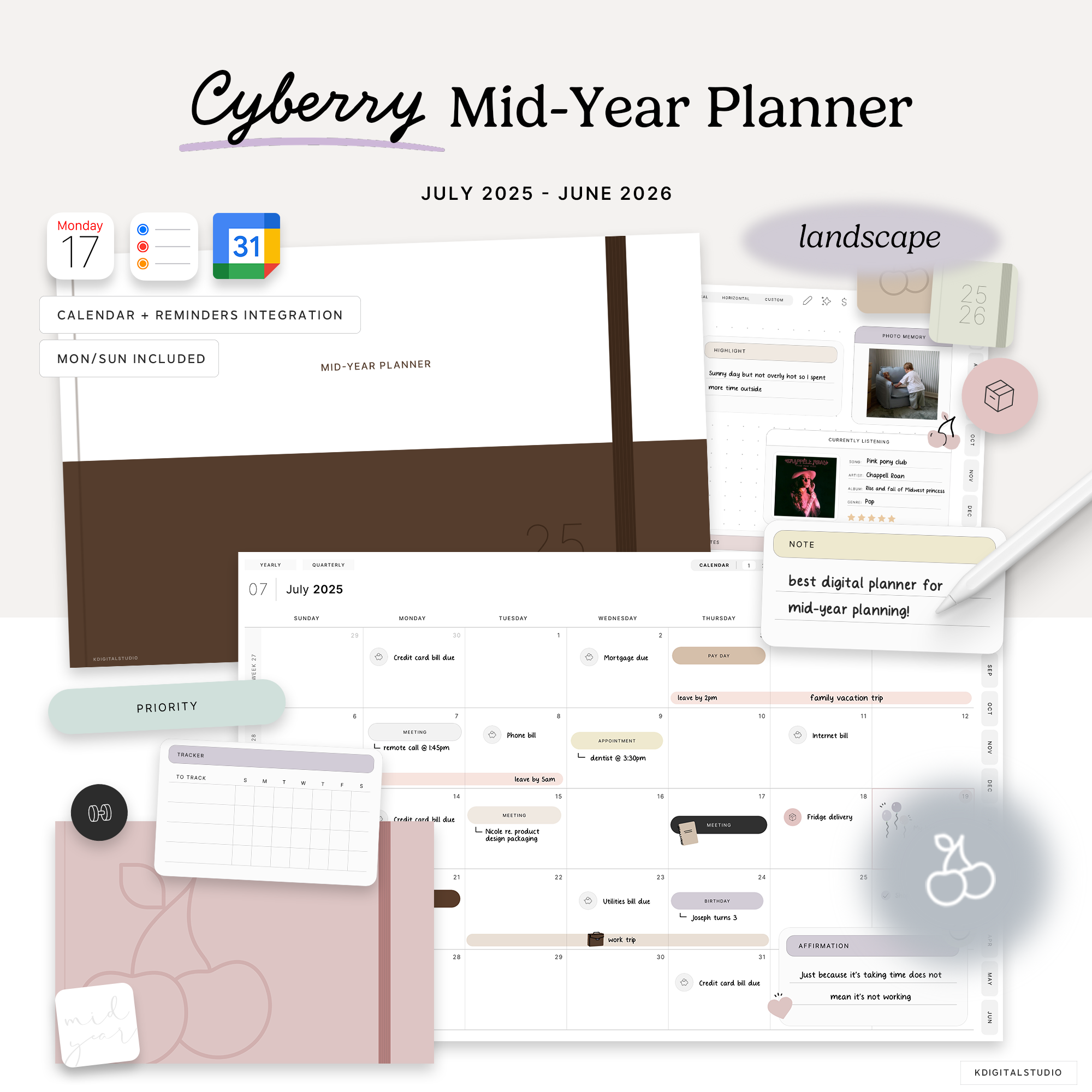
2025-26 Cyberry Mid-Year Planner in Landscape
Your all-in-one tool that blends the sleek feel of an app with the stylus-to-tablet ease of a traditional planner. Plan, track, and organize everything — from goals to grocery lists— with style. It does it all, except the coffee runs.
Pairs well with
This is a digital download. No physical item(s) will be shipped. You receive a link to download your file(s) after purchase. No refunds or exchanges are permitted.
Get your files instantly after purchase
Hyperlinked PDF planner
Frequent updates
2025-26 Cyberry Mid-Year Planner in Landscape
If you have a quick question, you’re in the right place. Most questions are answered below — and if not, we’re always happy to help.
-
Customer Support
If something isn’t working as expected —downloads, files, or app setup — we’re here to help. Please allow up to 72 business hours for a reply, and include your order number if you have one so we can assist you faster.
-
FAQ’s
Wondering how it works, which apps they’re compatible with, or how to download them? Our FAQs cover the most common questions about using digital stationery on iPad.
-
Contact Us
Still need help or have a question before purchasing? Send us a message and we’ll get back to you as soon as possible during business hours.
Product Details
2025-26 Cyberry Mid-Year Planner in Landscape
Your all-in-one tool that blends the sleek feel of an app with the stylus-to-tablet ease of a traditional planner. Plan, track, and organize everything — from goals to grocery lists— with style. It does it all, except the coffee runs.
What's included?
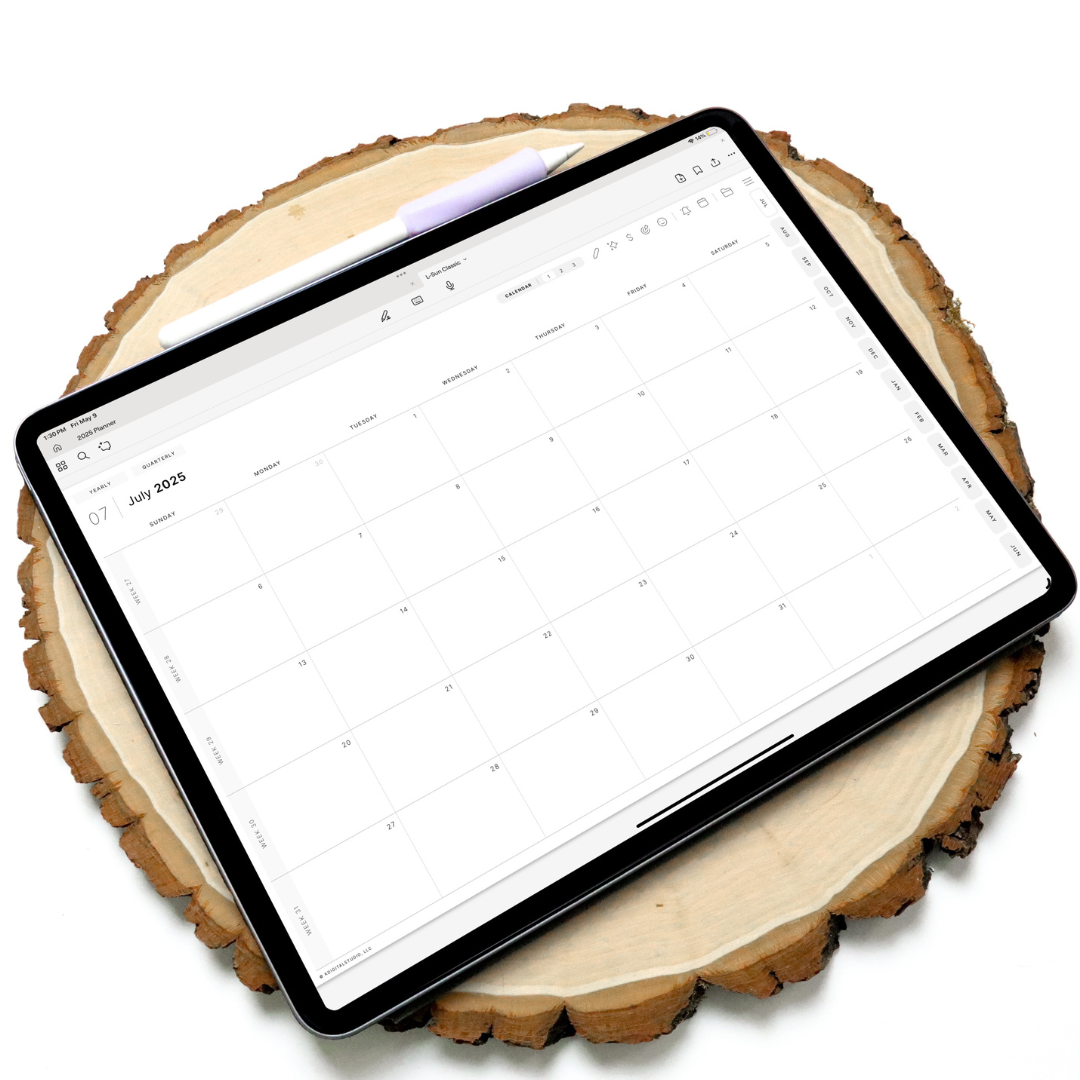
inside the planner
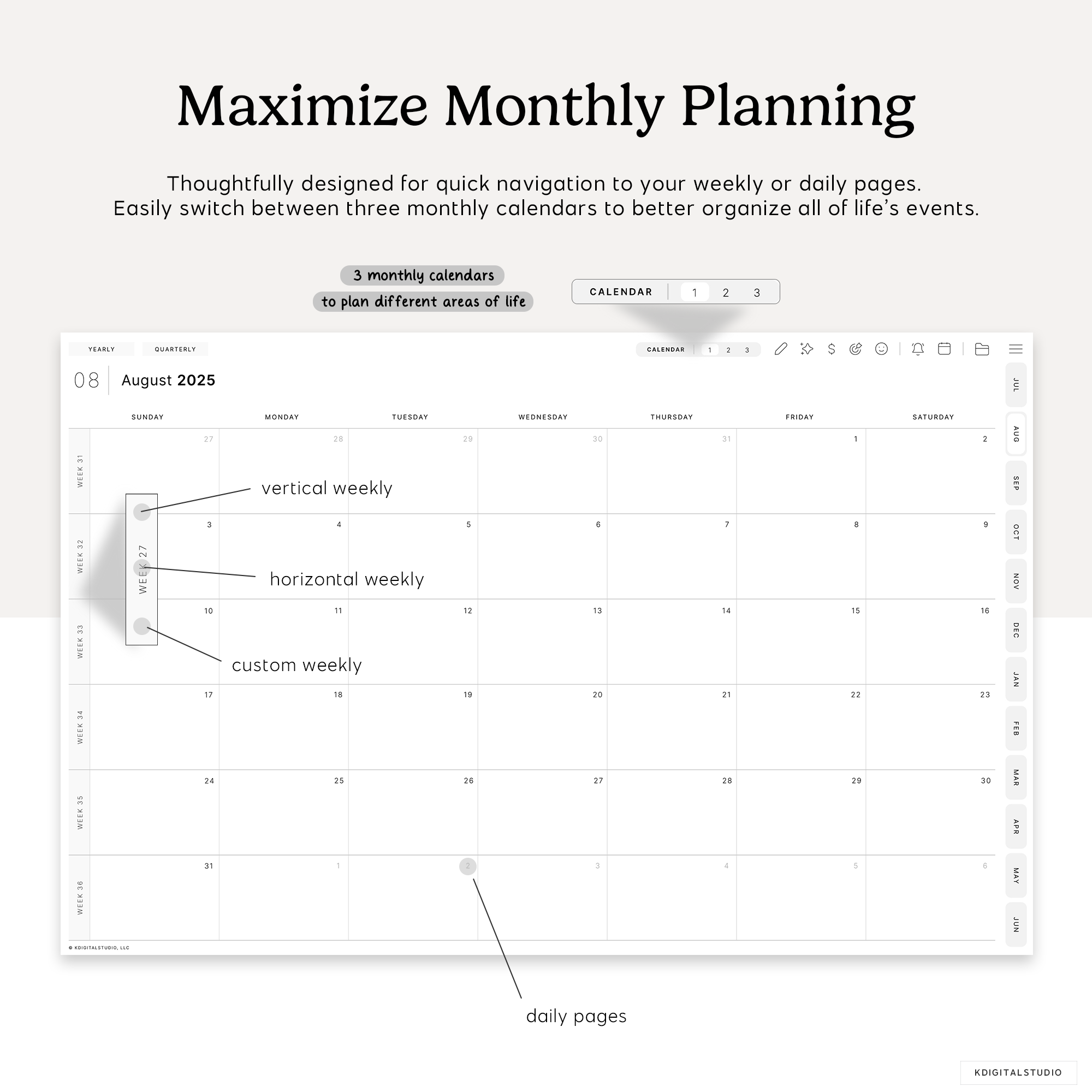
Monthly Page
This essential section of your digital planner provides a clear monthly overview
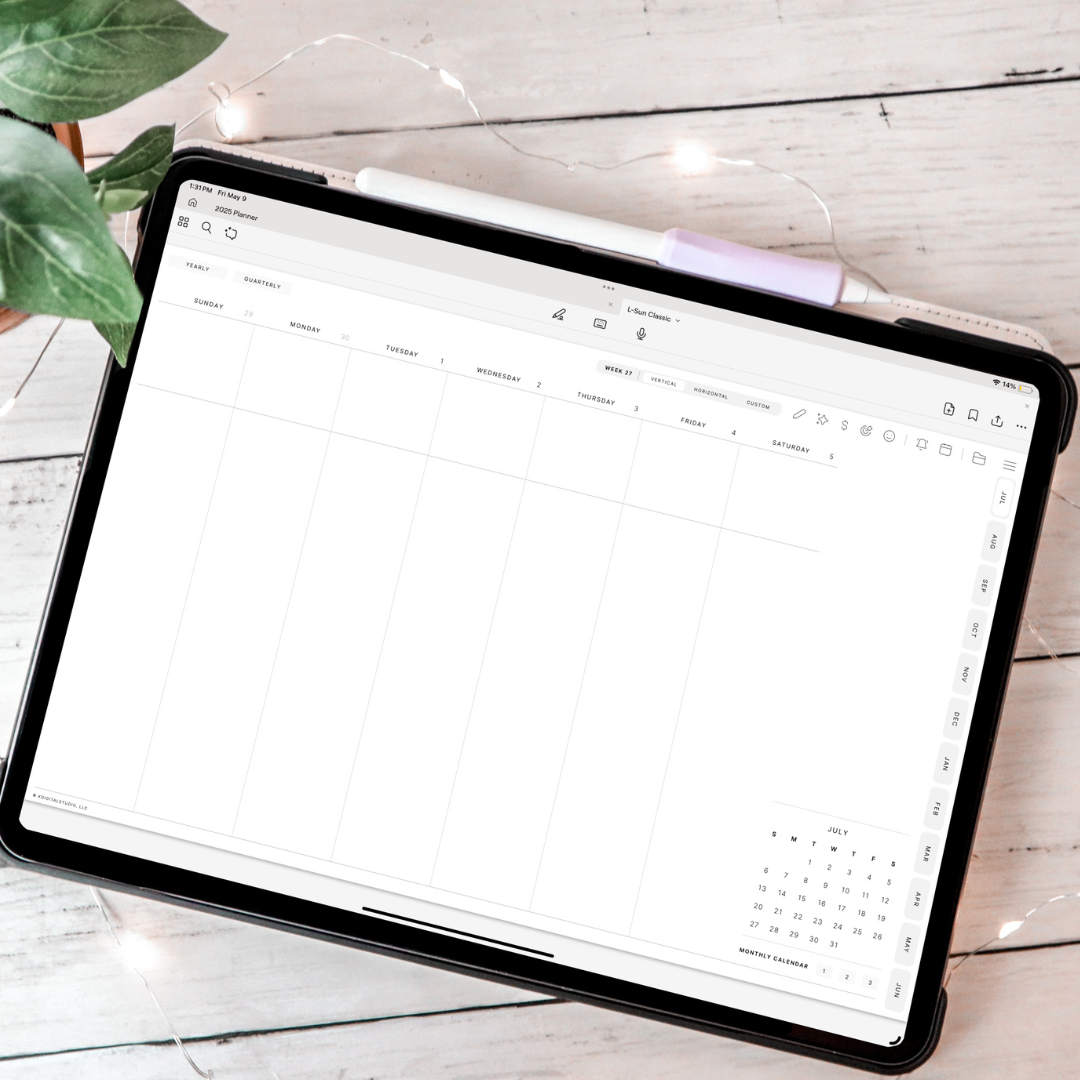
Inside the planner
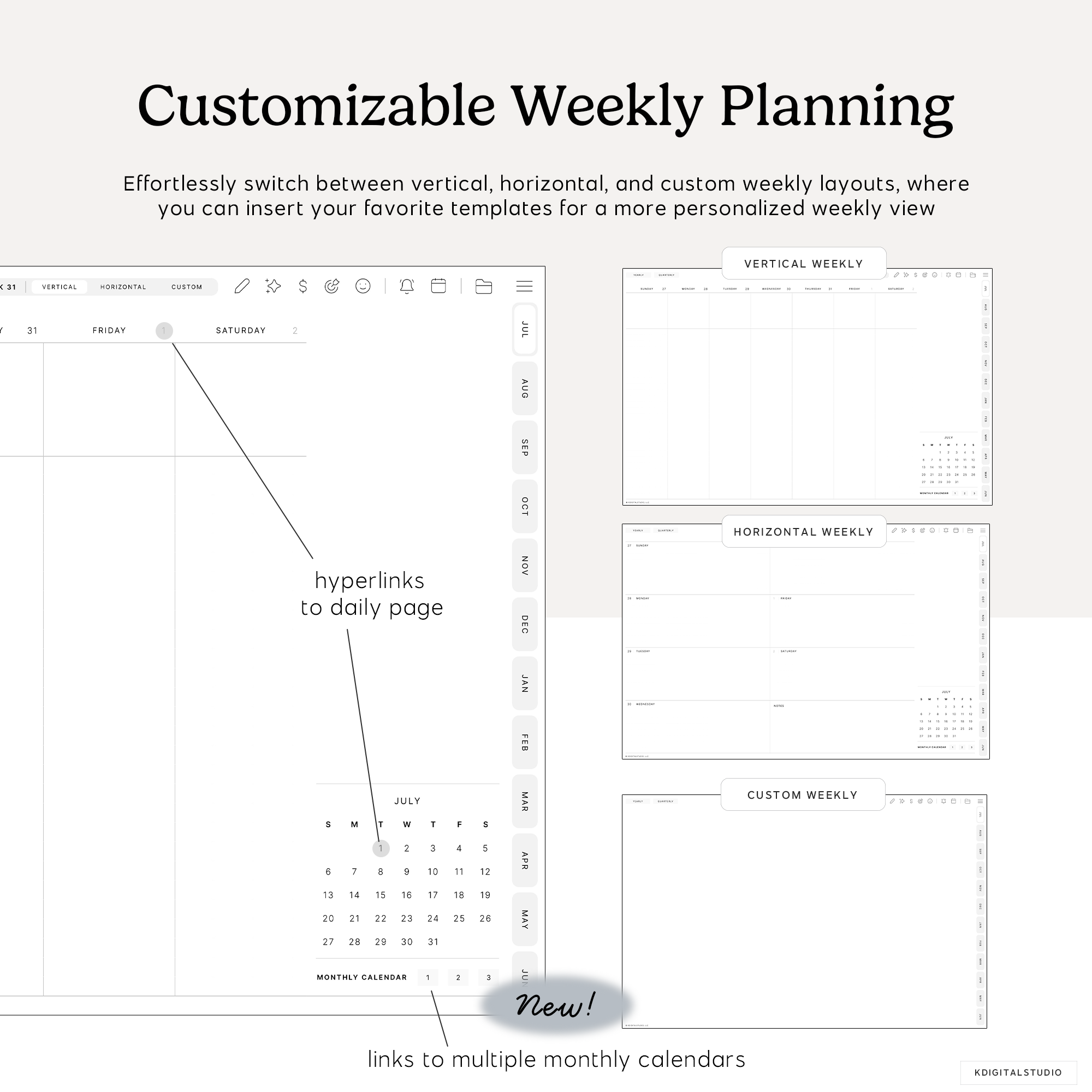
Weekly Page
The weekly page is an ideal tool for maintaining focus and productivity
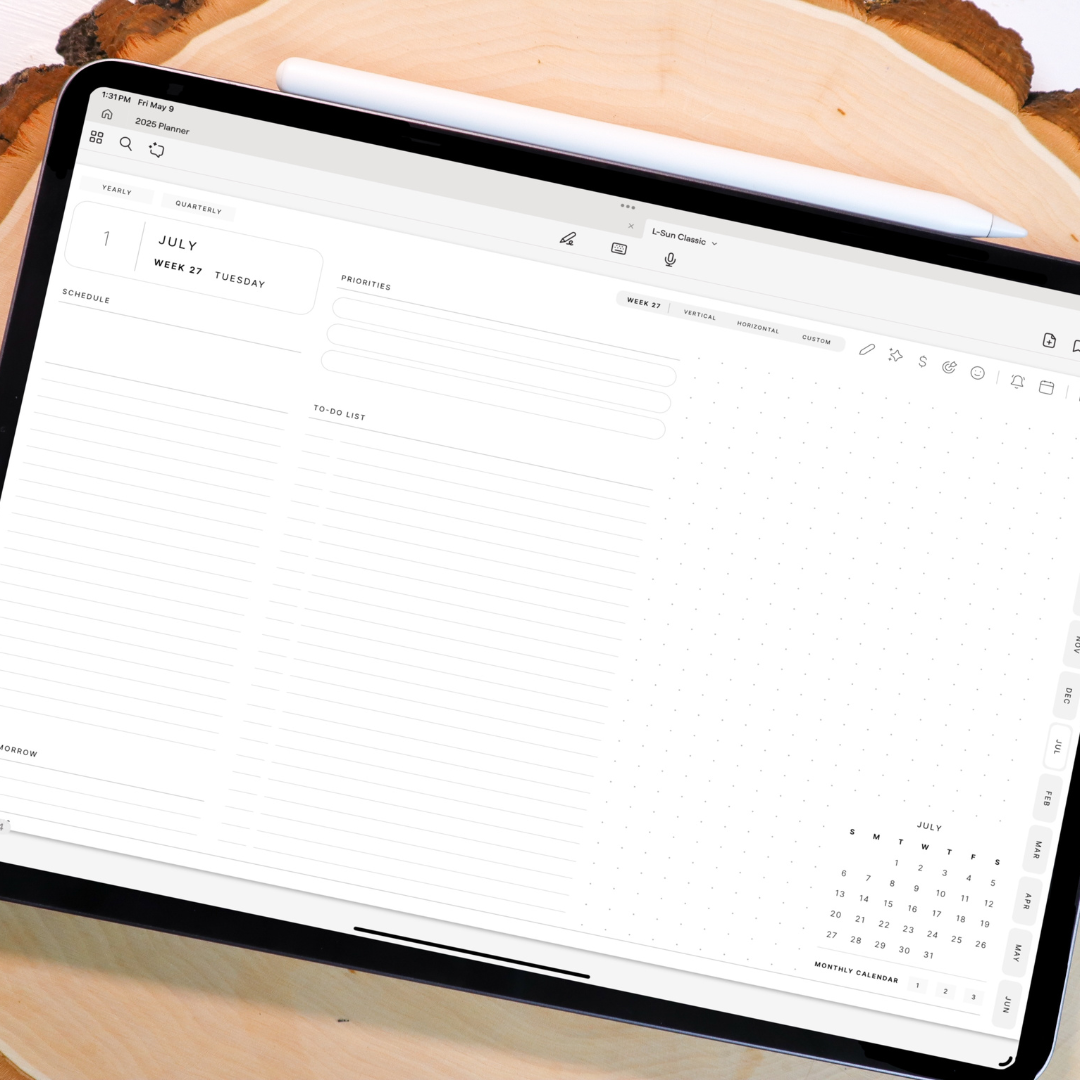
Inside the planner
Daily Page
The daily page is your go-to resource for staying on track from morning to night
FAQs
Please read our Help Library page to find out more.
What are digital stickers?
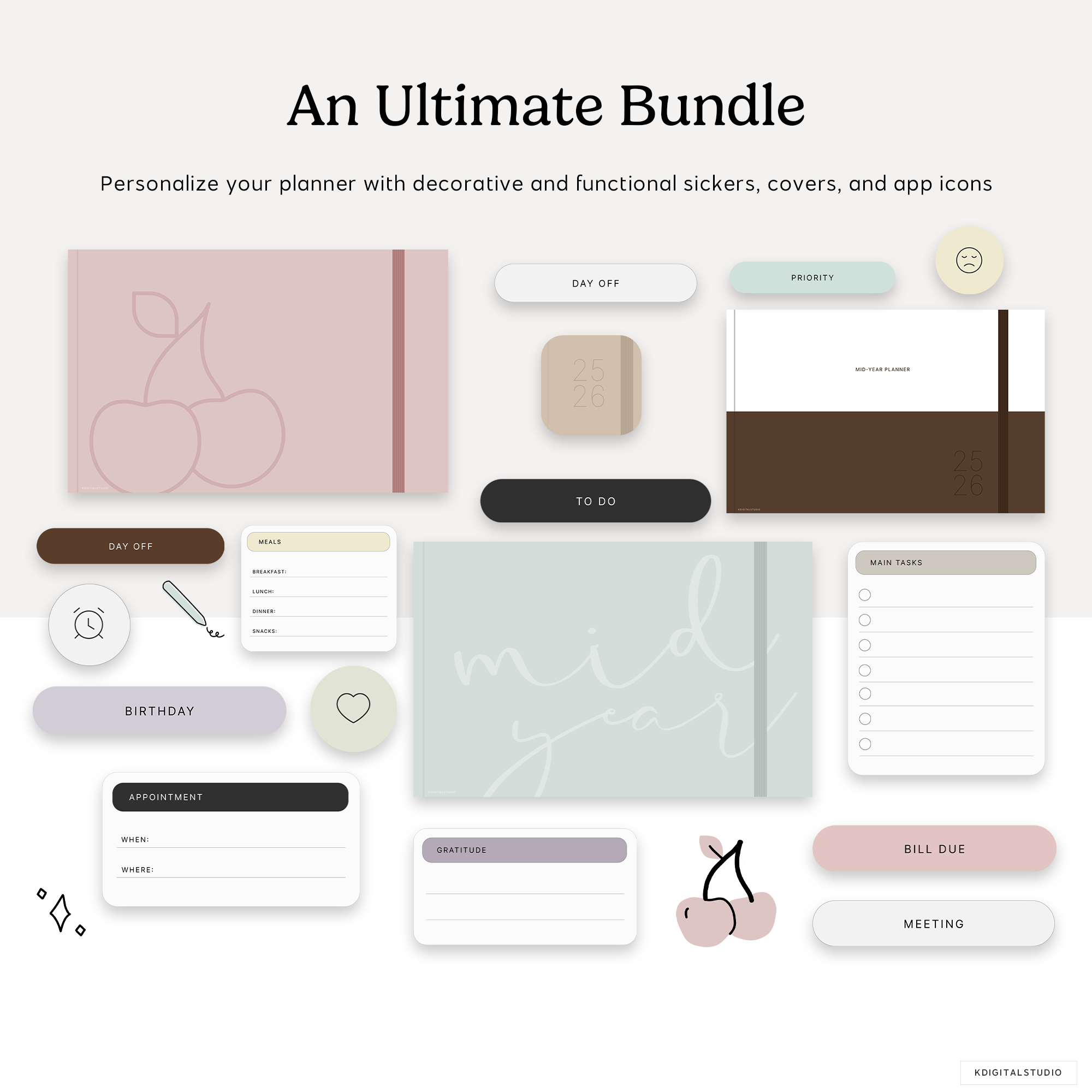
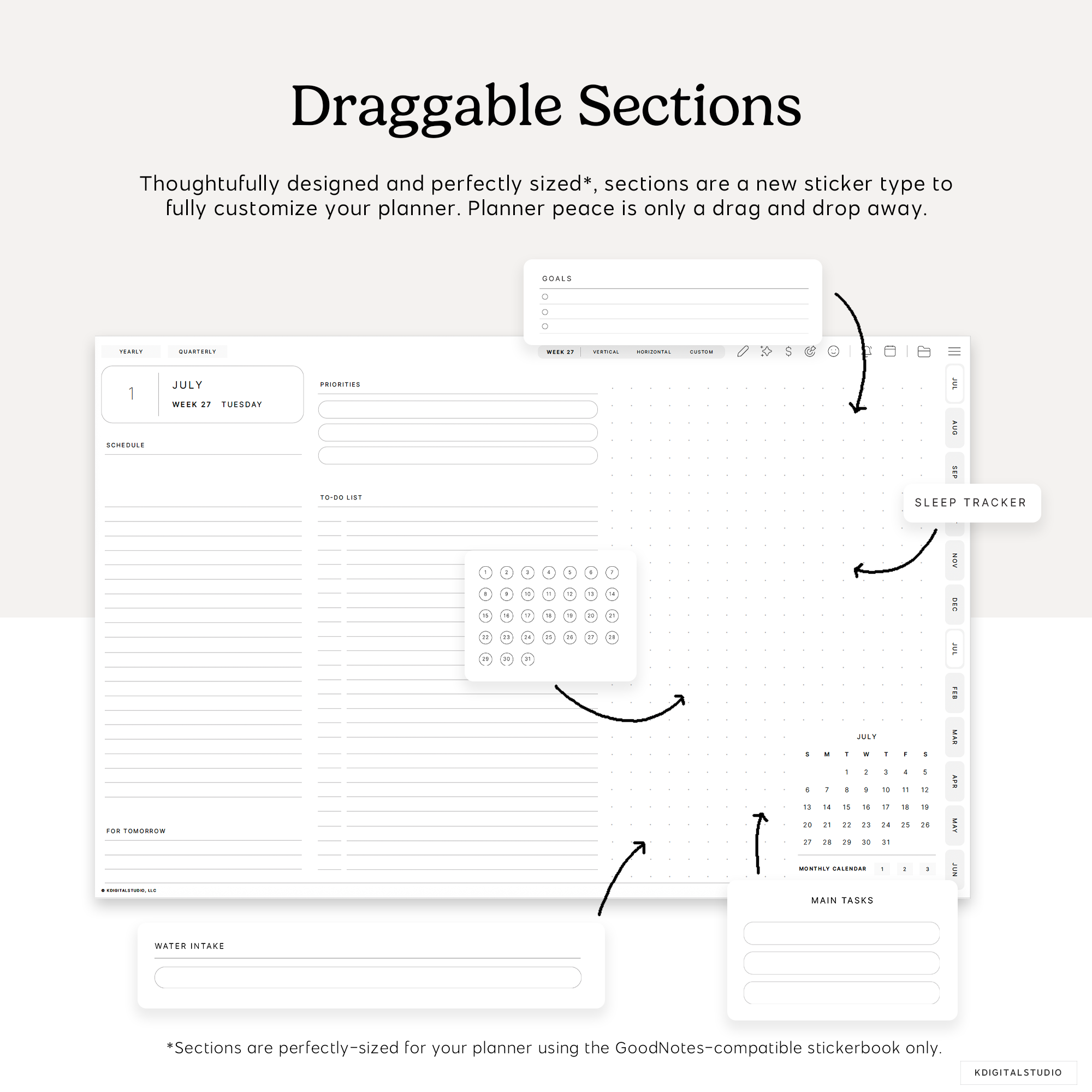
Digital stickers are reusable graphic elements designed for digital planners and note-taking apps. Instead of peeling and sticking like physical stickers, you drag, drop, resize, and reuse them on your iPad as many times as you’d like.
What apps can I use digital stickers with?
Our digital stickers work with most iPad note-taking apps that support images, including GoodNotes, Noteful, Notability, and Noteshelf. App compatibility is always listed on each product page.
Do digital stickers work on iPhone or Mac?
Digital stickers are designed primarily for iPad use with Apple Pencil. While you may be able to view or place them on other devices, the best experience is on iPad.
How do I download my digital stickers after purchase?
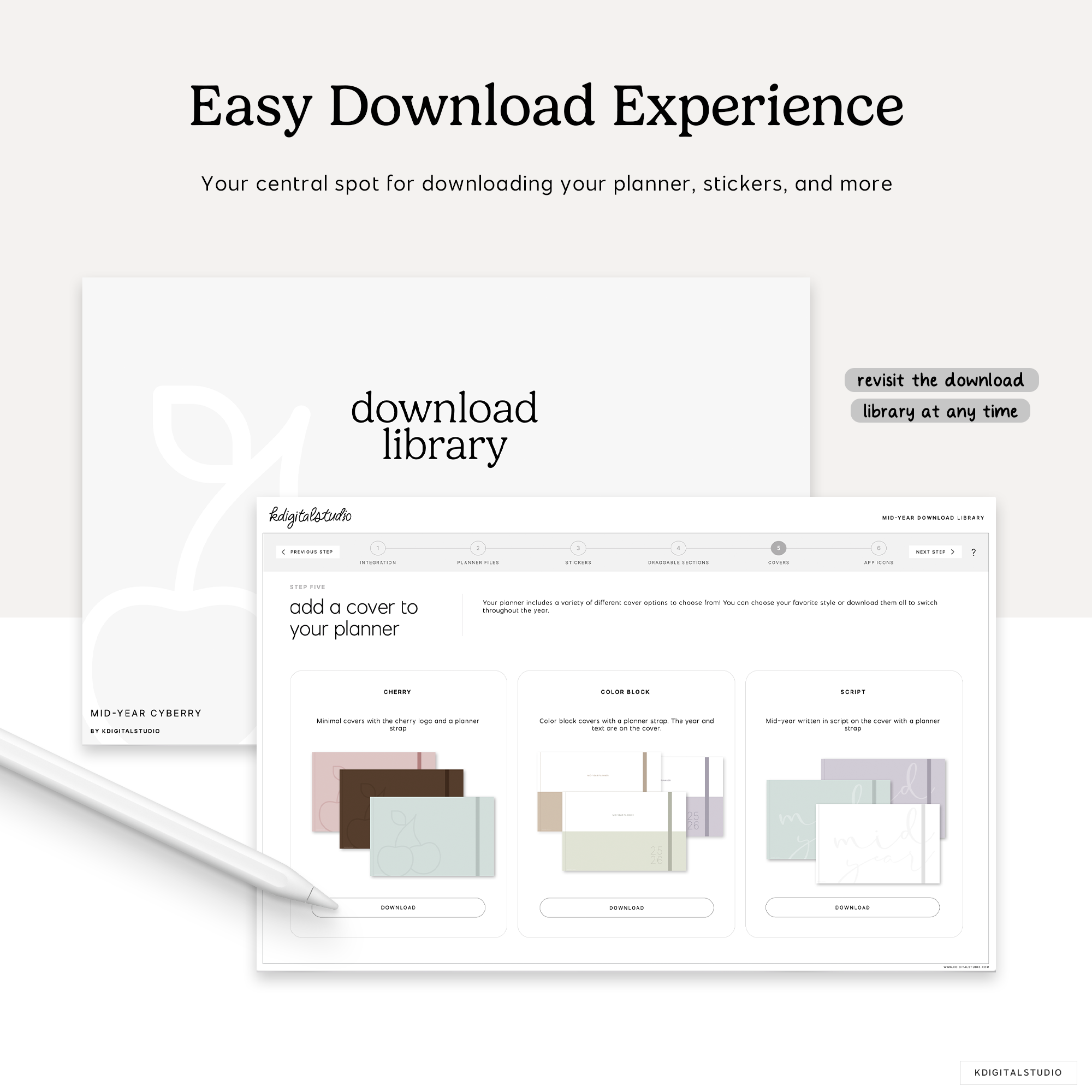
After checkout, you’ll receive a download link immediately and via email. Once downloaded, unzip the file and import the stickers into your preferred app following the included instructions.
How many times can I use the stickers?
You'll never have to worry about "wasting" a sticker! Once purchased, you can use your digital stickers unlimited times for personal use across your planners and notes.
Can I resize or recolor the stickers?
You can freely resize, rotate, and duplicate all stickers. These are not color-changing stickers unless otherwise specified in the product details section.